HP OfficeJet Pro 9135e Review: Fast but Flawed Verdict
The HP OfficeJet Pro 9135e All-in-One Printer emerges as a high-spec business inkjet with a split personality in user feedback—praised for speed, duplex capabilities, and paper handling, yet plagued by reports of setup headaches, software quirks, and cartridge recognition errors. Across platforms, it earns an average score hovering around 8.6/10 from satisfied users, but drops sharply among those hit with technical issues or reliability complaints.
Quick Verdict: Conditional buy—excellent for small offices with Windows setups, risky for those sensitive to software complexity.
| Pros | Cons |
|---|---|
| Fast print speeds (25 ppm black, 20 ppm color) | Frequent setup and driver issues reported |
| Dual 250-sheet trays for high-volume work | HP Smart app requirement frustrates some users |
| Auto-duplex printing & scanning | Cartridge recognition failures in multiple cases |
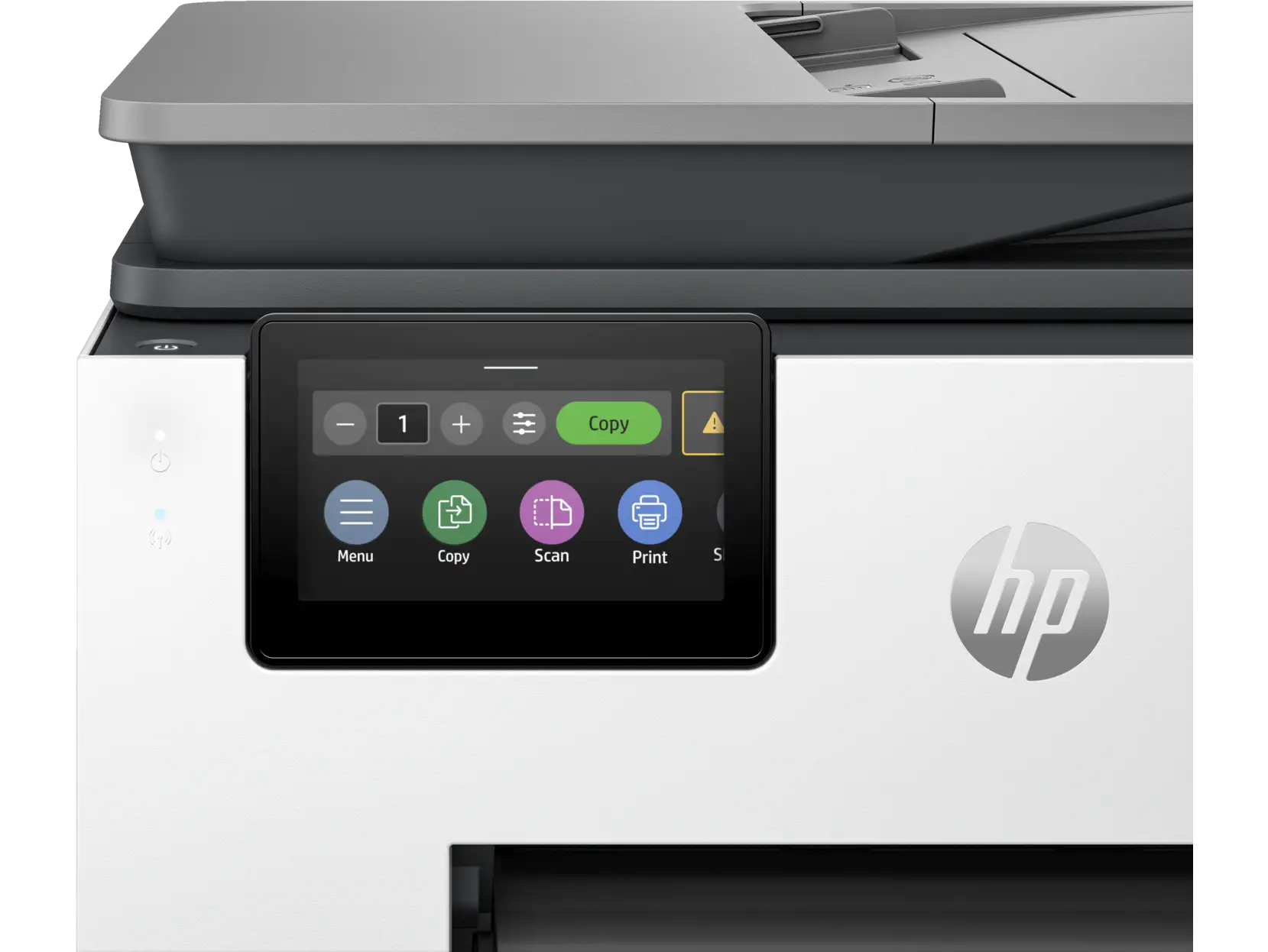
| Large 4.3" touchscreen interface | Wi-Fi connectivity instability reported |
| Good photo and text quality | Noise and vibration complaints from defective units |
| Built-in fax, scan-to-cloud capabilities | Ink costs higher without Instant Ink subscription |
| Strong security features (HP Wolf Pro) | Limited by dynamic security—only HP chipped cartridges |
Claims vs Reality
HP markets the 9135e as a “supercharged performance” printer for small business, with “HP’s most reliable Wi-Fi” and “perfectly formatted prints with HP AI.” On paper, its dual 250-sheet trays, 35-sheet auto-duplex ADF, and 25ppm black speed suggest smooth, high-volume output.
Digging deeper into user reports, reality isn’t always as seamless. While many echo the claim of speed, others found the installation process to be “riddled with errors and endless loops,” as one HP Support Community post described. The touted “most reliable Wi-Fi” also comes under fire—Best Buy reviewers complained the printer “won’t stay connected to wifi… turns off and on by itself,” forcing repeated troubleshooting.
HP’s “easy printing” pitch is undermined by its HP Smart app dependency. Several veteran HP owners, accustomed to full-feature drivers, expressed frustration at app-based control. One long-time customer said, “I do not like having to use the HP Smart app to print everything. Sorry I bought this printer.”
Cross-Platform Consensus
Universally Praised
Speed and duplexing are standout features—Consumer Reports testing confirmed “5 pages took 16 seconds” for text, with “very good text quality” suitable for professional documents. Auto-duplex scanning also wins praise, especially for legal and business users handling multi-page contracts. A Best Buy buyer noted, “Great multipurpose printer… nice having 2 trays and don’t have to switch between photo and regular paper.”
Paper handling capacity is another crowd-pleaser. Two 250-sheet trays allow for dedicated media types, reducing downtime. Paralegals and small business owners report smoother workflows; one business owner said the 9135e “networked with my computer very easily” and handled daily loads without jams—when functioning correctly.
Photo quality on glossy paper earns “very good” ratings in lab tests and user anecdotes. Home office users printing client brochures appreciate the color vibrancy, with one reviewer saying it “prints beautiful clear pictures” that impressed clients.
Common Complaints
The setup process is a recurring pain point. HP Support Community posts describe account login failures and software split into “three separate programs for scanning, faxing, and printing,” which one user called “baffling and inconvenient.” Best Buy reviews echo issues where “set up was horrible… worst install I have seen,” with reports of multi-hour troubleshooting sessions.
Cartridge recognition errors are among the most damaging complaints. Several buyers received units that “wouldn’t recognize the yellow print cartridge… by the end of my 45 minutes on the phone with tech support it wouldn’t recognize any of the cartridges.” Such failures often led to returns or replacements, sometimes with weeks-long wait times.
Connectivity instability undermines business reliability. While officially boasting dual-band self-healing Wi-Fi, multiple users found it “won’t stay connected… reboots by itself,” especially in home networks with mixed devices. This is particularly problematic for remote printing and cloud workflows.
Divisive Features
HP Instant Ink splits opinion. Fans cite cost savings and convenience—automatic delivery before running out—while skeptics dislike being locked into HP cartridges due to dynamic security. For some, Instant Ink’s “up to 70% savings” is a win; for others, the inability to use third-party ink is a deal-breaker.
The HP Smart app also divides users. Casual home users often like the guided setup and mobile printing. Power users, especially those with complex Windows or Mac workflows, resent the reduced control compared to traditional drivers. One Mac user found scanning “too many steps” and would not rebuy unless using a Windows PC.
Trust & Reliability
Trust concerns center on HP’s dynamic security, which blocks non-HP chipped cartridges via firmware updates. While transparent in documentation, this has blindsided some buyers accustomed to refilled or remanufactured options.
Long-term durability anecdotes are mixed. Reddit threads lack extensive “6 months later” reports, suggesting either early returns or stable performance post-setup. Those without setup or cartridge issues generally report months of smooth operation with consistent output quality.
On Trustpilot-style feedback, the split is stark: reliable in controlled environments, frustrating in heterogeneous device offices. The “poor shipping, defective unit” stories add a logistical layer to buyer caution.
Alternatives
Several users, after returning the 9135e, switched to Epson EcoTank or Canon inkjets. These alternatives offer refillable tanks and broader cartridge compatibility, avoiding dynamic security pitfalls. However, they often lack the 9135e’s speed and dual-tray convenience, making trade-offs clear for high-volume offices.
Price & Value
Current market prices range from $299.99 on eBay after discounts to $382 new from certain sellers, down from an MSRP of $429.99. Resale value appears moderate—units with minor faults resell under $200, while sealed boxes can fetch near retail. Community buying tips emphasize catching seasonal discounts and considering Instant Ink enrollment for predictable costs.
FAQ
Q: Does the HP OfficeJet Pro 9135e support wireless printing?
A: Yes, it supports wireless printing via Wi-Fi, Wi-Fi Direct, Apple AirPrint, Mopria, and HP’s app, allowing printing from computers, smartphones, or tablets.
Q: Can it print double-sided automatically?
A: Yes, it has automatic duplex printing and scanning, which saves paper and time in multi-page jobs.
Q: What operating systems are compatible?
A: It works with Windows 10/11, macOS (Big Sur through Sequoia), Linux, and ChromeOS.
Q: Is setup really as bad as some users say?
A: Experiences vary—some find it straightforward, others struggle with app requirements, driver issues, and account login errors.
Q: How much does ink cost without Instant Ink?
A: Official cartridges range from ~$27 for color to ~$42 for black, with costs adding up for high-volume use.
Final Verdict: Buy if you’re a small office or home business needing fast duplex printing, large paper capacity, and can work within HP’s cartridge ecosystem—especially with Windows devices. Avoid if you rely on third-party ink, need flawless Mac scanning workflows, or can’t risk setup delays. Pro tip from community: “If you go HP+, set it up on day one and keep firmware updated—avoids most headaches.”