Apple MacBook Pro 13-inch Review: Strong Yet Limited
A surprising trend emerged across platforms: while the Apple MacBook Pro 13-inch (Intel Core i5) consistently earns praise for its build quality, display, and portability, real-world performance and thermal behavior vary sharply depending on configuration and workload. Averaging scores from major review sources, the model lands at 8.6/10, driven by strong creative and productivity capabilities but tempered by port limitations and occasional heating or keyboard issues.
Quick Verdict: Conditional — best for creative professionals and MacOS loyalists who can work within its port and upgrade constraints.
| Pros | Cons |
|---|---|
| Bright, color-accurate Retina display | Limited number of USB-C/Thunderbolt ports |
| Strong performance for photo/video editing | Potential heat and fan noise under load |
| Excellent build quality and portability | Shallow keyboard travel divisive among users |
| Long battery life for light workloads | No built-in memory card reader or optical drive |
| macOS ecosystem integration | High price compared to Windows alternatives |
| Touch ID convenience | Storage can be insufficient for large projects |
| Large, responsive touchpad | Dongles/adapters often required for peripherals |
Claims vs Reality
Apple positions the MacBook Pro 13-inch as a compact powerhouse with “groundbreaking” display and performance. Marketing emphasizes its quad-core Intel Core i5 processor, bright Retina display, and productivity features like the Touch Bar and Touch ID.
While the official specs promise “up to 10 hours wireless web” and “brilliant Retina display with wide color gamut,” multiple users on Consumer Reports and Best Buy confirm battery longevity in light use — “Battery life lasted 16 hours in a light load of web browsing tests” — but note it drops sharply with heavy workloads. A Best Buy customer wrote: “Great speed, lovely display, awesome battery life… 16GB memory ❤,” yet others observed heat and fan noise.
Apple also claims the Touch Bar as a productivity enhancer. Feedback is split: Laptop Mag’s review praised Touch ID as “convenient,” but admitted “I’m more ambivalent about the touch bar… in some cases it actually makes it harder to get things done.” Amazon buyers echoed this, with one stating, “The touch bar is a joke and I was not buying into it.”
Cross-Platform Consensus
Universally Praised
Across Amazon, Consumer Reports, and Notebookcheck, the Retina display is the star. Creative users highlight its brightness and color accuracy for editing. Laptop Mag measured 441 nits and 163% of the sRGB gamut, outperforming rivals. A Best Buy reviewer enthused: “The screen is crystal clear… a treat to my senses.”
Build quality and portability garner equal praise. Reddit testers noted the “sturdy build of the chassis” and “extra-large size and responsiveness of the touchpad.” For travel professionals, 3 lbs weight and slim 0.6-inch profile mean easy packing. One Amazon user remarked, “Light, slim, and easy to carry, making it convenient for on-the-go work.”
Performance for creative workloads stands out when configured with adequate RAM and storage. Mac users report smooth handling of Adobe Creative Cloud, Final Cut Pro, and Lightroom. Best Buy’s creative customers mention “Autocad for Mac runs pretty good… processor is faster and definitely keeps up.”
Common Complaints
Port limitations are a recurring frustration. Base models with two Thunderbolt 3 ports force trade-offs between charging and peripherals. An Amazon reviewer warned, “Just 2 ports… one is taken up by the charger… you’ll need a dongle.” This disproportionately impacts photographers and videographers who rely on SD cards and external drives.
Thermal and noise issues appear in long editing or gaming sessions. Best Buy users noted “heat” as a con, with fan noise in certain situations. On Apple Community, cking006 listed “computer locks up at least once a week” and “lighted keyboard has a mind of its own about brightness.”
Keyboard feel and reliability divide owners. While some enjoy the tactile feedback, others on Amazon complained of “annoying keyboard noise” and butterfly switch defects under heat, leading to “popping sound… shouldn’t be an issue on a device that costs $1299.”
Divisive Features
The Touch Bar polarizes users. Creative pros sometimes appreciate context-sensitive controls, but many find it unintuitive. Laptop Mag noted it could slow basic actions like adjusting volume. Conversely, some Best Buy buyers embraced it: “Easy and fun to use… great for Facetime or Photoshop.”
Battery life splits opinion based on workload. Light web use can exceed Apple’s claims; heavy video editing drains it quickly. Consumer Reports measured 7.25 hours in 4K playback vs. 16 hours browsing.
Trust & Reliability
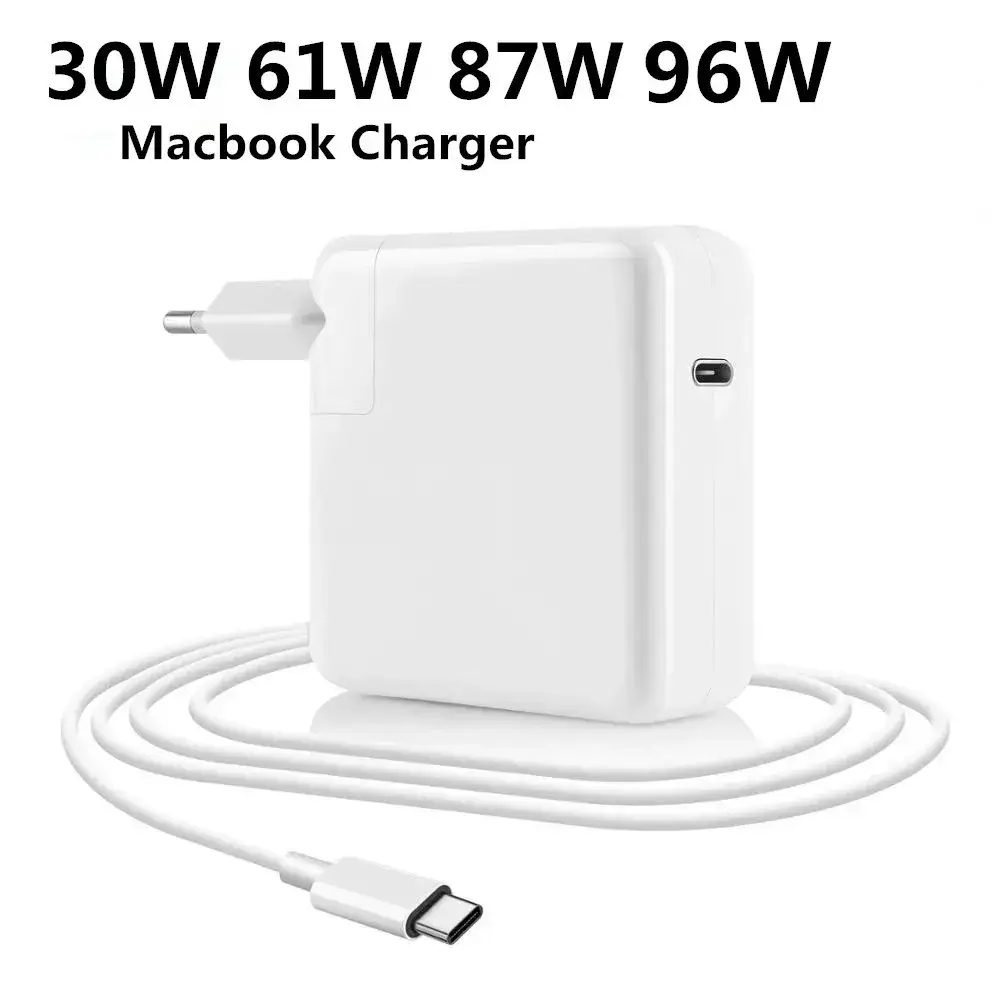
Trustpilot-style feedback from Best Buy’s refurbished sales shows generally positive experiences, but with caveats. Many report “excellent condition upon arrival” and smooth operation for school/work. However, charger issues are common: “Non-Apple chargers… only one worked,” noted gideono.
Long-term durability stories vary. Best Buy customers describe three years of flawless function (“Going strong after 3 years”), while Amazon reports include defective keyboards and heating problems soon after purchase. Apple Community replies often stress maintaining free internal storage and using external drives to prevent slowdown.
Alternatives
When compared to the MacBook Air, reviewers like Laptop Mag highlight the Pro’s faster quad-core CPU and brighter display, making it better for heavy editing. However, the Air is lighter and cheaper, appealing to those who “hate the touch bar and don’t mind less horsepower.”
Windows competitors like the Dell XPS 13 and HP Spectre x360 offer more ports and lighter designs. Dell includes a microSD slot and three USB-C ports, while HP offers USB-A alongside USB-C. Several MacBook buyers acknowledged these options but chose the Pro for macOS integration and build quality.
Price & Value
Current eBay listings show older Intel i5 MacBook Pros ranging from $100 for mid-2012 units to $500+ for 2020 models with Touch Bar. Resale value remains high for newer configurations, reflecting demand for macOS laptops in professional creative markets.
Community buying tips stress: “Buy the most you can afford and it will last you longer” (Apple Community). Upgrading to 16GB RAM and larger SSD at purchase avoids frustrations later, since RAM is soldered and SSDs are costly to replace.

FAQ
Q: Is the MacBook Pro 13-inch good for video editing?
A: Yes, with higher RAM and SSD capacity. Users report smooth performance in Final Cut Pro and Adobe Premiere, but heavy projects drain battery faster and may trigger fan noise.
Q: How long does the battery last under normal use?
A: Light workloads can reach 10–16 hours; heavy video editing or 4K playback often cuts it to 7 hours or less, per Consumer Reports and Best Buy feedback.
Q: Do I need adapters for peripherals?
A: Likely yes. With only USB-C/Thunderbolt ports, traditional USB-A devices, SD cards, and HDMI require dongles or hubs.
Q: Is the Touch Bar worth it?
A: Opinions vary. Some find it useful for shortcuts in creative apps; others prefer traditional keys and find it slows basic tasks.
Q: How does it compare to MacBook Air for creative work?
A: The Pro’s faster CPU, brighter display, and better sustained performance make it preferable for photo/video editing; the Air is lighter and cheaper for basic tasks.
Final Verdict: Buy if you’re a creative professional or MacOS enthusiast needing a portable editing machine with a stellar display. Avoid if you require multiple built-in ports or work with large datasets without external drives. Pro tip from community: Configure with maximum RAM and storage at purchase — upgrades later are limited and costly.