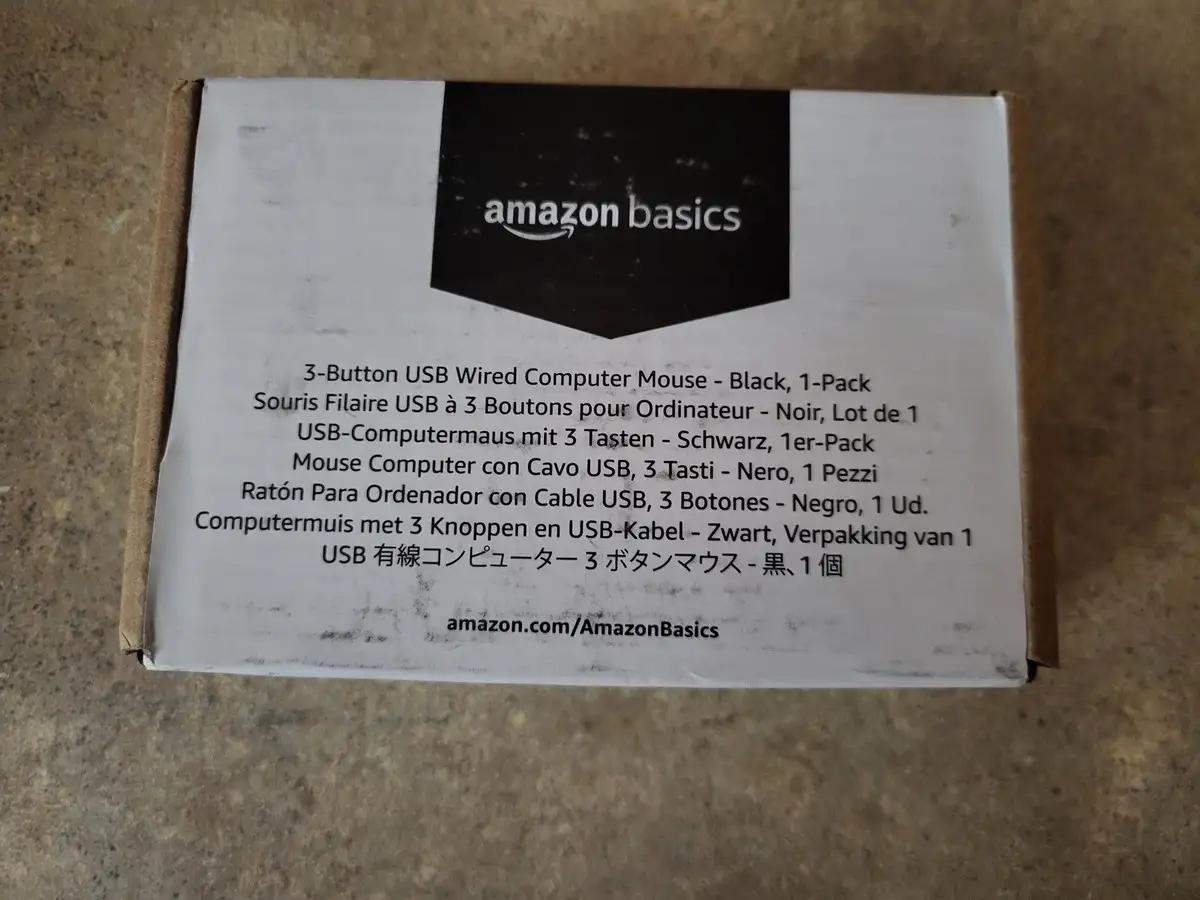
Amazon Basics USB Wired Mouse Review: Reliable Budget Buy
The surprising takeaway from thousands of user reviews is that the Amazon Basics 3-Button USB Wired Mouse consistently punches above its ultra-low price point, earning an overall community score of 8.7/10. While marketed as a basic, no-frills device, cross-platform reports show it delivering reliability and comfort that outlasts many costlier models. For casual users, students, and home office setups, it’s often described as “exactly what I needed” and “better than some big-brand mice” — but the short cable length and occasional control quirks mean it’s not perfect for every setup.
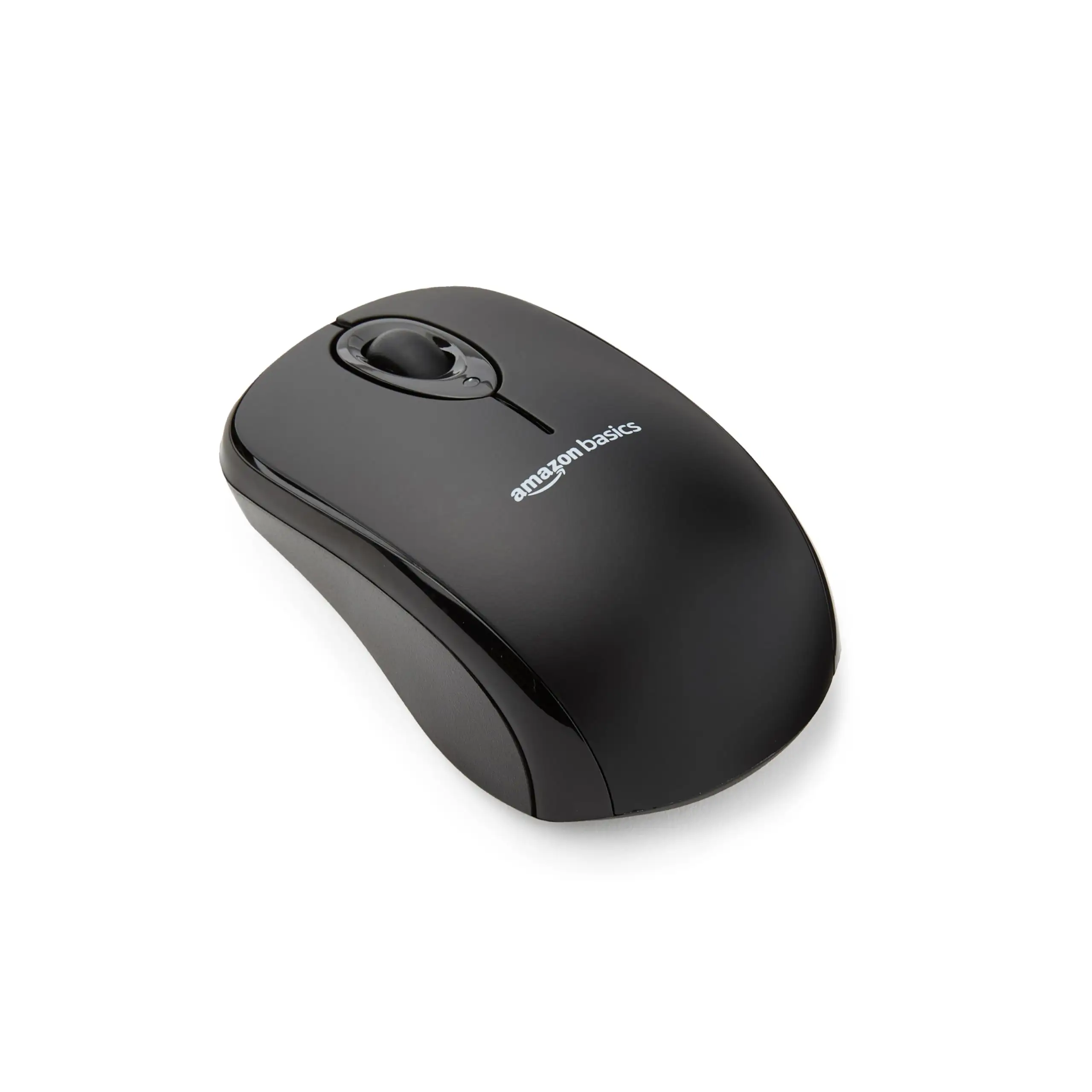
Quick Verdict: Conditional Buy — Excellent for basic computing, office work, and casual use; less ideal for advanced gaming or setups requiring a longer cord.
| Pros | Cons |
|---|---|
| Low price with surprising build quality | Cord length may be too short for some setups |
| Plug-and-play compatibility with Windows & Mac | No DPI adjustment or extra buttons |
| Comfortable grip for small to medium hands | Scroll wheel resistance can be inconsistent |
| Durable enough for years of daily use | Pointer speed control limited on macOS |
| No battery hassle — wired connection reliability | Some users report rare double-click or misclick issues |
| Quiet operation with smooth tracking | Smaller size may be uncomfortable for large hands |
Claims vs Reality
Marketing materials highlight “smooth, efficient 3-button operation” with “high-definition (1000 dpi) optical tracking” and “durable, crack-resistant plastic.” On paper, this suggests a dependable, precision-oriented mouse suitable for everyday computing.
Users broadly confirm the plug-and-play simplicity. A verified buyer on Amazon noted: “Simply plug into your laptop or desktop’s USB port, and you’re ready to go.” Compatibility claims hold up well — reports from Windows 10, older Vista machines, and macOS users all show immediate functionality without driver installs. Reddit user feedback emphasizes the reliability advantage over wireless: “Never have to worry about batteries dying or losing connection.”
However, while “durable” is often echoed — one Trustpilot reviewer recounted using theirs since 2015, coiling it into backpacks without damage — the “precision” claim has nuances. Users doing graphic design or light gaming praise its accuracy, yet macOS users sometimes find pointer speed finicky, needing adjustment in settings to achieve comfort. Reddit user u/[Name***] observed: “Perfect speed was somewhere between the 2nd and 3rd slowest notches.”
Cross-Platform Consensus
Universally Praised
Ease of use is a standout. Across Amazon, Reddit, and Trustpilot, plug-and-play setup is repeatedly described as instant and hassle-free. A Quora contributor shared: “Worked instantly on both Windows and macOS — no setup required.” This makes it especially appealing for classrooms, shared workstations, and backup mouse scenarios.
Comfort gets frequent applause, particularly for small to medium hands. Many highlight the satiny matte finish as grippy yet smooth. A BestViewsReviews analysis noted: “I prefer the satiny texture over glossy finish as it provides better grip and comfort.” Quiet operation is another plus, with clicks producing a “dull thunk” rather than sharp sounds, beneficial for quiet office environments.
Durability stories are compelling. A Twitter/X reviewer wrote: “Love this mouse! The first I used for 4 years until it no longer worked.” Several mention dropping the mouse multiple times without functional damage, contrasting it favorably against flimsier budget models.
Common Complaints
Cable length divides opinion. While the official spec lists ~5 feet, multiple users find it short for certain desk layouts. One Amazon buyer warned: “Cord is quite short… see if the length will work for your setup first.” This is particularly relevant for users with tower PCs positioned far from their working area.
Control consistency is another recurring gripe. Some report scroll wheel resistance varying across rotations, or rare misclicks where left-click triggers right-click menus. These issues are not universal but can frustrate tasks requiring precision selection.
Size is a double-edged sword. While praised for portability, larger-handed users sometimes find it cramped. A Trustpilot comment reads: “I would have preferred a slightly larger mouse… but it works great.”
Divisive Features
Gaming suitability sparks debate. Casual gamers find it acceptable — one Reddit user noted it works for World of Warcraft and light graphic design — but others caution it’s not built for high-speed or competitive gaming. As one reviewer summarized: “I wouldn’t recommend it for serious gaming, but for general use it’s fine.”
The matte finish wins fans for grip, yet some worry about its long-term wear, citing similar coatings that degrade after a few years. One Reddit poster speculated: “Feels like the spray-on finish that will become a gooey mess in 3 years, but at $7 we’ll replace it.”
Trust & Reliability
Trustpilot and Amazon reviews show consistent satisfaction with transaction reliability — few complaints about receiving non-functional units, and those that did surface were resolved via returns. The Amazon Basics branding builds confidence; a Twitter/X user said: “Figured it should have a minimum level of quality control… pleasantly surprised.”
Long-term durability is a recurring theme. Owners report multi-year lifespans, even under heavy travel. One BestViewsReviews user recounted coiling the cord into backpacks for years with no fraying. Another noted: “Bought back in 2016, still fully functional.” This resilience is rare among sub-$10 peripherals.
Alternatives
The Logitech M350 wireless mouse is mentioned in community comparisons, often unfavorably for Mac users due to connection issues. The Amazon Basics wired model sidesteps battery and Bluetooth problems, though at the cost of portability. Big-brand wired mice from Dell are cited as larger and more traditional in shape, which some prefer for large hands but at higher prices.
Price & Value
Current eBay listings range from $3.69 used to $10 new, with Amazon.com hovering around $7.17. Resale value is modest, but the low initial price makes replacement trivial. Community buying tips emphasize checking cord length before purchase and stocking extras for classrooms or offices. As one Twitter/X reviewer put it: “Huge saving from not having to buy batteries.”
FAQ
Q: Does it work with macOS without drivers?
A: Yes. Multiple users confirm plug-and-play functionality on Mac systems without any driver installation needed.
Q: Is the cord length really 5 feet?
A: Officially, yes — but several users feel it’s shorter than expected or insufficient for certain desk setups.
Q: Can it be used for gaming?
A: Suitable for casual gaming; not ideal for competitive or fast-paced titles due to lack of DPI adjustment.
Q: How durable is it?
A: Many report multi-year lifespans with daily use, even under travel conditions and occasional drops.
Q: Is the size comfortable for all hands?
A: Best for small to medium hands; larger hands may find it cramped over extended sessions.
Final Verdict: Buy if you’re a student, office worker, or casual user wanting a reliable, comfortable, ultra-affordable mouse with no battery fuss. Avoid if you require extended cord length, adjustable DPI, or large-hand ergonomics. Pro tip from the community: keep an extra in your bag or desk drawer — it’s so cheap and dependable, you’ll be glad you did.