Turtle Beach Vulcan II TKL Pro Review: Fast but Flawed
The surprise with the Turtle Beach Vulcan II TKL Pro Magnetic Mechanical Gaming Keyboard isn’t that it’s fast or customizable — it’s how consistently users across Reddit, Best Buy, and Trustpilot describe it as the smoothest key feel they’ve experienced, even among seasoned mechanical keyboard owners. Ratings frequently land at 9.5/10, with one Reddit user calling it “the best keyboard I’ve ever used… stunning in design, responsive in performance, and loaded with great customization.” That praise, however, comes with caveats about the wrist rest quality, ABS keycaps, and the absence of wireless connectivity.
Quick Verdict: Conditional — strongly recommended for competitive gamers seeking analog Hall-effect precision, but less compelling for typists who value premium keycap feel or need wireless.
| Pros | Cons |
|---|---|
| Silky-smooth Hall-effect magnetic switches with adjustable actuation | Wrist rest feels cheap and doesn’t attach securely |
| Per-key sensitivity and up to 3 inputs per key | ABS keycaps feel thin; PBT preferred by some |
| Rapid Trigger mode for FPS responsiveness | No wireless option |
| Excellent build with aluminum top plate | Swarm II software has quirks and occasional bugs |
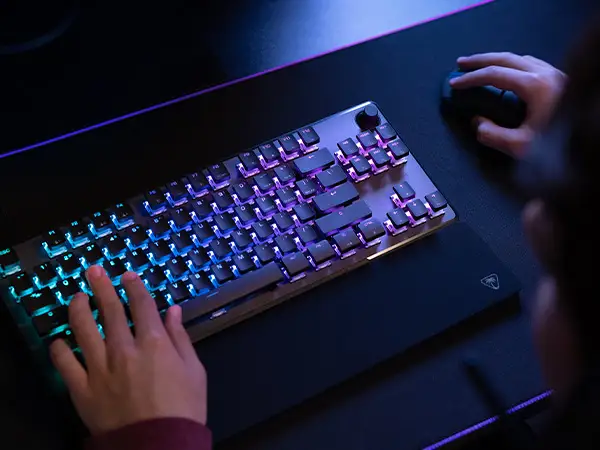
| Vibrant per-key RGB with high refresh rate | Some dislike “skirtless” keycap aesthetic |
| Intuitive volume knob with push-to-mute | Limited Mac/Linux software support |
Claims vs Reality
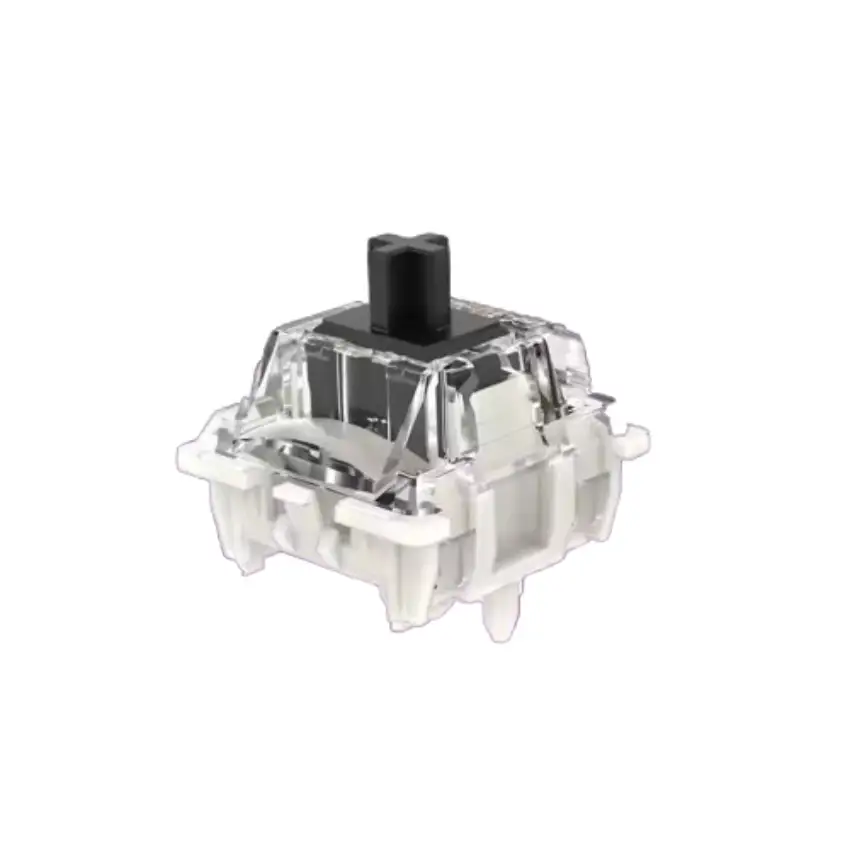
Turtle Beach markets the Vulcan II TKL Pro as “insanely responsive” with analog Hall-effect switches rated for 150 million clicks, rapid trigger performance, and per-key actuation from 0.1–4.0mm. Users widely confirm the responsiveness, but the experience of that adjustability varies.
For example, a Best Buy reviewer noted: “Actuation can be adjusted… I found the ability to adjust the actuation point to be pretty awesome — leaving it lower during typing, and higher in twitch shooters.” This supports the marketing claim, but others point out that Swarm II software is needed for full control, and “the first time I ran Swarm II and set up the lighting and colors… it didn’t save it,” highlighting early software quirks.
Marketing also touts the wrist rest as a comfort feature. Here, reality diverges: multiple owners describe it as “a stinky piece of quarter-inch thick floppy neoprene mouse pad material” that feels out of place next to the otherwise premium build.
Finally, the “controller emulator” feature is presented as a game-changer. While technically true, some, like one Best Buy reviewer, found it “kind of gee whiz… but it’s really hard for me to recommend using the keys like this,” suggesting it’s more novelty than necessity for most.
Cross-Platform Consensus
Universally Praised
Across Reddit, Best Buy, and Trustpilot, the Hall-effect magnetic switches are the star. Competitive gamers in particular rave about the combination of smoothness, longevity, and precision. A verified Best Buy buyer described them as “super smooth and responsive… worth every dollar!” FPS players benefit most from Rapid Trigger, which “eliminates downtime between key presses” for tighter strafing and peeking.
RGB lighting also earns consistent praise. Users highlight its vibrancy and high refresh rate, with one noting, “The somewhat pastel-ish looking RGB colors are easy on the eyes.” For streamers or aesthetic-focused setups, the per-key customization is a major perk.
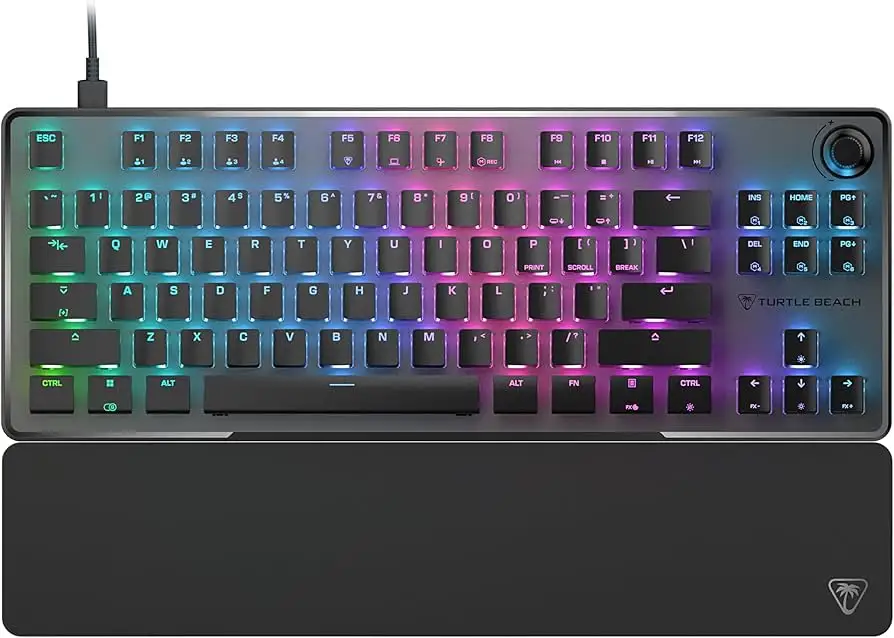
Build quality, especially the anodized aluminum top plate, is repeatedly called out as premium. Even those critical of other elements admit the chassis feels rock-solid. The volume knob with push-to-mute is another universally loved convenience, with multiple reviewers calling it “an elegant touch” and “a great convenience.”
Common Complaints
The wrist rest is the single most criticized aspect, described as cheap, floppy, and non-magnetic. For a $150 keyboard, users expected better. Similarly, the stock ABS keycaps divide opinion: some find them fine, others say they feel thin, get shiny quickly, and allow excessive light bleed. Enthusiasts often swap them for PBT.
Swarm II software, while more lightweight than some competitors, has bugs. Reports include profile settings not saving, unintuitive navigation, and firmware update oddities (“two updates incrementally… awkward” said one user). Mac and Linux users are also left without official software support.
Finally, the lack of wireless capability is a dealbreaker for a subset of buyers. One returned the keyboard solely for this reason, despite loving the magnetic switches.
Divisive Features
The “skirtless” keycap design — where caps sit high above the deck — is polarizing. Some love the exposed switch look and enhanced RGB visibility; others feel it looks and feels awkward. The controller emulation falls into the same category: intriguing to tech tinkerers, but a gimmick for many.
Trust & Reliability
There’s no widespread concern about scams or misrepresentation. Durability is a strong suit: switches are rated for 150 million presses, and early adopters report no degradation in feel after weeks of heavy play. The detachable braided USB-C cable adds to perceived longevity.
However, one Redditor with experience on earlier Roccat-branded Vulcans felt the Turtle Beach iteration was “a sad step down” in build refinement, suggesting long-time brand loyalists might notice subtle differences.
Alternatives
The most direct comparison, according to a critical reviewer, is the older Roccat Vulcan TKL. That model offered a brushed aluminum top and, in some opinions, better-feeling keycaps. However, it lacked Hall-effect adjustability and Rapid Trigger, so the trade-off is between tactile refinement and cutting-edge analog features.
Price & Value
At $149.99 MSRP (with occasional drops to $130), community sentiment is that it’s fair for the feature set, especially for competitive gamers. Bundles, like the eBay offering with the Burst II Air mouse, can improve value if you need both. Resale value is likely to hold better than average due to the niche Hall-effect tech and brand recognition.
FAQ
Q: Does the Vulcan II TKL Pro work on Mac?
A: Yes, it works for basic typing and gaming, but the Swarm II customization software is Windows-only. You won’t be able to adjust actuation points or macros without a Windows machine.
Q: Can I replace the keycaps?
A: Yes. It’s fully compatible with third-party MX-style keycaps. Many users swap to PBT sets for better feel and reduced shine.
Q: Is the Rapid Trigger feature useful outside of FPS games?
A: It’s most noticeable in fast-movement shooters, but some users map it for rhythm games or rapid inventory actions in MMOs.
Q: How quiet is it?
A: Quieter than many mechanical boards. One owner expecting loud typing was “glad… it is a very quiet keyboard.”
Q: Does it store settings without software running?
A: Yes, up to five onboard profiles can save lighting, macros, and actuation settings directly to the keyboard.
Final Verdict: Buy if you’re a competitive PC gamer who values ultra-fast, customizable actuation and premium chassis build. Avoid if you need wireless, demand top-tier stock keycaps, or primarily type and want a more traditional aesthetic. Pro tip from the community: budget for a PBT keycap set and a better wrist rest — the core keyboard is worth the investment, but those upgrades complete the experience.