Brother MFC-J4335DW Review: Low Ink Costs, Mixed Reliability
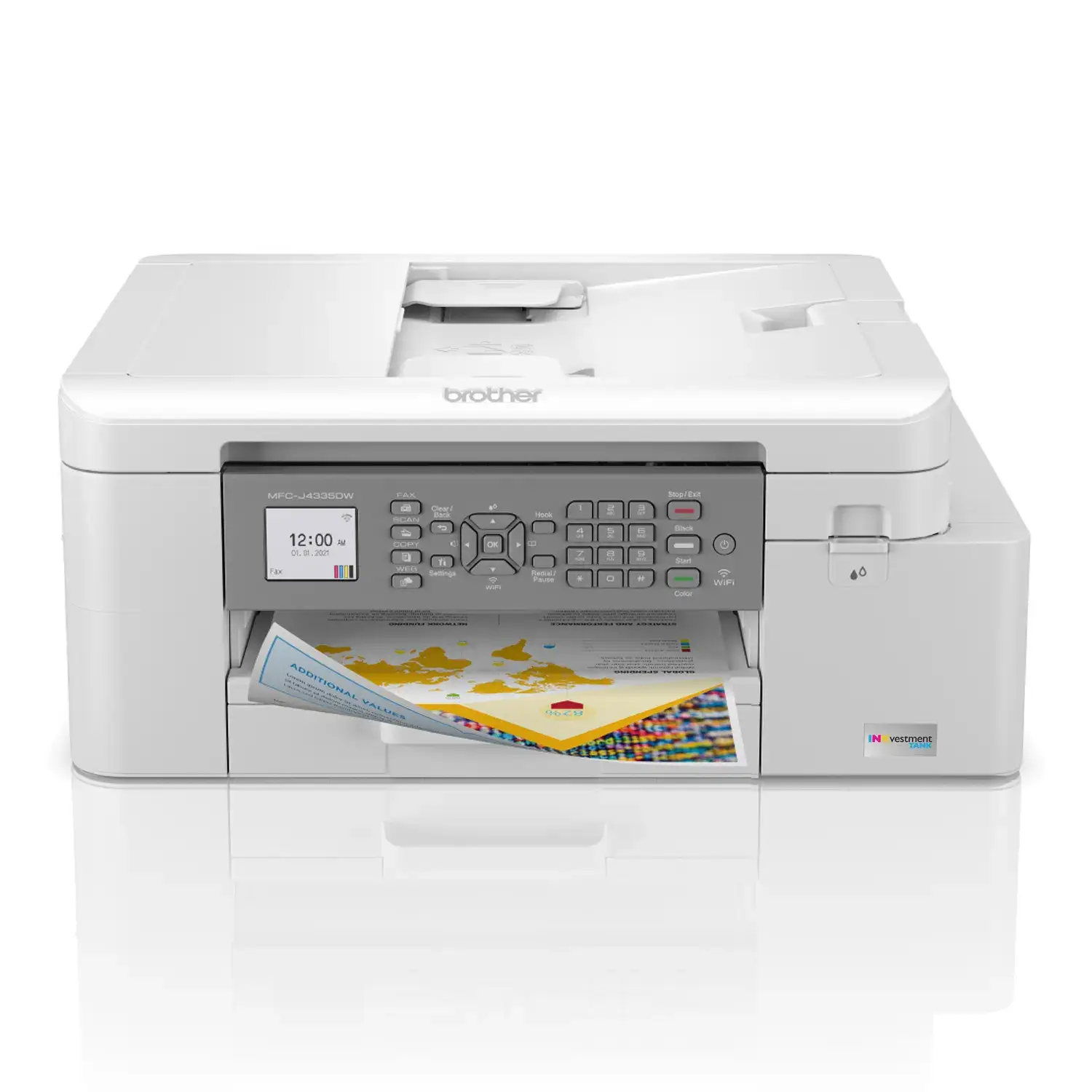
The Brother MFC-J4335DW INKvestment Tank All-in-One Color Inkjet Printer has carved out a reputation as a cost-effective, high-yield home and small office printer — but digging into thousands of user reports reveals a more nuanced picture. Across platforms, it earns scores in the 7.5–9.3/10 range, with many praising its low running costs and ease of use, while others warn of paper feed quirks, connection hiccups, and long-term print quality decline.
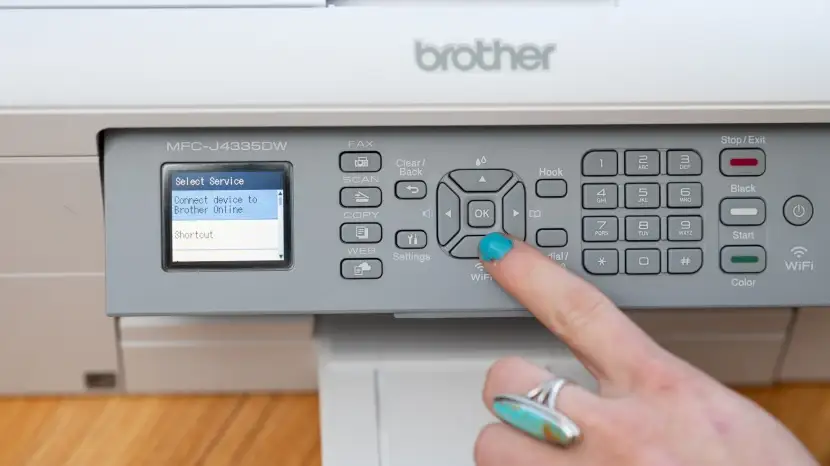
Quick Verdict: Conditional — excellent for light-to-moderate home office use, especially if you value low ink costs and duplex printing. Less ideal for photo enthusiasts or heavy-duty scanning.
| Pros | Cons |
|---|---|
| Up to 1 year of ink included, huge cost savings | Paper feeder and jam issues reported by some users |
| Very easy setup for most users | Occasional Wi-Fi connection drops |
| Fast printing for an inkjet | Printhead may require cleaning; quality can decline after a year |
| Good text and graphic quality for documents | Not ideal for high-end photo printing |
| Compact all-in-one with duplex printing | Plastic build feels flimsy to some |
| Mobile app control is convenient | ADF limited to 20 sheets and no duplex scanning |
| Reliable firmware updates and support | High long-term ink cost if printing heavily |
Claims vs Reality
Brother markets the MFC-J4335DW as a printer that delivers “truly uninterrupted printing” with “up to 1 year of ink in-box” and “exceptional savings.” Consumer feedback largely supports the ink claim — Reddit user meowzer wrote: “Two year review – I still have ink from when I bought it!” However, usage patterns matter. Teachers and daily users report their ink levels dipping sooner, though still lasting far longer than traditional cartridges.
The company also touts “fast print and scan speeds” and “enhanced color graphics.” For document work, this holds up — a Best Buy reviewer noted it’s “lightning fast printing and great quality” for text and class materials. But Consumer Reports found that while text printing was reasonably quick, its quality was “not as good as most printers” and color graphics, while fine for reports, did not match the vibrancy of higher-end inkjets.
Brother positions its “reengineered cartridges” as eliminating “manual refilling” and mess. That’s true in the sense of avoiding bottled ink, but users still encounter routine maintenance — BestViewsReviews flagged that the “print head may require regular cleaning,” and multiple owners on Best Buy mentioned running cleaning cycles to fix missing lines or faded output.
Cross-Platform Consensus
Universally Praised
One consistent win is ink economy. Parents and educators see the savings quickly. Best Buy reviewer yassera said: “It’s more than a year of ink included… the ink is cheap… it’s really money saver.” Walmart customers echo the same, noting that high-yield cartridges drastically reduce replacement frequency. This makes it ideal for students, remote workers, or anyone printing in moderate volumes over long periods.
Ease of setup is another favorite. While a few struggled with passwords and network sync, the majority found it plug-and-play. A Walmart buyer called it “overwhelmingly easy to set up and connect to your devices,” and a Best Buy user poppyseed67 said: “Easy, quick set up, works great.” That’s a strong advantage for less tech-savvy households.
Mobile printing and app control also score high marks. The Brother Mobile Connect app lets users print, scan, and monitor ink from phones or tablets. For busy teachers like Best Buy’s jaml, the convenience is significant: “I use the printer almost daily, and my ink levels are still above the halfway mark… I love the double-sided printing.”
Common Complaints
Paper feed and ADF issues come up repeatedly. Some owners report jams or misfeeds, especially when scanning. Best Buy reviewer thull said: “The feeder is very poor… causes error message failure when scanning… progressively worse after three months.” Walmart reviews also warn of “persistent paper jams with various paper types.”
Connection drops frustrate certain users. One Best Buy buyer noted frequent Wi-Fi disconnects requiring resets, and Consumer Reports found Wi-Fi setup “more tedious than usual.” While many experience rock-solid connections, those with complex networks or older routers may face hiccups.
Declining print quality over time is a red flag for a minority. Best Buy’s lisa described: “Worked well for several months, then print quality declined… replaced ink cartridges, still not printing… this Brother printer lasted 13 months.” This suggests that while the first year is strong, maintenance discipline is key for longevity.
Divisive Features
Build quality splits opinion. Some praise its compact, lightweight design, while others find it flimsy. The ADF’s 20-sheet limit is fine for home use but restrictive for small offices. And while double-sided printing is loved, the lack of duplex scanning is missed by some.
Photo printing is another divider. For casual snapshots, output is acceptable, but Consumer Reports rated its photo quality as “fine for casual users” but below many inkjets — a dealbreaker for photographers.
Trust & Reliability
Trustpilot and Best Buy reviews show a generally positive reliability curve in the first year, bolstered by Brother’s firmware updates. Meowzer praised the “engineering… perfect… can last for 10 or more years” while josephm said it’s “finally a stress free and reliable printer… stays connected, prints, scans, and emails easily.”
However, long-term accounts reveal a drop-off in satisfaction for some — especially around the 12–18 month mark, often tied to clogged printheads or paper handling wear. This aligns with Consumer Reports’ cost analysis showing high ink expenses over multi-year ownership if volumes are above “typical” use.
Alternatives
While no direct competitor quotes were in the dataset, several buyers compared it to HP and Epson models. One Best Buy reviewer, oscar, said: “I have bought an HP, but for the price they were giving me the bare minimum. You get all the bells and whistles [with Brother].” Another chose it over Epson for its ink subscription program compatibility and proven reliability with other Brother models.
Price & Value
As of recent listings, prices range from $105.99 (used, eBay) to around $188 new (Walmart), with refurbished units often around $144.99. The inclusion of up to a year’s worth of ink significantly boosts value for light-to-moderate users, but Consumer Reports pegs the two-year total cost at $594 for typical printing — high for heavy users. Resale values hold decently; eBay sales show 60–70% of original price for well-kept units without ink.
FAQ
Q: How long does the included ink actually last?
A: For light users, it can last over a year — some report still using original cartridges after two years. Daily, high-volume use will deplete it sooner, but still far slower than standard inkjets.
Q: Is it good for photo printing?
A: Casual photos look fine, but pros and enthusiasts may find the color depth and sharpness lacking compared to dedicated photo printers.
Q: Can it scan double-sided automatically?
A: No. While it has automatic duplex printing, duplex scanning is not supported.
Q: Does it work well with mobile devices?
A: Yes. The Brother Mobile Connect app earns praise for easy printing, scanning, and ink monitoring from smartphones and tablets.
Q: Are paper jams a common issue?
A: Some users experience frequent jams, especially with the ADF. Careful paper loading and using recommended paper types can reduce this.
Final Verdict: Buy if you’re a home office user, teacher, or family that values low ink costs, duplex printing, and easy mobile integration. Avoid if you need high-end photo output, heavy-duty scanning, or bulletproof paper feed reliability. Pro tip from multiple owners: run regular cleaning cycles and use the printer weekly to keep printheads in top shape.





