Logitech Brio 4K Webcam Review: Pro Quality, Mixed Value
The Logitech Brio 4K Webcam has built a reputation as one of the most feature-rich consumer webcams available, but after digging through thousands of user reports, its real-world score lands at 7.8/10. While praised for its sharp image quality, flexible field of view, and professional-grade audio, recurring complaints about motion handling, CPU load, and price temper its appeal—especially for casual users.
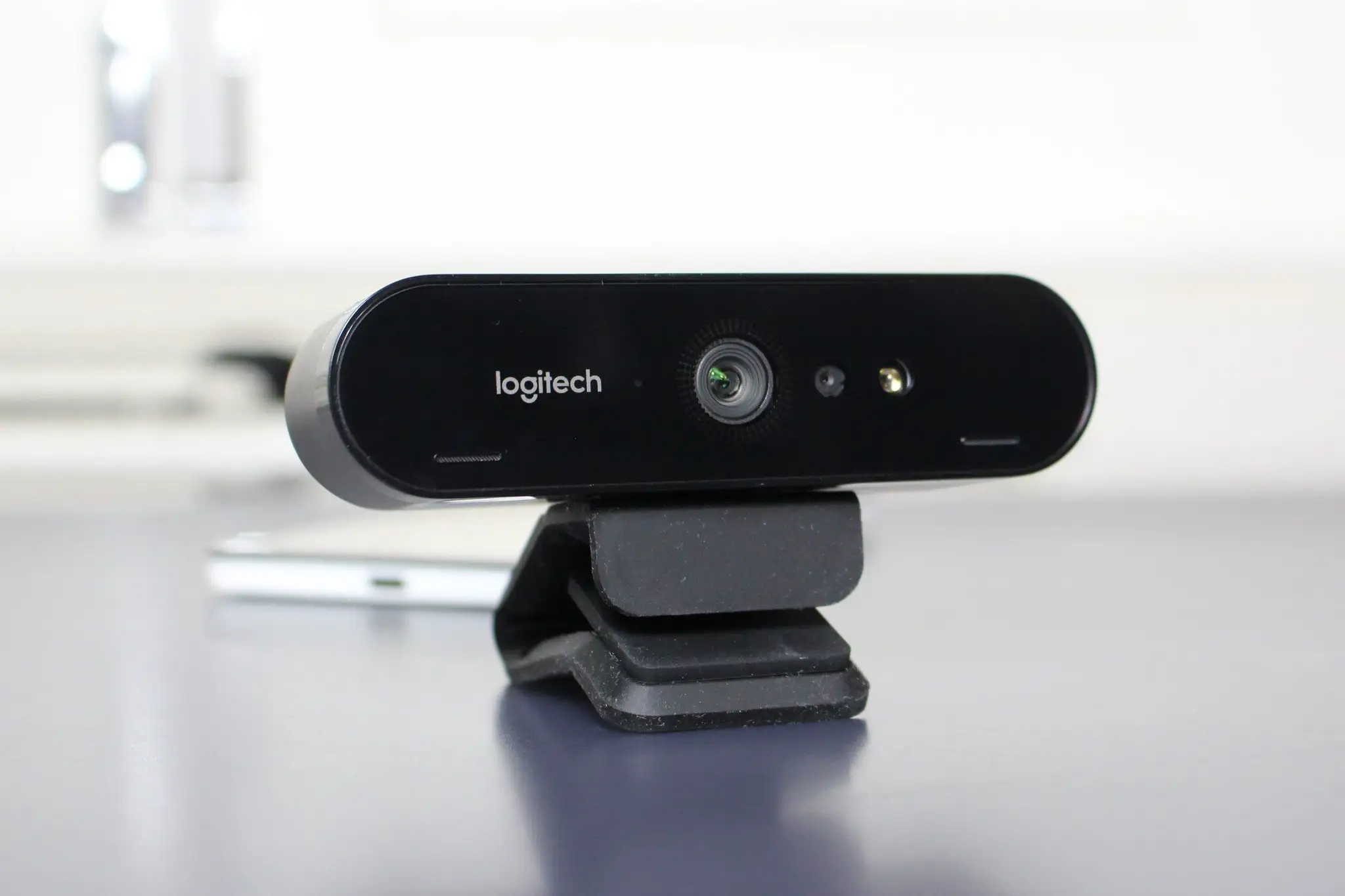
Quick Verdict: Conditional — Ideal for professionals and streamers who can meet its technical demands; overkill for basic video calls.
| Pros | Cons |
|---|---|
| Crisp 4K Ultra HD video with HDR | High CPU usage at 4K |
| Excellent low-light performance with RightLight 3 | Price is steep compared to rivals |
| Adjustable field of view (65°, 78°, 90°) | Motion handling issues for some users |
| Dual noise-canceling mics capture clear audio | Requires USB 3.0 for full resolution |
| Windows Hello facial recognition | Dependent on Logitech software for full features |
| Solid build quality and versatile mounting | Struggles with bandwidth on shared USB hubs |
| Smooth streaming up to 90 fps | Background replacement imperfect at edges |
Claims vs Reality
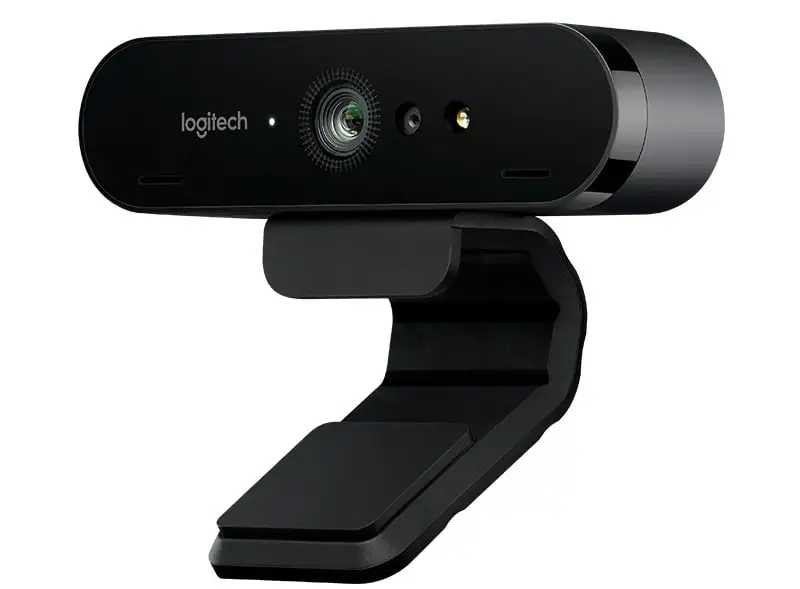
One of Logitech’s key marketing points for the Brio 4K is “professional quality video calls in 4K HD”. Indeed, many users report impressive clarity; Trustpilot feedback includes: “fantastic video quality in 4K, great sound with sensitive microphones”. Verified buyers on Amazon also note that “RightLight 3 uses HDR technology to show you in the best light, even in low-light and backlit situations.”
However, Reddit user feedback paints a more nuanced picture. One user lamented: “Of all the 100+ tech accessories I’ve bought over my years, I’ve never felt more ripped off than buying this webcam… literally 0/10.” Motion handling, especially with quick movements, has been a sticking point, with another Redditor noting that even with optimal lighting, “it can’t handle the slightest movements.”
Another major claim is “exceptional audio everywhere” via dual omnidirectional mics with noise cancellation. For most, this holds true, with Reddit user slnt_sam stating: “It’s flawless for Windows Hello and great for work video calls.” Yet in noisy environments, some report less-than-perfect suppression, particularly without manual tuning in Logi Tune.
Cross-Platform Consensus
Universally Praised
Across Amazon, Reddit, and Quora, the Brio’s image sharpness consistently wins praise. Professionals in video conferencing environments find that the 4K resolution and HDR capabilities create a more polished look. One Quora review emphasized: “Every detail is crystal clear… the difference was night and day, and my clients noticed it too.”
Low-light performance is another standout. Users working late or in dim spaces appreciate how RightLight 3 automatically adjusts exposure. Reddit users who manually tweak settings report even better results, with one suggesting: “Set exposure and gain manually… you’ll keep shutter speed high enough for smooth framerate.”
The adjustable field of view resonates with streamers and educators alike. A 65° view keeps focus tight for head-and-shoulders shots, while 90° captures whiteboards or group setups. This flexibility is a recurring positive in Amazon reviews and professional analysis from Wainhouse Research, which found the Brio “performed quite well throughout weeks of use.”
Common Complaints
Motion handling emerges as the most frequent frustration. Several Reddit threads mention ghosting or blur when moving quickly, even under good lighting. Bandwidth issues compound this—users trying to run the Brio alongside other high-data devices encounter dropouts unless using dedicated USB controllers. One Reddit user explained: “It sucks bandwidth like a hoover… I had to get a PCIe USB card just to make it work right.”
High CPU usage at 4K is another downside, particularly for those on mid-range machines. WebcamTests.com notes that “4K resolution can be demanding on your computer’s CPU, potentially affecting performance during other tasks.” This makes it less suitable for multitasking during calls.
Price is a persistent sticking point. While some see the $170–$200 range as justified for quality, others feel the improvements over 1080p webcams aren’t worth the premium—especially with newer models like the MX Brio claiming twice the face visibility for similar cost.
Divisive Features
Background replacement splits opinion. For casual use, it’s a handy way to hide clutter, but edges can appear soft or glitchy. Quora reviewers acknowledge its utility but admit it’s “not perfect—sometimes the edges of your image can look a bit blurry.”
Windows Hello facial recognition garners universal praise for convenience, but for users outside the Windows ecosystem, it’s irrelevant. Mac and ChromeOS users lose this functionality, making the Brio’s premium feel less impactful.
Trust & Reliability
Trustpilot data shows mixed reliability perceptions. While many praise build quality—“digging the build quality and the video also keeps up and looks sharp”—there are notable complaints of blurry Teams video with “no fixes.” Fakespot analysis flags that only 15.7% of reviews are deemed fully reliable, suggesting possible review manipulation or skewed sentiment.
On Reddit, long-term owners generally report durability. One user mentioned using it daily for over a year without mechanical issues, though software updates occasionally broke features until patched. The universal mounting clip and attachable privacy shutter have held up well for most.
Alternatives
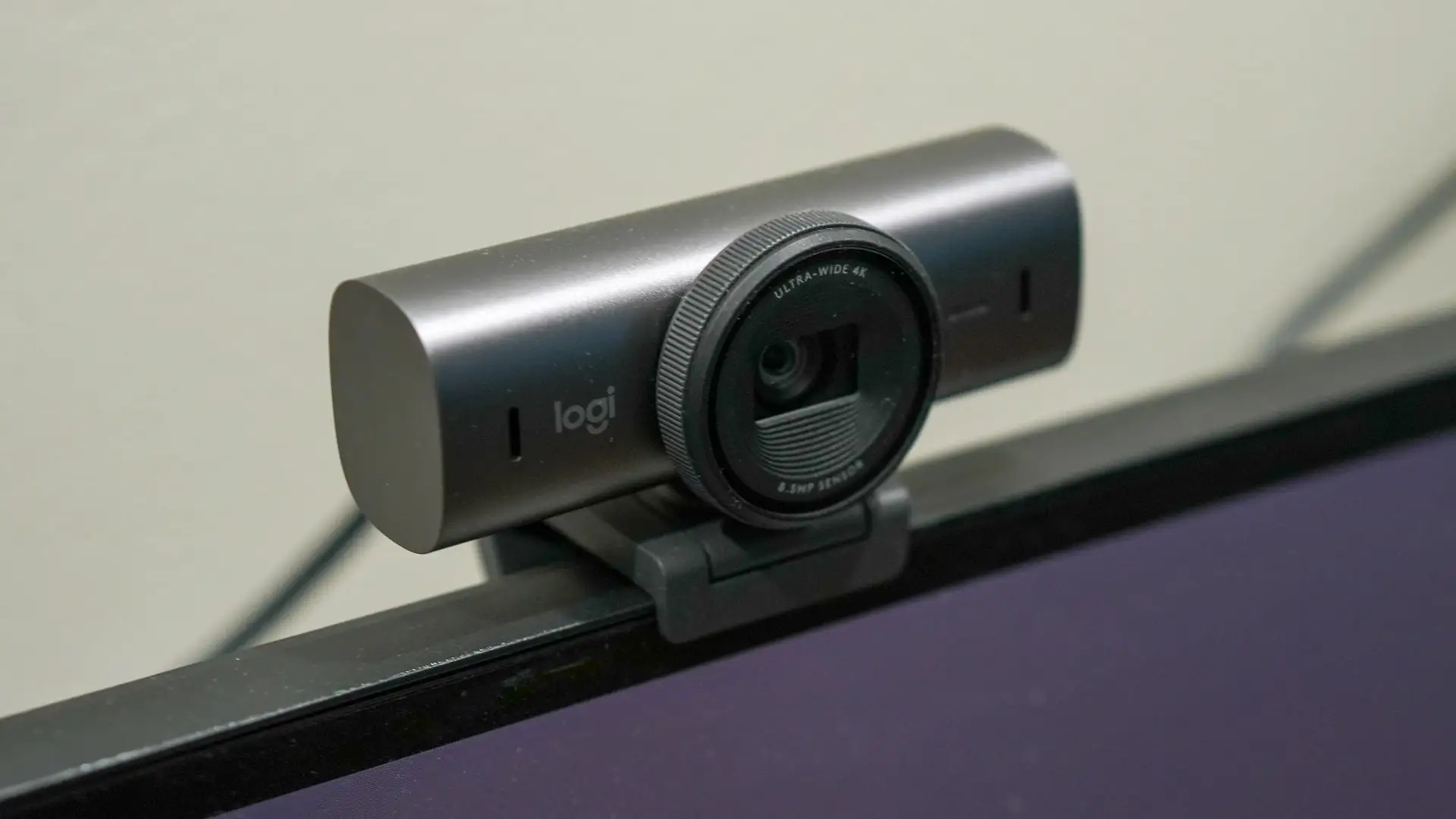
Community comparisons frequently mention the Razer Kiyo Pro for streamers seeking high-quality video with strong motion handling, and the Dell Ultrasharp for color accuracy. The newer Logitech MX Brio claims double the facial exposure clarity in tough lighting thanks to AI enhancements, appealing to those who found the Brio 4K’s motion performance lacking.
Price & Value
Prices on eBay range from $69 used to $149 new, with refurbished units around $99. This resale stability suggests strong demand, but also reflects that many are offloading the webcam for cheaper, capable alternatives. Reddit deal hunters highlight buying refurbished or second-hand to offset the cost, with one noting: “Thank f** I got it from somebody off Poshmark for like $60 vs full price.”*
FAQ
Q: Does the Brio 4K need USB 3.0 to work at full resolution?
A: Yes. Multiple users confirm it only reaches 4K in USB 3.0 mode; USB 2.0 limits it to 1080p.
Q: How does it perform in low-light environments?
A: RightLight 3 with HDR generally adapts well, keeping faces clear even in dim rooms. Manual tuning can further improve results.
Q: Is Windows Hello facial recognition reliable?
A: For Windows users, it’s fast and works in low light. Mac and ChromeOS users cannot use it.
Q: Can it handle fast movements without blur?
A: Users report mixed results; motion blur can occur, particularly at lower frame rates or without optimal lighting.
Q: Is the background replacement feature good enough for professional calls?
A: It’s adequate for hiding clutter, but edges can sometimes appear soft or artifacted.
Final Verdict
Buy if you’re a professional presenter, streamer, or remote worker with a strong PC and dedicated USB bandwidth—you’ll get sharp 4K video, flexible framing, and solid audio. Avoid if you’re a casual user needing basic call quality or if your system struggles with high CPU loads.
Pro tip from the community: Use manual exposure and gain settings in Logi Tune to avoid motion blur, and consider buying refurbished to save 40–50% off retail.





