KODAK 10.1" WiFi Digital Frame Review: Mixed Verdict
The surprising truth about the KODAK 10.1 Inch WiFi Digital Picture Frame is that while it earns a respectable 7/10 from cross-platform user sentiment, the gap between marketing promises and actual performance is hard to ignore. On paper, it blends classic Kodak styling with modern cloud sharing, but user reports reveal a mix of joyful gifting stories and frustrating technical snags.

Quick Verdict: Conditional buy — ideal for tech-comfortable families wanting stylish, app-based photo sharing, but not for those seeking flawless software or long battery life.
| Pros | Cons |
|---|---|
| Good picture quality and brightness | Battery life far shorter than claimed |
| Elegant wood or color finishes fit home décor | Touchscreen can be unresponsive |
| Easy photo uploads via app or email | Setup instructions unclear for some |
| Large internal storage (up to 32GB on some models) | Limited slideshow control and playback order |
| Auto-rotate for portrait/landscape | Cloud sharing capped (small batches only) |
| Supports SD card/USB for offline loading | Customer support difficult to reach |
| Great gift appeal for grandparents | Video support limited and drains battery |
Claims vs Reality
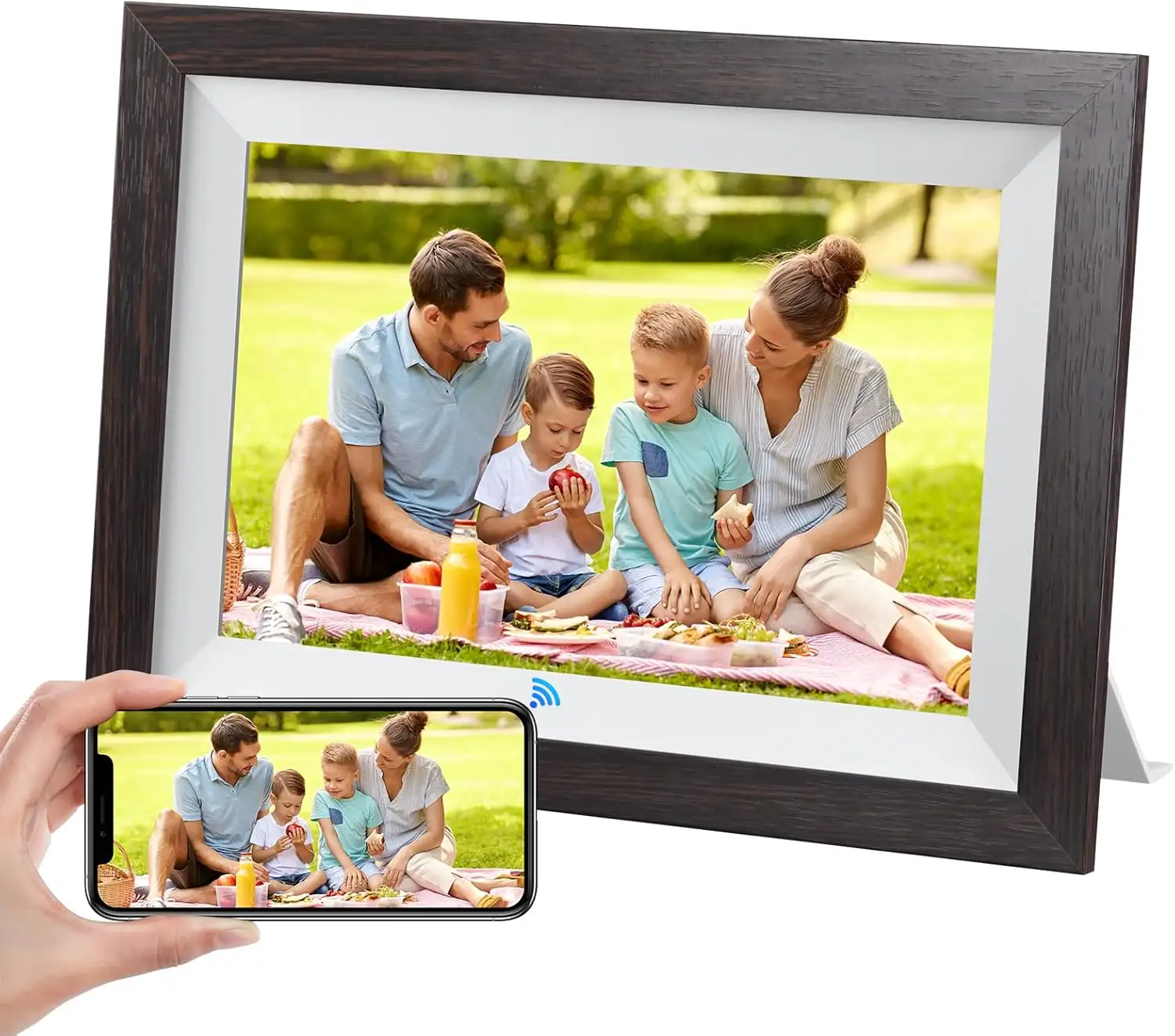
One of Kodak’s key claims is “extraordinary picture quality” with bright IPS displays. Many buyers echo this. A verified buyer on Amazon noted: “The frame has a great looking picture that is plenty bright… the wood finish looks elegant and matches any décor.” This visual appeal is consistently praised across Trustpilot and Reddit.
However, the advertised “4–7 hours of battery life” is sharply contradicted by detailed user testing. The Pix-Star Blog reports: “In practice, you can expect a 3–4-hour battery life – especially if you’re using the Wi-Fi/cloud function.” For those envisioning an unplugged display all day, this is a major letdown.
Kodak also promotes “instant sharing from anywhere” via the Kodak app. While functional, multiple sources highlight limitations. Pix-Star Blog warns: “You can only send 6 photos at once with the app… and only to one Kodak frame at a time.” In contrast, rival brands allow bulk sends to multiple devices. This makes the frame less appealing for large families wanting simultaneous updates.
Cross-Platform Consensus
Universally Praised
Across Amazon, eBay, and Trustpilot, users repeatedly celebrate the design and display quality. The real-wood or colored frames are described as “classy” and “fitting perfectly into home décor.” A Trustpilot reviewer said: “It sparks so much conversation… I love all the memories it brings up.” This makes it a strong choice for gift-giving, especially to older relatives.
The ease of remote photo sending is another hit, particularly for tech-comfortable families. One Amazon buyer shared: “Photo frame is WiFi-enabled which allows it to upload photos from my cell phone directly… transferring photos is very easy and convenient.” The ability to email or app-upload photos is seen as a lifesaver for long-distance families.
Storage capacity, especially on the 32GB models, also earns praise. Reddit descriptions of “over 80,000 photos stored” match real-world feedback from buyers who never ran out of space.
Common Complaints
The biggest pain point is setup difficulty. Trustpilot logs multiple cases of verification codes going to spam, unclear instructions, and app stability issues. One frustrated buyer recalled: “Was really happy to try this out but instantly disappointed when the (should’ve been so easy) set up didn’t work out at all.”
Battery life complaints are widespread. While marketed as portable, many find it spends more time plugged in than not. The Pix-Star Blog notes the drain worsens if you use Wi-Fi or high brightness.
The touchscreen responsiveness is another sore spot. Trustpilot warns: “The touch screen is very insensitive.” This is compounded by reports of blurred transitions between photos, suggesting underpowered graphics hardware.
Divisive Features
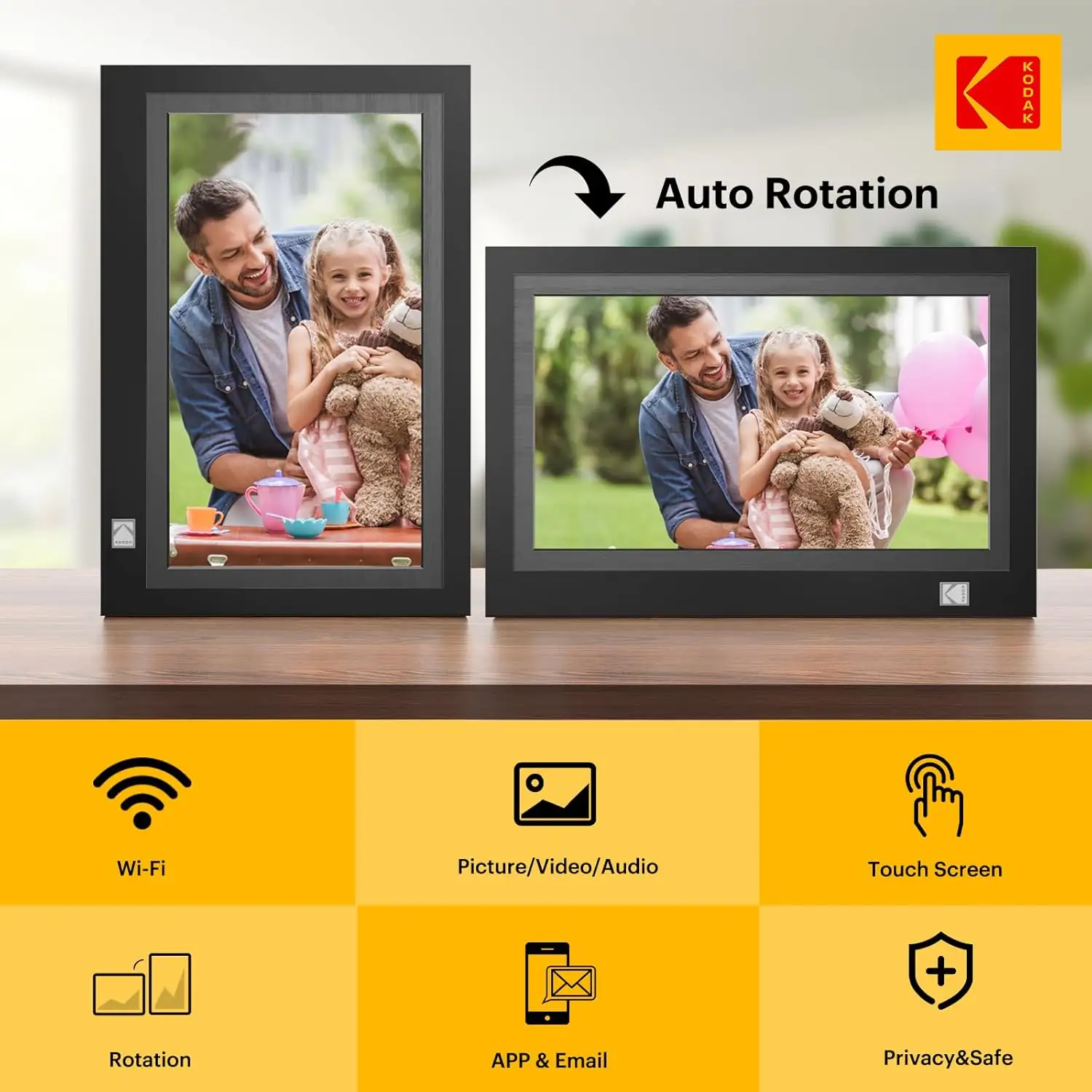
Auto-rotate is loved by some, hated by others. While convenient for switching between portrait and landscape, some users found it occasionally misreads orientation. Video playback is similarly split: it’s a nice extra for brief clips, but Pix-Star Blog points out it’s limited to under 1 minute and cannot be integrated into slideshows — a dealbreaker for those envisioning mixed media displays.
Trust & Reliability
Trustpilot’s Fakespot analysis flags that only about 66% of reviews appear reliable, cautioning that some overly positive comments may be inauthentic. This doesn’t negate the genuine praise, but it does suggest weighting cross-platform feedback more heavily.
Long-term durability reports are sparse but mixed. Some Reddit users report smooth performance “months later,” while others mention the app becoming glitchy over time. Customer service is another weak point; Trustpilot logs cases where users “never were able to reach anyone” for setup help.
Alternatives
The Kodak frames are often compared unfavorably to Pix-Star and Nixplay. Pix-Star’s app allows sending up to 250 photos to multiple frames simultaneously and supports remote control, which Kodak lacks. For families managing multiple frames across households, this difference is decisive.
Pix-Star also bypasses Kodak’s slideshow order issue by allowing full playback customization and linking to cloud albums on Facebook or Google Photos — features Kodak users have asked for but not received.
Price & Value
Prices range widely by model, from about $51.59 on sale for the 1280×800 variants to over $169.99 for FHD 1920×1200 models. eBay resale values hover between $97 and $153 for newer Wi-Fi models, with older EasyShare units going as low as $30–$50.
Community tips suggest watching for seasonal sales, where discounts hit 40% off. For gifting, buying new is recommended due to setup and warranty concerns; second-hand units may have unresolvable account-binding issues.
FAQ
Q: Can I use the Kodak frame without Wi-Fi?
A: Yes, you can load photos via SD card or USB, but you lose the instant sharing features. Playback order control is limited in offline mode.
Q: Does it play videos with sound?
A: Yes, but only short clips (under 1 minute) and not within slideshows. Playing videos increases battery drain significantly.
Q: How many photos can I store?
A: Depending on model, 16GB holds around 40,000 photos, and 32GB models store up to 80,000–100,000 at compressed sizes.
Q: Is the app easy for elderly users?
A: Mixed reports — some find it simple, others struggle with setup and verification codes. Assistance during initial setup is recommended.
Q: Will the frame auto-rotate images from my phone?
A: Yes, the auto-rotate feature works for both portrait and landscape, though occasional misreads are reported.
Final Verdict: Buy if you’re a style-conscious gift shopper or a family wanting remote photo sharing in a good-looking frame — especially if you’re willing to troubleshoot initial setup. Avoid if you need long battery life, advanced slideshow control, or bulk photo sharing to multiple devices. Pro tip: Set up the frame at your own home before gifting, to avoid setup headaches for the recipient.