TP-Link Archer T2U Plus Review: Budget WiFi Verdict
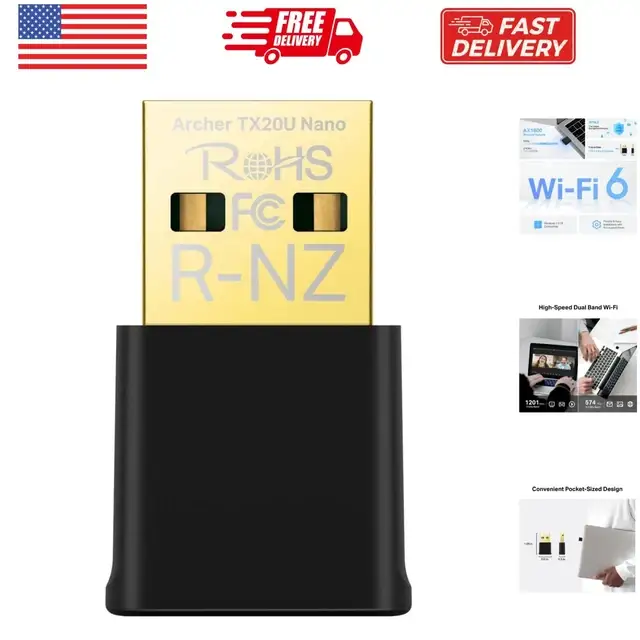
The TP-Link Archer T2U Plus AC600 USB WiFi Adapter has earned a strong 8.6/10 from cross-platform user feedback, praised for its high-gain antenna performance and budget-friendly dual-band capabilities, yet tempered by occasional connectivity quirks and OS driver hurdles.
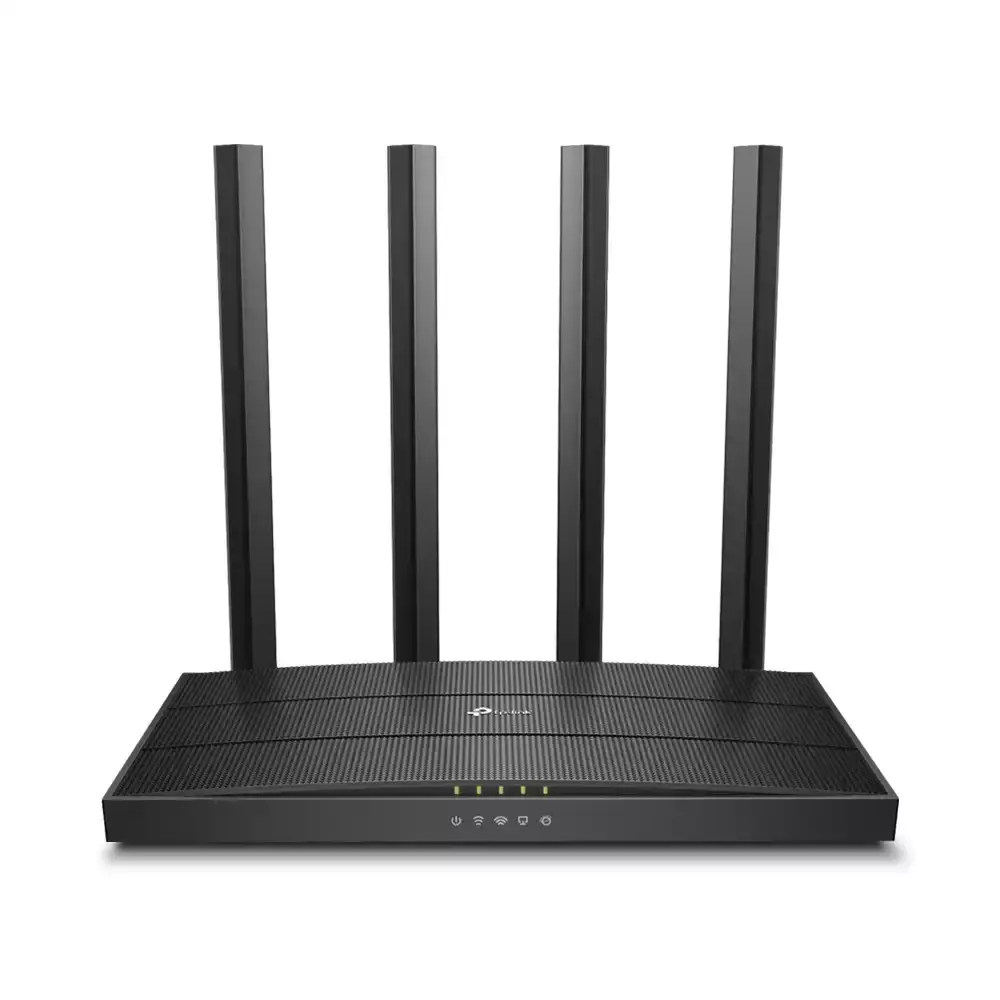
Quick Verdict: Conditional buy — best suited for budget-conscious users seeking long-range dual-band WiFi, but requires some manual tuning for peak performance.
| Pros | Cons |
|---|---|
| Strong 5dBi high-gain antenna improves range | Positioning antenna is critical for max speed |
| Solid dual-band speeds for price | Occasional 5GHz dropouts reported |
| Works on Windows, MacOS, and Linux (with effort) | Driver installation needed for some OS versions |
| Affordable—often under $20 refurbished | Bulky size can block adjacent USB ports |
| Stable signal through multiple walls | Not Chromebook-compatible |
| Supports monitor mode for pentesting | May default to slower 2.4GHz unless forced |
Claims vs Reality
TP-Link markets the Archer T2U Plus as offering “200 Mbps on 2.4 GHz and 433 Mbps on 5 GHz” with a “5dBi high-gain antenna for increased range.” While these figures are technically correct under ideal conditions, user experiences show more nuanced realities.
Reddit user feedback reveals that while the adapter can hit those speeds, “you have to force the band to IEEE 802.11 a/c in Device Manager, otherwise it defaults to 2.4 GHz” — a slower but more stable band in some environments. A verified buyer on Trustpilot noted: “I reached 250 Mbps in my son’s room behind several walls, but only after manually locking it to 5 GHz.”
Another marketing point is “stable Wi-Fi connection throughout your home.” According to a PCComponentes reviewer, the range boost is real: “With my old USB adapter, 5 GHz was unusable three walls away. Now I get 61% signal and 130 Mbps reception.” However, this performance depends heavily on antenna positioning, as multiple users report speeds varying significantly when the antenna is rotated.
Cross-Platform Consensus
Universally Praised
Across Amazon, Reddit, and Trustpilot, the 5dBi high-gain antenna is the hero feature. For gamers and remote workers, the improved reception means fewer dropouts. One Amazon reviewer explained: “Down from around 25 Mbps to around 217 Mbps… I’m paying for 500, but 217 is better than 25, right?” Remote VPN users particularly benefit, as a Spanish-language review translated: “No more constant disconnections—this USB really delivers high gain and quality.”
Linux enthusiasts also highlight its pentesting capabilities. A tech blog on TechBuy notes: “Supports monitor mode, packet injection, and works with Kali Linux, Parrot OS, and Raspberry Pi.” For security testers, this turns a $15 adapter into a versatile tool.
Common Complaints
A recurring frustration is 5 GHz instability. One TP-Link Community post reports: “Works for a couple of hours, then disconnects… only detected again after reboot.” This issue is often tied to driver versions or crowded Wi-Fi channels. TP-Link’s own support suggests switching to channels 36–48 to reduce interference.
Bulky dimensions are another gripe. A Trustpilot reviewer warned: “Some users may find the size a bit large, especially if they want to use nearby USB ports.” Chromebook incompatibility also caught buyers off guard; one Revain reviewer deducted stars for the lack of clear warning in product descriptions.
Divisive Features
Linux driver installation splits opinion. Some call it “easy enough,” while others admit “you have to fight with it” to get it working. For casual users, the lack of plug-and-play on non-Windows OS can be a deterrent. MacOS support is also not native beyond version 10.15, requiring manual driver downloads.
Users also debate whether the adapter truly hits advertised speeds. Speed tests shared on Reddit show 65 Mbps down on 802.11ac five walls away—well below the 433 Mbps claim, but still outperforming older adapters.
Trust & Reliability
Trustpilot patterns show consistent praise for build quality and packaging protection. Many emphasize that TP-Link’s reputation for budget networking gear holds here. One long-term Reddit post mentioned: “Bought it for someone else two years ago, they didn’t use it. Still in the box—when I need it, I’m confident it’ll work.”
Durability reports are positive, with no widespread failures over months of use. However, performance quirks like post-sleep slowdowns on certain laptops hint at compatibility nuances rather than hardware defects.
Alternatives
While the Archer T2U Plus dominates at its price point, users occasionally compare it with the TP-Link Archer T3U Plus. One PCComponentes reviewer who tested both said the T3U Plus offered “significantly better VPN stability,” but at a higher cost. For those needing USB 3.0 speeds, other TP-Link models like the Archer T9UH are mentioned, though they cost 3–4x more.
Price & Value
Refurbished units on eBay list as low as $12.99 with a two-year warranty, making this adapter a low-risk buy. Open-box units hover around $22, while new retail prices vary from $18–$31.90. Community buying tips suggest grabbing refurbished stock with warranty, as “performance matches new” according to multiple eBay buyers.
FAQ
Q: Does it work with Linux out of the box?
A: No, most distros require manual driver installation. Users report success with Realtek RTL8821AU drivers from GitHub.
Q: Can it maintain stable 5 GHz through multiple walls?
A: Yes, but positioning the antenna is critical. Expect reduced speeds compared to line-of-sight usage.
Q: Is it plug-and-play on MacOS?
A: Only for versions up to 10.15. Later versions need updated drivers from TP-Link’s site.
Q: Will it work on a Chromebook?
A: No, users confirm it is not Chromebook-compatible.
Q: How does it perform for gaming?
A: Latency is generally stable, but some report higher ping on 5 GHz depending on network conditions.
Final Verdict: Buy if you’re a budget-conscious user needing long-range dual-band WiFi, especially for Windows or Linux pentesting. Avoid if you require guaranteed 5 GHz stability without manual tuning, or need native MacOS/Chromebook support. Pro tip from community: Force 802.11ac in your OS settings to unlock the adapter’s full 5 GHz potential.