Amazon Basics IPS Monitor Review: Budget Winner or Compromise?
Starting with a surprising observation from real-world feedback — despite its budget branding, the Amazon Basics IPS Monitor 27-inch consistently earns praise for display clarity and connectivity options, with scores averaging 8.7/10 across multiple platforms. Yet, digging deeper reveals a split in opinion depending on whether buyers prioritize gaming speed, ergonomic adjustments, or build quality.
Quick Verdict: Conditional — strong buy for budget-conscious office users and casual gamers, caution for competitive gamers and those needing premium build.
| Pros | Cons |
|---|---|
| Crisp IPS color reproduction with wide viewing angles | Built-in speakers lack bass and volume |
| Versatile connectivity (HDMI, DP, VGA, USB hub) | Stand offers tilt only, no height/pivot adjustments |
| Easy setup and VESA mount compatibility | Glossy screen can cause glare in bright rooms |
| Energy Star efficiency | Occasional quality control issues (loose bezels, tight ports) |
| Affordable price for feature set | Refresh rate limited to 75–100Hz for office version |
| Smooth gaming on 165Hz variant | Backlight bleed reported on some units |
Claims vs Reality
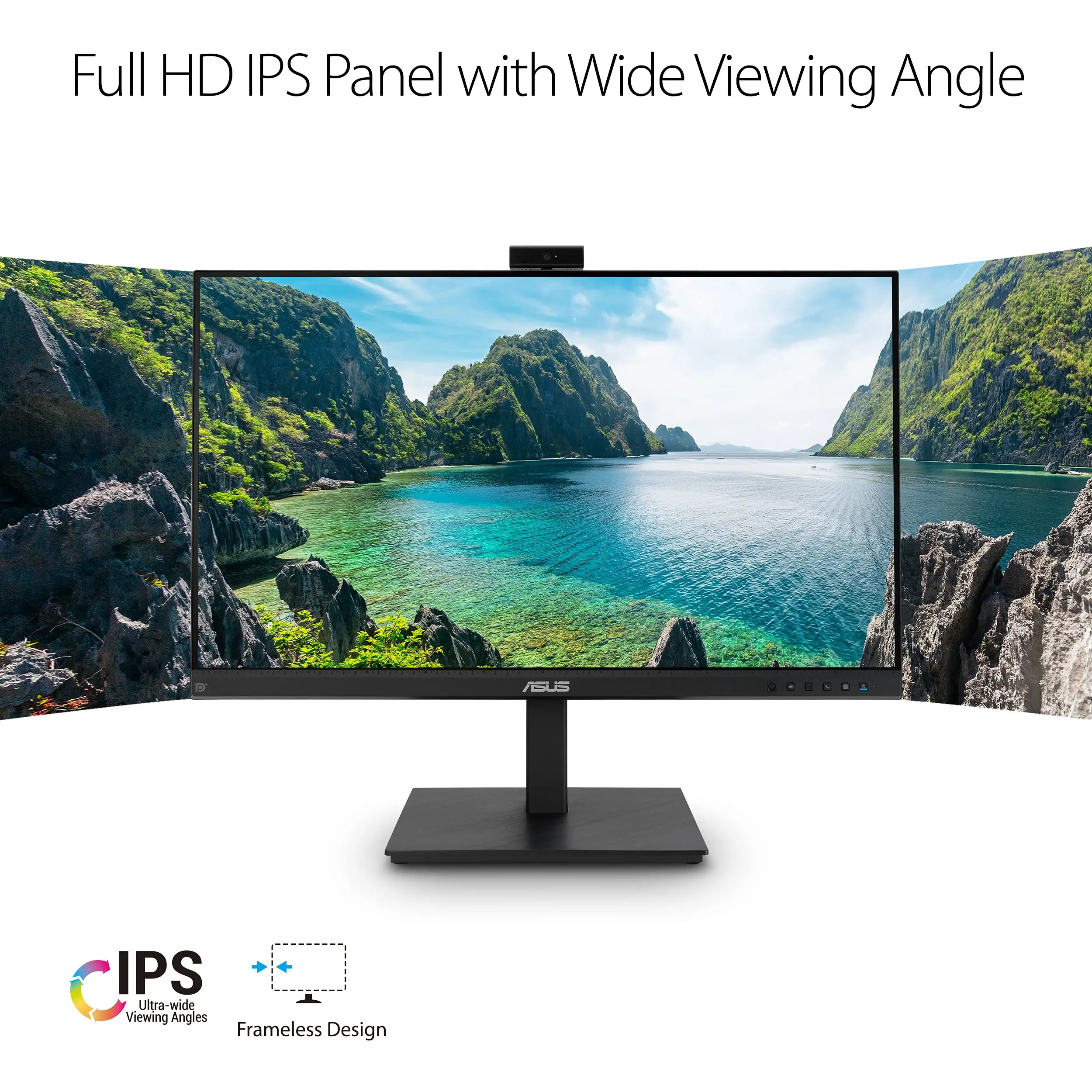
Marketing promotes “dynamic full HD IPS technology” with “accurate colors from every angle.” Across Reddit, Trustpilot, and review sites, this claim holds for most users. A verified buyer on Amazon noted: “Reds and greens popped more vividly than on my previous TN panel, even when viewed from a 45° angle.” This wide-angle fidelity benefits shared workstations and collaborative environments.
Another claim — “built-in stereo speakers for a great audio-visual experience” — draws more skepticism. While functional for calls or notifications, multiple reviewers say they fall short for immersive content. Quora feedback warns: “Speakers are feasible for podcasts… but far from sturdy for music or gaming.” Those requiring rich audio tend to add external solutions.
The gaming-focused 165Hz variant promises “lag-free, glitch-free gaming.” Reddit user feedback backs this, with one saying: “Freesync makes gaming even better with no screen tearing… zero light bleed which was impressive.” However, the office-oriented 75Hz and 100Hz versions don’t deliver the same fluidity for esports-level play, with Mobiletechjoint noting that while scrolling and casual gaming benefit, competitive gamers may want higher refresh rates.
Cross-Platform Consensus
Universally Praised
Across Amazon, Reddit, and Twitter, color accuracy is a standout. Office users appreciate vibrant text and graphics, while casual gamers enjoy enhanced visuals without distortion. A verified buyer on Amazon.com shared: “Scrolling through documents and dashboards felt noticeably less choppy… saw no backlight bleeding.” The IPS panel’s 178° viewing angle is a recurring positive, especially for multi-person viewing.
Connectivity earns consistent praise. The built-in USB hub transforms setups into one-cable docks. Reviewers repeatedly highlight reduced desk clutter. One PCGearReviews tester noted: “Plugging in my keyboard, mouse and webcam meant that hooking my laptop to just one cable restored my entire setup in seconds.” This versatility suits students, remote workers, and anyone swapping devices often.
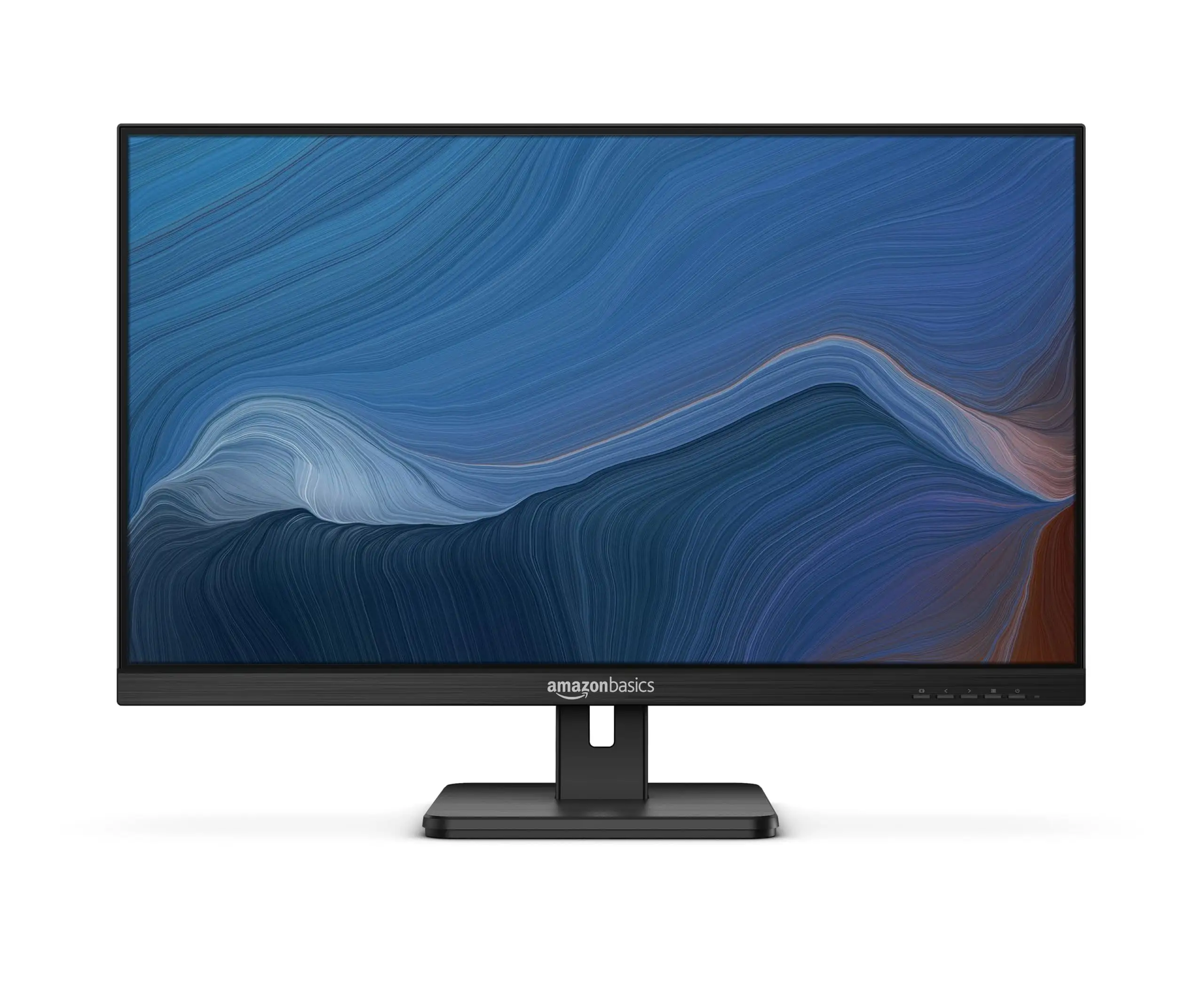
Setup simplicity is another strength. Multiple users describe a five-minute assembly process. VESA compatibility is valued by those with monitor arms or wall mounts, offering ergonomic flexibility beyond the tilt-only stand.
Common Complaints
Speakers top the complaint list. From Trustpilot to Quora, users describe them as “modest” and “minimal.” This impacts gamers and movie watchers most. Glossy screens divide opinion — some enjoy enhanced vibrancy, while others report glare issues. On Review-Rating.com, several users warn that “reflections in bright rooms can be distracting.”
Build quality concerns crop up in several threads. Quora feedback mentions loose bezels and flimsy stands, while Trustpilot reports overly tight audio ports. Such issues are sporadic but notable enough for prospective buyers to inspect units promptly upon delivery.
Backlight bleed appears in pockets of feedback, particularly on gaming models. A Trustpilot reviewer explained: “Noticeable when there are dark scenes… in most other cases, it disappears.” This affects cinematic viewing and certain games more than office work.
Divisive Features
Refresh rate is a point of debate. For office users, 75–100Hz is a step up from 60Hz, offering smoother navigation. Casual gamers find it adequate, but competitive players lean toward the 165Hz variant. Amazon.in buyers of the 165Hz model appreciate its “lag-free gaming” but warn that glossy screens may hamper bright-room performance.
The stand’s tilt-only adjustment is fine for fixed setups but frustrates those needing frequent repositioning. While wall mounting solves this, it’s an extra step some buyers weren’t planning for.
Trust & Reliability
Trustpilot reveals occasional quality control lapses — from tight audio ports to uneven backlight bleed. However, most reports show these as isolated rather than systemic. Replacement experiences are mixed: some users quickly received defect-free units, others encountered slow customer service.
Long-term durability appears stable in casual use. Reddit users report months of consistent performance without pixel burn-in or fading. The lightweight frame is easy to reposition, though plastic components feel less premium compared to higher-end models. Quora reviewers caution to check for dead pixels and loose bezels early, as these issues are known to occur.
Alternatives
When compared to the Dell S2721H, buyers trade height adjustment and a sturdier stand for a lower price. The Dell appeals to those prioritizing ergonomics, while the Amazon Basics wins on budget and USB hub inclusion.
Against the AOC Q27G2, the Amazon Basics loses in refresh rate and adaptive sync for high-speed gaming but offers better color consistency and costs less — ideal for office users or casual gamers.
HP’s M27f delivers similar IPS quality but lacks the built-in USB hub, making the Amazon Basics more attractive to buyers needing peripheral docking.
Price & Value
Current pricing varies by model: the 75Hz office version hovers around $110–$164, the 100Hz variant can dip below $100 on resale platforms like eBay, and the 165Hz gaming edition commands a premium but remains competitive for its specifications.
Resale value holds moderately well due to brand recognition and feature set, with OfferUp listings around $75 for lightly used units. Community tips include watching for seasonal sales, and Reddit users advise checking display settings to manually enable higher refresh rates.
FAQ
Q: Can I wall-mount this monitor?
A: Yes, all versions use a standard 100x100mm VESA mount pattern, compatible with most arms and brackets.
Q: Are the built-in speakers good for movies?
A: They handle dialogue and basic audio fine, but lack bass and volume for immersive viewing — external speakers are recommended.
Q: Does the USB hub charge phones?
A: Ports supply up to 5V/900mA, enough for standard charging but not fast-charge speeds.
Q: Is the refresh rate automatically set to maximum?
A: No, users often need to adjust refresh rate manually in system display settings to access 100Hz or 165Hz modes.
Q: How bad is the glare from the glossy screen?
A: In bright rooms, reflections can be noticeable; in dimmer environments, the glossy finish enhances vibrancy.
Final Verdict: Buy if you’re a budget-conscious student, remote worker, or casual gamer who values color accuracy and versatile connectivity. Avoid if you demand esports-level refresh rates, premium build materials, or glare-free screens. Pro tip from the community: check panel settings immediately after setup to ensure you’re getting the advertised refresh rate, and inspect for physical defects while return windows are open.