NVIDIA Jetson Orin Nano Review: Power with Caveats
Digging into user experiences, the NVIDIA Jetson Orin Nano Developer Kit emerges as a technically impressive edge AI platform that many see as a leap forward over the older Jetson Nano — but it’s also a board that demands patience, technical skill, and a willingness to troubleshoot. Across Reddit, Trustpilot, and developer forums, the verdict tilts toward a conditional 6.5/10: powerful for inference-heavy AI workloads, frustrating for newcomers or those without a secondary machine for setup.
Quick Verdict: Conditional
Buy if you’re a developer focused on deploying AI inference at the edge and comfortable with complex hardware/software setup. Avoid if you expect a plug-and-play experience or plan to do heavy model training without a host machine.
| Pros | Cons |
|---|---|
| Significant AI performance leap over Jetson Nano | Complex, error-prone initial setup |
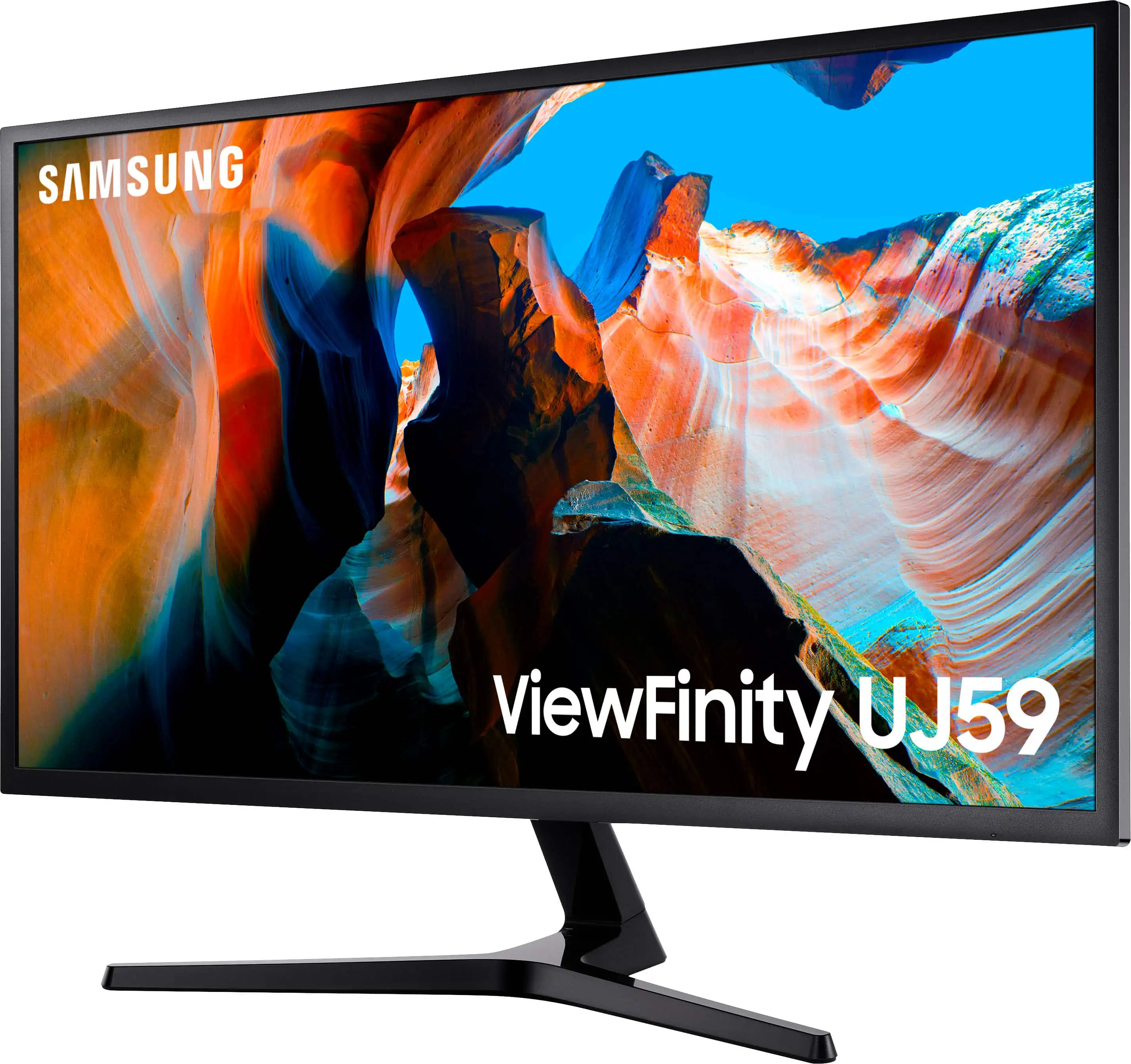
| 8GB RAM enables modern transformer models | Requires DisplayPort monitor or adapter |
| Runs NVIDIA AI stack (Isaac, DeepStream, Riva) | Frequent boot and flashing issues reported |
| Super mode boosts to 67 TOPS | Poor documentation for beginners |
| Affordable after price drop to $249 | Limited for heavy LLM training |
| Strong community support | Bluetooth/audio issues in Ubuntu |
| Long-term software support until 2027 | Not suited as a general-purpose computer |
Claims vs Reality
NVIDIA markets the Jetson Orin Nano as delivering up to 40 TOPS of AI performance and “running all modern AI models” with ease. In practice, users confirm that transformer-based models, vision transformers, and YOLO object detection workflows perform well — but the ease-of-use claim falters. Reddit user hue*** recounted: “It is not plug and play by any means. You’d think the board would be loaded with the latest development kit ready to go but requires additional setup… after multiple freezes and reimages, I’m ready to stomp this board into the trash can.”
Another headline claim is that setup is “simpler than ever.” While experienced developers appreciate the standardized NVIDIA AI stack, multiple reports suggest the opposite for new users. A verified buyer on Fakespot noted: “I bricked the install three times… the documentation of some seemingly simple tasks was not clear.” This gap between marketing and onboarding reality is the single most consistent friction point.
Finally, NVIDIA’s “Super” software update promises a 1.7x boost in generative AI performance. Here, user feedback aligns with the claim — those who enabled max power mode via sudo nvpmodel -m 2 saw tangible gains in LLM and VLM throughput. A Reddit user tracking model speeds said: “Running LLaMA 3.2 3B jumped from ~27 tokens/sec to over 43 tokens/sec after the update.”
Cross-Platform Consensus
Universally Praised
Performance is the strongest selling point. Developers in robotics and computer vision highlight the Orin Nano’s ability to run complex inference pipelines locally. One Reddit user working with YOLOv11 for video object detection said: “It has easily 40% vRAM available during processing” — enough headroom for real-time tasks. Robotics developers benefit from Isaac ROS acceleration, with NVIDIA’s own benchmarks showing visual SLAM and stereo disparity running under realistic load.
The price drop to $249 for the Super version drew praise, particularly from hobbyists and students. Trustpilot reviewers describe it as “fast and works great for my robotics projects” once properly set up. Long-term viability is another plus: the Jetson Orin Nano will receive updates until April 2027, making it a safer investment than the EOL Jetson Nano.
Super mode’s boost to 67 sparse TOPS and 102 GB/s memory bandwidth transforms the board’s generative AI utility. Developers deploying LLaMA, Qwen, and vision transformers report real improvements. NVIDIA’s own data shows frame rates for CLIP-ViT models jumping 60–69% — a boon for edge deployments needing multimodal reasoning.
Common Complaints
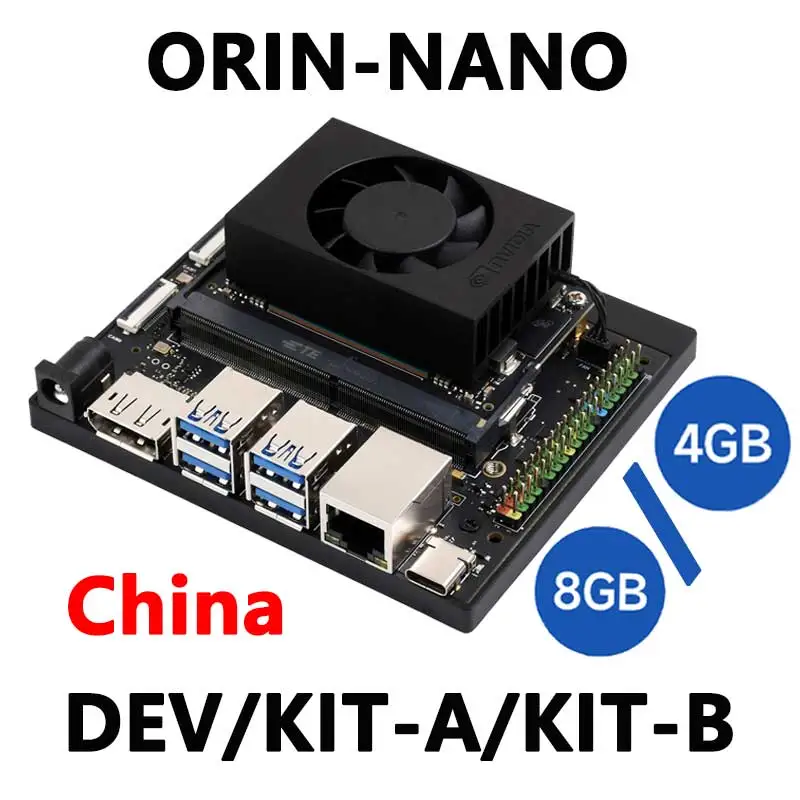
Setup complexity overshadows the hardware’s potential. Multiple users emphasize the need for a secondary x86 machine to flash firmware — a dealbreaker for those without one. “You cannot turn on the Orin and use it without a second machine,” warned one Reddit poster. DisplayPort-only video output adds friction; hue*** detailed buying adapters that didn’t work before settling on DisplayPort-to-HDMI.
Software stability is another recurring pain point. Ubuntu’s Bluetooth stack caused failed mic pairing for voice models, while attempts to run Stable Diffusion led to system freezes requiring reimaging. Boot issues with NVMe SSDs are common; some had to comment out /etc/fstab entries to boot.
Documentation gaps exacerbate these problems. Piveral’s help docs list vague errors like “test key is used” without actionable fixes, and SDK Manager bugs prevent board detection. Even experienced users admit to “a few days of experimentation” just to get it flashed.
Divisive Features
The 8GB RAM spec sparks mixed reactions. For inference tasks, it’s “about the minimum RAM needed to do anything on a Jetson,” as one Reddit commenter put it. But for training large language models locally, it feels cramped — “too small for me for LLM, I have less than 4GB available running JetPack in interface mode,” another user noted.
Super mode’s higher power draw (up to 25W) divides users. Performance-focused developers welcome it, while those in embedded, low-power applications worry about thermal and battery impact. The reliance on DisplayPort is also split — professionals see it as standard, hobbyists often find it an unnecessary hurdle.
Trust & Reliability
Trustpilot’s adjusted rating of 4.1/5 suggests overall satisfaction among those prepared for hardware quirks. Fakespot analysis found “minimal deception” and high review quality, but several verified buyers caution that “you will be messing with hardware and not just jumping into programming.”
Long-term reliability stories are scarce, yet early adopters of the original Orin Nano report the hardware holding up under continuous inference loads. However, the absence of plug-and-play ease means many boards sit idle after initial frustration — as hue*** admitted, “Maybe I’ll pick it up again after some time but for now… not worth the hassle.”
Alternatives
Within the Jetson family, the Jetson Orin NX 16GB emerges as a viable alternative for heavier workloads. One Reddit user who moved from Nano to NX said: “Glad I went for the NX… faster, more RAM, and better suited for LLM + voice assistant integration.” The older Jetson Nano, while cheaper, is effectively a “dead end” due to its EOL status and outdated software stack (JetPack 4.6.4 / Ubuntu 18.04).
Price & Value
At launch, the Orin Nano was $499, but the Super update and price drop to $249 significantly improve its value proposition. eBay listings hover between $275–$720 depending on configuration and seller location. Resale value is expected to hold better than the Jetson Nano due to ongoing support until 2027.
Community buying tips include sourcing from official distributors to ensure compatibility with NVIDIA’s carrier board, and budgeting for necessary peripherals: DisplayPort monitor/adapters, secondary flashing machine, and possibly an NVMe SSD for performance over microSD.
FAQ
Q: Can the Jetson Orin Nano train AI models effectively?
A: It can handle small-scale training (e.g., image classifiers, lightweight RL agents) but most users train on a host machine and deploy to Orin Nano for inference.
Q: Do I need a second computer to set it up?
A: Yes, for flashing firmware and initial configuration. Many users recommend an x86 Ubuntu machine or Windows with WSL2.
Q: Is the Super mode upgrade hardware or software?
A: Software — existing Orin Nano owners can enable it via JetPack 6.1 and max power mode settings.
Q: What are common setup pitfalls?
A: DisplayPort-only video output, NVMe boot issues, SDK Manager detection failures, and Bluetooth device pairing problems.
Q: How does it compare to Jetson Nano for beginners?
A: Far more powerful and future-proof, but significantly harder to set up without prior embedded systems experience.
Final Verdict: Buy if you’re an AI developer or robotics engineer comfortable with hardware setup and troubleshooting — you’ll get long-term support, strong inference performance, and a thriving community. Avoid if you expect a turnkey experience or plan to use it as a general-purpose PC. Pro tip from the community: secure a compatible DisplayPort monitor and a secondary machine before unboxing, to save hours of frustration.