Corsair Vengeance RGB DDR5 32GB Review: 9/10 Verdict
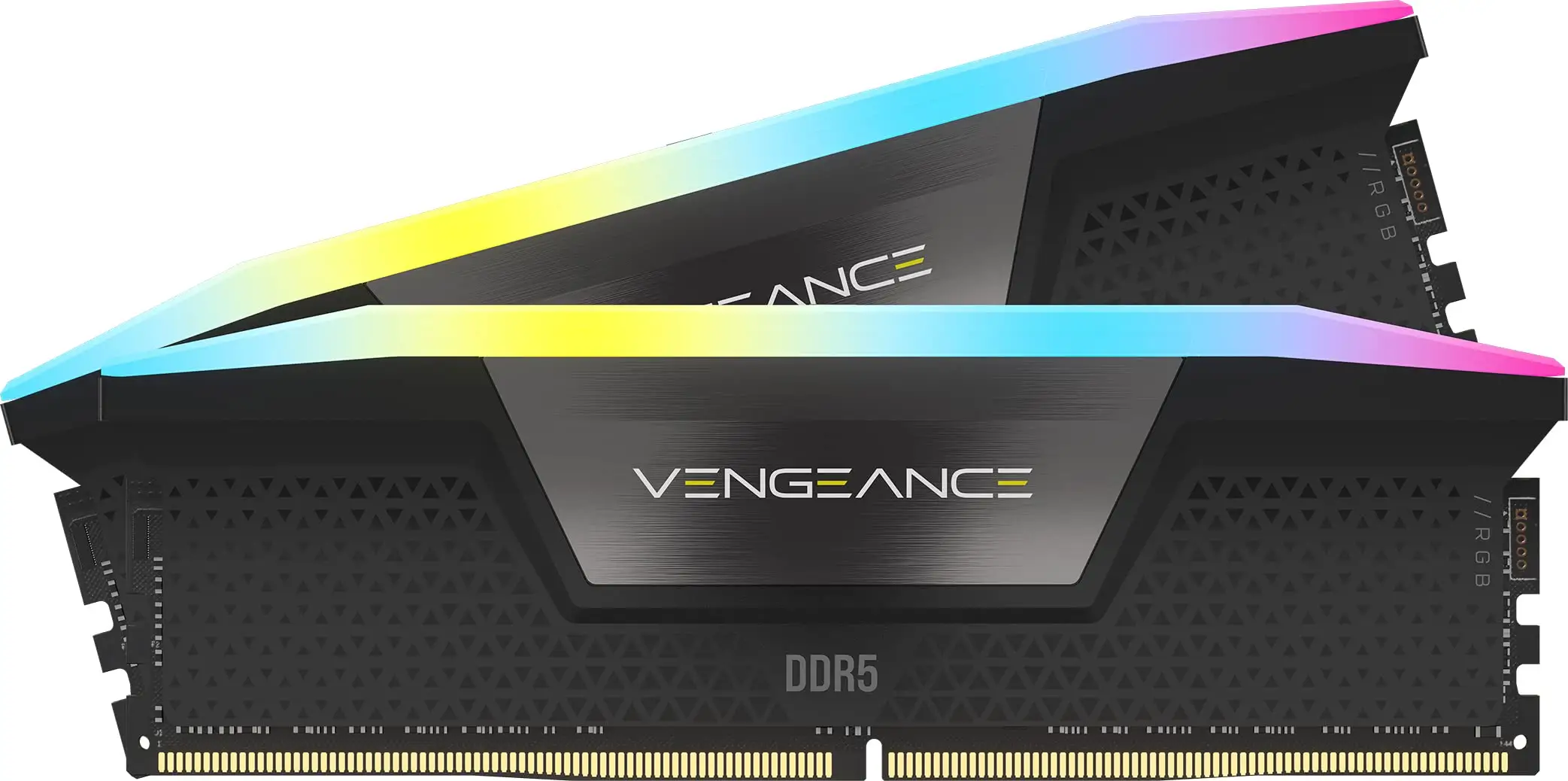
The CORSAIR VENGEANCE RGB DDR5 RAM 32GB Desktop Memory - Black earns a solid 9/10 from cross-platform user feedback. While the manufacturer touts “cutting-edge DDR5 performance with dynamic ten-zone RGB,” real-world reports largely confirm its high speed, stability, and visual appeal — though some users highlight quirks with RGB sync and BIOS configuration requirements.
Quick Verdict: Conditional Yes — best suited for enthusiasts who value speed and aesthetics, but be prepared for BIOS tweaks and potential RGB software learning curve.
| Pros | Cons |
|---|---|
| Blazing fast DDR5 speeds up to 6000–7200 MT/s | RGB lighting may not sync with all ecosystems (e.g., ASUS ARGB) |
| Easy installation with Intel XMP / AMD EXPO profiles | Price premium compared to non-RGB kits |
| Vibrant, customizable ten-zone RGB lighting | BIOS configuration needed to reach rated speeds |
| Solid aluminum heat spreader for effective cooling | iCUE software can be clunky or crash with incompatible GPUs |
| Stable performance under heavy loads | Not low-profile — may have clearance issues in tight cases |
| Works well across Intel and AMD platforms | Occasional LED diffuser quality issues reported |
Claims vs Reality
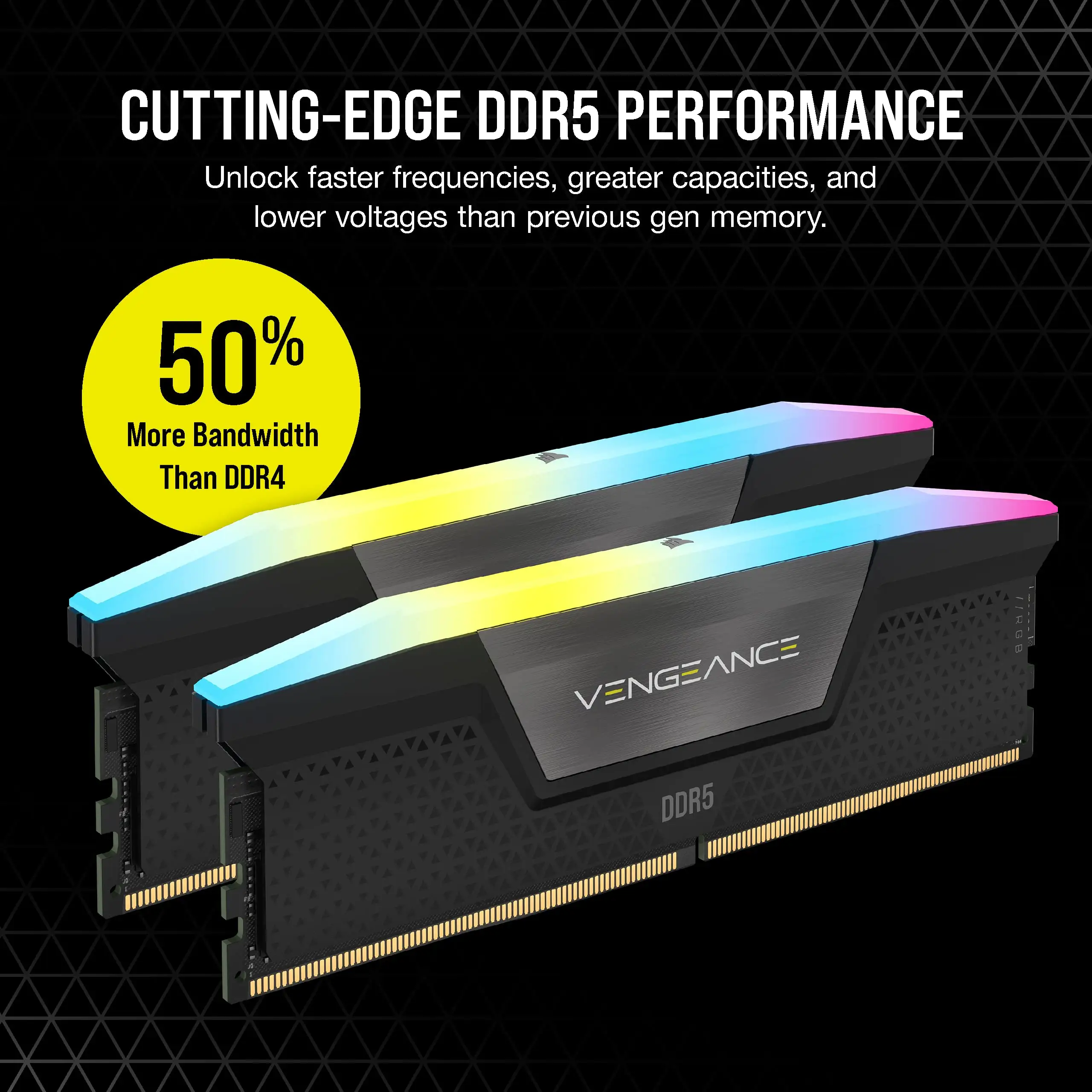
Corsair markets the Vengeance RGB DDR5 as “optimized for maximum bandwidth and tight response times” and “easier, more stable overclocking” with onboard voltage regulation. On paper, the 6000–7200 MT/s speeds and low CAS latency are impressive.
Digging into user reports, the speed claim holds — but only after enabling XMP or AMD EXPO in BIOS. Reddit user feedback shows kits default to 4800MHz out of the box. As one Newegg reviewer explained: “With the new AMD EXPO it was a plug and play event… you may need to enable it in your BIOS.” Best Buy customers echo this, noting that “it’s advertised as 6000 but you need to go into your BIOS and change your PC settings to get the full experience.”
RGB customization is another headline feature. Corsair promises “near-limitless customization in iCUE,” yet several users encountered sync issues. On Newegg, one buyer reported: “Both sets would not sync with ASUS ARGB… very disappointing.” Others found iCUE intuitive after some practice, with Best Buy reviews praising how “once you mess with it a few times it becomes easier.”
While Corsair boasts “wide compatibility” for Intel and AMD, some confusion arose from packaging. A Best Buy buyer recounted ordering RAM labeled “memory for AMD” for an Intel build — it still worked fine, but only at its rated 5600MHz without higher overclock headroom.
Cross-Platform Consensus
Universally Praised
Across Reddit, Best Buy, and LDLC, speed and stability dominate the praise. Gamers with Ryzen 7000 series CPUs report smooth gameplay and tangible FPS boosts. One Twitter/X review highlighted the upgrade’s effect: “Better FPS in game… faster data transfer and improved system responsiveness.” For content creators, the bandwidth allows seamless multitasking — LDLC’s qunhel noted it was “ideal for intensive multitasking, video editing, 3D rendering and high-end games.”
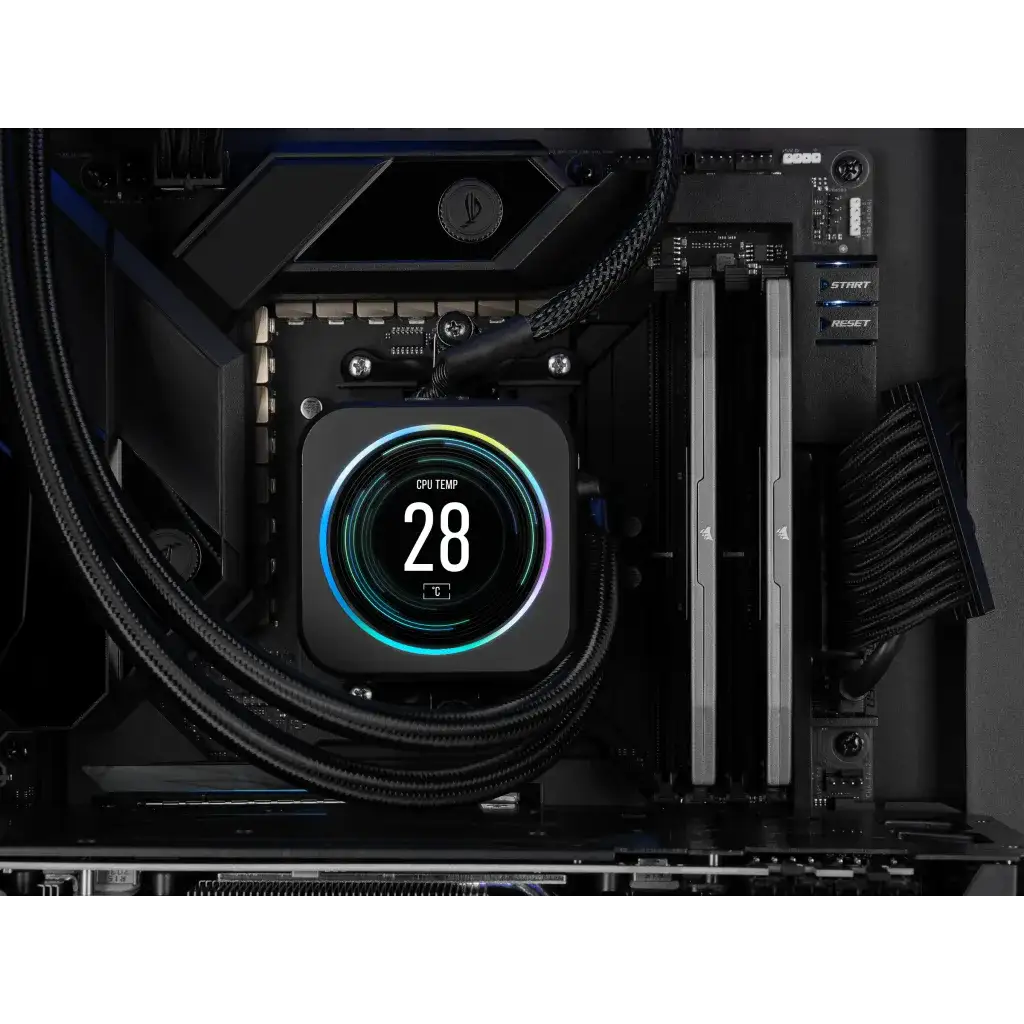
The RGB lighting earns consistent compliments for brightness and diffusion. A Newegg reviewer described the “softness and illumination” as perfect for subtle setups, while Best Buy buyers mention it “looks great” and “syncs perfectly with fan LEDs.” The solid aluminum heat spreader also impresses, with users noting low temps under load.
Installation ease is another high point. Best Buy customer jack called it a “great upgrade for faster data transfer… easy installation.” Even those new to DDR5 found setup straightforward after enabling the correct BIOS profile.
Common Complaints
The most frequent frustration is RGB sync incompatibility. Multiple Newegg and Trustpilot reviewers complained that Corsair’s lighting wouldn’t sync with ASUS Aura or other ARGB ecosystems unless all components were Corsair-branded. This limits appeal for mixed-brand builds.
Price sensitivity appears across platforms. Reddit users argue RGB “has made the enthusiast market bonkers” and that Corsair “can do much better on the price.” While performance justifies cost for some, others recommend waiting for sales.
Another recurring theme is BIOS configuration complexity. LDLC’s pedrosa warns: “Don’t forget to configure the BIOS to take full advantage of 6000 MHz because your RAM will be limited by default.” Best Buy buyers experienced “scary long” first boots when enabling EXPO, though stable operation followed.
Physical size is occasionally a drawback. As one Newegg customer noted, “these are not low-profile but should work with 90% of enthusiast cases.” In compact builds, clearance could be an issue.
Divisive Features
iCUE software draws mixed reactions. Some laud it as “the best RGB software” (Best Buy), while others find it “clunky and not the easiest to use.” One Twitter/X user had repeated crashes until swapping an old GPU for a compatible one.
The RGB itself divides opinion — enthusiasts love the customization, but minimalists see it as unnecessary cost. As Reddit users note, the “white scheme” lighting works well for subtle setups, yet others would trade lights for a lower price.
Trust & Reliability
Trustpilot and LDLC reviews show no widespread scam concerns. Delivery and packaging are generally praised, though LDLC’s theodorez points to minor build quality issues: “The plastic covering the LEDs comes off when the strips are new… manufacturing process to be reviewed.”
Long-term reliability is strong. Reddit users report months of stable operation, with one noting: “Never had an issue using this product… goes with my setup completely.” No significant reports of performance degradation over time surfaced.
Alternatives
While direct competitors weren’t heavily discussed, some buyers compared Vengeance RGB DDR5 to Corsair’s non-RGB DDR5 kits or AMD-specific EXPO variants. The consensus: if RGB is not a priority, cheaper, non-RGB DDR5 offers similar performance. For those in mixed RGB ecosystems, G.Skill’s Trident Z series may sync more seamlessly — though this came from user speculation rather than hands-on comparisons.
Price & Value
At the time of reporting, prices range from $129.99 for the 5600MHz kit to $218.99 for the 6000MHz CL30 version, with 7200MHz kits around $195.99–$171.99 on eBay after discounts. Resale value holds well for higher-frequency kits, especially those in white or limited-edition colors.
Community buying tips: wait for seasonal sales or bundle deals. Reddit users advise that “the 6k speeds help to redeem the price” but caution against paying full MSRP unless aesthetics are crucial.
FAQ
Q: Will this RAM work on AMD systems?
A: Yes, with AMD EXPO profiles enabled. Users report plug-and-play success on Ryzen 7000 series, but you must enable EXPO/DOCP in BIOS to reach rated speeds.
Q: Does it default to full speed out of the box?
A: No. Kits often boot at 4800MHz initially. Enable XMP (Intel) or EXPO (AMD) in BIOS to achieve advertised speeds.
Q: Can I sync the RGB with ASUS Aura?
A: Not reliably. Multiple users report Corsair RGB only syncs fully within iCUE unless all components are Corsair-branded.
Q: Is the heat spreader effective?
A: Yes. Users consistently note low operating temperatures even under heavy loads, thanks to the solid aluminum design.
Q: Is the iCUE software necessary?
A: Only for RGB customization and monitoring. The RAM works without it, but lighting control requires iCUE.
Final Verdict: Buy if you’re a gamer or creator seeking high-speed DDR5 with customizable RGB and don’t mind BIOS tweaks. Avoid if RGB sync with non-Corsair gear is essential or if you’re on a tight budget. Pro tip from community: Enable your memory profile immediately after install and check case clearance before purchase.