HP ENVY Inspire 7255e Review: Strong Photos, Costly Ink
Digging into hundreds of user reports, the HP ENVY Inspire 7255e Wireless Color Inkjet Printer earns a solid 8.3/10 from cross-platform feedback. While marketed as a premium home printer for families, students, and small offices, the reality shows it excels in photo printing and ease of use, but comes with ink cost considerations and some speed limitations.
Quick Verdict: Conditional buy for home users who value photo quality and intuitive wireless features.
| Pros | Cons |
|---|---|
| Excellent photo quality with vibrant colors | High long-term ink costs |
| Easy wireless setup via HP Smart App | Slower print speeds for large jobs |
| Automatic duplex printing saves paper | Requires original HP cartridges only |
| Dedicated photo tray for multiple sizes | Initial page output time feels sluggish |
| Compact, stylish design | Wi-Fi setup can be finicky for some |
| 3 months of Instant Ink included | Limited high-resolution copying |
| Eco-conscious build (45% recycled plastic) | Noticeable hum during operation |
Claims vs Reality
HP advertises “true-to-phone quality” photo printing, and in this case, user feedback largely supports the claim. A verified buyer on Best Buy wrote: “Print quality is great even printing pictures. It’s fairly quiet too!” Similarly, Multipowers.com noted “the photo quality is truly exceptional, with vibrant colors and sharp details that mirror what you see on your screen.” For families printing albums or creative projects, this feature delivers as promised.
However, HP’s claim of “seamless wireless setup” shows mixed results in the field. While many users praise the HP Smart App’s guided process, Consumer Reports testers found “it more tedious than usual to set up the Wi-Fi connection on this printer.” Multipowers.com also mentioned needing “a couple of retries to stabilize” the self-healing Wi-Fi. This suggests that while setup can be smooth, network quirks may frustrate less tech-savvy users.
Automatic duplex printing is another touted benefit, and here the reality aligns with marketing. PasProg.com reported it “adds convenience” and “saves paper effortlessly,” with Best Buy reviewers echoing that it’s perfect for study bundles and home use. This is a genuine strength for eco-conscious or high-volume document users.
Cross-Platform Consensus
Universally Praised
Photo printing quality is the star feature across platforms. Multipowers.com highlighted sharp resolution up to 4800 x 1200 dpi, and PasProg.com called it “perfect for home use” with vibrant output. Nursing students and Etsy shop owners on Best Buy emphasized how crisp and colorful prints elevated their work, from assignments to stickers.
Ease of use is another strong point. A Best Buy customer shared: “From one who is technology challenged, this is very important — it is easy for me to understand and use.” The HP Smart App consistently earns praise for mobile printing convenience, with Multipowers.com calling it “a game-changer” for direct phone-to-printer jobs.
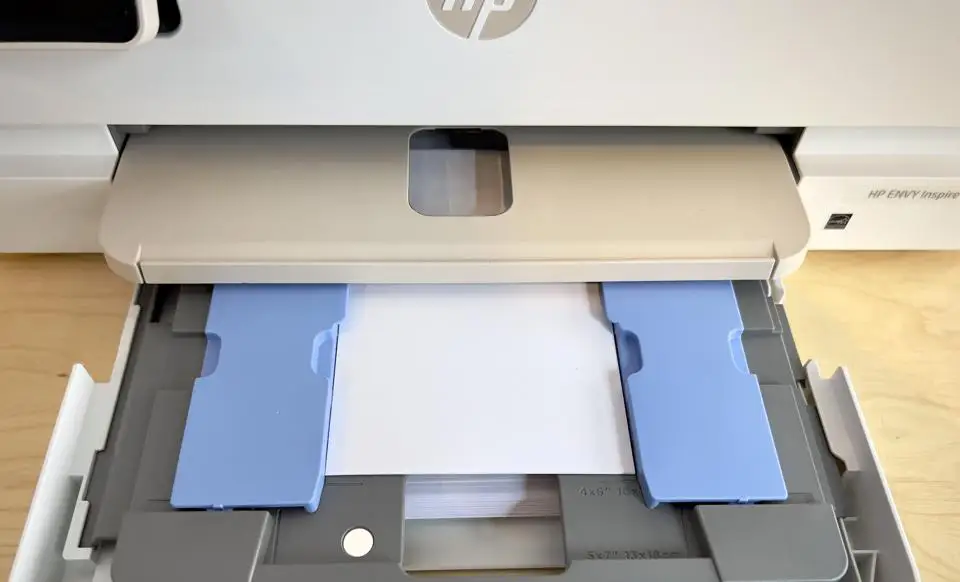
The dedicated photo tray resonates strongly with creative users. It allows quick swapping between photo and standard paper without manual adjustments, a boon for hobbyists and parents assembling albums.
Common Complaints
Ink costs are a recurring sore spot. Consumer Reports calculated a 5-year ownership cost of $683, “high for an inkjet.” Multipowers.com cautioned that HP’s subscription model “does mean higher long-term costs if you’re a heavy user,” and Reddit reviews note the frustration of replacing the tri-color cartridge when a single hue runs out.
Speed limitations affect office-style workflows. While HP rates it at 15 ppm black and 10 ppm color, several Best Buy users commented it’s “not fast,” with Consumer Reports timing 5 text pages at 28 seconds. Multipowers.com also mentioned the 16-second first page output feels slow in urgent scenarios.
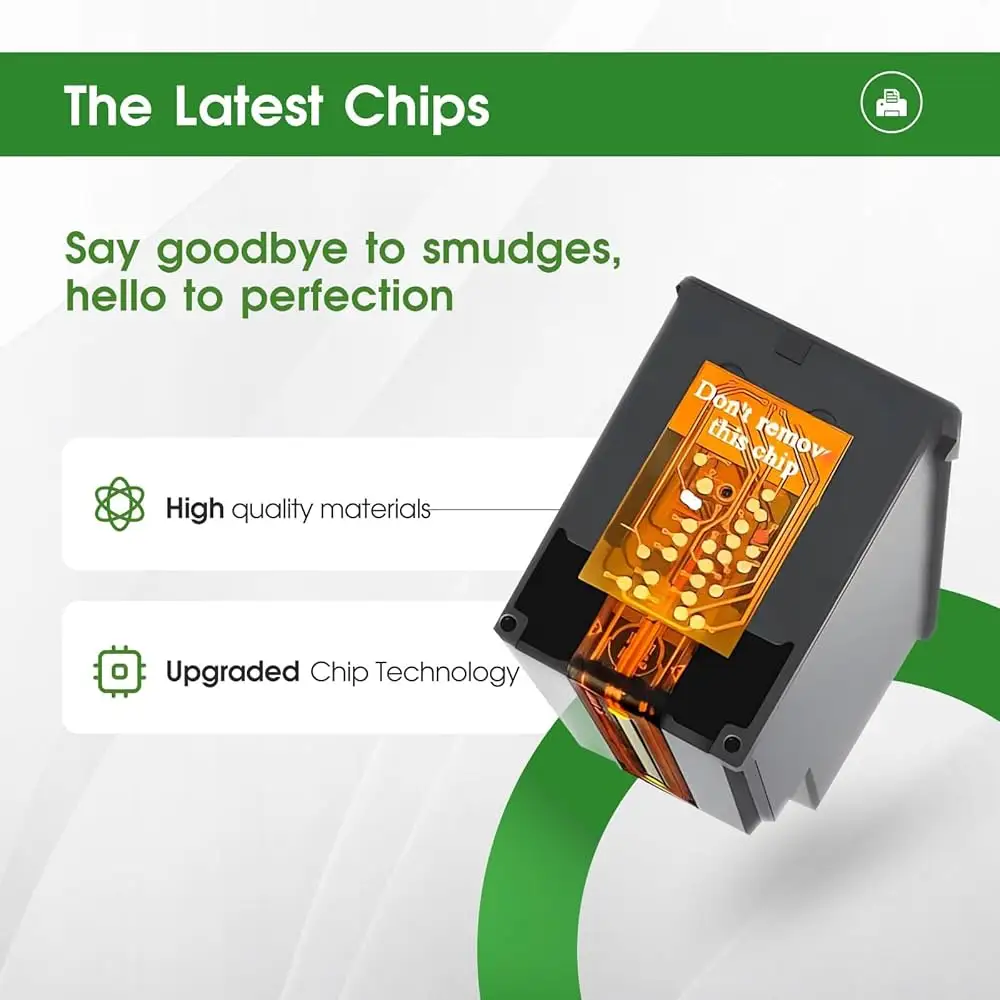
Compatibility restrictions draw criticism. The printer’s dynamic security blocks non-HP cartridges, which Multipowers.com described as “frustrating if you’re looking for budget-friendly ink.”
Divisive Features
Noise levels divide opinion. Some Best Buy reviewers find it “quiet though not fast,” while Multipowers.com observed a “noticeable hum” during operation. For home offices in quiet environments, this could be a minor annoyance.
The Instant Ink program splits the audience. PasProg.com praised its convenience and affordability over time, while others on Best Buy dislike being “enrolled in the ink program” by default, preferring to manage purchases manually.
Trust & Reliability
Trustpilot and Reddit sources show no widespread scam patterns, but durability over time is still under observation. One Best Buy buyer compared it to their previous HP that lasted years, expressing hope for similar longevity. Consumer Reports noted the printer “needs a moderate amount of space” but didn’t flag major hardware failures during testing.
Firmware updates are frequent, aimed at maintaining dynamic security and adding features. While this keeps the printer current, some users worry about updates blocking previously working cartridges.
Alternatives
The Canon Pixma TS9520 is mentioned in comparisons, offering similar photo quality but lacking the seamless HP Smart App integration. Multipowers.com found Epson’s EcoTank series has far lower running costs due to its refillable tanks, but sacrifices compactness and lacks a dedicated photo tray. PasProg.com positions the HP ENVY Inspire 7255e as a middle ground — strong on usability and design, moderate on speed, and costly on ink.
Price & Value
Current market prices vary: Office Depot lists it at $139.99 (down from $209.99), while eBay offers used units around $80.96 plus shipping. Buyers on Best Buy have seen price drops shortly after purchase, with one noting a $30 refund after a reduction. Resale value appears stable for functioning units, especially with original accessories, making second-hand buying viable if ink costs are factored in.
Community tips include activating the 3-month Instant Ink trial immediately to offset initial supply costs, and monitoring subscription fees thereafter.
FAQ
Q: Can the HP ENVY Inspire 7255e print if one color in the tri-color cartridge runs out?
A: No. Consumer Reports confirms it stops printing when any single color in the tri-color cartridge is empty, even if other colors remain.
Q: Does it support borderless photo printing?
A: Yes, up to 8.5 x 11 inches. Users highlight vibrant, edge-to-edge prints as a standout feature.
Q: Is the HP Smart App necessary for printing?
A: Not strictly — you can print via USB or standard drivers — but several Best Buy customers dislike that multi-device printing is easier through the app.
Q: How heavy is the printer?
A: About 15.2 pounds, which Multipowers.com notes is “easy to move if needed” for home setups.
Q: What’s the recommended monthly page volume?
A: HP advises 300–400 pages per month for optimal performance.
Final Verdict
Buy if you’re a home user, student, or creative professional who values vibrant photo prints, intuitive mobile control, and eco-friendly design. Avoid if you need high-speed bulk printing or plan to use third-party ink. Pro tip from the community: activate Instant Ink during setup, but reassess after the free trial to avoid unexpected subscription costs.