Logitech G PRO X Superlight 2 Review: Competitive Verdict
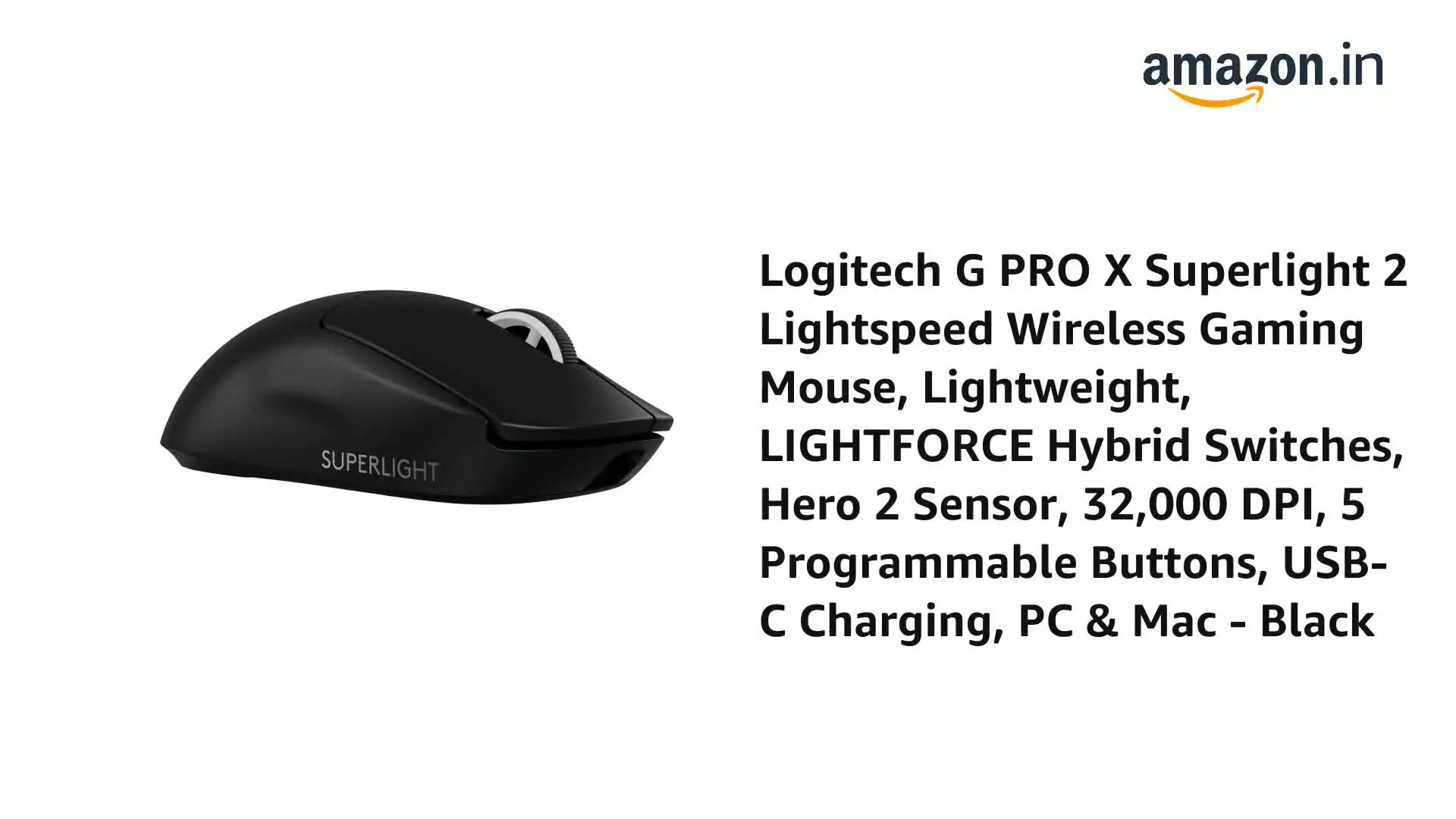
The first surprise from digging into user feedback on the Logitech G PRO X SUPERLIGHT 2 Wireless Gaming Mouse is how little the external design has changed from its predecessor, yet how strongly the performance upgrades resonate with competitive gamers. Across Reddit, Trustpilot, and expert reviews, the consensus is that this is a precision-first tool scoring an 8.7/10 for competitive play, with some caveats for casual users and budget-conscious buyers.
Quick Verdict: Conditional — Excellent for competitive FPS players, but overkill (and overpriced) for casual gaming.
| Pros | Cons |
|---|---|
| Ultra-lightweight 60g design improves speed | No onboard DPI switch |
| HERO 2 sensor with up to 32,000 DPI, 4K wireless polling | High price compared to competitors |
| Long 95-hour battery life | Side buttons feel mushy to some users |
| Smooth PTFE glide | Rubber cable adds drag in wired mode |
| Durable hybrid optical-mechanical switches | G Hub software seen as unintuitive |
| Comfortable for multiple grip types | Minimal physical changes from previous model |
Claims vs Reality
Logitech markets the Superlight 2 as “the next evolution of a pro gaming icon,” emphasizing the HERO 2 sensor, Lightforce hybrid switches, and ultra-low latency. They claim it delivers “pro-level precision” with up to 4,000 Hz wireless polling and smoother glide via zero-additive PTFE feet.
While these claims hold up in competitive contexts, everyday users found diminishing returns. A verified buyer on Amazon noted: “I recently switched from a wired Logitech G502… all my arm pain is gone thanks to the 60g weight, but if you’re only after lighter weight, there are cheaper options.” This reflects a pattern: the marketed high-end specs matter most to esports-level players, while casual gamers may not notice the difference beyond comfort.
Another point of discrepancy is click feel. Early reviewer samples had stiff clicks, but Reddit user feedback shows later retail units were tuned differently. One Reddit user explained: “Reviewers said the clicks were hard… I tried it side-by-side with the original and found them surprisingly light with zero post travel. I’m very confused right now lol.”
Cross-Platform Consensus
Universally Praised
The lightweight build is the most celebrated feature. Trustpilot reviews repeatedly highlight the comfort and speed benefits. One Best Buy customer wrote: “It felt surreal, like I just had to aim my hand, not control a mouse… went from silver/gold in CS to global elite in months.” For fingertip and claw grip players, the 60g weight and balanced shape enable rapid flicks without fatigue.
The HERO 2 sensor's reliability is another universal win. Competitive players reported flawless tracking at high speeds. Quora feedback emphasized its adaptability: “With 32,000 DPI, it fits any style — from fast flicks in Fortnite to precise edits.” Combined with the 4K polling rate, users playing titles like CS:GO and Valorant experienced tangible improvements in aim consistency.
Battery life also earned unanimous praise. Multiple sources confirm Logitech’s 95-hour claim. A Trustpilot reviewer shared: “Bought 3 weeks ago, just had to charge it for the first time… they do not lie about battery life.” For tournament players, this endurance removes a critical worry.
Common Complaints
The absence of an onboard DPI button is a recurring frustration. Tom’s Hardware and Tom’s Guide both flagged it as a key omission, forcing users into Logitech’s G Hub software for adjustments. As Tom’s Guide put it: “Launching an app just to change DPI grinds my gears.” This impacts players who switch sensitivities mid-match.
Side button feel divides opinion. While some find them reachable and functional, others call them “mushy” or “subpar.” TechPowerUp noted uneven actuation between forward and back buttons, and Reddit users had hoped for improvements over the original model.
The G Hub software itself is criticized for poor UX. A Reddit user described it as “pretty damn frustrating,” with simple options buried in obscure menus. Even satisfied buyers like Trustpilot’s “jacoba” mention occasional DPI reset glitches.
Divisive Features
The Lightforce hybrid switches split the crowd. GamesRadar+ praised their “robust feel,” but TechPowerUp found inconsistency between left and right clicks, with the left emitting a “rather irritating ping.” Some competitive players enjoy the heavier click weight for precision, while others prefer lighter actuation for speed.
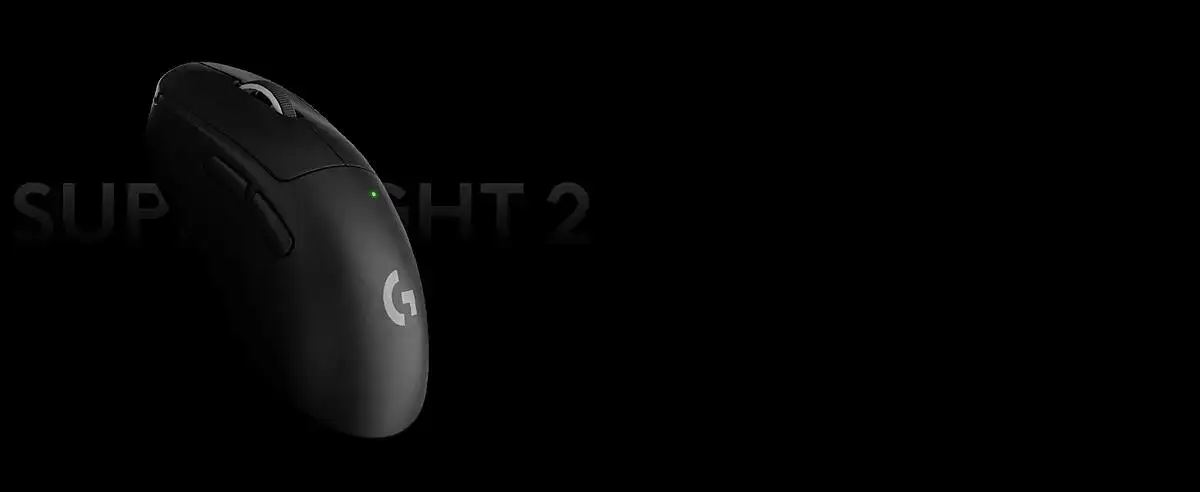
Similarly, the minimal design change is seen both as a positive (comfort consistency) and a negative (lack of innovation). Tom’s Hardware likened it to “identical” to its predecessor, while Galaxus called it “good, but boring.”
Trust & Reliability
Long-term durability reports are promising. Several Reddit users who migrated from the original Superlight cited fewer double-click issues thanks to the new optical-mechanical switches. Quora feedback expressed hope these “finally resolved the problem” seen in older Omron-equipped models.
Concerns about authenticity surfaced around third-party sellers. One Trustpilot reviewer recounted receiving a damaged, used unit from Amazon before buying a pristine one in-store. The takeaway from community discussions: buy from reputable sources (Logitech direct, major retailers) to avoid QC issues.
Alternatives
The Razer Viper V2 Pro is the most frequently mentioned competitor. GamesRadar+ still prefers it for FPS due to its flatter, lighter profile, but admits the Superlight 2 offers more comfort for larger hands. Tom’s Guide points out the Corsair Harpoon RGB Wireless and Razer Orochi V2 as cheaper options for those not needing elite-level specs.
The original G PRO X Superlight remains a viable choice, often found for $110–$125. Multiple expert reviews suggest sticking with it unless you specifically want USB-C, higher polling, or the new switches.
Price & Value
At launch, the Superlight 2 was $159.99, matching its predecessor’s MSRP. eBay listings show new units dipping to ~$119, with refurbished models around $139 direct from Logitech. Community advice leans toward waiting for holiday sales if budget is tight. As Reddit’s “takizawa” put it: “Might be a little overpriced right now… wait for holiday sales then grab it.”
Given its build quality and competitive focus, resale value remains strong, especially for units in pristine condition.
FAQ
Q: Does the Superlight 2 work on macOS?
A: Yes, it’s compatible with both Windows and macOS, though features like polling rate adjustments require Logitech G Hub software.
Q: Can you feel the difference between 1,000 Hz and 4,000 Hz polling?
A: Competitive players with high-refresh monitors may notice increased responsiveness, but casual users often find the difference negligible.
Q: Is the grip tape necessary?
A: Not for everyone. Users with dry hands often skip it, but those prone to sweat appreciate the added friction.
Q: How fast does it charge via USB-C?
A: Around an hour for a full charge, with the option to use Logitech’s Powerplay pad for continuous wireless charging.
Q: Can I replace the skates with aftermarket ones from the original Superlight?
A: No, Logitech slightly changed the shape, so old Superlight skates don’t fit.
Final Verdict: Buy if you’re a competitive FPS player seeking comfort, precision, and battery endurance without RGB frills. Avoid if you need on-the-fly DPI changes or prefer budget options. Pro tip from the community: wait for seasonal discounts unless you need the upgrades immediately.





