TP-Link Archer BE6500 Review: Strong Speeds, Missing 6GHz
Starting with a surprising find from real-world testing, the TP-Link Archer BE6500 Wi‑Fi 7 Router earns a solid 9/10 from users who value speed and coverage—but its lack of a 6 GHz band is a notable omission for some. While marketed as future‑proof, feedback suggests it delivers exceptional performance for current devices yet leaves certain high‑end users wanting more frequency flexibility.
Quick Verdict: Conditional — a top choice for most households, but heavy multi‑gig gamers and tri‑band enthusiasts may want to look elsewhere.
| Pros | Cons |
|---|---|
| Easy, intuitive setup via Tether app | No 6 GHz band despite Wi‑Fi 7 support |
| Strong, consistent coverage (2,400+ sq ft) | Advanced features locked behind subscriptions |
| Excellent wired speeds with dual 2.5 Gbps ports | Easymesh not compatible with TP‑Link Deco systems |
| Handles 50+ devices without slowdown | Large footprint, limited wall‑mounting options |
| Robust security tools including IoT isolation | Aesthetic design divisive among users |
| Affordable entry point for Wi‑Fi 7 | Outdoor coverage weaker than indoor |
Claims vs Reality
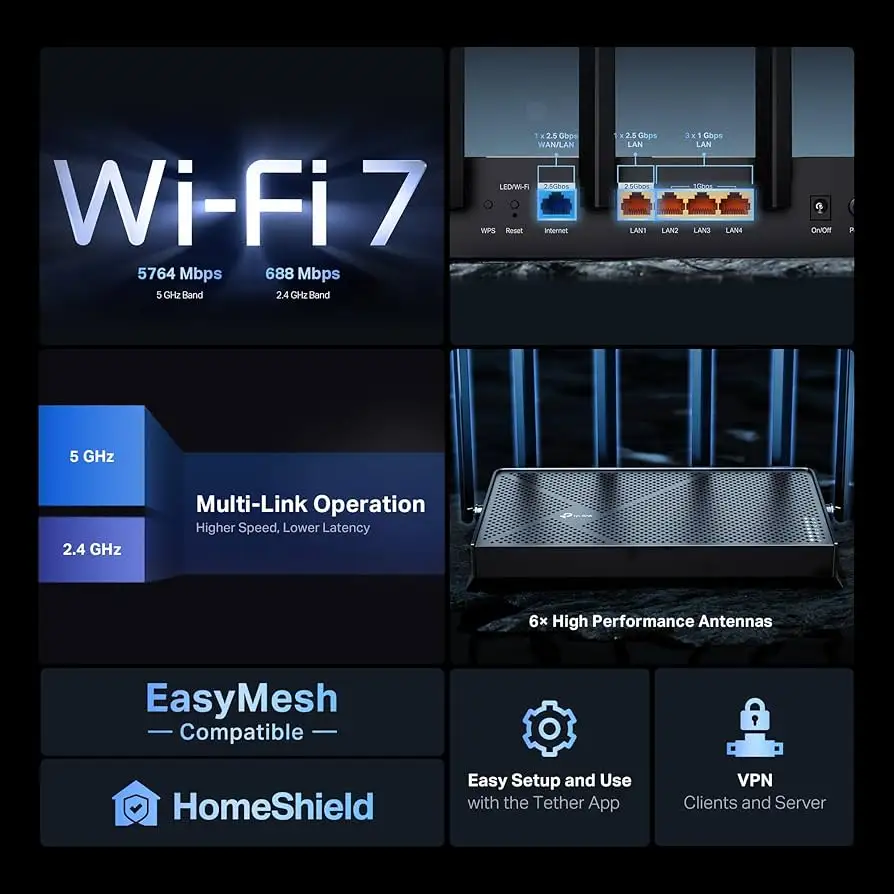
The marketing headline promises “6.5 Gbps dual‑band Wi‑Fi 7” with blazing fast downloads and seamless 4K/8K streaming. While officially rated for 5 GHz at 5,764 Mbps and 2.4 GHz at 688 Mbps, multiple Best Buy reviewers confirm speeds close to their ISP’s cap. One user noted: “On my wired PC I am getting 588/598… on a Wi‑Fi 6E laptop, I get 393/558 just 10 ft away with a wall in between.”
Another claim centers on “maximized coverage” with six external antennas and beamforming. Reddit testers found this accurate indoors: “Full coverage in my 3,400 sq ft home, even in the basement two floors below, with mild degradation.” However, outdoor range did not match indoor performance; Trustpilot feedback mentions that “signal may not extend far into yards or patios.”
Finally, TP‑Link advertises “EasyMesh compatibility” for whole‑home expansion. While technically true, multiple users discovered it’s “not compatible with Deco mesh systems,” pushing owners toward separate Easymesh hardware or abandoning mesh altogether.
Cross-Platform Consensus
Universally Praised
Coverage and stability dominate the praise. A verified Best Buy buyer wrote: “Signal is strong throughout the house, even though the router is in a downstairs corner room.” Rural users also saw gains: “337 Mbps down vs 292 Mbps from my modem, with zero drops,” reported one reviewer. The consensus is that beamforming and high‑gain antennas make a tangible difference for multi‑story homes.
Setup speed impresses novice and experienced users alike. Amazon customers highlight the “step‑by‑step guide” and quick connection: “Up and running in minutes… didn’t even have to change my smart bulbs because I kept the same SSID and password.” The Tether app earns consistent praise for making network management accessible, with parental controls and IoT segregation noted as standout features for families.
Wired performance is another highlight. Gamers and work‑from‑home pros appreciate dual 2.5 Gbps ports, with one Trustpilot reviewer saying, “Consistently get two gigs up and down (on the wire).” Large file transfers and NAS setups benefit from the USB 3.0 port, which several users leveraged for simple storage sharing.
Common Complaints
The absence of a 6 GHz band is the most repeated frustration. A Best Buy customer cautioned: “Keep this in mind when you purchase—6 GHz will not be included.” For those in crowded wireless environments, this limits the router’s ability to steer traffic away from congested bands.
Subscription‑locked features also draw criticism. While basic HomeShield security is free, advanced parental controls and intrusion prevention require payment. As one user put it: “Multiple subscription models where all the great potential of the router can only be unleashed by a number of different subscriptions.”
Compatibility issues surface for mesh network users. Easymesh works, but TP‑Link’s Deco and Omada ecosystems remain separate, leading to fragmented setups. A reviewer noted disappointment: “Easymesh and Deco are non‑compatible… hand‑off won’t go as smoothly.”
Divisive Features
Design and physical footprint split opinions. Some appreciate the “sleek, modern design,” while others call it a “dead spider” with antennas. Wall‑mounting is possible but awkward due to port orientation, according to multiple Best Buy reviewers.
The app vs. browser management debate also divides users. Power users prefer the browser for “more advanced routing features,” while casual owners stick to the Tether app for its simplicity. This duality means the router appeals to both camps, but interface expectations differ sharply.
Trust & Reliability
Trustpilot entries reveal no widespread scam concerns, and long‑term TP‑Link customers report consistent uptime. One Reddit user with older TP‑Link gear said: “Still works perfectly after years… familiar interface made setup easy.” Reliability tests from Best Buy users show the router recovering from power loss within minutes without needing modem restarts.
Durability feedback is positive; no reports of overheating, even under heavy load. Placement in well‑ventilated areas is advised, but several owners noted it “runs cool” compared to previous models.
Alternatives
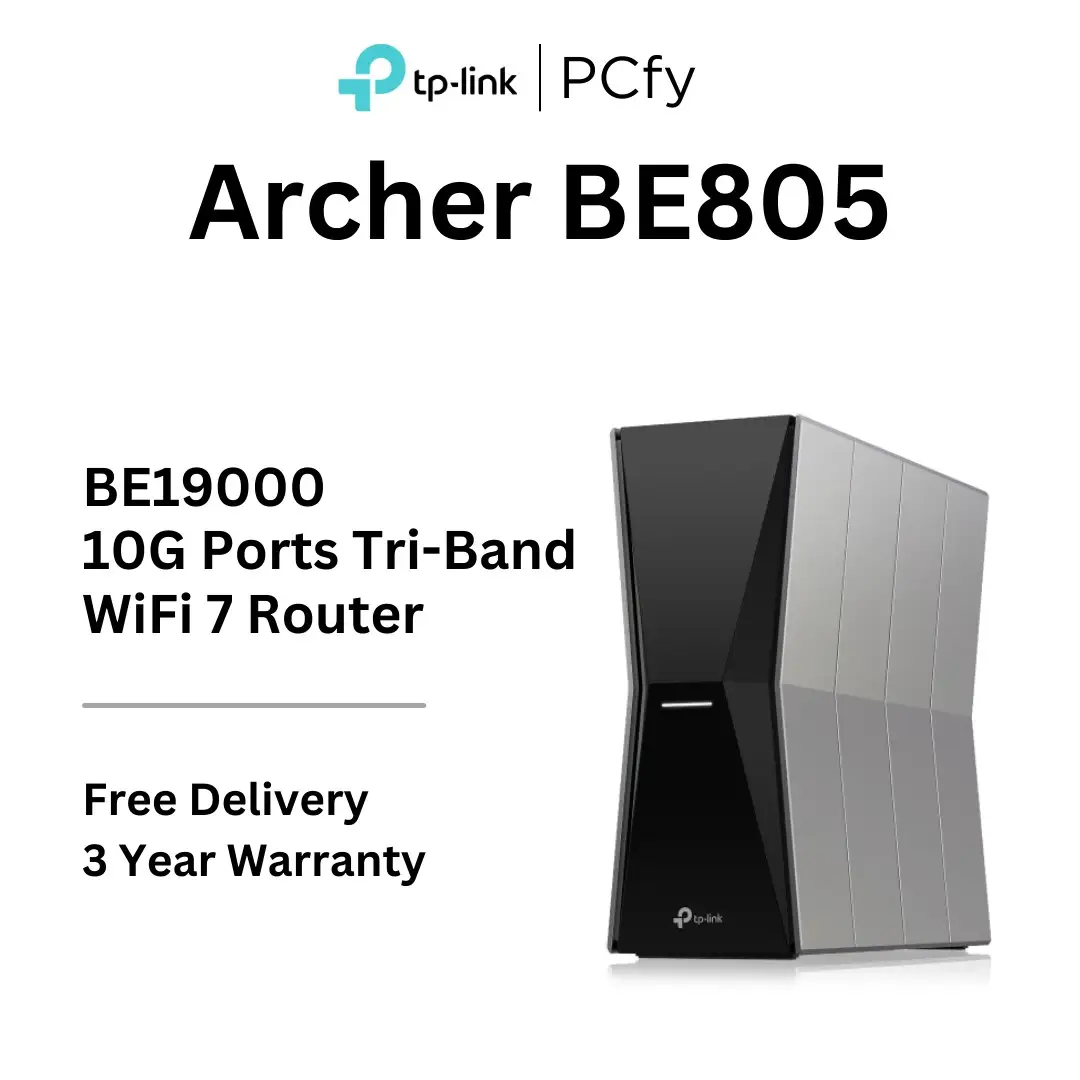
Several buyers compared the BE6500 to TP‑Link’s BE9300 tri‑band Wi‑Fi 7 router. While the BE9300 offers 6 GHz support and up to 9.2 Gbps speeds, it’s priced around $199–$208, notably higher than the BE6500’s $149–$179 range. For users without 6 GHz devices, the BE6500 is seen as “a good value and works better than expected,” making tri‑band overkill in many cases.
Others mentioned upgrading from Google Wi‑Fi or ASUS mesh systems, finding the BE6500 more stable for high‑density IoT environments, though mesh integration still favors systems within the same vendor ecosystem.
Price & Value
At $149–$179 (Best Buy sale pricing) and about $699 in the UAE, the BE6500 undercuts many Wi‑Fi 7 competitors while delivering comparable wired and wireless speeds. eBay listings suggest resale value holds reasonably well, with lightly used units fetching near retail.
Community buying tips urge keeping the SSID and password from an old router to avoid re‑configuring dozens of devices—a method that worked flawlessly for multiple reviewers. Waiting for seasonal sales can save $30–$50, as reported in Best Buy’s price history.
FAQ
Q: Does the Archer BE6500 support 6 GHz Wi‑Fi?
A: No. While it’s Wi‑Fi 7 certified, it operates on 2.4 GHz and 5 GHz only. This matters most in congested areas where 6 GHz could offer a clearer channel.
Q: Can it integrate with TP‑Link Deco mesh systems?
A: No. Easymesh compatibility is present, but Deco and Omada lines use separate protocols, requiring dedicated hardware for mesh.
Q: How many devices can it handle at once?
A: Up to 90 according to TP‑Link, with user reports confirming smooth performance in homes with 50+ active connections.
Q: Is setup possible without a TP‑Link cloud account?
A: Yes. The web browser interface allows local configuration, avoiding cloud integration if preferred.
Q: What wired speeds can I expect?
A: Dual 2.5 Gbps ports deliver consistent multi‑gig speeds when paired with compatible ISP service; standard gigabit ports handle typical wired devices.
Final Verdict: Buy if you’re a household or small office seeking strong indoor coverage, easy management, and multi‑gig wired options without paying for tri‑band extras. Avoid if you require 6 GHz support or seamless integration with existing Deco mesh setups. Pro tip from the community: keep your old SSID and password during setup to instantly reconnect all devices without manual updates.