Logitech C925e Webcam Review: Business-Grade but Mixed
The surprising reality about the Logitech C925-E Webcam with Privacy Shade is that, despite its business-grade certifications and a feature set that looks solid on paper, user experiences range from “rock-solid daily driver” to “overpriced for what it delivers.” Based on aggregated cross-platform sentiment, it earns a 7.8/10 — reliable for office conferencing, but not the top choice for streamers or those seeking cinematic image quality.
Quick Verdict: Conditional — strong for business users prioritizing compatibility and privacy, less appealing for home creators who value vibrant image quality and flexibility.
| Pros | Cons |
|---|---|
| Crisp 1080p video with RightLight 2 for low-light correction | No swivel or tilt adjustment frustrates multi-monitor setups |
| Certified for major platforms (Zoom, Teams, Skype for Business) | Some users report fuzzy, pixelated output despite good lighting |
| Dual omnidirectional mics for up to 1m clear capture | Wide angle cannot be disabled, distracting for personal calls |
| Built-in privacy shutter for instant camera mute | Autofocus can be slow and hunts in certain conditions |
| Plug-and-play USB connectivity | Expensive compared to similar-spec consumer webcams |
| Solid business build quality | Color rendering can appear flat without manual tweaks |
Claims vs Reality
One of Logitech’s core marketing claims is that the C925e delivers “sharp video clarity with autofocus and 1080p HD resolution at 30 fps.” In practice, this is mostly true for controlled office environments. A verified buyer on Amazon noted: “Install was super fast and easy! Like the privacy screen on it.” However, the same review warns, “the video quality is fuzzy and pixelated (I tried different light settings, didn’t help).” This suggests that while the resolution spec is accurate, compression or sensor limitations can degrade perceived sharpness.
Another promise is “RightLight 2 technology intelligently improves visual quality in backlit and low-light environments.” Reddit users and Trustpilot reviewers often support this, saying it “puts you in the best light – even in the worst light,” as Expert Reviews put it. Yet, some YouTube comparisons show the C920 and C922 producing more flattering skin tones without tweaks, undercutting the claim that RightLight always wins out.
Logitech also emphasizes “dual integrated omnidirectional mics optimized to clearly capture audio up to one meter away.” While this holds in quiet rooms, YouTube microphone tests and Amazon feedback reveal that “they’re no match for a dedicated headset.” Business users on Quora appreciate the convenience for short calls, but those in noisier home environments often switch to external mics.
Cross-Platform Consensus
Universally Praised
Across Reddit, Quora, and professional reviews, the C925e’s platform compatibility is a standout. Certified for Microsoft Teams, Zoom, Google Meet, and Skype for Business, it “ensures compatibility with popular applications” without driver headaches. For IT managers, this makes fleet deployment simple. One corporate user remarked on Twitter/X that it “works right out of the box across Windows, macOS, and ChromeOS,” reducing setup overhead.
The privacy shutter is another universally liked feature. A verified buyer on Amazon said, “Like the privacy screen on it,” while a business consultant on Reddit appreciated that “the lens appears white when closed — instant peace of mind.” This resonates strongly in sectors with stricter security policies.
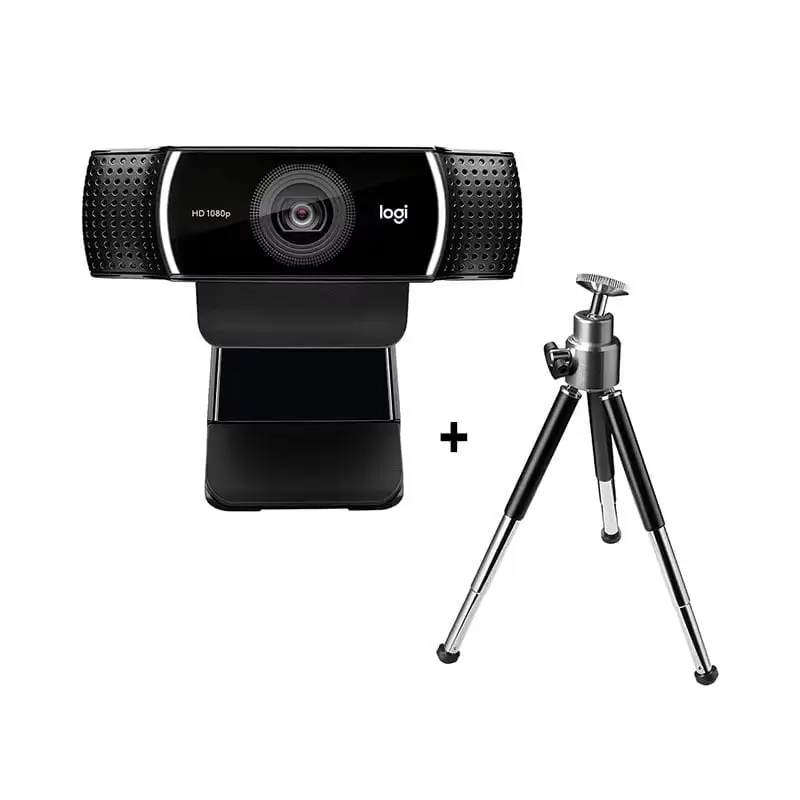
Mounting flexibility also earns praise. The integrated universal clip and tripod thread allow placement on laptops, monitors, or stands. Small remote teams, as noted in a Video-Connect review, value being able to “mount in a fraction of a minute” for ad-hoc meetings.
Common Complaints
A recurring frustration is lack of camera angle adjustment. Multiple reviewers, including one Amazon teacher, lamented: “I wish they had a way to turn off the wide angle… I did not realize how important the swivel on my old cam was.” This is compounded by the fixed 78° field of view, which some call “ultra wide” for personal calls, inadvertently revealing more background.
Image quality inconsistency is another sore spot. While specs promise crisp 1080p, several users report “fuzzy and pixelated” images in Zoom, even after adjusting lighting. YouTube testers note that the C920 sometimes delivers more flattering colors without manual tuning, challenging the C925e’s positioning as a step up.
Autofocus speed is divisive. During live comparisons, reviewers observed that it “takes a moment to adjust camera and coloring after the privacy shutter is toggled,” and can hunt during movement — a distraction in live presentations.
Divisive Features
The dual mics split opinion. In quiet offices, they’re “effective enough for standard video calls” (Expert Reviews), but in open-plan or noisy home environments, background pickup becomes an issue. Streamers and podcasters typically bypass them for external solutions.
RightLight 2’s performance also sparks debate. Some praise its ability to “make a proper clear video possible at the backlit angle too,” while others find it flattens colors. YouTube testers comparing it to the C930e found the latter “stands out with more vibrant colors” under studio lighting.
Trust & Reliability
Long-term reliability is mixed. One Trustpilot reviewer recounted how their previous webcam from another brand “lasted me 6 months before it died,” prompting a switch to Logitech in hopes of better lifespan. While no widespread failure pattern emerges for the C925e, there’s no shortage of users noting that it “hopefully won’t break within the first year” — indicating cautious optimism rather than proven durability.
There are no notable scam or counterfeit warnings tied to this model, but eBay listings show a wide range of prices and conditions, from sealed new units to heavily discounted open-box versions. Buyers looking for used gear should confirm the privacy shutter and autofocus are functional.
Alternatives
The most common comparisons are with the Logitech C920, C922, and C930e. YouTube reviewers point out that the C920 is “a more suitable choice for streamers” due to better skin tones and lower price, while the C925e “is recommended for Microsoft Teams users prioritizing microphone quality.” The C930e offers a wider 90° field of view and more vibrant colors under controlled lighting, making it better for presenters. The C922 supports 60 fps at 720p but at the cost of degraded quality in that mode.
Price & Value
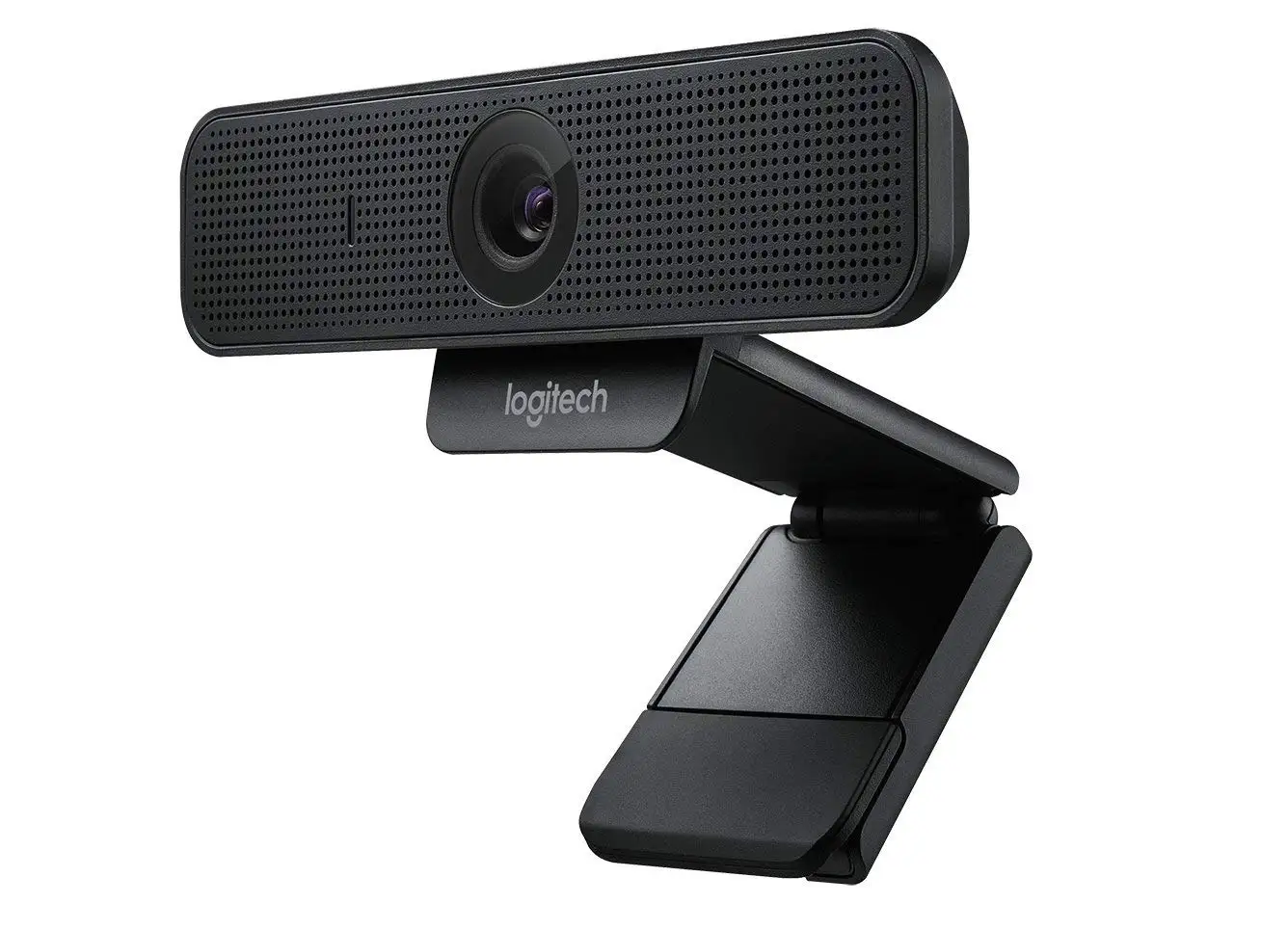
Current market prices vary drastically. On Amazon, the kit version with headset lists around $138.57, while eBay shows standalone C925e units from as low as NZD 19.38 (used) to over NZD 112.28 (sealed). This volatility suggests strong resale availability but also means buyers should shop carefully.
Given that the C920 can be found for roughly $50 and delivers similar core image quality, the C925e’s extra cost is best justified for those who need its business certifications, privacy shutter, and slightly better mic performance. Community buying tips include waiting for corporate surplus sales or opting for open-box units to save 30–50% off retail.
FAQ
Q: Does the C925e work with Windows 11 and macOS Ventura?
A: Yes. Users report plug-and-play operation on Windows 8 or later and macOS 10.7 or later, with no issues on current OS versions.
Q: Can I disable the wide-angle view?
A: No. The 78° field of view is fixed. Some users crop in software like OBS to simulate a tighter frame.
Q: How good is the microphone for podcasting?
A: Adequate for casual calls, but most creators prefer a dedicated mic. As Expert Reviews noted, “they’re no match for a dedicated headset.”
Q: Does it support 60 fps?
A: Officially, it supports 1080p at 30 fps and 720p at 60 fps with some clients. YouTube testers warn that 720p/60 fps mode can reduce image quality.
Q: Is the privacy shutter mechanical or digital?
A: Mechanical. A slider physically covers the lens, making it appear white when closed.
Final Verdict: Buy if you’re a business professional or IT manager needing certified compatibility, reliable privacy controls, and easy deployment. Avoid if you’re a streamer, content creator, or home caller who prioritizes vibrant colors, flexible framing, or budget value. Pro tip from the community: If you don’t need the certifications, the C920 delivers nearly identical image quality for less.