HP USB-C Dock G5 Review: Mixed Compatibility Verdict
Digging into community experiences, the HP USB-C Dock G5 emerges as a polarizing piece of hardware — earning a solid 6.5/10 from aggregated feedback. While many users praise its compact design, port variety, and multi-display support, a significant number report frustrating compatibility issues, unstable connections, and misleading “universal” claims. For the right setup, it can be transformative; for the wrong one, it’s an expensive paperweight.
Quick Verdict: Conditional — great for fully compatible Windows laptops, risky for Macs and certain HP Pavilion/Spectre models.
| Pros | Cons |
|---|---|
| Compact, space-saving footprint | Widespread compatibility issues with certain HP and non-HP models |
| Supports up to three displays | HDMI port failures reported out of the box |
| Up to 100W USB-C power delivery | Inconsistent power switch behavior |
| Broad OS support (Windows, macOS, Chrome OS) | No DisplayLink chip — limits multi-display functionality on macOS |
| Solid build quality | Requires frequent firmware updates for stability |
| Single-cable convenience for charging + data | Flickering and signal dropouts reported by some users |
| Plenty of USB-A/C ports for peripherals | Misleading “universal” marketing according to multiple buyers |
Claims vs Reality
HP markets the G5 as “designed with universal compatibility,” promising seamless use with HP and non-HP USB-C and Thunderbolt laptops. In reality, this universality has caveats. A verified buyer on Amazon noted: “It is not compatible with all laptops and that is not clear when shopping. I have a Spectre 360… it works but you have to boot the laptop first.”
The claim of “supporting up to three displays” is true — but only under specific host port conditions. On macOS with M1/M2 chips, Reddit user reports confirm the dock only drives one external monitor unless paired with a different model (HP G2) using DisplayLink. HP’s own support forum clarified: “macOS does not support DP hub… you can use the G5, however only with one external monitor.”
HP’s “single-cable solution” is widely appreciated when it works, but several Trustpilot reviewers describe scenarios where the dock delivers power yet fails to transmit data or video. One user wrote: “Imagine plugging in a dock and watching your monitor stay blank like it’s silently judging you.”
Cross-Platform Consensus
Universally Praised
Across Reddit, HP Store reviews, and Amazon, users who own newer HP EliteBooks or compatible Windows laptops often report flawless performance. A verified HP Store reviewer said: “Worked as expected. I plugged in my laptop and 2 additional monitors, and I can now work with 3 screens.” For professionals moving between a desk and meetings, the G5’s single-cable plug-in is a time-saver. Tom W.L. noted: “Gives me quick hook-up from portable to home PC mode… enough USB ports to connect flight and game controllers.”
The compact design is another consistent win. Measuring just 122mm square, it frees up desk space without sacrificing connectivity. Virgil B. shared: “Worked perfectly… I can now work with 3 screens,” highlighting its role in productivity-heavy setups.
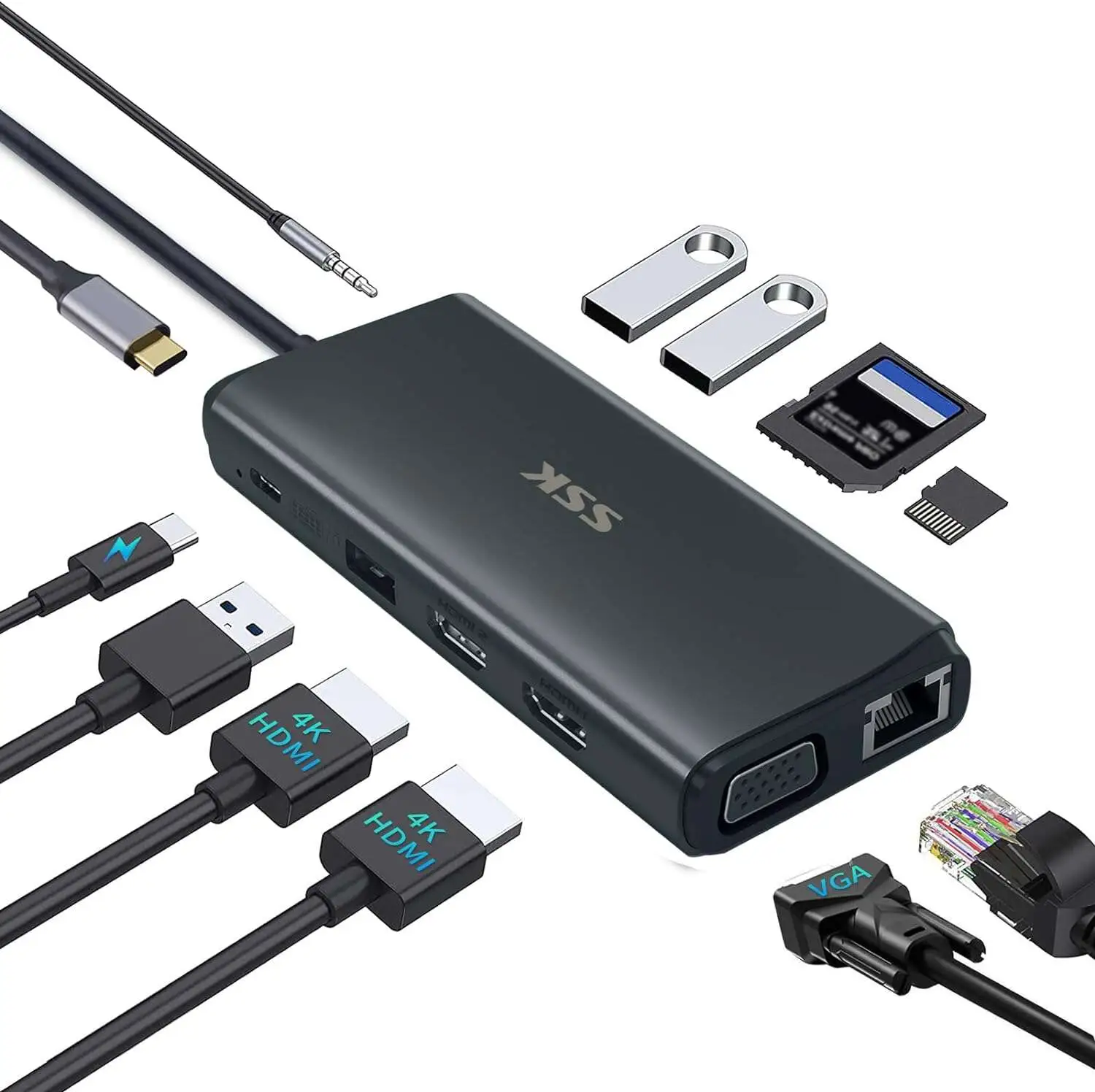
Multi-port versatility — four USB-A ports, two DisplayPorts, HDMI, Ethernet — means creatives and IT staff can connect peripherals without juggling hubs. Btran praised HDMI output quality: “Prior brand docking was not rendering accurate color saturation… super happy with the purchase.”
Common Complaints
Compatibility is the single largest frustration point. Many HP Pavilion owners report outright non-functionality, despite HP reps recommending the G5. Elissabeth R. bluntly stated: “Wouldn’t work with my HP Pavilion laptop.” Mac users hit OS-level walls — S. Cleveland warned: “Doesn’t work with latest iOS or the M1/M2 chip to do 2 screens in extended mode.”
Hardware reliability issues also surface: HDMI ports failing on arrival, flickering displays, and docks that require daily unplug/replug rituals. Ueg DVD Gdgdgd called it “an outright defective product… spend the first 15 minutes of each work day fighting with this.” Power button quirks mean some users must physically disconnect cables to turn off the dock, adding wear to laptop ports.
Firmware dependency is divisive. While updates can fix issues, not all users are comfortable with the process. Abd XYZ’s frustration: “Downloaded every patch and it still is not working right.”
Divisive Features
Power delivery up to 100W is enough for most ultrabooks, but high-performance laptops may undercharge under heavy load. Some users love the charging convenience; others, like Steve Smcc, find the dock fails to power their system at all.
The multi-display promise divides along OS lines — Windows users largely succeed, macOS users often feel misled. On HP’s forum, Oliver’s switch to a G2 dock solved his M1 MacBook Air’s limitations, underscoring that the G5’s architecture isn’t truly universal.
Trust & Reliability
Trustpilot and HP Store feedback reveal patterns in customer dissatisfaction linked to misrepresented compatibility. Buyers often purchase on HP’s assurance, only to discover their laptop’s USB-C port lacks the necessary DisplayPort Alt Mode or charging support. Returns are common, but some report difficulty obtaining refunds.
Long-term reliability stories are mixed. Reddit user feedback shows that when paired with the right laptop, the G5 remains stable for months without issue. Conversely, corporate IT buyers have reported batches of nine units where “nearly all had significant problems — primarily only delivering power but not handling data or video.”
Alternatives
For Mac users needing multiple monitors, HP’s own USB-C Universal G2 Dock with DisplayLink support is the go-to alternative. Oliver’s switch from G5 to G2 allowed his M1 MacBook Air to run two external displays flawlessly.
Some Lenovo and Dell owners report better results with their brand’s proprietary docks, citing driver optimization and full compatibility. As one Lenovo user put it: “Laptop works fine with a Dell dock… charges and outputs to the monitor with one cable.”
Price & Value
Official retail sits around $127.99 on Amazon (down from $209), but eBay listings show pre-owned units between $29.99 and $74.99 depending on condition and included adapters. Resale is strong if the dock is fully functional, but incompatible units flood secondary markets at steep discounts.
Community buying tips stress verifying your laptop’s USB-C port specs before purchase — specifically DisplayPort Alt Mode and Power Delivery support. Failing that, opt for docks with DisplayLink chips for broader monitor compatibility.
FAQ
Q: Can the HP USB-C Dock G5 run three external monitors?
A: Only if your laptop’s USB-C port supports DisplayPort Alt Mode with enough bandwidth. On macOS M1/M2, it’s limited to one external monitor without DisplayLink hardware.
Q: Does this dock work with HP Pavilion laptops?
A: Multiple buyers report incompatibility. Many Pavilion USB-C ports support data only — no charging or external display output.
Q: Is it plug-and-play?
A: For many Windows systems, yes. However, several users needed firmware updates or manual configuration to get all ports working.
Q: Why won’t my HDMI port work?
A: Some units ship with faulty HDMI outputs; others fail due to driver issues. DisplayPort connections are more reliable according to user reports.
Q: Will it work with Dell Inspiron laptops?
A: Only if the Inspiron’s USB-C port supports Power Delivery up to 100W and DisplayPort Alt Mode. Check Dell’s specifications before buying.
Final Verdict: Buy if you own a compatible HP EliteBook, ProBook, or similarly spec’d Windows laptop and value a compact, multi-port dock with charging. Avoid if you use macOS M1/M2 and need more than one external display, or if your laptop’s USB-C port is data-only. Pro tip from community: Verify port specs before purchase — “universal” doesn’t mean unconditional.