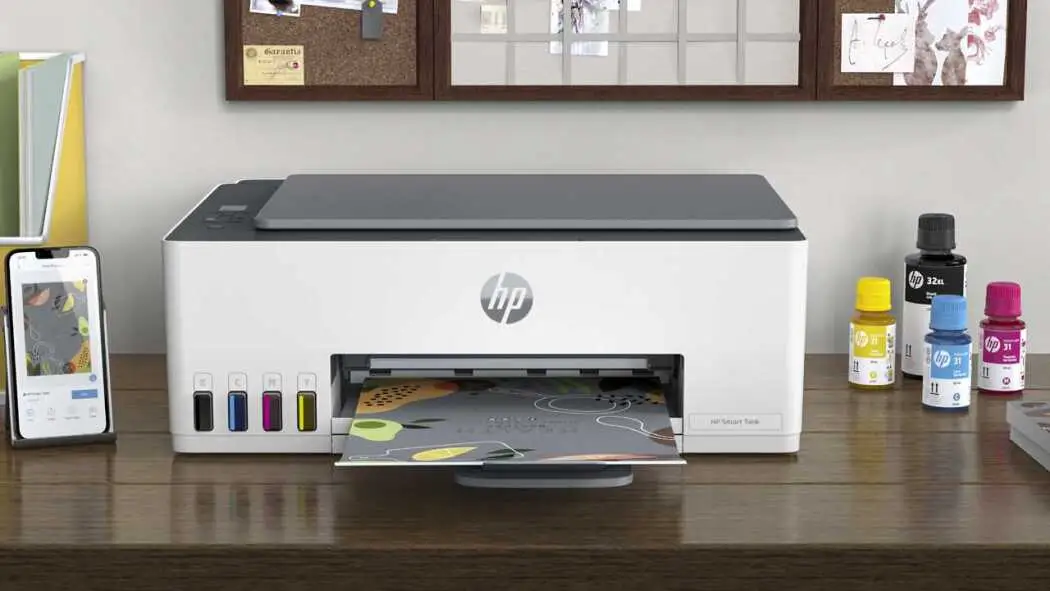
HP Smart Tank 5101 Review: Low-Cost Quality Printing Verdict
The surprising thing about the HP Smart Tank 5101 Wireless All-in-One Ink Tank Printer is how consistently users across platforms praise its low running costs and print quality, even while pointing to quirks in speed, connectivity, and feature set. Based on aggregated user feedback, it earns a solid 8.4/10 for home and small office use, especially for those printing frequently in color.
Quick Verdict: Conditional — Excellent for high-volume, cost-conscious home or micro-office users; less ideal for those needing speed or advanced on-device controls.
| Pros | Cons |
|---|---|
| Extremely low cost per page with refillable ink tanks | No automatic duplex printing |
| Print quality rated as “great” to “beautiful” by users | Slower print speeds, especially color |
| Simple, spill-free ink refill system | Occasional wireless connectivity delays |
| Up to 2 years of ink included in the box | Small, non-backlit monochrome display |
| Easy mobile printing via HP Smart App | Rear-feed paper loading not preferred by some |
| Compact, modern design | Documentation and on-device controls limited |
Claims vs Reality
HP markets the Smart Tank 5101 as an “ultra-low cost” printer with “up to two years of ink included” and “self-healing Wi-Fi for uninterrupted printing.” While users back the cost claim—Consumer Reports pegged text at just 0.4 cents per page—some challenge the Wi-Fi reliability.
A verified Best Buy buyer noted: “Sometimes I ‘send’ a print job and have to wait up to 5 minutes for it to begin. Sometimes it’s instant.” This contrasts with HP’s seamless connectivity pitch, suggesting environmental factors and firmware updates may influence performance.
HP also positions the printer as perfect for families and home offices. Many reviews echo this, citing its “compact and modern look” and “quiet printing,” but Reddit reports highlight functional compromises—no built-in duplexer, reduced on-device settings, and reliance on the HP Smart App for tasks like copy count. One HP Support Community post described: “There’s no software thingy on the printer to type in # of copies, and I don’t see it in the HP Smart App.”
Cross-Platform Consensus
Universally Praised
The refillable ink tank system is the clear standout. Best Buy reviewers repeatedly called it “wonderful” and “super simple to perform,” with spill-free bottles that “click into place and fill automatically.” For families printing school projects or small businesses producing flyers, this means minimal interruptions and predictable costs. One customer marveled: “Considering printing 100 pages and 75 pictures, I am amazed… most inkjet printers would have already needed ink replaced.”
Print quality is another strong point. Even on plain paper, users describe photos as “nice enough to hang on the fridge,” and Consumer Reports rated text and graphics quality as “very good.” Professionals running small operations found it suitable for client-ready materials; one small business owner said, “Very good quality prints – I’m running my business off of this.”
Ease of setup via the HP Smart App also draws wide approval. The guided animations and smart buttons are a hit with less tech-savvy users. A Best Buy reviewer summed it up: “It is really simple to install… perfect for at-home personal printing.”
Common Complaints
Speed is the most frequent letdown. While specs list 12 ppm black and 5 ppm color, real-world feedback often describes it as “a little slow” or “takes a long time to print.” This affects users with large, time-sensitive jobs more than occasional home users.
Connectivity hiccups also surface. Some report print jobs hanging until the Wi-Fi stabilizes, while one support forum user found “functions on the printer have actually been reduced,” pushing them into the app for basic tasks.
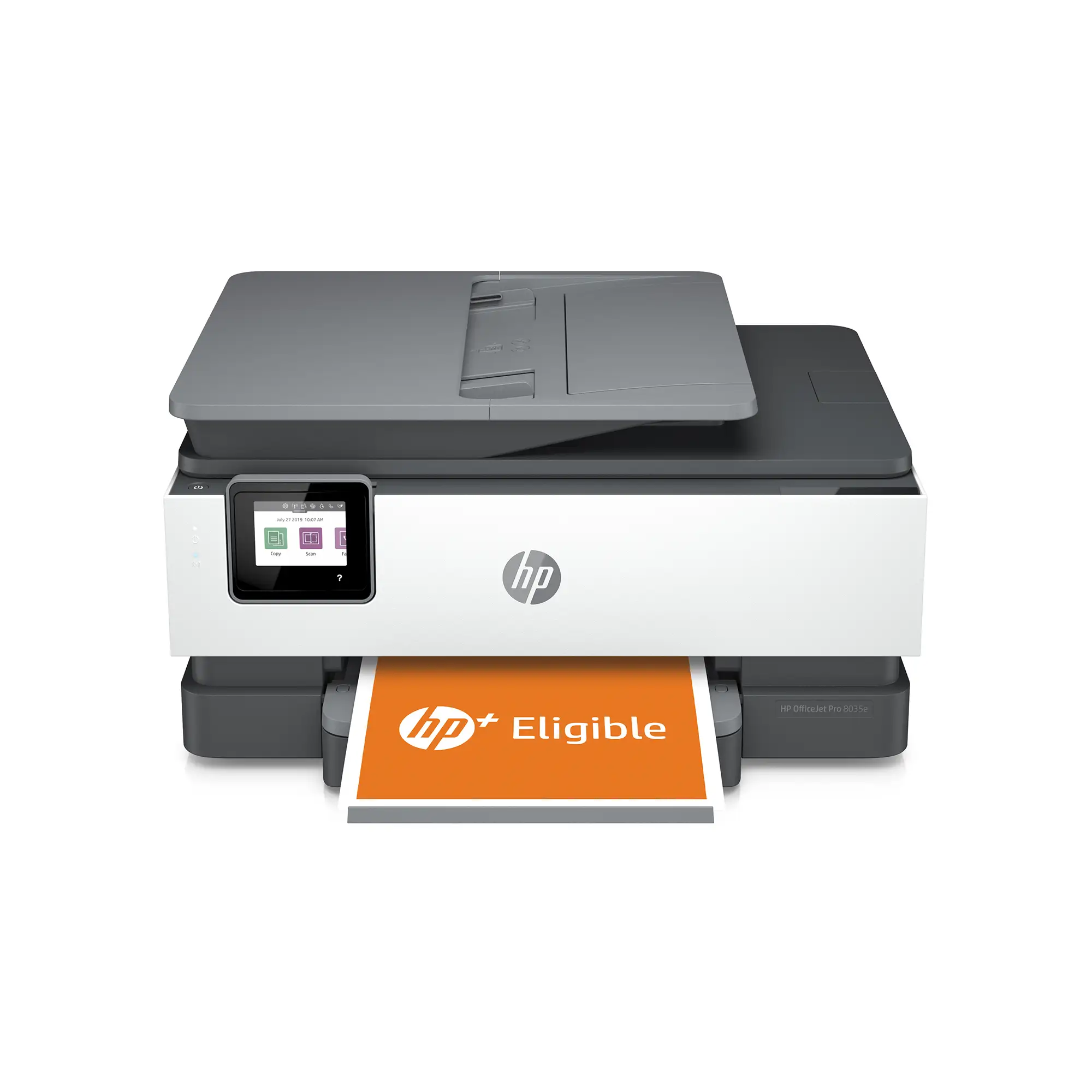
Physical design draws minor criticism—rear paper loading isn’t everyone’s favorite, and the 1.2-inch monochrome display is seen as “tiny” and “not very useful,” especially without backlighting. A few noted the absence of a conventional front paper tray.
Divisive Features
The heavy reliance on the HP Smart App splits opinion. Tech-comfortable users appreciate the control and integration, but those preferring standalone operation feel constrained. As one HP Support Community poster wrote, “Everything’s on the app… documentation that came with the printer was skimpy.”
Print color vibrancy also garners mixed impressions. While most praise it, one home user wanted “colors… brighter and bolder.” This may reflect differences in paper type or print settings.

Trust & Reliability
Long-term cost projections from Consumer Reports show remarkably low ownership costs—just $192 over two years of typical use—underscoring reliability in ink supply. Users running the printer for months report consistent quality and no clogging issues, aided by HP’s ink sensors and maintenance prompts.
However, the lack of certain legacy features (like customizable ePrint addresses) and reduced on-device controls may frustrate long-time HP owners. One support forum user contrasted it with their older OfficeJet Pro: “They must have forgotten about this for the tank printer… or they’re simplifying things.” Despite that, HP’s customer service is frequently praised for resolving setup issues quickly.
Alternatives
Within HP’s own lineup, the Smart Tank series competes with cartridge-based DeskJet and OfficeJet models. Those alternatives may offer faster speeds or duplex printing but at higher running costs. Epson’s EcoTank series is the most direct competitor—Best Buy shoppers noted choosing HP for its Linux compatibility and “mobile apps far better than the competition.”
For users printing infrequently, a cartridge model might be simpler to maintain, avoiding potential ink drying in tanks. But for steady volume, the Smart Tank 5101’s economics are hard to beat.
Price & Value
Current retail runs around $259–$329 new, with eBay listings from $235 for unopened units to as low as $150 used, reflecting good resale potential. Community advice leans toward buying new to get the full ink bundle—enough for roughly 6,000 pages black or color.
Given the very low per-page cost, the upfront price is quickly offset for anyone printing a few hundred pages per month. One Best Buy reviewer summed it up: “Perfect for home offices or small businesses that need to print frequently… saves you money in the long run.”
FAQ
Q: Does the HP Smart Tank 5101 support automatic two-sided printing?
A: No. Duplex printing is manual only, requiring the user to reinsert pages. Several buyers specifically noted wishing for auto-duplex capability.
Q: How easy is it to refill the ink tanks?
A: Extremely easy, according to multiple users. The bottles are spill-free, click into place, and fill automatically without squeezing.
Q: Can it print without Wi-Fi?
A: Yes, it supports USB 2.0 direct connection. Some users prefer this for faster job start times when Wi-Fi is unstable.
Q: Is the HP Smart App required?
A: While basic printing works without it, many advanced functions—scanning to email, copy count adjustments—are only available via the app.
Q: How long will the included ink last?
A: HP estimates up to two years for typical use (about 200 pages/month). Several owners confirmed printing hundreds of pages with significant ink still remaining.
Final Verdict: Buy if you’re a home user, student, or small business printing regularly in color and looking to minimize ink costs. Avoid if you need high-speed output, automatic duplexing, or fully on-printer controls. Pro tip from the community: use high-quality paper for the most vibrant colors and keep the printer active to avoid ink settling in the tanks.