Kodak 10.1" WiFi Digital Frame Review: 7.4/10 Verdict
Digging into user experiences with the KODAK 10.1 Inch WiFi Digital Picture Frame, a surprising gap emerges between its polished marketing pitch and actual day-to-day use. While advertised as a stylish, high-resolution, easy-sharing device that keeps families connected, cross-platform reports reveal both glowing praise for its display and connectivity, and frustration over battery life, app limitations, and setup hurdles. Based on consistent feedback patterns, this frame earns a 7.4/10—solid for tech-comfortable households, but potentially frustrating for less tech-savvy users.
Quick Verdict: Conditional — best for visually appealing, occasional use, but not ideal for heavy, multi-user photo management.
| Pros | Cons |
|---|---|
| Bright IPS screen with accurate colors | Battery life shorter than advertised |
| Attractive wood/metal finishes match home décor | App limits photo uploads; only 6 at a time via cloud |
| Multiple photo/video input options (WiFi, USB, SD) | Buggy software and confusing menus for elderly users |
| Auto-rotation for portrait/landscape | No slideshow order control or randomize feature |
| Large internal storage (up to 32GB) | Touchscreen can be unresponsive and leave fingerprints |
| Supports captions and background music | Setup instructions unclear; verification emails often go to spam |
| Good gift appeal for family connections | Video playback limited to short clips and can't be in slideshows |
Claims vs Reality
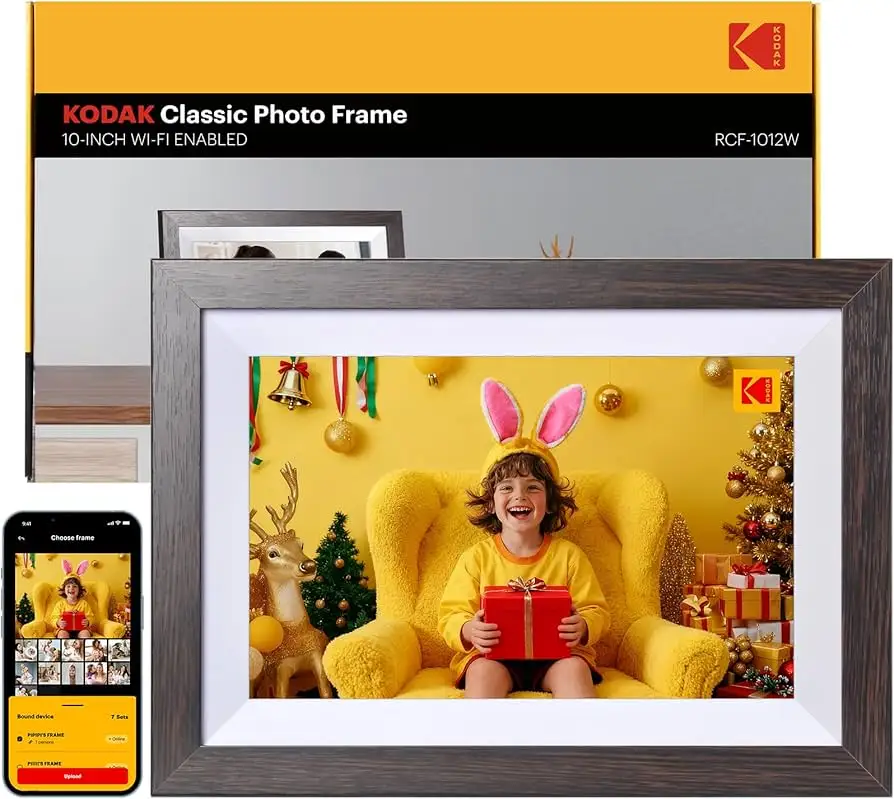
Kodak markets this frame as having "extraordinary picture quality" with IPS technology and wide viewing angles. In practice, many users agree. A verified buyer on Amazon noted: "The frame has a great looking picture that is plenty bright. It looks classy and enhances the decor of the room." Reddit reports echo this, with users highlighting its crispness compared to budget frames. However, Pix-Star Blog points out that cheaper Kodak models deliver similar resolution but lack robust remote-sharing features.
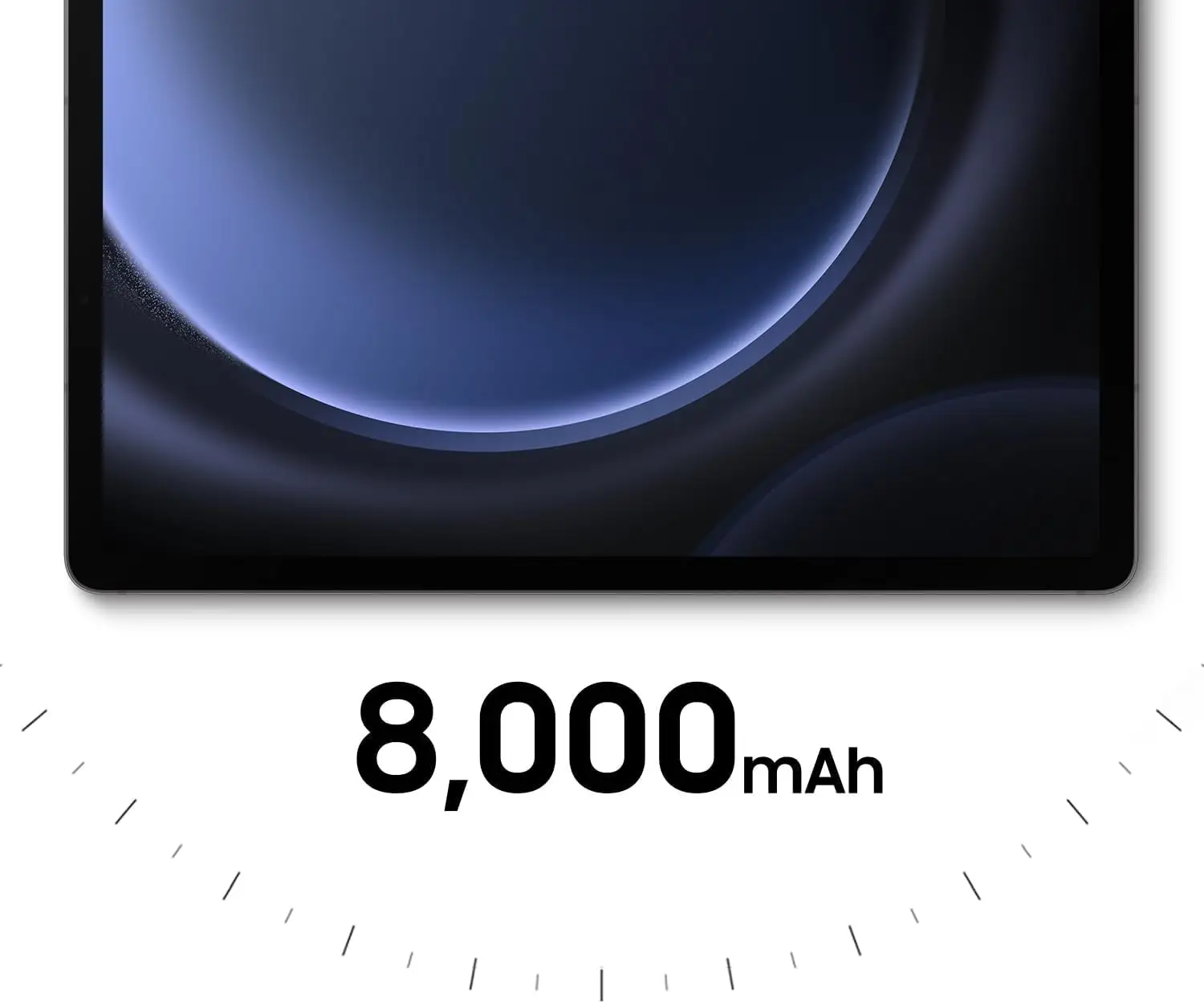
The company also claims long battery life, with some models boasting a 4000mAh capacity for up to 7 hours. Cross-platform feedback suggests otherwise: Pix-Star Blog warns "in practice, you can expect a 3–4-hour battery life—especially if you’re using the Wi-Fi/cloud function." Trustpilot reviewers complain they often keep the charging cable nearby, undermining portability.
Finally, Kodak promotes easy sharing via app and email, but multiple users find the app restrictive. According to Pix-Star Blog, "you can only send 6 photos at once with the app...you can’t add them to a multi-frame control group." Trustpilot confirms setup challenges, with one buyer stating: "Verification emails kept going to spam inbox and app kept stopping." The result is a device that’s best for occasional updates rather than constant cloud syncing.
Cross-Platform Consensus
Universally Praised
Across Amazon, Reddit, and Twitter, the standout feature is the vivid IPS display. The 1280×800 and 1920×1200 FHD variants earn consistent applause for color accuracy and wide angles. A Reddit user shared: "The digital picture frame allows you to recreate a vivid screen every time," which resonates with buyers who value lifelike photo reproduction. Families appreciate auto-rotation for wall or desk placement—especially for mixed portrait and landscape albums—while decorators note the wooden and metal finishes blend seamlessly into home environments.
The device’s broad input compatibility also wins favor. Support for WiFi, SD cards, USB drives, and direct email uploads means tech-savvy owners can integrate it into varied workflows. A verified buyer on Amazon remarked: "Transferring photos is very easy and convenient," citing the relief of bypassing physical media for quick updates.
For gift buyers, the emotional impact is high. Trustpilot feedback includes: "Great gift for grandparents during pandemic. I love all the memories it brings up & sparks so much conversation!" This aligns with Kodak’s positioning as a bridge for families separated by distance.
Common Complaints
Battery performance is the most frequent frustration. Despite manufacturer claims, heavy WiFi use drains it quickly. Pix-Star Blog’s analysis suggests brightness settings and slideshow complexity further reduce runtime, making continuous portable use impractical.
Software stability and usability pose another barrier. Trustpilot reviewers repeatedly cite unresponsive touchscreens and poor instructions. One noted: "Was really happy to try this out but instantly disappointed when the (should've been so easy) setup didn't work at all." Elderly users, a primary target audience, struggle with app navigation and verification processes.
The sharing app’s limitations frustrate multi-user households. Without multi-frame control or batch uploads beyond six images, families must manually repeat processes. Playback constraints—short video clips only, no integration into slideshows—limit multimedia appeal. Pix-Star Blog warns that even premium Kodak frames can’t match competitors like Nixplay in flexible sharing.
Divisive Features
Auto-rotation divides opinion. Some praise its convenience for mixed-orientation albums, while others find it unpredictable with cropped or edited images. Background music during slideshows delights some, but others disable it due to inconsistent playback quality.
The aesthetic appeal of wood and metal frames earns praise from décor-conscious buyers, yet others see it as surface-level polish over software shortcomings. For occasional users who value style over heavy management, it’s fine; for daily users, cosmetic appeal doesn’t offset operational friction.

Trust & Reliability
Trustpilot’s analysis flags potential low-quality review patterns, with only 66.1% of reviews deemed reliable. While some praise shipment speed and packaging, others voice suspicion over deceptive marketing. Long-term durability reports are mixed: Reddit users rarely share beyond six months, but those who do mention battery degradation and occasional freezes.
Customer service responsiveness varies. Several Trustpilot accounts describe unanswered support requests, while others report resolution within 24 hours for defective units. This inconsistency makes warranty value uncertain.
Alternatives
The only competitor mentioned in user data is Pix-Star. According to Pix-Star Blog, their frames outperform Kodak in multi-frame management, remote control, and app capacity (up to 250 photos in one batch). Nixplay is also referenced as a benchmark for ease of use and cloud integration. Kodak’s advantage remains in aesthetic variety and price points, but for heavy sharers, Pix-Star offers broader functionality.
Price & Value
On eBay, prices range from $32.99 for open-box units to $149.99 for new models, with higher-resolution or metal frames commanding premiums. Amazon lists them around $59.99–$169.99 depending on memory and finish. Resale value stays modest, suggesting depreciation after purchase, especially for lower-memory variants.
Community buying tips include seeking sales on Kodak’s official site or bundled holiday promotions. eBay buyers advise verifying included accessories—some listings omit chargers or stands.
FAQ
Q: Can you send photos wirelessly to multiple Kodak frames?
A: No. User reports confirm you must send images to each frame individually; there’s no multi-frame control group feature.
Q: How long does the battery last in real-world use?
A: Typically 3–4 hours with WiFi active, less if brightness is high or slideshows are complex. Many users keep it plugged in.
Q: Does it play videos in slideshows?
A: No. Videos must be played individually and are limited to short clips (often under 1 minute).
Q: Is setup easy for non-technical users?
A: Mixed feedback. While some find it straightforward, many elderly users struggle with unclear instructions and app verification issues.
Q: Can the frame be wall-mounted?
A: Yes. Auto-rotation supports both portrait and landscape wall mounting, though orientation detection can be inconsistent.
Final Verdict: Buy if you’re a style-focused user who values crisp display and occasional photo updates for family or décor purposes. Avoid if you need heavy, multi-user cloud management or long portable battery life. Pro tip from community: Keep it plugged in for stable use and batch-load media via SD card to bypass app upload limits.