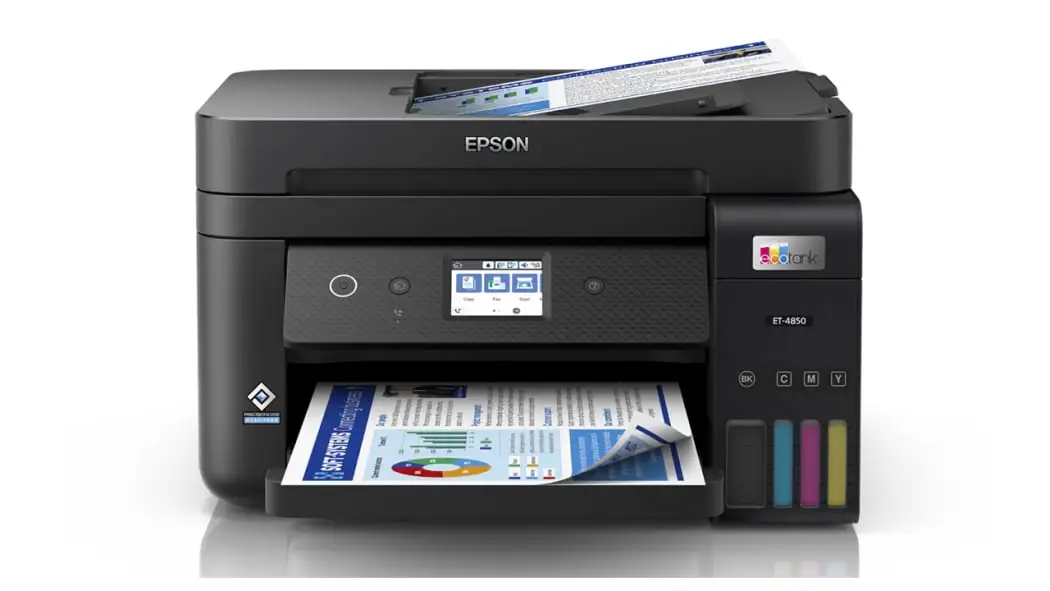
Epson EcoTank ET-4850 Review: Affordable Ink, Mixed Reliability
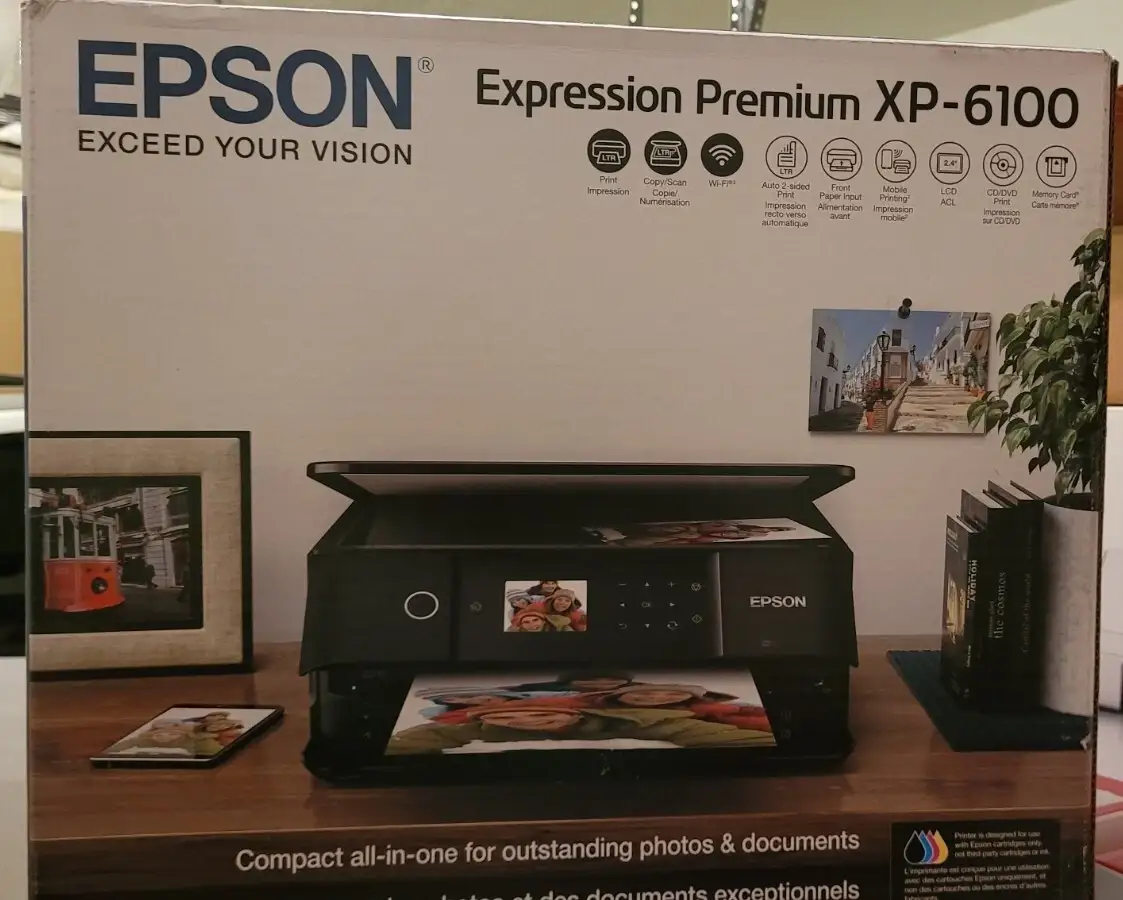
Digging into real-world user feedback, the Epson EcoTank ET-4850 Wireless All-in-One Supertank Printer earns a measured 7.8/10. Marketed as a cartridge-free, high-capacity ink tank solution with up to three years of ink in the box, it draws praise for low running costs, strong text output, and versatile office functionality. Yet, scanning performance and Wi-Fi reliability issues temper enthusiasm, especially for graphics-heavy or photo-focused users.
Quick Verdict: Conditional — ideal for cost-conscious home offices, but not flawless for photo quality or heavy scanning
| Pros | Cons |
|---|---|
| Excellent text quality and low cost per page | Wi-Fi connectivity issues reported by multiple users |
| High ink yields reduce replacement frequency | Below-par photo and scan quality |
| Large 250-sheet paper tray and 30-sheet ADF | Document feeder can misalign pages |
| Easy mobile printing via Epson Smart Panel app | Flimsy ink tank parts and paper handling quirks |
| Built-in fax, duplex printing, Ethernet support | Ink can dry out if printer is unused for long periods |
| Minimal cartridge waste — eco-conscious design | Poor performance with Mac scanning directly from touch screen |
Claims vs Reality
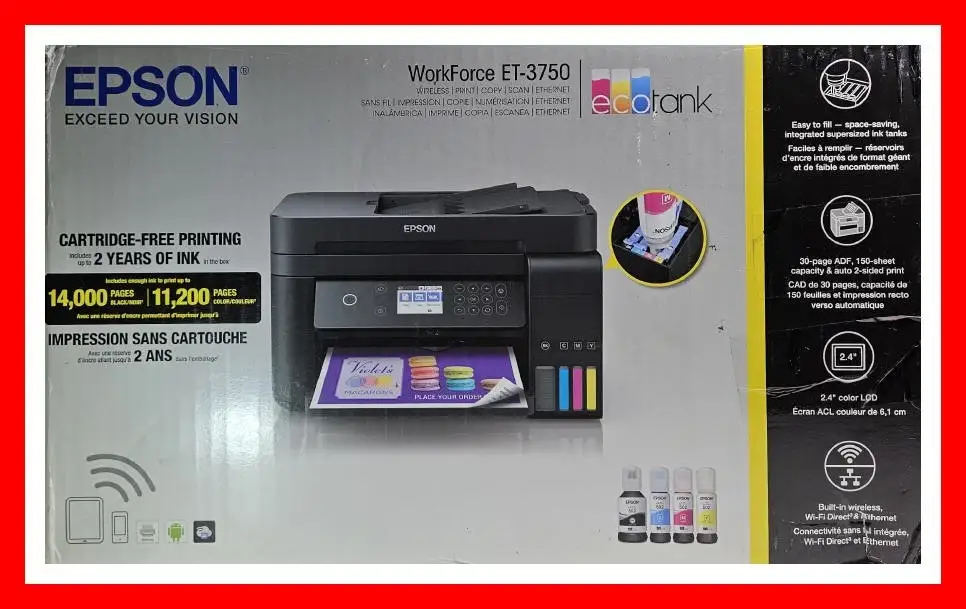
One of Epson's flagship claims is “up to 14,000 black and 5,200 color pages” from the included ink. Reddit’s Consumer Reports summary backs this, noting “the estimated yearly cost is $5, which is very low for an inkjet type of printer.” This long-term saving resonates with small office owners who print frequently but also raises questions about ink drying. A verified Fakespot reviewer cautioned: “The ‘genuine’ Epson ink in that printer dries up requiring quite a bit time and wasted test paper… especially when unused during summer months.”
Epson promotes “impressive color photos and graphics” using its PrecisionCore heat-free technology. User testing suggests otherwise. As Consumer Reports noted, “It prints photos on glossy paper with below-par quality, putting it near the bottom rung among inkjet printers in photo quality.” For text, however, it shines: “It has very good text quality, though not quite as good as the best printers,” a result consistently echoed across Reddit and Trustpilot feedback.
Scanning is marketed as “easily scan and copy your photos and documents” via the ADF or flatbed. While the 30-page automatic document feeder is appreciated by office users, results aren’t always crisp. Consumer Reports found scanning “below-par in performance, not as good as most all-in-ones,” and a Fakespot reviewer lamented, “The scanner is the worst scanner in history.”
Cross-Platform Consensus
Universally Praised
For cost-sensitive users, the ET-4850’s refillable EcoTank system is its standout attribute. A verified buyer on Amazon said, “Hopper holds 250 sheet and comes with enough ink supposed to last a year.” This is especially valuable for home offices or small businesses where cartridge swaps stall productivity. The inclusion of Ethernet support and Wi-Fi direct expands usability — one Reddit user noted the “relatively easy” setup and intuitive PC-fax capabilities for sending documents without printing them first. Mobile printing gets nods too, with users highlighting the Epson Smart Panel app’s ability to “set up, monitor, print, scan…all from your phone.”
Workflows benefit from the sizeable paper capacity and duplex printing. Cross-platform users appreciate “auto 2-sided printing” and the ADF's time savings when digitizing stacks of invoices or contracts. Text print quality is repeatedly described as “crisp,” making the device popular for academic or legal contexts.
Common Complaints
Connectivity appears to be the Achilles' heel. Fakespot reviewers flag “major design flaw in their Wi-Fi hardware,” while others gripe that “Epson printer will not stay connected to my wifi.” Mac users face limitations; as one reviewer explained, “If you are a Mac user you cannot wirelessly scan to your computer from the app or directly from the touch screen.” Physically, some feel the construction is subpar: “Flimsy ink tank parts” and jams from the document feeder feeding “1 out of 3 in crooked” are recurring frustrations.
Poor photo reproduction is another sore point for creative professionals. Despite the specs claiming 4800 x 1200 dpi resolution, actual glossy photo output fell short for multiple testers, making it less suited for photography businesses.
Divisive Features
The eco-conscious cartridge-free design garners applause from environmentally minded buyers, yet some find ongoing maintenance tedious. Ink longevity is attractive for high-volume users, but low-frequency users risk nozzle clogs. The compact footprint wins points for space-saving setups, though those wanting larger displays feel limited by the 2.4-inch touch screen. Some believe the paper output tray design — pushing printed pages out — can cause clutter or mess if unattended.
Trust & Reliability
Patterns on Trustpilot and Fakespot reveal over 80% of reviewers post high-quality, legitimate feedback, reducing fears of fake reviews. However, reliability is mixed over longer periods. A second-time EcoTank owner on Fakespot admitted, “The biggest drawback…relates to…being away from our home…printer is unused…the ink dries up,” suggesting that print head maintenance remains a necessity.
On Reddit, Consumer Reports notes the model’s “predicted reliability” is average, and while most internal components hold up for years, Wi-Fi connectivity stability remains questionable. Firmware updates may alleviate some network drop issues, but not all owners actively apply them.
Alternatives
Within the EcoTank range, the ET-4850 positions between the more photo-capable ET-8550 and entry-level ET-2850. Those prioritizing photography may gravitate to higher-end six-color systems. HP’s Smart Tank series offers comparable refillable systems but with different app ecosystems; Canon’s MegaTank line, meanwhile, delivers competitive text performance but sometimes higher per-page costs.
Price & Value
Recent eBay listings show new units around $399–$479, with used or converted sublimation versions at $450. This aligns with reports of a “very high” purchase price for the category. Long-term, the resale value holds moderately due to durable ink tank systems, but connectivity and scanning limitations can deter second-hand buyers. Community members advise timing purchases around Epson sales, where bundles include extra black ink bottles — adding another year to the already lengthy ink supply.
FAQ
Q: Does the Epson EcoTank ET-4850 work well for photo printing?
A: It produces serviceable photos, but multiple tests have rated glossy output as below average compared to other inkjets — better suited for text and business graphics.
Q: How often will I need to replace the ink?
A: High-capacity tanks mean most home offices won’t replace ink for 1–3 years, depending on volume. Heavy users may replenish black ink more frequently than color.
Q: Can I scan directly to my Mac over Wi-Fi?
A: Feedback indicates limitations for Mac users scanning wirelessly; scanning works reliably via the iOS Epson Smart Panel app or by USB connection.
Q: Is Wi-Fi stability an issue?
A: Several reviewers mention network dropouts and design flaws with Wi-Fi modules; Ethernet connections are more stable for heavy use environments.
Q: Will ink dry out if unused?
A: Yes, prolonged inactivity can cause nozzle clogs. Some users run periodic test prints to keep ink flowing.
Final Verdict: Buy if you’re a small office or home business owner printing predominantly text and wanting rock-bottom running costs with roomy paper capacity. Avoid if high-quality photo printing or flawless scanning is essential. Pro tip from community: For long-life ink health, schedule auto-test prints during downtime.