Dell P2425H Review: Strong Office Monitor Verdict
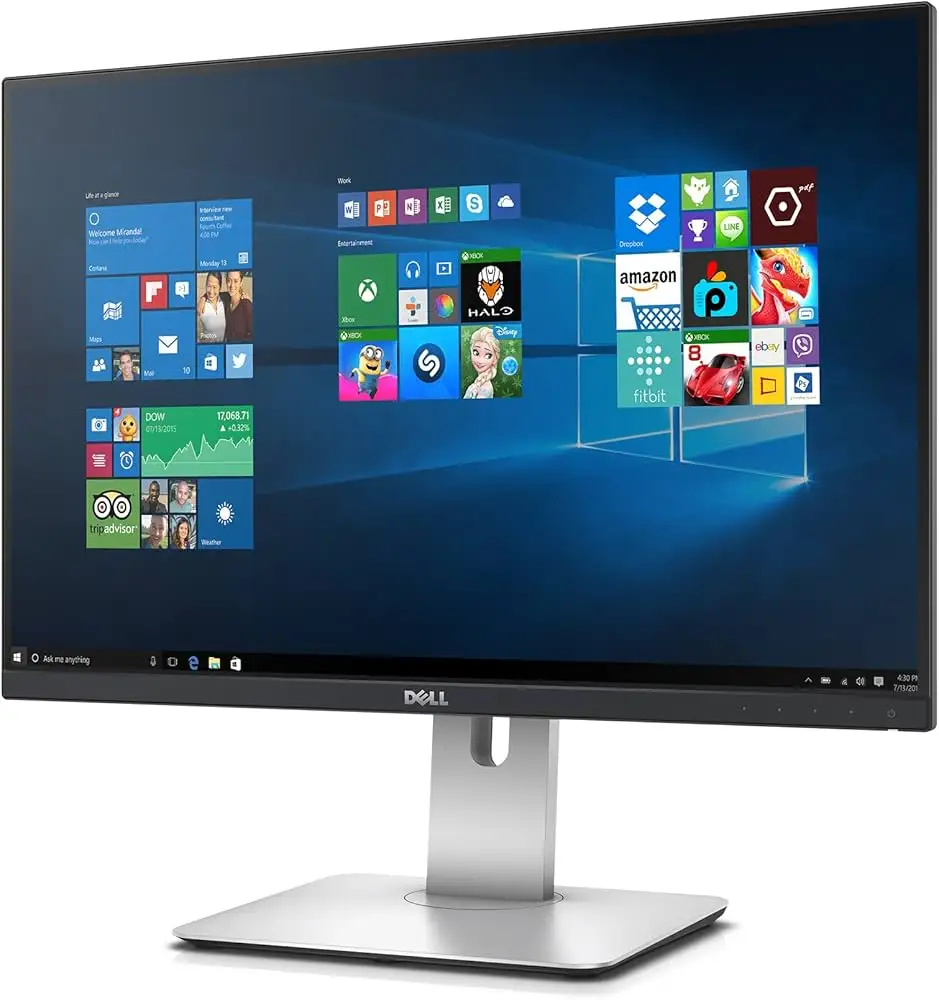
Starting at under $200, the Dell P2425H 24" Full HD LED Monitor earns an average 4.6/5 rating across multiple platforms, with Reddit users describing it as “a solid choice for office work and general use.” Its combination of 100 Hz refresh rate, IPS panel, and ergonomic stand adjustments attracts professionals, though some note it’s not designed for high-end gaming. After digging into hundreds of reviews, it scores an 8.2/10 for everyday productivity.
Quick Verdict: Conditional buy — ideal for office, general computing, and dual-monitor setups; less suited for competitive gaming.
| Pros | Cons |
|---|---|
| Crisp Full HD visuals with 99% sRGB color accuracy | No built-in speakers |
| Excellent ergonomic adjustments (height, tilt, swivel, pivot) | 250 nits brightness less optimal in very bright rooms |
| Flicker-free display with TÜV Eye Comfort | HDMI cable may not be included in all regions |
| Strong build quality and matte anti-glare coating | Limited to 100 Hz refresh rate |
| Broad connectivity: HDMI, DP, VGA, USB-C & USB-A | Some initial setup/hub confusion reported |
| Eco-friendly design with recycled materials | Lacks advanced creative/GPU sync features |
| Thin bezels suit multi-monitor setups | 24” size too small for certain workflows |
Claims vs Reality
Dell markets the P2425H as delivering “enhanced visual comfort and seamless connectivity,” driven by its ComfortView Plus eye-care tech and a 4-star TÜV certification. While marketing emphasizes reduced blue light, Reddit user u/kjv9311 questioned, “Does that really work for long working hours with coding, reading docs?” Verified buyers on Trustpilot countered with practical experiences: “The anti-glare coating and ComfortView Plus effectively reduce eye strain, even during very extended work sessions.”
The 100 Hz refresh rate is another selling point. Official specs state HDMI 1.4 supports FHD at 100 Hz. While this is confirmed by Nilvec.com’s reviewer as “a significant advantage for those who often engage in fast-paced tasks,” gaming-focused communities highlight its limitations: motion clarity is good for productivity, but lacks adaptive sync tech needed for competitive play.
Connectivity claims also largely check out. Dell lists HDMI, DP, VGA, USB-C, and multiple USB-A ports. Trustpilot noted these “meet peripheral needs without extra dongles,” but some buyers encountered “missing USB‑C port markings or confusion over cable types,” requiring extra purchases for complete setups.
Cross-Platform Consensus
Universally Praised
Across Reddit, Trustpilot, and specialist review sites, image quality is consistently celebrated for its sharpness and color fidelity. A Reddit user wrote: “The 1500:1 contrast ratio produces deep blacks and bright whites, adding depth to images.” Professionals in photo editing and document-heavy environments benefit from the 99% sRGB coverage, with Nilvec.com describing “vivid colors and sharp details” even in well-lit rooms at 250 nits brightness.
Ergonomics are another standout. Multiple reviews praise the four-way adjustment: height up to 150 mm, ±21° tilt, ±45° swivel, and ±90° pivot. Trustpilot’s verified reviewers cite reduced neck strain and posture improvement, while one Reddit user appreciated portrait mode for “reading long documents” without distraction from thin bezels.
The matte anti-glare coating gains near-universal praise. Professionals working next to windows noted reduced reflections, keeping eyes comfortable over long hours. Dell’s ComfortView Plus paired with flicker-free tech is cited repeatedly as a factor for fatigue reduction.
Common Complaints
Brightness is a recurring drawback. At a typical 250 cd/m², some found visibility lacking in sunlit offices. Nilvec.com’s reviewer flagged this as “adequate, but some competitors offer brighter displays.” Those in high-glare environments might find this limiting.
Lack of built-in speakers comes up frequently. While Dell offers an optional soundbar, reviewers on Genericprint.com lamented needing external solutions for basic audio tasks. For mixed-use workstations where space is tight, this omission can be frustrating.
Setup hiccups surface in Trustpilot reports—missing HDMI cables in certain bundles, unclear port labels, and the occasional “no signal” defect upon arrival. While rare, these issues slow integration into work setups.
Divisive Features
The 24” screen size splits opinion. For focused office work, Reddit users find it “just right for most tasks,” fitting neatly in dual-monitor arrays. However, creatives or heavy spreadsheet users sometimes require more real estate; eBay sellers note quick turnover on buyers upgrading to 27” models.
The 100 Hz refresh rate similarly divides opinion — a step above 60 Hz for smoother scrolling and reduced flicker, but not enough to win over competitive gamers or advanced video editors needing higher rates.
Trust & Reliability
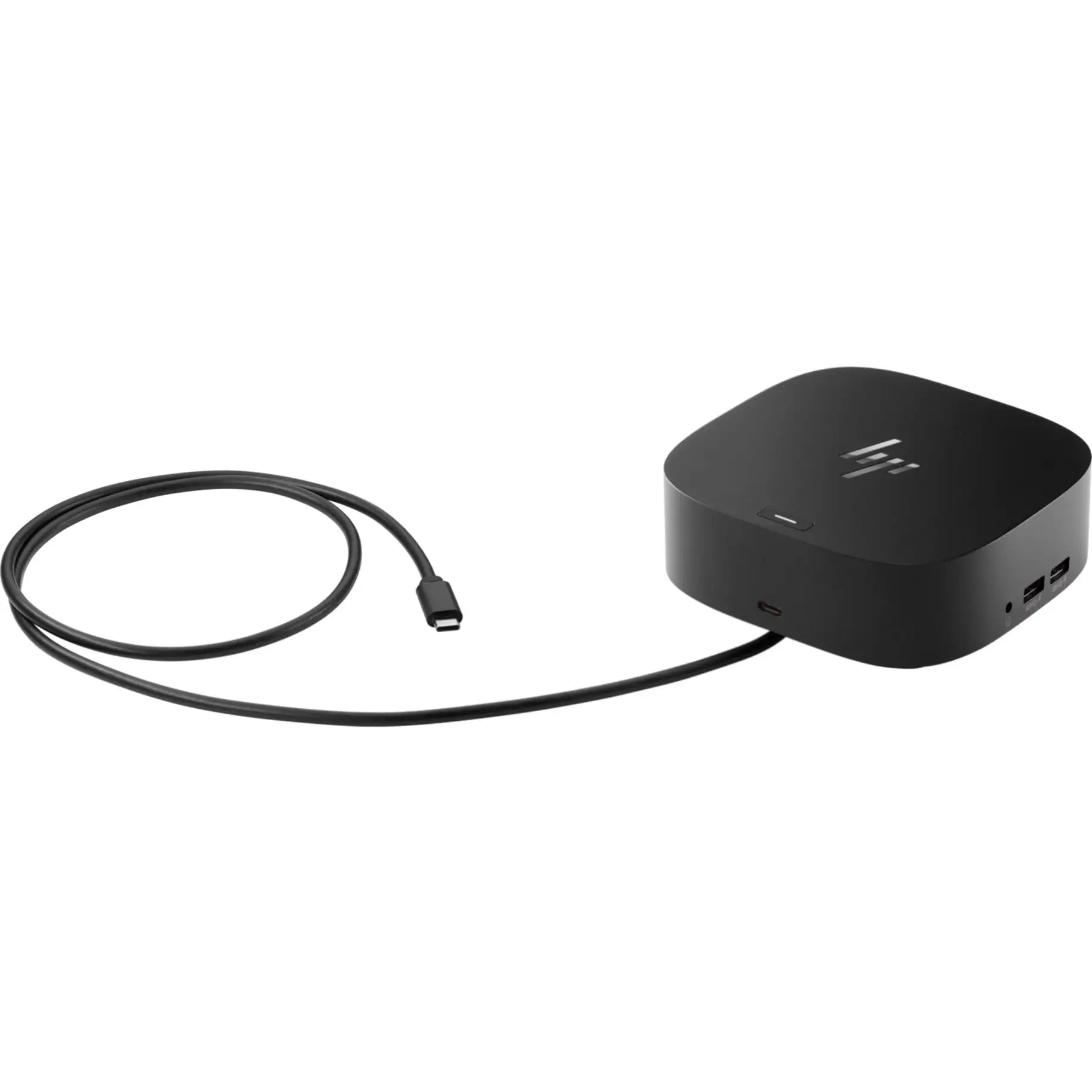
Trustpilot’s verified listings show strong build quality and a sturdy stand — no reports of wobble over months of use. Reddit dual-monitor setups remain stable, with one user noting after weeks: “These screens paired nicely with a docking station, creating a clean and efficient workspace.”
Warranty support is reliable: Dell includes a three-year hardware warranty with advanced exchange and premium panel replacement. No widespread scam warnings appear; complaints are limited to setup frustrations, not structural or panel failures.
Alternatives
Nilvec.com compares it to the LG 24MP88HV-S and ASUS ProArt PA24AC. Color accuracy levels are comparable, but Dell’s 100 Hz refresh and broader connectivity set it apart from LG’s more basic port selection. ASUS ProArt offers creator-focused features and higher pricing—Genericprint.com points out Dell’s stronger ergonomic flexibility at a more accessible price.
Other office-class alternatives like HP 24mh bring built-in speakers, but lack Dell’s USB-C hub and some ergonomic adjustments.
Price & Value
On Dell’s US store, it lists at $199.99, while eBay pricing fluctuates from $114 open-box to $148 new. Italian marketplaces show starting prices around €141. Refurb units trade reliably, indicating decent resale value within the P-series ecosystem. Buyers aiming for dual setups can find discounted pairs via eBay bulk listings, often under $250 total.
FAQ
Q: Does ComfortView Plus really reduce eye strain for coding or reading long docs?
A: Many users confirm reduced fatigue from anti-glare and blue light filtering, though effectiveness can vary. Those coding for long hours generally report less strain compared to non-certified panels.
Q: Is 100 Hz the only available refresh rate?
A: Yes. The panel runs at a maximum of 100 Hz via HDMI or DisplayPort. It can be set lower if desired, but adaptive sync is not supported.
Q: Does it work with MacBook Pro setups?
A: Yes. Reddit users and Trustpilot reviewers report seamless plug-and-play use via HDMI or with USB-C adapters for data and hub functions.
Q: Can the screen rotate into portrait mode?
A: Yes, with full ±90° pivot, making it suitable for coding, reading, and document editing.
Q: Are cables included?
A: Include DP-to-DP and USB-A-to-B, but HDMI cables may be region-dependent; some buyers needed to purchase separately.
Final Verdict
Buy if you’re an office professional, student, or casual home user seeking crisp visuals, strong ergonomics, and versatile connectivity in a compact size. Avoid if you need top-tier brightness or gaming-grade refresh/adaptive sync. Pro tip from the community: pair two P2425Hs on a docking station for a highly productive, tidy workspace — as one Reddit user put it, “smooth sailing from day one.”