HP Thunderbolt 4 Dock G4 Review: Strong Features, Mixed Reliability
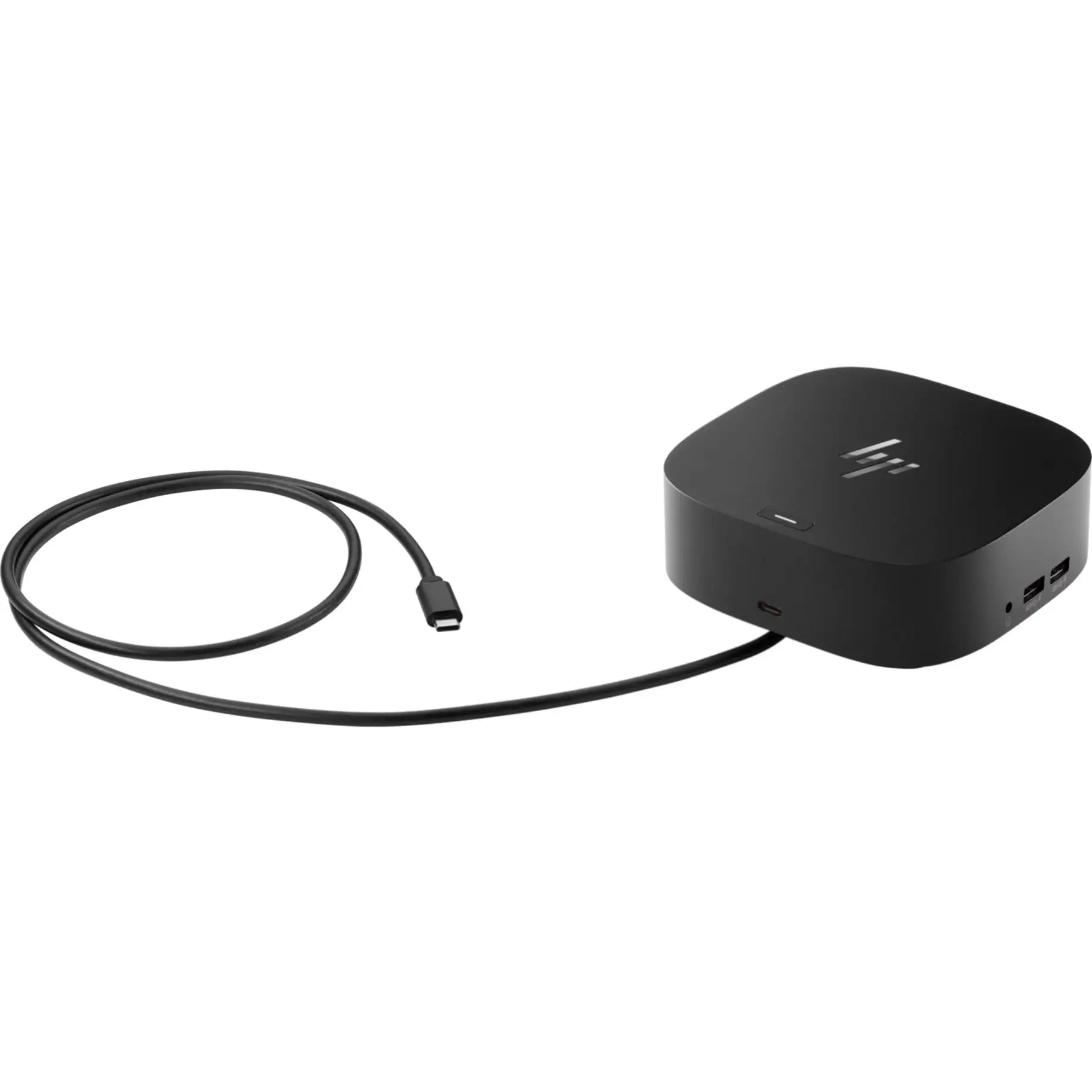
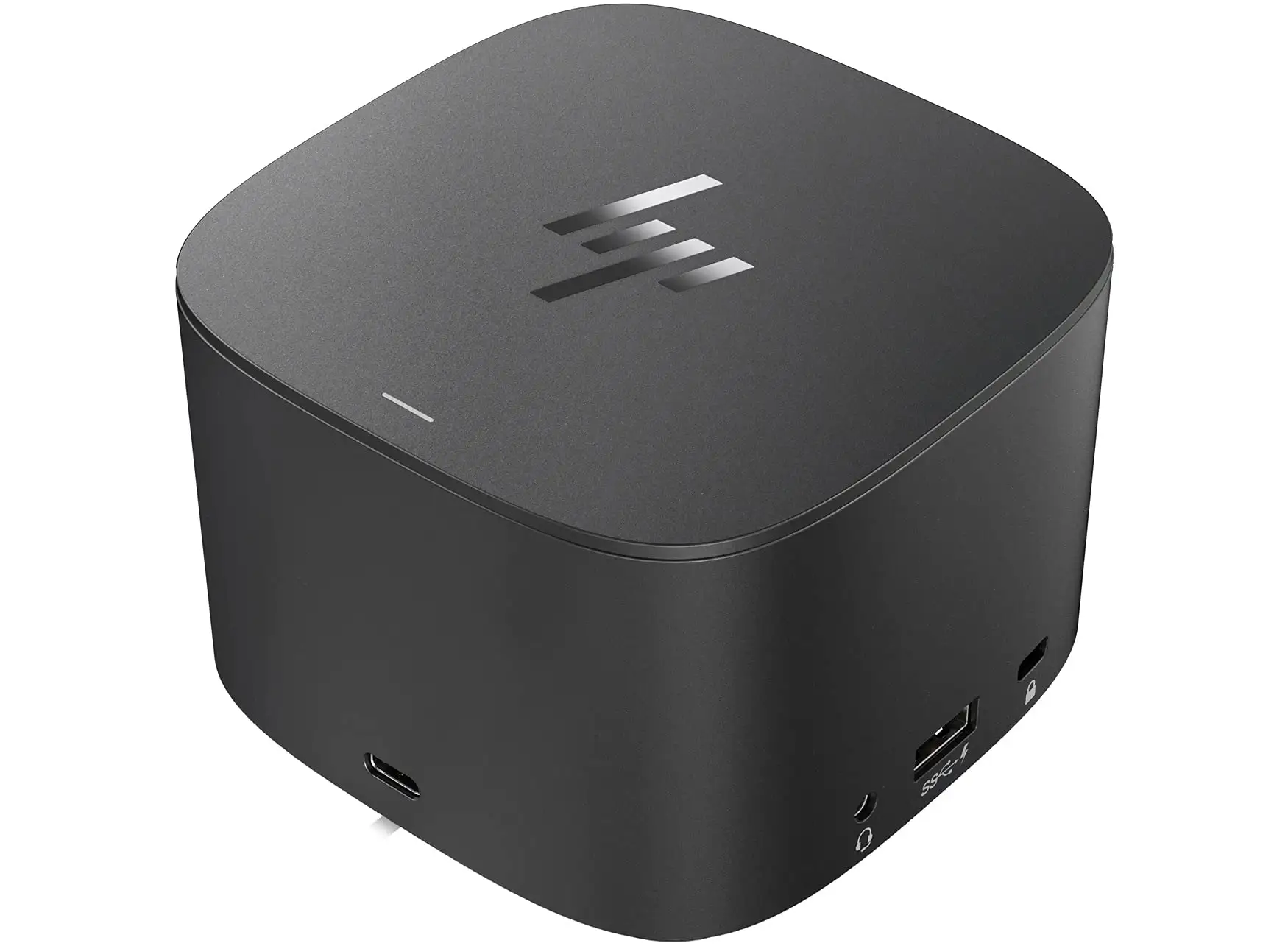
A recurring theme emerged across user discussions: the HP Thunderbolt 4 Dock G4 (4J0A2AA) offers impressive connectivity and strong security but struggles with reliability for some buyers. Scoring 7.4/10 overall from compiled consumer and expert sources, it’s praised for multi-display capability and ease of setup, while faults like a non-removable USB-C cable and missing audio ports dampen enthusiasm.
Quick Verdict: Conditional — Ideal for hybrid workers prioritizing multi-display setups and security, but worth double-checking compatibility and reliability reports before buying.
| Pros | Cons |
|---|---|
| Compact footprint fits tight desks | Non-removable USB-C cable limits flexibility |
| Supports up to four 4K displays | No audio ports for direct headset/speaker connection |
| Strong security via HP Sure Start | Reports of units failing within a month |
| Up to 100W power delivery | Some units defective out-of-box |
| Works with Windows, macOS, ChromeOS | Button power functions limited to HP-supported notebooks |
Claims vs Reality
HP’s marketing boasts “seamless compatibility” across Windows, Mac, and ChromeOS, with one cable connecting peripherals “without issue.” While many users agree this is often true, Reddit user feedback and ShopSavvy summaries highlight quirks: wake-on-LAN, MAC address pass-through, and the dock’s power button only function on HP or officially supported notebooks. A verified buyer on Amazon noted: “It works fine on my Dell, but I lose control of the dock’s power button and some network management features.”
The dock’s stated ability to support “up to four 4K displays” through Thunderbolt 4 draws praise from multitaskers, but ShopSavvy’s TLDR warns compatibility with certain resolutions depends on the host system’s DisplayPort capabilities. Reddit user comments confirm that without DisplayPort 1.4 + DSC support, fewer screens or lower resolutions may be necessary — a detail absent from casual product listings.
HP Sure Start protection is marketed as blocking hackers “from the moment you log in.” IT managers appreciate this, with a Trustpilot review remarking: “We can safely deploy these knowing firmware integrity checks run automatically.” However, a footnote in HP’s own spec sheet reveals Sure Start here doesn’t include real-time runtime protections found in HP notebooks, limiting its depth.
Cross-Platform Consensus
Universally Praised
For desk-bound multitaskers, the dock’s multi-display ability changes workflow drastically. ScreenExtendersHub’s reviewer enthused: “Imagining all your windows stretched across four displays… it’s like a dream for multitasking.” This is echoed by corporate users managing complex data dashboards, who benefit from fewer cable swaps. The generous port layout — USB-C, USB-A, HDMI, DisplayPort, Ethernet — drew across-the-board approval, especially for those balancing peripherals like external drives, webcams, and keyboards simultaneously.
Hybrid workers also value the compact design. ShopSavvy cites its space-efficient shape as a major plus in small home offices. Travelers report similar convenience when moving between workstations; ScreenExtendersHub mentioned taking it to hotel rooms for quick multi-device setups without carrying a bag of adapters.
Power delivery is another high point. Up to 100W means it charges most laptops quickly. A Reddit user wrote: “I plugged in my MacBook and it stayed topped up even while running three monitors and an external drive.”
Common Complaints
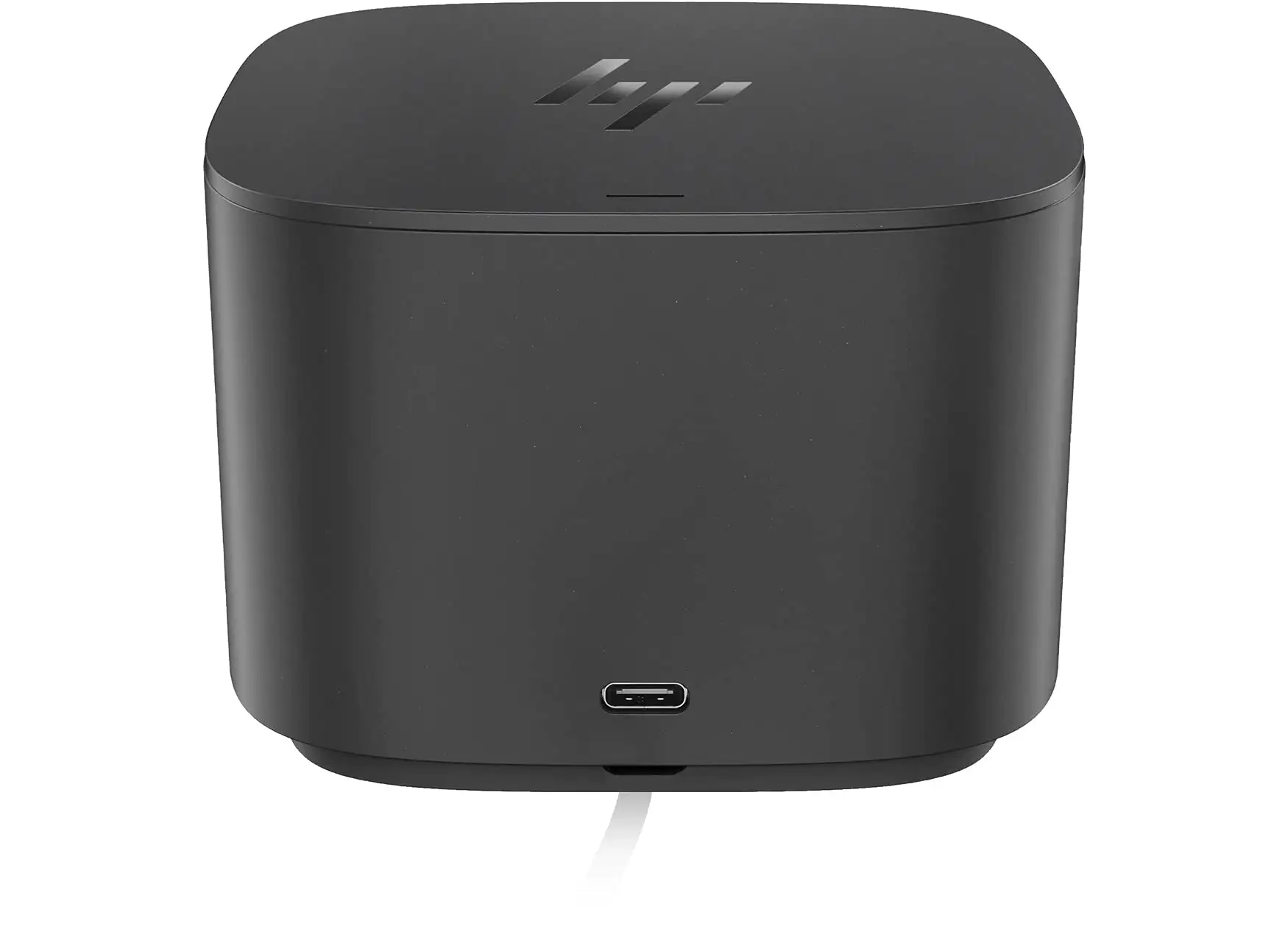
The non-removable USB-C cable is a recurring irritation. One Amazon buyer advised: “If that main cable gets damaged, you’re replacing the whole dock.” For setups needing flexible cable routing, this can be limiting, especially in ergonomic or custom desk arrangements.
Audio connectivity is absent — a surprise for some. “No audio ports meant I had to use a separate USB sound adapter,” ShopSavvy’s consumer notes read. This can complicate neat setups, undermining the ‘all-in-one’ promise.
Reliability concerns show up frequently. Some report failures within weeks. One Trustpilot reviewer shared: “Dock stopped recognizing devices after a month; HP replaced it, but the downtime was painful.” Out-of-box defects have also been mentioned, requiring immediate returns.
Divisive Features
Security and manageability are loved by IT teams, thanks to Intel vPro remote management and asset tracking via electronic tags. Yet individual consumers sometimes see these as overkill. A Reddit user joked: “I’m not running an enterprise — that asset tagging does nothing for me.”
Compatibility claims divide opinion. Many enjoy true plug-and-play operation across brands, but those trying advanced features on non-HP systems can be disappointed. Enthusiasts willing to tweak firmware and drivers find workarounds; casual users may not.
Trust & Reliability
Patterns from Trustpilot and Reddit suggest HP largely honors warranties, replacing faulty units quickly. However, downtime during replacement is a frustration, and some users express concern about repeat failures. HP’s one-year warranty is seen as minimal coverage in enterprise contexts where multi-year deployment is common.
Long-term users who avoid early defects report stable performance — a Reddit poster mentioned their G4 running daily for six months without hiccups: “No dropouts, no overheating. Worth the investment once you get a good one.”
Alternatives
While the dataset doesn’t deeply cover competitors, comments reference Dell and Lenovo USB-C docks in passing. Buyers comparing note HP’s stronger security integration but point to other brands offering audio jacks and replaceable cables. If audio and modularity matter more than firmware protection, alternatives might serve better.
Price & Value
Price varies: HP’s Canada store lists it at $449 CAD, while eBay resellers offer $199.89 with free shipping. Market chatter points to meaningful savings if buying used or open-box — but with the aforementioned reliability risks, used purchases should be carefully vetted.
Resale value trends show enterprise users offloading units when upgrading fleets, meaning buying second-hand can deliver full feature sets at under half retail. A Reddit responder cautioned: “If you go used, check the cable integrity — that’s the weakest link.”
FAQ
Q: Does this dock work properly with MacBooks?
A: Yes, core features like charging, data, and multi-display work, but certain HP-specific functions like Wake-on-LAN and dock power button control are unavailable.
Q: Can I replace the USB-C cable if damaged?
A: No, the main USB-C cable is permanently attached, meaning damage to it requires replacing the entire dock.
Q: Will all four 4K display outputs work on any laptop?
A: Only if the host supports DisplayPort 1.4 with DSC; otherwise, resolution or the number of screens may be limited.
Q: Are audio ports included?
A: No — you’ll need a USB or Bluetooth audio solution if your laptop’s audio jacks aren’t accessible.
Q: Is the HP Sure Start security active all the time?
A: It performs firmware integrity checks at startup but doesn’t have continuous runtime protection like in HP notebooks.
Final Verdict: Buy if you’re a hybrid worker or IT department needing high display counts, strong port variety, and firmware-level protection. Avoid if you need audio ports, replaceable cables, or are unwilling to manage occasional warranty replacements. Pro tip from the community: confirm your laptop’s DisplayPort support before banking on all four 4K displays.