Dell P2419H Monitor Review: Ergonomic Win, Color Trade-offs
A verified buyer on Amazon opened with a blunt assessment: “Value for money!” For the Dell P2419H 24-inch IPS Monitor, that sentiment is common — but it comes with caveats. Scoring between 3.6 and 4.1 across platforms, this business-class model delivers solid ergonomics, a compact footprint, and a clean design, but some buyers felt let down by middling color accuracy and misinterpreted features like daisy chaining.
Quick Verdict: Conditional Buy — excellent for office productivity, less ideal for color-critical work or advanced gaming.
| Pros | Cons |
|---|---|
| Compact stand frees desk space | No daisy-chain capability despite dual inputs |
| Adjustable height, tilt, pivot, swivel | Color accuracy only decent; muted tones in movies |
| Flicker-free ComfortView reduces eye strain | 1080p only; pixel density modest for text-heavy work |
| Built-in USB hub for cable control | No built-in speakers |
| Ultrathin bezels ideal for multi-monitor setups | Reports of screen defects (yellow patches, dead pixels) |
Claims vs Reality
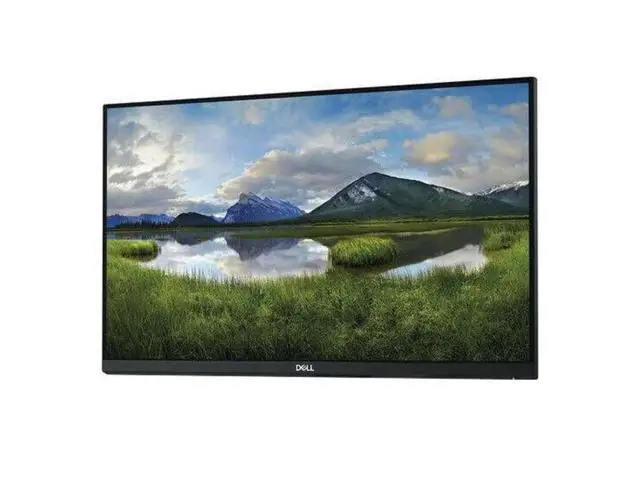
Dell’s marketing emphasizes “three-sided ultrathin bezel design” and “comfort-enhancing features” for productivity gains of “up to 18%” in dual setups. On Reddit, multiple users confirmed the bezel’s appeal for multi-screen rigs. User prad_reddit shared: “You always get the feeling that it is more than 24,” noting the illusion of size from the thin borders and integrated USB hub.
Another claim is vibrant, consistent colors “no matter where you sit” thanks to IPS technology. Trustpilot’s top favorable review mentioned “great color/settings right out of the box,” yet Dell’s own color calibration tools are absent here. Daxdi’s lab test found reds and blues muted in movie mode and “so-so” accuracy in standard mode — passable for documents, but not “pro grade” as some designers require.
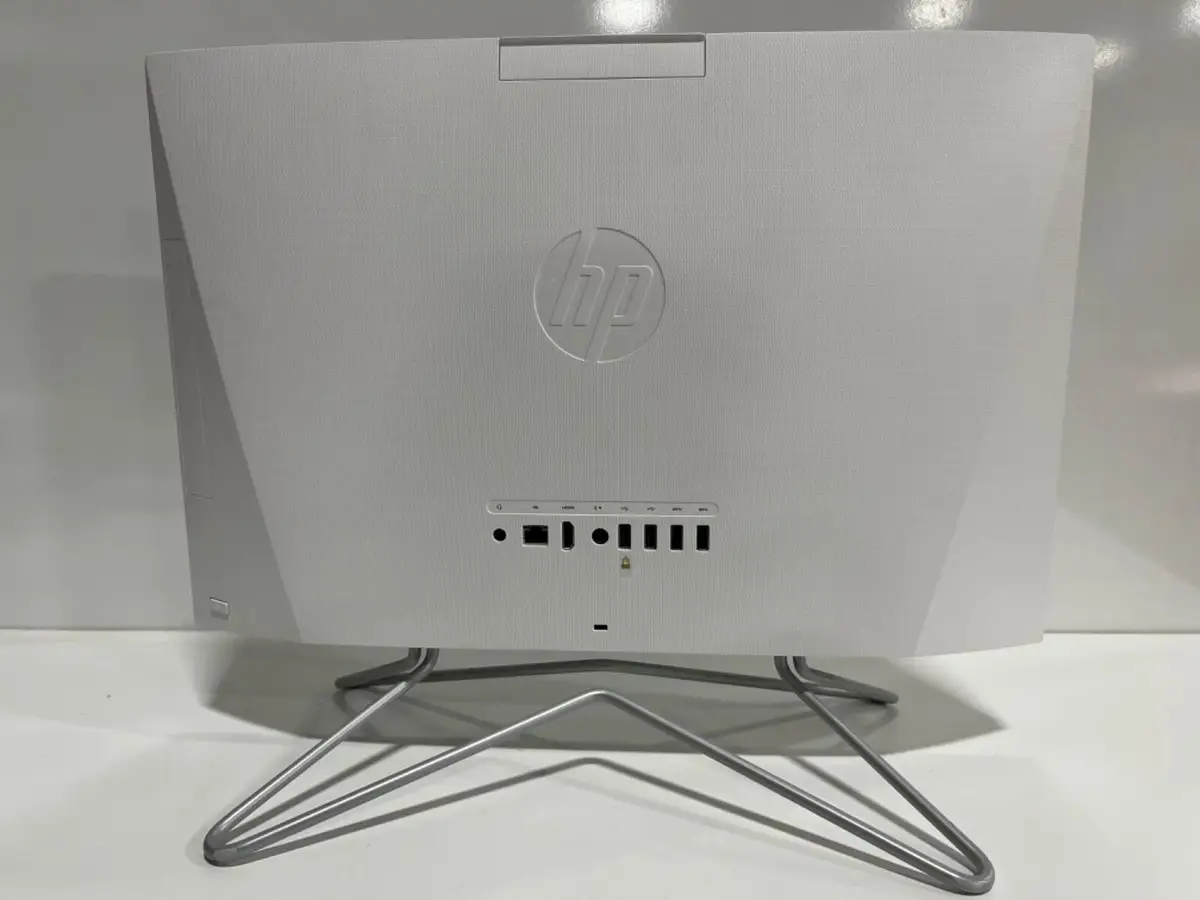
The most contentious claim involves connectivity. Listing HDMI, DisplayPort, VGA, and five USB ports, Dell implies robust flexibility. But as Trustpilot’s critical reviewer warned: “You cannot daisy chain this monitor. Both HDMI and DP are inputs.” For buyers assuming dual-input means chaining outputs, this gap frustrated setups and required video cards with multiple outputs.
Cross-Platform Consensus
Universally Praised
Ergonomics top the praise list. Height, tilt, pivot, and swivel adjustments give users comfortable control whether coding, editing, or reading. A verified Amazon buyer said: “Very easy in adjusting the height and tilt with one hand.” For developers, Reddit user muhammad_arshul noted the display worked perfectly with his MacBook Pro.
Office users love the stand’s small footprint and stability. The ultrathin bezels made double or triple monitor arrays feel seamless. Reddit user excellent_ride operates two of these, describing the clean gapless view.
Cable management earned consistent applause. The integrated USB 3.0/2.0 hub allows connecting peripherals without clutter. As one Trustpilot reviewer put it, “VESA mounting works flawlessly; thin bezels, lightweight, and not bulky whatsoever.” Those hubs proved essential for MacBook owners limited to USB-C, who relied on adapters to link devices directly.
Common Complaints
Color depth and contrast left some unconvinced. ReviewIndex’s dataset showed comments like “decent color accuracy (not pro grade)” and “muted tones in movies,” particularly affecting designers and gamers seeking punchy visuals. Daxdi’s test rated its brightness at only 183 nits under standard settings, well below the 250-nit spec.
Connectivity misunderstandings also trapped buyers. Without DisplayPort output, daisy chaining was impossible, cutting into multi-desktop ambitions. Dell’s support refusal for non-Dell PC users compounded the irritation, as Trustpilot’s critical review detailed.
Hardware flaws occasionally appeared out of the box. Amazon buyers reported “yellow screen after set up” and “white screen patchers,” sometimes requiring returns. While these weren’t universal, such defects hit hard given the value-focused segment.
Divisive Features
Resolution at 1920x1080 split opinion. Office users found it crisp enough for spreadsheets and text, but programmers on 27-inch monitors warned it felt “less useful for reading text.” Design professionals often preferred higher pixel density. Those using it vertically for stock trading or reading, however, found 1080p adequate.
Gaming suitability sparked debate. While 8ms response and low input lag pleased casual players — “no unusual artifacts” even in Tomb Raider — faster refresh panels outperform it for competitive use. The absence of deeper blacks also detracted from immersive play.
Trust & Reliability
Trustpilot’s seller metrics for Triplenetpricing show 96% on-time delivery and 91% service satisfaction, reducing scam concerns. Long-term Reddit users like vineetboyle reported no issues after months of coding and light video editing. However, some Amazon buyers had to exchange units due to defective pixels or yellow tinting right away.
Dell’s three-year advanced exchange and “premium panel” policy (replacement even for one dead pixel) reassured cautious buyers. Still, as one critical reviewer noted, clarity on specs and outputs would prevent costly setup misalignments.
Alternatives
Competitors mentioned include HP E243 and ViewSonic VP2468. The HP matches resolution but lacks USB hub integration, while ViewSonic offers superior color accuracy and calibration presets for professionals. For designers, Reddit recommendations leaned toward BenQ IPS models at higher resolutions for critical color work, albeit at more than double the price.
Price & Value
Prices vary sharply by market. eBay listings for used units hover around $119–$147 plus shipping, while refurbished from UK sellers reach ~$76. New retail can climb past $279 depending on region. Value peaks for dual-monitor office or coding setups, where its ergonomics and bezel design matter more than ultra-accurate colors.
Community buying tips stress checking for all included cables (DP, USB, power) and inspecting screens for yellow patches before keeping shipment. Several Reddit users suggested hunting for deals under $170 for best ROI.

FAQ
Q: Can the Dell P2419H daisy chain via DisplayPort?
A: No. Both HDMI and DisplayPort are inputs only, with no DP output. Multi-monitor setups require a GPU with multiple outputs.
Q: Does it have built-in speakers?
A: No. Buyers will need external speakers or a soundbar, as multiple reviewers noted.
Q: Is it good for gaming?
A: For casual gaming, yes. Low input lag and IPS viewing angles keep visuals smooth, but competitive players may prefer higher refresh rates and better contrast.
Q: Can it connect directly to a MacBook Pro?
A: Yes, with proper adapters. Many users run it via USB-C to HDMI/DP adapters and benefit from its USB hub for peripherals.
Q: How does the ComfortView feature work?
A: It reduces blue light emissions and flicker, easing eye strain during long viewing sessions, particularly praised by office workers.
Final Verdict
Buy if you’re a productivity-focused user needing ergonomic flexibility, clean multi-monitor integration, and a dependable USB hub. Avoid if you require top-tier color accuracy or plan on daisy chaining monitors without specialized graphics outputs. Reddit’s prad_reddit summed up the sweet spot: “Thin bezels… USB hub… feels like more than 24 inches” — provided you know exactly what you’re getting.