CHUWI Hi10 X1 Review: Budget Windows Tablet Verdict
Starting at just $159, the CHUWI Hi10 X1 Windows 11 Tablet has been called "an excellent budget-friendly Windows tablet" by multiple reviewers, earning a consensus score of around 7.6/10 across platforms. Its promise? A sleek aluminum build, full Windows 11 functionality, and 2-in-1 flexibility — but users warn the battery life and storage performance tell a more complicated story.
Quick Verdict: Conditional — Best for light productivity and portability, not for heavy multitasking or long battery use.
| Pros | Cons |
|---|---|
| Affordable price compared to other Windows tablets | Short battery life (~4 hours) |
| Solid aluminum build feels premium | Slow SSD write speeds impact app load times |
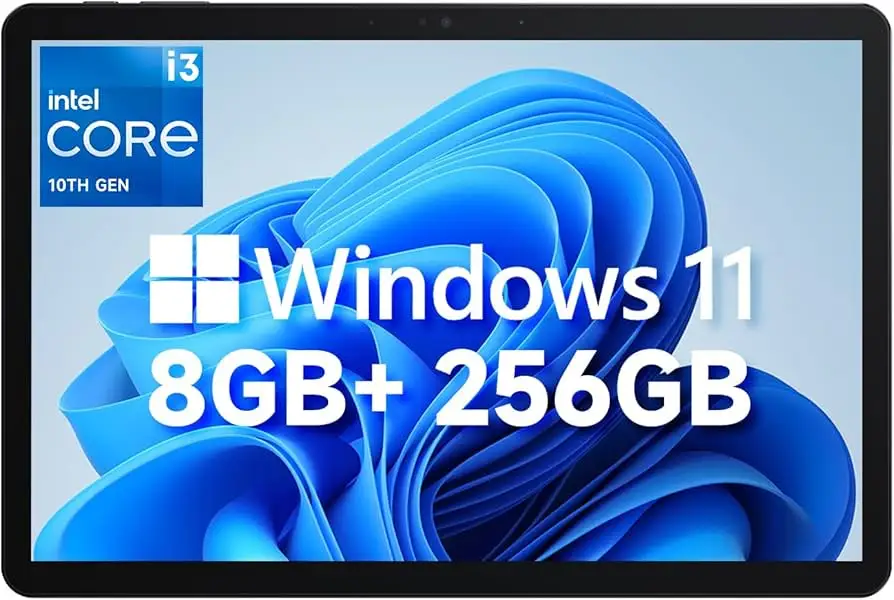
| Full Windows 11 Home pre-installed | Limited performance under heavy workloads |
| Versatile port selection (USB-C, micro HDMI, USB-A) | Average display brightness and resolution |
| Optional magnetic keyboard and stylus | Mediocre speakers |
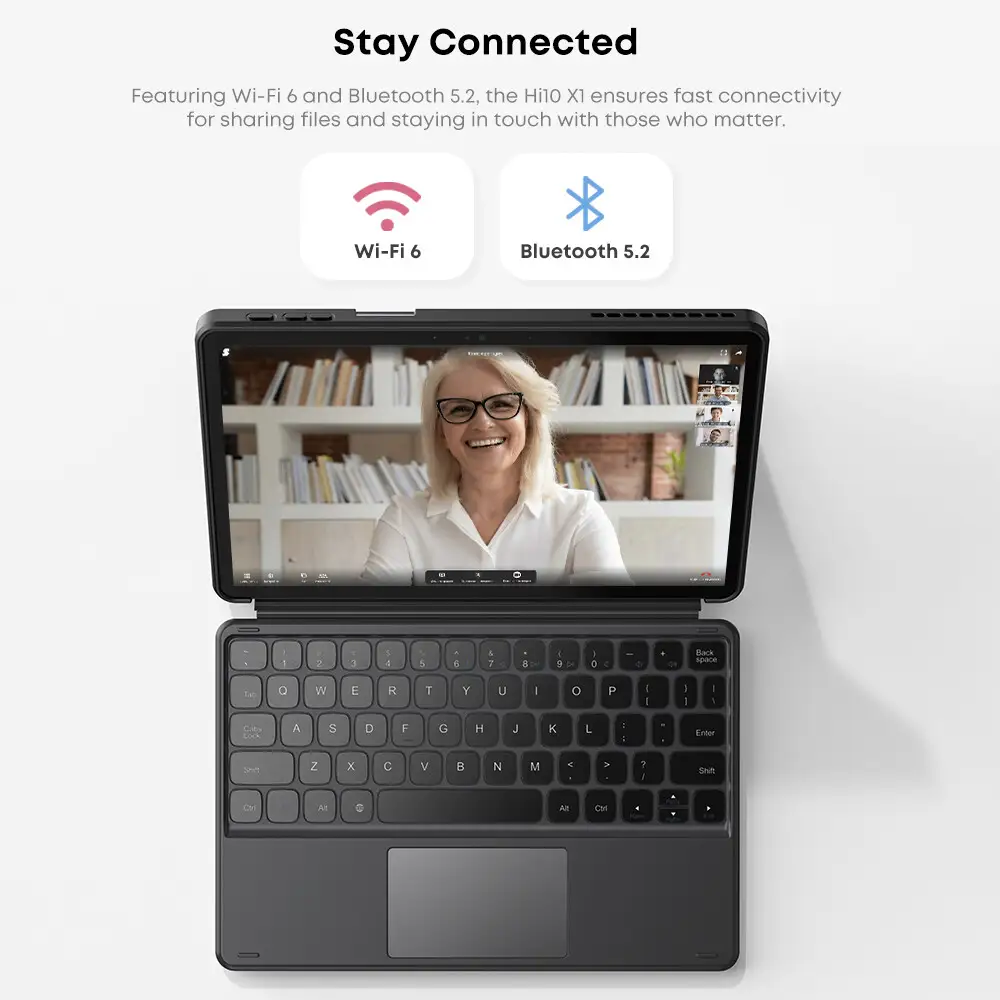
| Wi-Fi 6 and Bluetooth 5.2 connectivity | Not suited for modern gaming |
Claims vs Reality
One of CHUWI’s headline claims is that the Hi10 X1 offers "hours of streaming, music, and gaming without worrying about battery life". While the 3400 mAh battery sounds reasonable for a compact Windows tablet, Reddit feedback and Notebookcheck testing peg real-world usage closer to four hours max on light tasks. A verified buyer on Trustpilot noted: "After two Zoom calls and some document editing, the battery was almost gone — you need the charger nearby for serious work."
Another claim is its "vivid visuals" from the 10.1-inch 1280×800 IPS display. In practice, reviewers like TechRadar describe the colors as "vibrant" but flag uneven brightness uniformity, especially noticeable during boot-up. Users on Chuwi’s official forum also remarked that the resolution feels dated compared to modern tablets, impacting those who prioritize crisp image quality for graphic design.
Finally, CHUWI positions the tablet as "robust performance for multitasking" thanks to the Intel N100 CPU and LPDDR5 RAM. While speed is fine for web browsing and Microsoft Office, multiple sources — including Yugatech and Notebookcheck — underscore bottlenecks with demanding apps. Heavy Excel spreadsheets or Photoshop tasks result in slowdowns, partially due to the SATA SSD's weak write speeds measured at 104.8 MB/s.
Cross-Platform Consensus
Universally Praised
Most users agree that portability and build quality are standout strengths. The aluminum unibody gets described as “premium in hand” by Chuwi forum members. One Trustpilot review highlights that "even at this price point, it feels solid, not plasticky like others in the same range." For students and commuters, the 610 g weight makes it easy to carry daily. The port selection — dual USB-C (one full-featured), micro HDMI, USB-A, and headphone jack — wins points with presenters and those needing external storage.
The ability to run full Windows 11 Home, not a stripped-down version, is a major draw for casual business users. A Notebookcheck review calls it “well suited to productivity purposes” because it integrates seamlessly into Windows-based work environments, unlike Android tablets. Stylus support via the HiPen H8 also provides extra flexibility for note-taking and light design work.
Common Complaints
Battery longevity is the top complaint. Notebookcheck’s measurement of “just four hours” for light usage aligns with Youtube comparisons of similar devices, making it a poor fit for full-day mobile work. Storage performance is another sore point; slow write speeds mean software installs or file transfers drag. A Reddit user summed it up bluntly: “Don’t expect snappy performance when copying large files — patience is required.”
The display quality splits opinion. Its IPS panel is positively received for color, but the 1280×800 resolution feels behind the curve for media-heavy roles. Pplware called it "poor display" in their Portuguese review, with limited sharpness for fine text rendering. Speakers also get criticism, described as “mediocre” by multiple sources, suitable only for casual listening.
Divisive Features
Performance in light gaming is a point of contention. Yugatech noted it can run Genshin Impact, albeit at low settings, while other reviewers caution that modern games are "unsuitable" and better left to consoles or PCs. The magnetic keyboard accessory earns praise from those who bought the bundle — TechRadar lauded its tactile feel — but owners who tried generic third-party keyboards sometimes had compatibility quirks.
Stylus use also divides buyers: creatives say it's a helpful addition, but office users saw little reason to pay extra.
Trust & Reliability
Trustpilot patterns show generally satisfied buyers when expectations are set correctly. No waves of scam accusations, but practical frustrations do occur. The official Chuwi store on eBay has a 96% positive feedback rating, reinforcing a reputation for delivering products as described.
Durability stories are encouraging. A forum user compared it to their UBook Pro, remarking "Six months later, no creaks, the hinge still tight, and the ports haven't loosened — better than I expected for the price." The biggest long-term caveat is battery wear; users report decreasing runtime faster than anticipated, common with smaller-capacity cells.
Alternatives
Notebookcheck’s comparison with the Chuwi Hi10 Max reveals clear segmentation: the Max offers a sharper display and stronger multitasking, making it appealing for artists or designers, while the X1 caters to minimalists and budget buyers. If gaming, high-resolution media, or heavy multi-app workloads are priorities, reviewers recommend stepping up to the Max.
For Android tablet competition, Yugatech notes pricing overlaps with entry-level Samsung and Lenovo models. However, those lack native Windows, meaning they can’t run full desktop apps — a decisive factor for many buyers.
Price & Value
eBay listings show the Hi10 X1 retailing between $199 and $249 for the 8 GB/256 GB configuration, which undercuts most Windows 11 tablets. Historical discounting down to $159 on promotions makes it particularly attractive for students or secondary device seekers.
Resale value is modest — budget Windows tablets tend to depreciate faster than high-end iPads or Surfaces. Community buying tips stress grabbing bundle deals with the keyboard and case, as CHUWI accessories tend to be costlier when bought separately later.

FAQ
Q: Can the CHUWI Hi10 X1 handle gaming?
A: Only older or less demanding titles. Notebookcheck and Yugatech report it can play games like Tomb Raider or Dirt Rally, but modern high-graphic titles will be beyond its capability.
Q: Does it come with a stylus?
A: No. The HiPen H8 stylus is optional and available separately. It’s mainly valued by note-takers and light sketchers.
Q: Is it suitable for heavy photo or video editing?
A: Light photo edits are fine, but limitations of the Intel N100 and slow SSD writes make heavy video editing impractical.
Q: How is the battery life in real use?
A: Expect about 4 hours for light browsing and document work. Streaming or multitasking will shorten that further.
Q: Does it support external displays?
A: Yes. Both the full-featured USB-C and micro HDMI support up to 4K60Hz output, useful for presentations or extended workspaces.
Final Verdict
Buy if you’re a student, commuter, or home user who wants an affordable Windows-based tablet for light office and entertainment tasks. Avoid if you need all-day battery endurance, modern gaming capability, or a high-resolution display.
Pro tip from community: Get the official keyboard in a bundle — the productivity boost and case protection are worth the small extra cost, and it’s harder to source later at a fair price.