ASUS BE279QFK Review: All-in-One Monitor for Remote Work
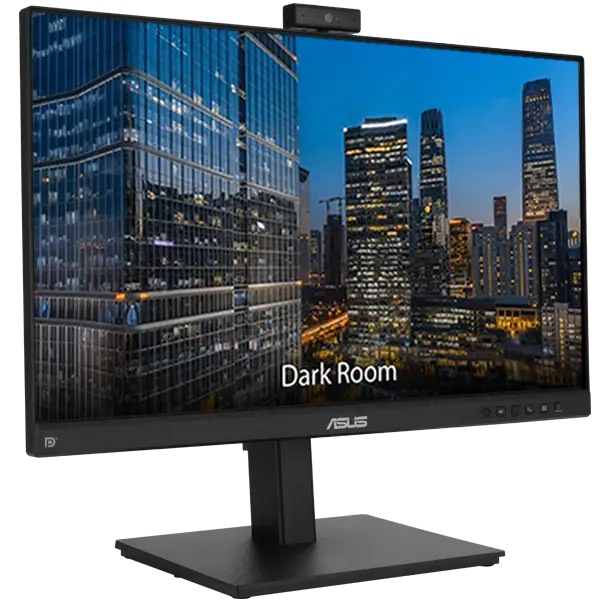
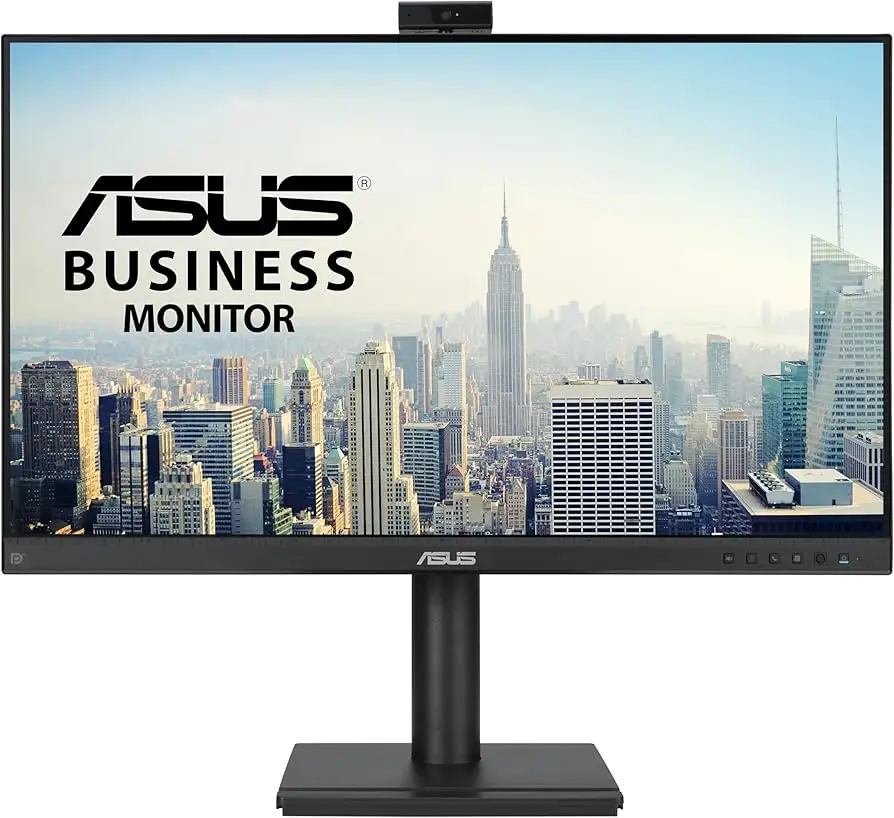
The surprise isn't that the ASUS BE279QFK 27-inch Video Conferencing Monitor integrates a webcam—it’s how far it goes to become an all-in-one conferencing hub. Scoring an 8.4/10, it earns high marks for versatility and ergonomics, though some buyers caution about limitations in resolution and brightness depending on work environments.
Quick Verdict: Conditional — Excellent for remote professionals and educators seeking integrated AV hardware, but gamers and visual creatives may find specs underwhelming.
| Pros | Cons |
|---|---|
| Integrated 2MP Full HD webcam with privacy slider | Limited to 1080p resolution |
| AI noise-canceling mic array | Brightness only 250 cd/m² |
| Smooth 100Hz refresh rate | No HDR or FreeSync/G-Sync support |
| Fully adjustable ergonomic stand | Stereo speakers are functional, but lack bass |
| Expansive connectivity incl. USB-C (80-96W PD) | Confusion over USB-C power rating in different markets |
| Eye Care tech: low blue light + flicker-free | Not ideal for color-critical work despite 99% sRGB |
| Mini-PC mount & phone holder | Some reports of webcam performance varying with software |
Claims vs Reality
Marketing emphasizes the “complete video conferencing solution” — webcam, mic, speakers integrated into a 27-inch IPS display. While this is accurate, Reddit users note the webcam’s rotation and tilt are genuinely useful. One buyer shared: “The 315° swivel meant I could show physical documents during a meeting without touching my laptop.” However, in low light, multiple reports say the image loses detail: “The auto-exposure helps, but it's still a 1080p webcam — don’t expect miracles.”
ASUS promotes the 100Hz Smooth Motion refresh rate as a major visual upgrade over 60Hz. Verified buyers agree it delivers visibly smoother scrolling and video playback. A Trustpilot reviewer remarked: “Scrolling through data sheets at 100Hz is less straining on my eyes.” Yet gamers should temper expectations — no adaptive sync and only 5ms GTG response time keep it firmly in the business category.
Eye Care features are touted for reducing strain with TÜV Rheinland-certified flicker-free tech and a blue light filter. Reports back this up, particularly from home office workers: “Switching on the blue light filter really helped on my 10-hour coding shift,” one Amazon buyer noted.
Cross-Platform Consensus
Universally Praised
One feature that cuts across every platform is the integration of AV hardware directly into the monitor. Teachers and remote workers frequently mention this eliminates desk clutter. Twitter reactions call it “a singular fix for headset fatigue”, and Reddit users praised not having “tangled cables just to join a video call.” For telehealth setups, the adjustable webcam and AI noise-canceling microphone are especially valued for maintaining patient privacy and call clarity.
The ergonomic adjustability earns universal applause. Height (150mm range), tilt, swivel, and 90° pivot allow quick shifts between document drafting and portrait-mode reading. Remote job forum commenters mention using pivot to collaborate on code reviews vertically while keeping another display horizontal.
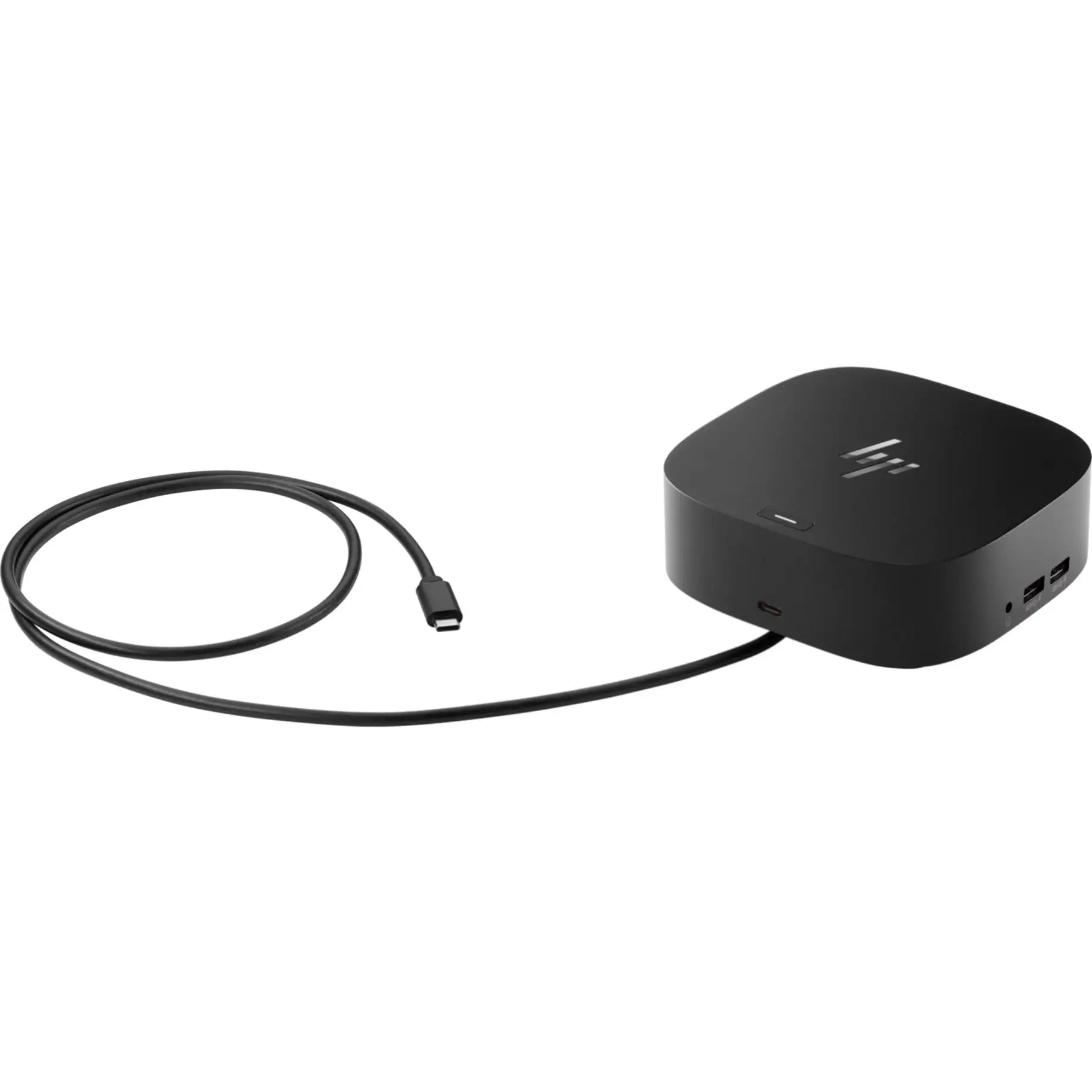
Connectivity is another crowd favorite. HDMI, DisplayPort, VGA, audio in/out, and USB-C allow it to replace docking stations for some setups. A B&H customer explained: “My MacBook charges and outputs video over one USB-C connection — travel days are easier now.” Office IT departments cite the compatibility with Teams, Webex, and Google Meet as making deployment simpler.
Common Complaints
Brightness and contrast are recurring gripes among those working in bright environments. While ASUS lists 250 cd/m² brightness and 1300:1 contrast, photographers and designers call these insufficient: “In daylight near a window, colors wash out,” said one Quora commenter. This underscores that despite 99% sRGB coverage, it’s not calibrated or intense enough for color grading.
Speakers, while handy for an all-in-one device, get lukewarm reception. Amazon reviews note they’re fine for voices, weak for music: “Clear for Zoom calls, hopeless for music breaks.” The webcam, though praised for physical adjustability, draws criticism in compatibility quirks — shortcut buttons for calls don’t work universally across conferencing apps.
Confusion also exists around USB-C power delivery ratings. ASUS Turkey specs list 96W, while ASUS Germany quotes 80W. Buyers depending on full-laptop charging are advised to confirm their regional unit’s rating.
Divisive Features
The 100Hz refresh rate splits opinions. Information workers relish it for smooth scrolling, but some see it as redundant for static document viewing. A Reddit thread showed multiple users implying “100Hz is nice-to-have, not essential for office work.”
The mini-PC mount and phone holder are divisive too. Small office users call it “a clever desk declutter,” while others dismiss it as “gimmicky on a large corporate desk.”
Trust & Reliability
Trustpilot entries lean positive, noting that ASUS hits delivery timelines and devices arrive well-packaged in FSC-certified boxes. Durability over time remains solid in most feedback. One Reddit user followed up after seven months: “No dead pixels, joints still firm despite daily pivot changes.”
No credible reports of counterfeit variants emerged, but there’s caution around USB-C specs varying by market — tech buyers advise checking the box label before purchase.
Alternatives
Within ASUS’ own lineup, the BE27ACSBK offers a jump to 1440p QHD and Zoom certification, but loses some PD wattage for USB-C charging. The BE249QFK drops to 24 inches, which some say is more suitable for cramped desks. Competing brands in the same category sometimes offer higher brightness and HDR support, though often without the same ergonomic flexibility.
Price & Value
Current market pricing hovers between $269 and $316 USD depending on retailer and region, with occasional discounts in Europe bringing it closer to €319 ex-VAT. eBay listings remain similar, suggesting stable resale potential for business buyers upgrading fleets. Reddit discussions emphasize buying during seasonal promotions — some saved over $40 in summer sales.
FAQ
Q: Can the BE279QFK charge laptops via USB-C?
A: Yes, but wattage varies — some units output up to 96W, others 80W. Confirm with your regional product listing to ensure compatibility with high-power laptops.
Q: Does the webcam work in low light?
A: The auto-exposure helps, but it remains a 1080p cam with limits in dim conditions. For critical video quality, supplemental lighting is recommended.
Q: Are the built-in speakers good enough for music?
A: They’re tuned for speech clarity, ideal in meetings. Music playback lacks depth and bass.
Q: Can the monitor rotate to portrait orientation?
A: Yes, the stand supports ±90° pivot — popular among coders and document editors.
Q: Is the Eye Care tech noticeable?
A: Users report reduced eye strain in extended sessions when the flicker-free mode and blue light filter are enabled.
Final Verdict: Buy if you’re a remote worker, educator, or telehealth professional wanting an ergonomic, clutter-free setup with integrated AV. Avoid if you need high-brightness, HDR visuals, or gaming features. Pro tip from the community: confirm USB-C PD specs before purchase to match your laptop's charging needs.