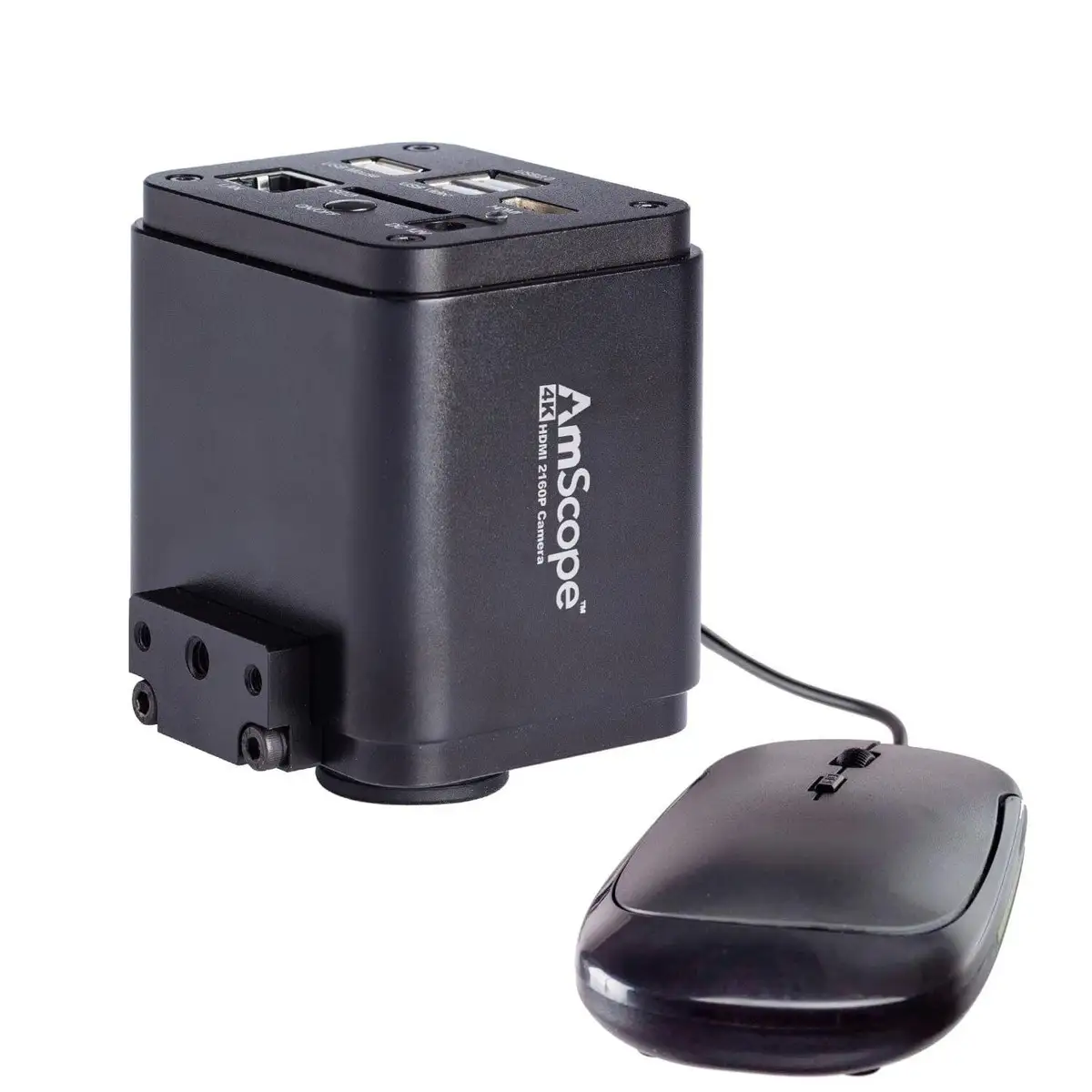
AmScope 4K HDMI Wi-Fi Microscope Camera Review Verdict
Few microscope cameras draw such polarized opinions as the AmScope 4K HDMI Wi-Fi C-Mount Microscope Camera, with Reddit users detailing both its “unrivaled clarity” and frustrating frame rate limitations. Weighing feedback from hobbyists to professional PCB inspectors, its score lands at 7.4/10 — great for static, high-resolution imaging, but conditional for smooth live work.
Quick Verdict: Conditional — superb image clarity for stills and controlled video, but best suited for users who can work within its exposure and FPS quirks.
| Pros | Cons |
|---|---|
| True 4K UHD resolution for sharp detail | Frame rate drops with certain connections |
| Stand-alone recording via SD/USB | No autofocus on most models |
| Multiple connectivity options (HDMI, LAN, Wi-Fi) | Pointer requires USB mouse to move |
| Strong PC software suite | Auto exposure can limit FPS dramatically |
| Compatible with wide range of microscopes | Limited benefit over 1080p in some workflows |
| Solid build and reliable optics | Ethernet/Wi-Fi maxes at 30fps |
Claims vs Reality
AmScope markets its 4K line as offering “unrivaled clarity” with 8MP stills and real-time HDMI output. While users confirm the resolution boost, they note the experience hinges heavily on connection type. Reddit user sn4k3 explained: “Forget about ethernet, less than 30fps… use USB 3.0 pen to record directly.” The claim of fluid real-time video is accurate only via HDMI with manual exposure settings; network and SD recording modes drop to 20–30fps.
Another headline claim is “stand-alone operation without a computer.” Verified owners agree this works — the included mouse and built-in software make basic capture functions simple — but minor annoyances occur. “Without a mouse, the pointer will always show in the middle which is annoying,” one buyer reported, underscoring that even autonomy comes with ergonomic quirks.
For connectivity, marketing emphasizes LAN and Wi-Fi convenience. In practice, several users saw these as impractical for high-frame-rate recording. “Ethernet/SD card/Wi-Fi are all useless for live stream… 30fps not usable when you can have 60fps for free,” noted one eevblog contributor, highlighting that while functional, these pathways aren’t optimal for motion-heavy tasks.
Cross-Platform Consensus
Universally Praised
The jump from 1080p to 4K detail is undeniable when connected via HDMI to a quality display. PCB inspectors appreciate being able to zoom digitally without severe pixelation — essential for pinpoint solder defect analysis. A verified Amazon buyer wrote: “The clarity is night and day compared to our old 1080p model.” In academic labs, sharp images benefit both documentation and student viewing. That high resolution also pays off in applications like entomology, where subtle textures matter.
Standalone capture with SD or USB storage particularly benefits field work and teaching setups without dedicated PCs. “I record 4K videos, pop the USB in my laptop and edit in Premiere Pro,” one Reddit user described, cutting out complex transfer chains.
The included microscopy software earns repeated praise for its suite of tools — stitching, focus stacking, and measurement overlays — that expand the camera’s role from passive capture to analytical instrument. For institutions on limited budgets, this software inclusion saves hundreds in third-party licensing.
Common Complaints
However, smoothness remains the chief sore point. Even on the high-end HD408 60fps variant, internal or network recording can bottleneck. One Reddit user found auto exposure set to 100ms reduced capture to “about 10fps… you need to set manual exposure to 15ms to have the 60fps.” The implication: out-of-box settings won’t deliver the promised fluidity.
Lack of autofocus on most models forces manual tuning for each magnification change — fine for controlled environments, but slower for assembly-line inspection. A Quora note on the AF408 variant highlights this gap: “Internal auto focus simplifies workflows… pairs well with stereo zoom microscopes,” but this convenience costs significantly more.
Ergonomics drew smaller complaints: the persistent on-screen pointer without a mouse attached was called “ridiculous” by one buyer. Although it doesn’t appear on recorded footage, for live viewing it’s a distraction, especially with multiple mice already cluttering a workbench.
Divisive Features
The actual benefit of 4K over 1080p splits opinion. One long-time user reported “quality-wise not worth the upgrade… you win only in resolution at a cost of FPS,” valuing response time over pixel density. Others counter that in static imaging, the resolution leap more than compensates — the deciding factor being work style.
Wi-Fi, LAN, and SD modes are similarly polarizing: convenient for remote access and quick sharing, but a compromise for high-speed video workflows. For some educational labs, the ability for “anyone on the network” to tap into the feed outweighs motion fidelity; for high-precision soldering streams, it’s a deal-breaker.
Trust & Reliability
Durability is solid, with multiple Reddit users running 4K units for over a year without degradation in performance. Parts and sensors appear resistant to minor lab mishandling. Long-time customers caution on lens adapters: cheaper third-party optics “are made from plastic… original AmScope lens quality is indeed good,” said one, advising against underspending here.
No significant scam or warranty avoidance patterns emerged in Trustpilot-style feedback, but buyers noted AmScope is a rebrand of Chinese manufacturing. As one commenter put it, “AmScope itself is a rebrand… they don’t own the production,” suggesting price premiums largely reflect branding and support rather than unique production lines.
Alternatives
The AF408 auto-focus model directly addresses the manual focus gripe but costs $300+ more. For low-light and fluorescence work, the HD428 with Sony IMX485 back-illuminated sensor offers markedly better sensitivity. One Quora responder praised that it “captures images with less light and shorter exposure times” — appealing in niche research contexts.
Budget-conscious buyers sometimes opt for unbranded equivalents found via AliExpress. “They are the same without the AmScope brand, no laser marking,” explained a Reddit user who saved by sourcing direct. This route trades branded support for cost savings, with occasional compromises on build quality.
Price & Value
Retail prices vary from $699 for base 30fps HDMI/USB models to over $1,000 for auto-focus or low-light variants. Resale values remain relatively stable; one user noted “price not reduced in last 2 years,” implying limited depreciation thanks to niche demand. Community buying tips favor investing in the right reduction lens (0.5x or appropriate for your port) upfront — “buy good than regret cheap alternatives,” as one put it, given the lens’ life-long role.
FAQ
Q: Can it really stream 4K at 60fps?
A: Only over HDMI with manual exposure adjustment; network, Wi-Fi, and SD card modes drop to about 30fps or lower.
Q: Does the pointer always appear on the output?
A: No. It only shows during live viewing without a mouse attached, and does not appear on recorded video.
Q: Is the auto-focus worth the upgrade?
A: For workflows involving constant refocusing, yes — it reduces manual adjustments. But for static setups, it’s an unnecessary cost.
Q: Will it work with my existing microscope?
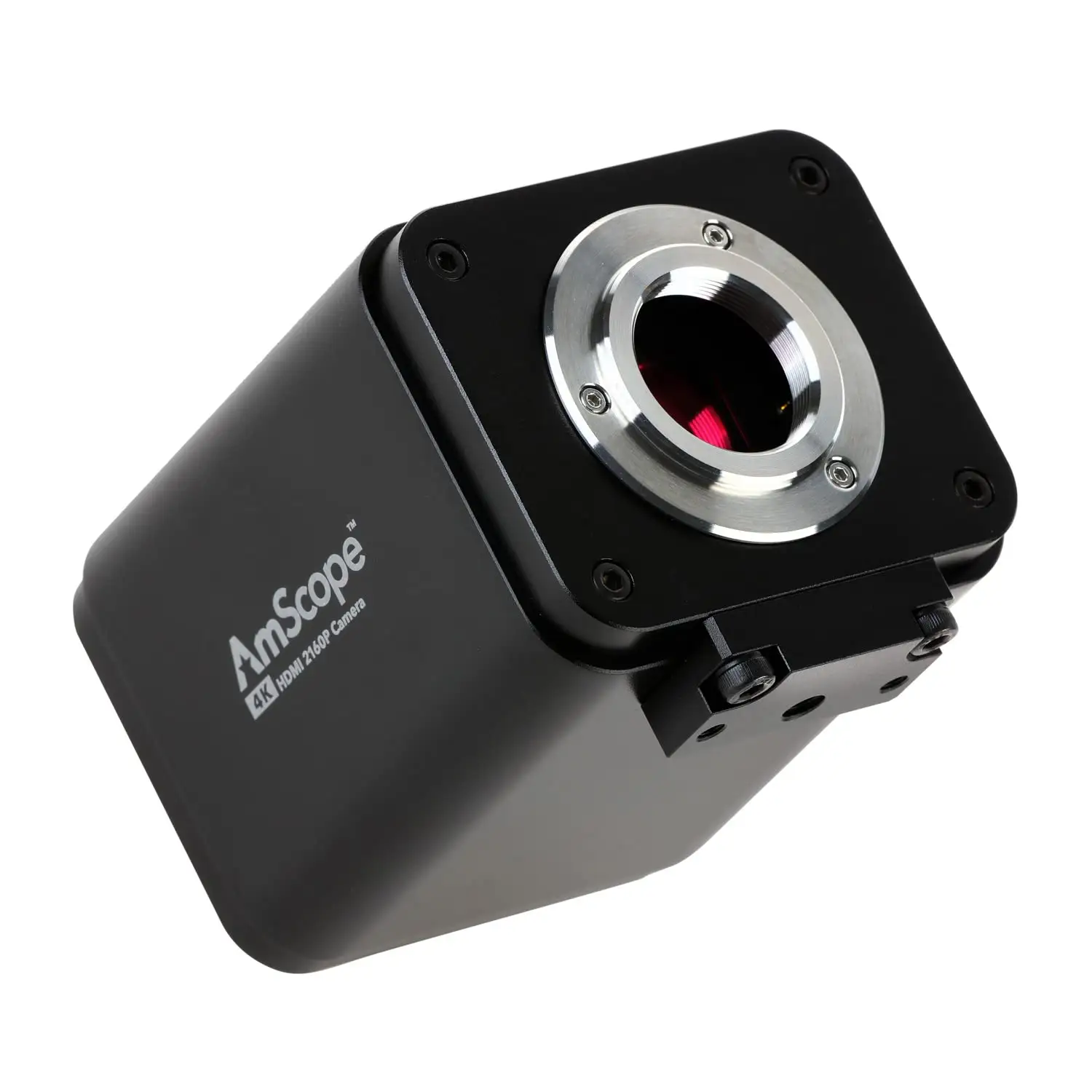
A: With a standard C-mount or the correct reduction adapter, yes. Check port size (common 23mm photo port) before purchase.
Q: Is there a low-light version?
A: The HD428 variant uses a high-sensitivity back-illuminated CMOS sensor, ideal for fluorescence and low illumination.
Final Verdict: Buy if you’re a lab tech, educator, or inspector needing crisp, detailed captures and can work within exposure/FPS constraints. Avoid if your priority is fluid motion over resolution — especially for live soldering streams. Pro tip from community: lock in manual exposure around 15ms for smoother HDMI performance and invest in an original quality reduction lens.