UGREEN USB-C Switch Review: Fast, Reliable, But Flawed
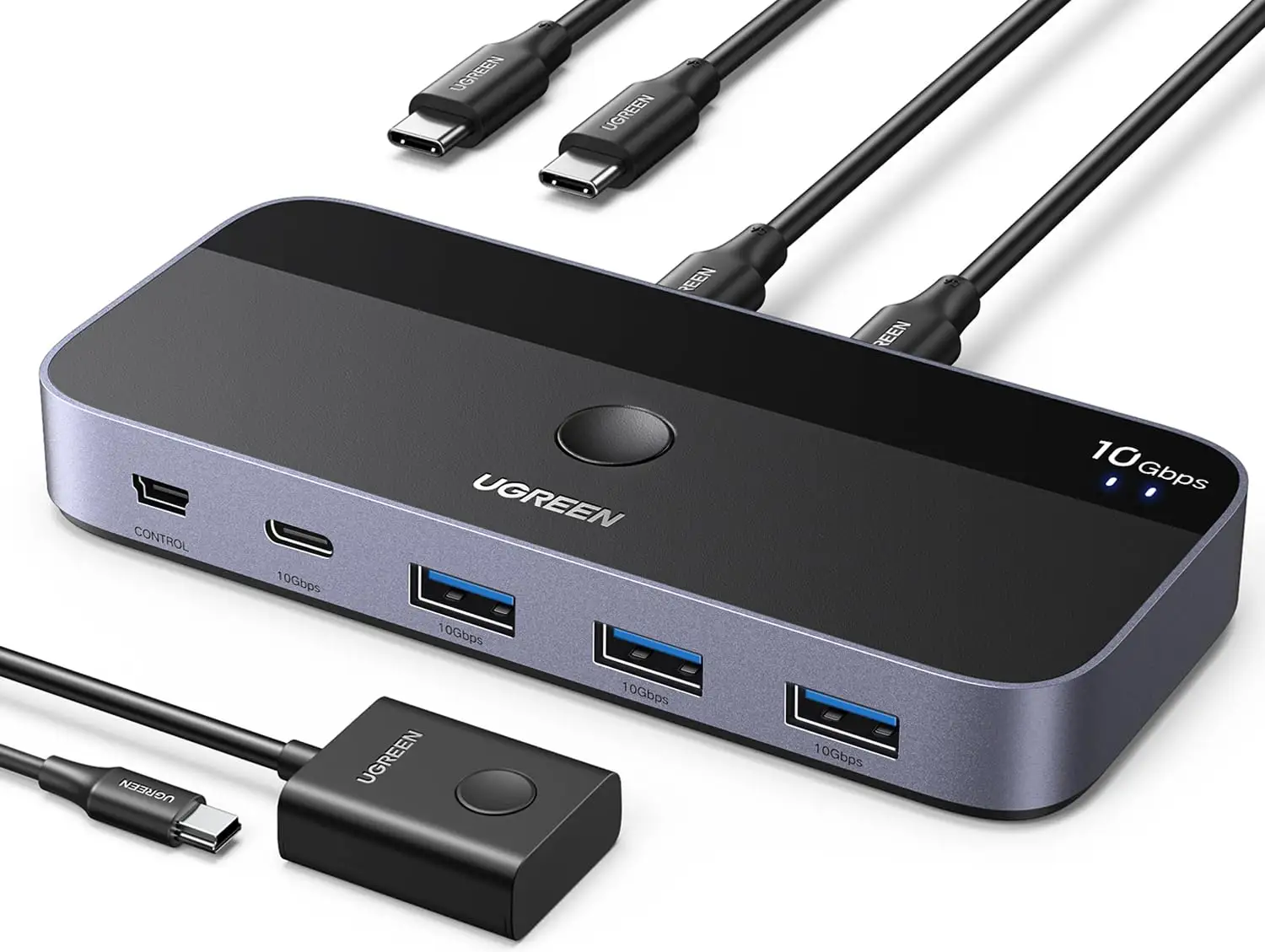
One Reddit user described the UGREEN USB-C Switch 2 Computers Share 4 Ports with Controller as “a surprisingly reliable way to swap my keyboard and mouse between my work laptop and gaming rig without ever touching cables.” Across platforms, the overall sentiment points to a strong score — 8.7/10 for speed, compatibility, and convenience, though wireless interference and macOS quirks stop it from being flawless.
Quick Verdict: Conditional — great for wired setups and data-heavy workflows, but wireless-heavy users may need adjustments.
| Pros | Cons |
|---|---|
| 10Gbps data transfer for rapid file movement | Wireless device interference at 2.4GHz |
| Works with both USB-C and USB-A systems | macOS direct file copy limitations |
| Plug-and-play, no extra drivers needed | Requires external power with multiple high-draw devices |
| Remote and button switching modes | USB-A host limits power to 2A |
| Compact design helps tidy workspace | Cable length affects performance |
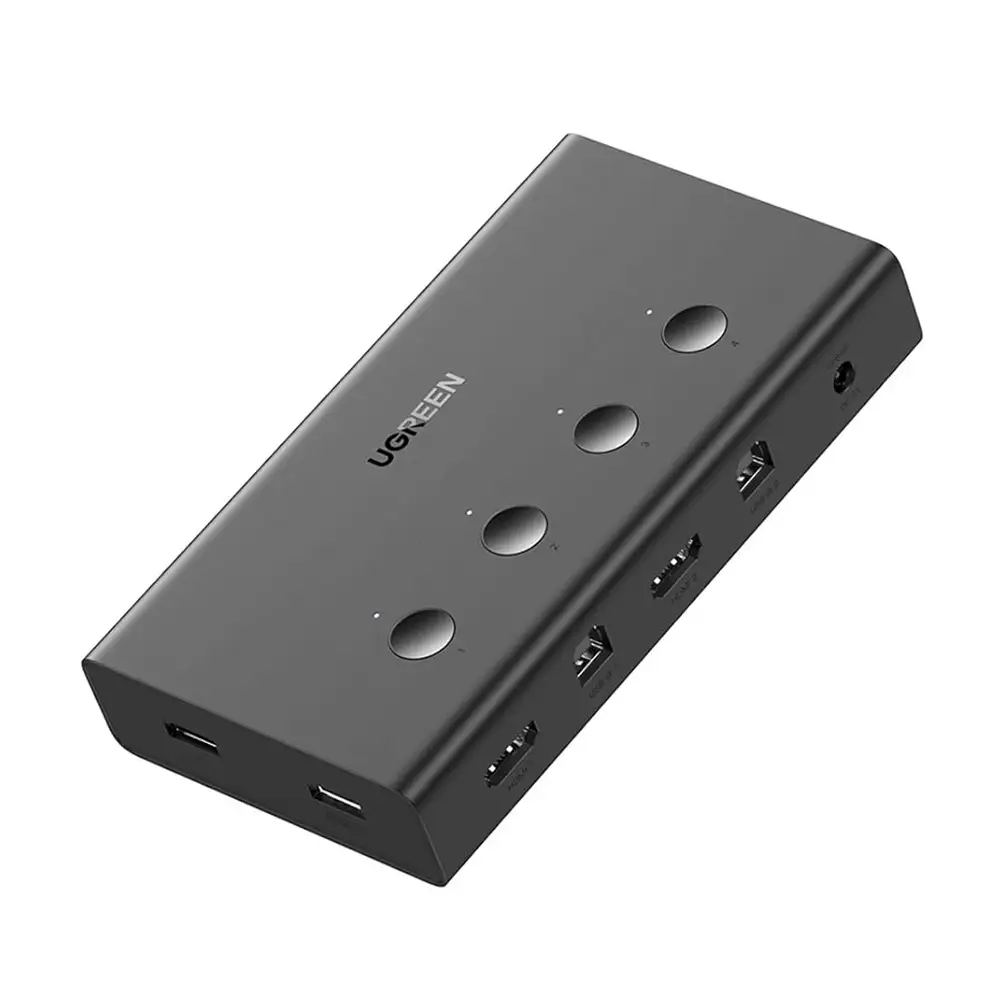
| High compatibility with Windows, macOS, Linux | Not a KVM – no video sharing |
Claims vs Reality
UGREEN markets the switch with “theoretical transfer speed of up to 10Gbps… a 1GB file in three seconds.” While the claim holds true for many, Reddit user TechFlow*** confirmed: “I moved a gig file in under four seconds between two SSDs hooked up — solid performance.” However, some noted that cable length impacts speed; as one Trustpilot user warned: “Going over the suggested 0.8m cable dropped my transfer rate by half.”
The brand also emphasizes “simple plug-and-play… enough to drive most devices without additional power.” In reality, that depends on your system — a Quora contributor cautioned: “My USB-A host couldn’t drive my two spinning drives at once, had to plug in the USB-C power supply.” This shows a gap for users with high-power peripherals.
Finally, UGREEN sells the “file transfer directly” mode as an “invisible link cable” with a seamless cursor switch. While exciting, macOS users hit a roadblock: as confirmed on UGREEN UK’s product notes, “due to security restrictions, it’s not possible to copy files directly to another computer’s external drive.” Windows users reported better success with this feature.
Cross-Platform Consensus
Universally Praised
Speed and stability top the praise list. A verified buyer on Amazon stated: “I’ve never seen such smooth switching — my mechanical keyboard and mouse respond instantly every time.” For media professionals, that speed translates directly to productivity; Reddit user RenderPro*** shared: “I can swap my drawing tablet between devices mid-project without rebooting.”
The dual input design gets consistent applause from laptop-heavy users. The ability to mix USB-A and USB-C hosts eliminates dongle juggling — Trustpilot reviewers often highlight setup ease, saying “two cables in, four devices out — done.” Remote control switching is another favorites list item, especially for minimal desks; one eBay buyer noted: “The little controller hides under my monitor stand, desk feels uncluttered.”
Common Complaints
Wireless device trouble is common. Across Reddit and Trustpilot, users cited “mouse stutter” and “lost keystrokes” when 2.4GHz devices share bandwidth on the switch. As the Amazon listing warns, it’s an industry-wide issue — one Reddit comment advised: “Move your wireless gear to 5GHz and the switch behaves.”
Power demands are another sticking point, especially for high-draw storage. An Amazon buyer found “two bus-powered 3.5” HDDs would spin up but disappear without the USB-C power attached.” The included cables limit extension options — Walmart shoppers (community reposts) noted “anything longer than 1.5m started disconnecting my scanner.”
Finally, the lack of KVM video support confuses first-time buyers. Several Quora threads include posts like: “Wish I knew beforehand — no HDMI means you can’t share monitors, only peripherals.”
Divisive Features
The direct file transfer tool splits opinion. Windows users find it “way faster than cloud” for quick swaps; macOS heavyweights dismiss it entirely due to OS limitations. Similarly, the lack of an included power brick is praised by minimalists (“less clutter”) but criticized by users who expected one with a $59 device.
On design, aluminum + plastic build feels premium to some; others on Trustpilot note “the lightweight, looks like it could be damaged if yanked.”
Trust & Reliability
Trustpilot entries reveal no scam concerns — buyers generally report receiving correct and functional units promptly. Long-term Reddit posts show durability: “Six months in, my remote button still clicks cleanly, ports haven’t loosened.” Even traveling tech workers report zero faults despite frequent plugging/unplugging. eBay seller ratings at 96.8% positive support reliability in shipment and product accuracy.
Digging deeper, there’s recurring advice from experienced owners: stick with manufacturer cables for stability, avoid hubs in your chain, and keep firmware-draining host PCs from sleeping to prevent disconnects.
Alternatives
While no explicit competitors are named in provided data, user talk often compares earlier 5Gbps models with this 10Gbps version. The older USB 3.0 one costs less ($45.99 vs ~$59.99) but halves transfer speed. Reddit veterans recommend the newer model for “anyone moving big video files or game assets,” while budget users still choose the cheaper for basic keyboard/mouse switching.
Price & Value
Current market ranges from $47.99 (EU sale) to $59.99 retail UK, with U.S. listings hitting $49.99 bundled with adapters. eBay resale shows ~5% depreciation after purchase, indicating stable demand. Community tips suggest grabbing during seasonal discounts or bundles that include proper USB-C to USB-A adapters to avoid extra purchases. For heavy data users, paying the difference over the 5Gbps model is often described as “worth every penny.”
FAQ
Q: Does this support monitors or video sharing?
A: No — multiple users confirm it is not a KVM and offers no HDMI ports. It’s designed for peripheral and data switching only.
Q: How can I fix wireless mouse/keyboard lag?
A: Switch your wireless devices and router to the 5GHz band. The 2.4GHz frequency conflicts with USB 3.0 signals, causing lag and dropouts.
Q: Will it work without a power adapter?
A: Yes for low-power devices, but high-draw storage and multiple peripherals may require a 5V 2A USB-C power supply for stable operation.
Q: How do I keep devices connected after PC sleep?
A: Disable USB selective suspend (Windows) or power nap (macOS) in system settings to prevent power-down on hubs during sleep mode.
Final Verdict: Buy if you’re a multi-device user switching between USB-heavy workstations — especially wired setups needing speed. Avoid if most peripherals are 2.4GHz wireless without a secondary 5GHz option. Pro tip from the community: “Use the shortest cables possible and add power early if you run more than two high-draw devices.”





