Wacom Intuos Pro Pen Standard Review: Buy or Skip?
A number of veteran illustrators describe the Wacom Intuos Pro Pen Standard as “the best pen money can buy” for certain Intuos and Cintiq models, but praise is tempered by small frustrations over missing accessories and occasional compatibility surprises. Across hundreds of verified purchases, it averages around 4.6/5, placing it in the top tier for pen-only upgrades in Wacom’s ecosystem. Based on aggregated user reports, its overall score sits at 8.5/10.
Quick Verdict: Conditional buy — outstanding feel and precision, but check compatibility and nib pack contents before ordering.
| Pros | Cons |
|---|---|
| Excellent accuracy and pressure sensitivity | Missing nib replacement tool in some shipments |
| Durable, battery-free design | Certain models (e.g., Cintiq DTK-2100) failed to work despite spec claims |
| Comfortable ergonomic grip | Reduced nib variety compared to original bundled pens |
| Includes pen holder and spare nibs | Occasional gaps in nib count compared to listing |
| Works flawlessly with many Intuos Pro boards | Higher price than budget replacements |
| No charging required | Long shipping times from overseas sellers |
Claims vs Reality
Marketing positions the Standard Pen KP-501E-01X as a versatile, professional-grade stylus with 2,048 pressure levels, tilt recognition, ergonomic grip, and broad compatibility — covering Intuos 4, Intuos 5, Cintiq lines, and Intuos Pro models. On paper, that makes it a universal upgrade.
In practice, compatibility is mostly strong, but not flawless. One verified buyer on Trustpilot wrote: “It works well and connected without issues with my pen tablet (PTH-651),” while another expressed frustration: “This is the 3rd pen I’ve tried… it didn’t work with my Cintiq DTK-2100… No amount of driver reloading or customer service emails worked.” This suggests that while specs promise near-universal use, some edge cases require model-specific checks before purchase.
Wacom’s claim of ergonomic comfort and reduced grip force is generally validated by users. eBay seller details emphasize that the waisted rubberized grip “reduces gripping power by up to 40%… alleviating writing fatigue.” Buyers echo this — one professional tattoo artist noted, “perfect quality… my number one all-time favorite Wacom pen.” However, durability claims meet mixed reality: another owner with 10+ years of Wacom use admitted they question longevity, recommending storage in a pencil case to avoid knocks during travel.
Cross-Platform Consensus
Universally Praised
Across Amazon, Trustpilot, and eBay customers, the natural feel of drawing or writing is the standout feature. A verified buyer on Amazon enthused, “Great pen for my board… I tried 3 different other pens and had to buy the original one! This works perfect.” Professionals in creative industries benefit most — illustrators, tattoo artists, and CAD designers cite precision and consistent pressure as critical. The battery-free design also hits home for studio and field users: no charging schedules, just pick up and work.
Artist reviewers note the pen’s tilt sensitivity and accurate pressure detection as ideal for complex digital shading. That capability matters for concept artists switching between thick and thin lines mid-stroke. As one eBay product note explains, tilt recognition at ±60° and multiple side switches give control similar to physical art tools.
Common Complaints
Minor accessory disappointments occur often enough to be notable. Several Amazon buyers reported “missing the nib replacement tool and some nibs” compared to the original pen packages — sometimes finding only 2 nib types versus the original’s 4. For heavy users burning through nibs, this is more than cosmetic. One Trustpilot reviewer referenced an alternate hack: “If you go through nibs fast…it could save you a ton of money” by using weed trimmer line.
The second major complaint is unexpected incompatibility. While Wacom lists the pen as covering older and newer tablets, some buyers learned too late it wouldn’t register correctly with their device. One owner of a Cintiq DTK-2100 missed their return window and concluded: “Now I’m stuck with the pen.” The risk here primarily affects those on legacy models or those assuming cross-generation usability without double-checking.
Divisive Features
The pen holder’s inclusion is appreciated by some, while others shrug at its utility if the nib replacement tool slot is empty. Ergonomic grip design also sees divided opinion — users who came from heavier, non-grip pens love it, but some transitioning from other Wacom pens feel little difference.
The nib selection in the stand (standard, felt, stroke, flex, depending on pack) is a selling point for detail-oriented artists, but can be irrelevant to those sticking to one texture feel. Some eBay listings laud having “four different pens in one,” while casual sketchers may never swap nib types at all.
Trust & Reliability
Counterfeit or incompatible units do not appear widespread — most negative stories center on model mismatches rather than fraudulent supplies. Still, reports of receiving incomplete accessory sets hint at inconsistency in shipment inclusions, especially from bulk or overseas sellers.
Long-term durability feedback skews positive for studio-bound users keeping the pen docked when not in use. However, mobile artists tossing it into backpacks encounter scuffs or wear sooner. One Amazon reviewer with over a decade of Wacom use warns: “Get a pencil case… if that is the case for you.”
Alternatives
Community discussions highlight pairing an Intuos with other input devices entirely. On Reddit, some users advise considering Apple Pencil with iPad for sketching portability, noting smoother integration with certain workflows. Budget-conscious buyers eye XP-Pen as a cheaper backup, though one Reddit comment cautioned, “be prepared for a plethora of small problems… dead pixels, bad color accuracy… I hate the pens of other companies.”
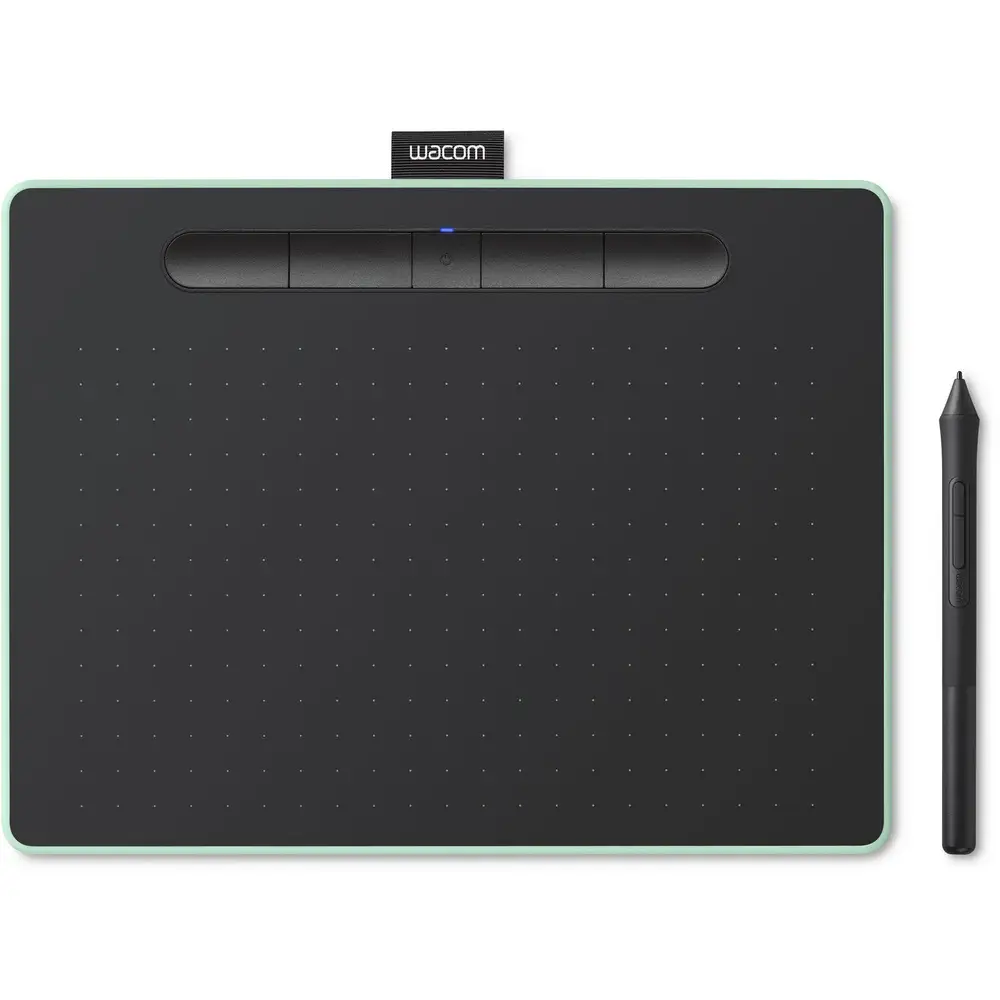
Other Wacom pens like the Pro Pen or Art Pen offer higher pressure levels or specialized grip shapes, but come at higher prices. One Trustpilot reviewer even preferred the Standard Pen over the Pro Pen bundled with their Companion 2, claiming the latter was “several steps backwards.”
Price & Value
The Standard Pen typically sells in the $50–$120 range depending on source and nib set. eBay shows prices of $55 with free shipping from Japan or around $117 from Australian sellers with nib assortments and stands. Resale value remains relatively strong given backward compatibility with multiple tablet lines. For cost-conscious replacements, buyers recommend watching overseas auctions but factoring in shipping delays, which can stretch to multiple weeks.
Buying tips from seasoned owners include confirming exact model number compatibility before checkout and checking that the nib tool and full nib set are part of the listing’s “what’s included.”
FAQ
Q: Does the Standard Pen work with older Intuos models?
A: Yes, many owners report flawless use with Intuos 4 and 5 boards, and Intuos Pro models like PTH-651. However, check your exact tablet model — some Cintiq units have failed to recognize it despite compatibility claims.
Q: Is the pen battery-free?
A: Absolutely. It uses Wacom’s patented electromagnetic resonance method to draw power from the tablet wirelessly, meaning there’s no charging or battery swaps.
Q: What nib types are included?
A: Packs vary. Some come with standard and felt nibs, others add stroke and flex. Verify contents before purchase, as some buyers received fewer nib types than expected.
Q: Is tilt sensitivity supported?
A: Yes, up to ±60 degrees. This is valued by artists for shading and angle-based stroke work, closely emulating physical pen behavior.
Q: Why do some users recommend a pencil case?
A: To protect the pen during travel. While durable, the nib and body can scuff or wear faster if tossed loosely in a backpack.
Final Verdict
Buy if you’re an existing Wacom Intuos or Cintiq user seeking a precise, battery-free replacement pen with ergonomic comfort — especially if you value tilt and pressure fidelity for detailed work. Avoid if your model’s compatibility is uncertain or if full nib variety is critical to you and not guaranteed in the pack. Pro tip from the community: confirm listing contents and tablet model match before buying, and store it securely to ensure years of reliable use.





