TP-Link Deco X55 Review: Strong Coverage, Mixed IoT Support
The TP-Link Deco X55 AX3000 WiFi 6 Mesh System has earned a reputation for delivering strong whole-home coverage with impressive speeds, but user feedback reveals that its real-world performance is nuanced. Across platforms, buyers praise its ability to eliminate dead spots and maintain stable connections in large, multi-room homes, scoring it around 8.5/10 for most scenarios. However, persistent compatibility issues with some devices—especially smart home gear and certain Windows laptops—mean it’s not flawless for every household.
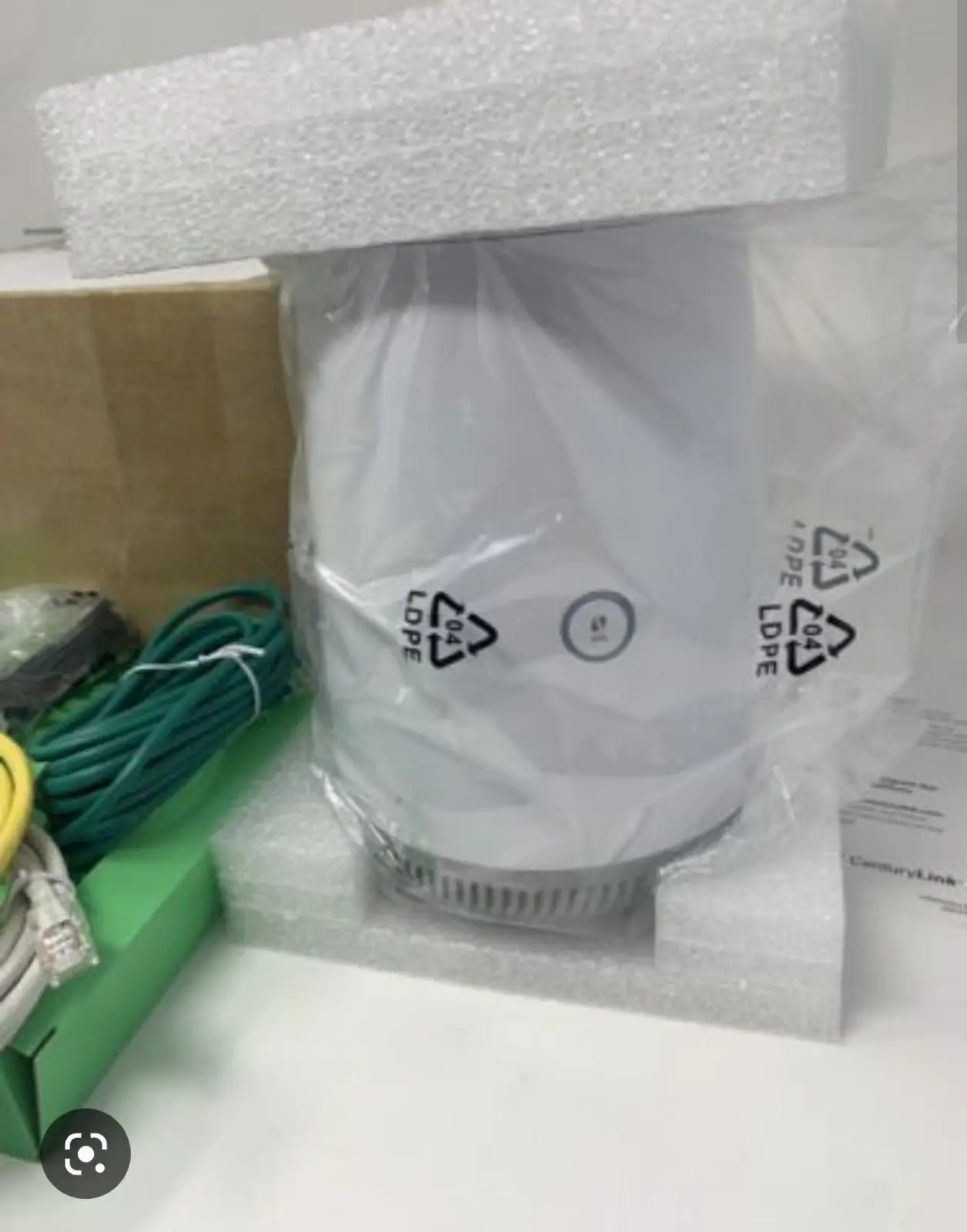
Quick Verdict: Conditional — Excellent for households with many modern devices and large spaces, but requires troubleshooting for older or IoT equipment.
| Pros | Cons |
|---|---|
| Strong, consistent WiFi 6 speeds across large areas | Smart home device compatibility issues (2.4GHz) |
| Easy app-based setup and management | No separate SSID for 2.4GHz-only devices |
| AI-driven mesh adapts to network environment | Occasional setup glitches for non-tech users |
| Supports over 150 devices without speed drop | No wall/ceiling mounting options |
| Multiple gigabit Ethernet ports per unit | Some Windows 10 devices struggle to connect |
| Seamless roaming between nodes | Premium price compared to basic mesh kits |
Claims vs Reality
TP-Link markets the Deco X55 as offering “seamless coverage up to 6,500 sq. ft.” with AI-driven mesh that “intelligently learns your network environment.” In many households, this holds up. One reviewer on UseGadgets.com noted: “The mesh system eliminated those dead zones completely, providing seamless connectivity across all rooms. It even covered my backyard.” For users with large, irregular layouts, this adaptability has been a standout.
However, while the system is advertised as supporting “over 150 devices” without performance loss, some users found that specific device categories—particularly IoT gadgets—struggled. A verified buyer on Trustpilot complained: “None of my smart switches (TP-Link, Kasa) recognize this new router… Alexa devices continually ‘fall off’ and say they cannot connect.” The lack of a dedicated 2.4GHz SSID is a friction point for older smart devices, contradicting the “connect more devices effortlessly” claim.
TP-Link also promotes “easy setup” through the Deco app. Many buyers agree with the “easy peasy” description from a Reddit user who swapped from Google WiFi. Yet, others experienced hiccups: UseGadgets.com’s reviewer admitted the “setup… required a few retries before all the units connected smoothly,” and one Reddit user found their Windows 10 laptop simply wouldn’t connect, even after factory resets.
Cross-Platform Consensus
Universally Praised
Coverage performance is the Deco X55’s most lauded feature. Whether in a 3-bedroom townhouse or a 6-bedroom home, users consistently report blanket WiFi. A Quora contributor described testing speeds room-to-room and finding the farthest Deco “performed almost identically to the 50-foot Ethernet cable” direct to the router. For gamers and streamers, this reliability is critical; multiple reports mention smooth 4K streaming and online gaming without lag.
The AI-driven mesh earns praise for seamless roaming. UseGadgets.com highlighted testing by walking while streaming video: “The network seamlessly transitioned without any interruptions.” This is especially beneficial for households with video calls or live streams in motion. Reddit users upgrading from older mesh systems often note the improved handoff between nodes.
Another standout is the inclusion of three gigabit Ethernet ports per unit. For users running gaming consoles, desktop PCs, or NAS devices, the ability to wire directly into any Deco is seen as a huge plus. This, combined with Ethernet backhaul support, gives wired devices maximum speed while relieving WiFi congestion.
Common Complaints
The most persistent complaint involves smart home device connectivity, especially 2.4GHz-only gear. Trustpilot user “damc” described being unable to connect “14 light switches, fan switches… nor my Wemo” despite strong signal. Suggestions from community members included disabling fast roaming or using the guest network (which stays on 2.4GHz), but even with these tweaks, some devices refused to connect.
Windows 10 laptops also emerge as a trouble spot. A Reddit user reported that their work laptop “struggles to connect via WiFi, and even directly on Ethernet… no internet.” This contrasted with flawless performance on phones and streaming devices, suggesting occasional OS-level compatibility quirks.
Physically, while the units are compact and visually unobtrusive, multiple reviewers lament the lack of mounting options. UseGadgets.com noted, “Wall-mounting or ceiling-mounting options would have been a helpful addition,” forcing placement on shelves or counters that may not be optimal.
Divisive Features
The Deco app’s simplicity divides opinion. For many, it’s an intuitive, all-in-one control center. For others, especially those needing granular network customization, it feels limited. Advanced users coming from traditional routers sometimes express frustration at the lack of per-band SSID control or more detailed QoS settings.
Price is another split factor. Some call it “worth the asking price” for the coverage and stability (Quora, UseGadgets.com), while others find it “a tad expensive” compared to competitors like the Google Nest WiFi or Eero Pro 6, especially if they encounter device compatibility issues.
Trust & Reliability
On Trustpilot, patterns emerge of buyers happy with core internet performance but frustrated by peripheral device incompatibility. In the case of “damc,” the system was only three days old, yet dozens of smart devices were unusable. While some community members provided workarounds, others suggested that TP-Link’s design prioritizes modern, mixed-band devices over legacy 2.4GHz hardware.
From Reddit, there’s evidence that when the Deco X55 works in a given environment, it remains stable long-term. Users upgrading from older mesh systems remark on going weeks without needing to reboot, a contrast to frequent resets on prior setups. No significant reports of hardware failure within the first year surfaced across platforms.
Alternatives
The Google Nest WiFi and Eero Pro 6 are the most mentioned competitors. According to UseGadgets.com, Google’s system offers “a slightly more user-friendly interface” but lacks the X55’s gigabit Ethernet ports and Ethernet backhaul. Eero Pro 6 matches speeds but “falls short in terms of coverage area,” making the Deco X55 a better fit for sprawling layouts.
Those with large numbers of legacy IoT devices might consider mesh systems that allow dedicated 2.4GHz SSIDs, as these can avoid the Deco’s most reported compatibility headache.
Price & Value
At the time of reporting, prices varied from $129.99 for a 2-pack (B&H sale) to $429 for a 3-pack (Umart Australia). eBay listings show 3-packs at $159.99–$189.99 for authorized dealer stock. Community advice leans toward waiting for sales: “Maybe spring for a couple of extension cords to position the Deco units exactly where you want them,” remarked one Quora contributor, suggesting even full-price buyers felt the value justified with optimal placement.
FAQ
Q: Can I create a separate 2.4GHz network for older devices?
A: Not directly. The Deco X55 uses a unified SSID for both bands. Some users work around this by enabling the guest network (2.4GHz only) and allowing device visibility to the main network.
Q: Does the Deco X55 work with other Deco models?
A: Yes. Multiple sources confirm it’s compatible with all other Deco units, allowing you to expand coverage by mixing models.
Q: Is setup truly beginner-friendly?
A: For most, yes—many describe it as “easy peasy” via the Deco app. However, a minority experienced retries or stubborn devices that wouldn’t connect initially.
Q: How many Ethernet ports are on each unit?
A: Three gigabit ports per unit, which can auto-sense WAN or LAN roles, offering flexibility for wired connections.
Q: Will it improve my smart home performance?
A: For modern dual-band smart devices, likely yes. For older 2.4GHz-only devices, reports are mixed to negative without workarounds.
Final Verdict: Buy if you have a large home, modern devices, and want stable, high-speed coverage with minimal maintenance. Avoid if your setup relies heavily on older 2.4GHz IoT gear or you need advanced manual network controls. Pro tip: If you face smart device issues, try the guest network trick or temporarily disable fast roaming during setup.