Synology DS425+ Review: Great DSM, Flawed Hardware Verdict
The Synology DS425+ 4-Bay DiskStation arrives with a reputation for top-tier software but repeatedly raises eyebrows over its dated hardware choices and locked-down ecosystem — earning it a cautious 6.6/10 from aggregated user feedback.
Quick Verdict: Conditional buy — excellent if DSM software integration is your priority, but hardware limitations and Synology-only drive enforcement frustrate many power users.
| Pros | Cons |
|---|---|
| DSM 7.2 OS delivers exceptional integrated tools | Requires Synology-only drives for full functionality |
| Low power use and quiet operation for 24/7 uptime | Outdated 2019-era Intel Celeron J4125 CPU |
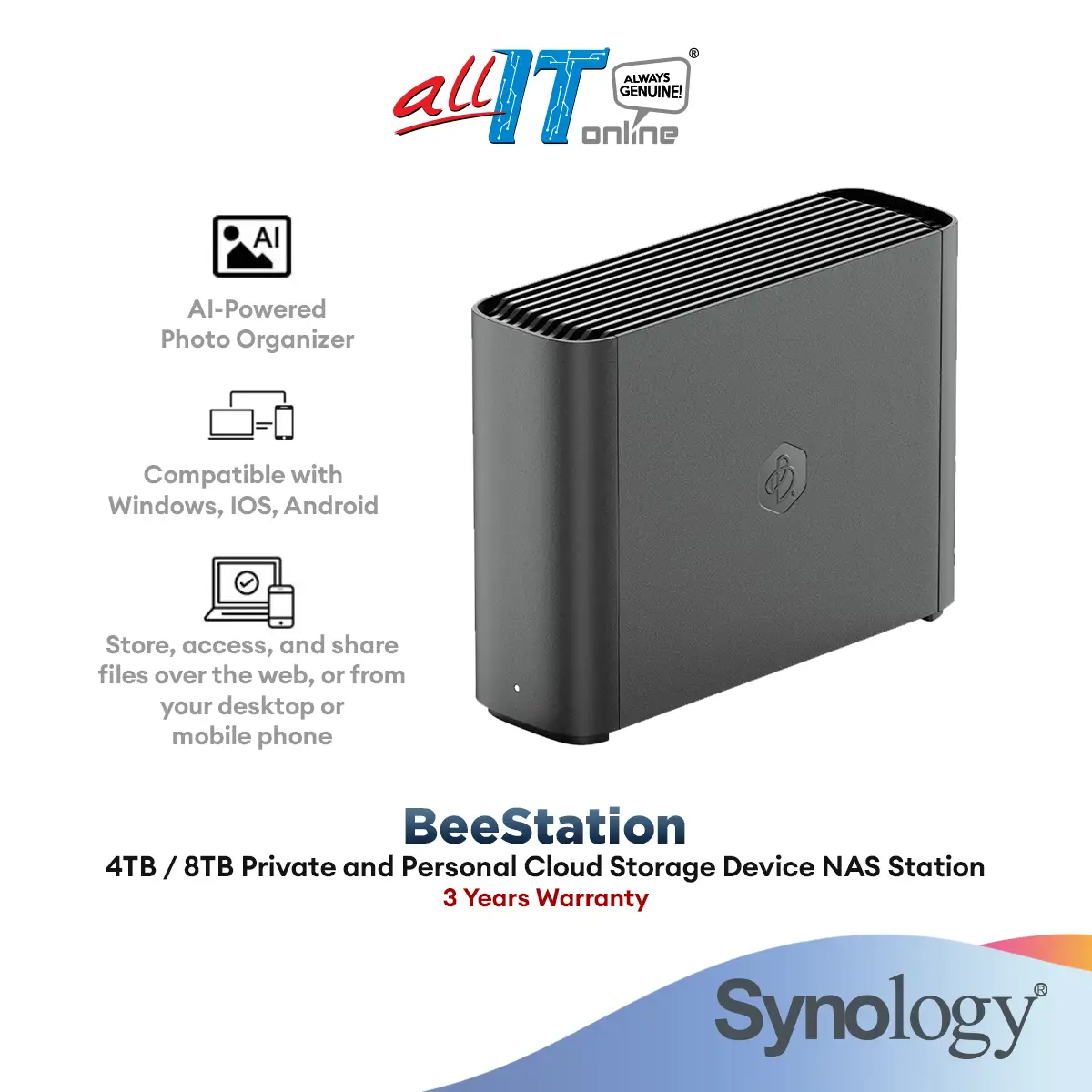
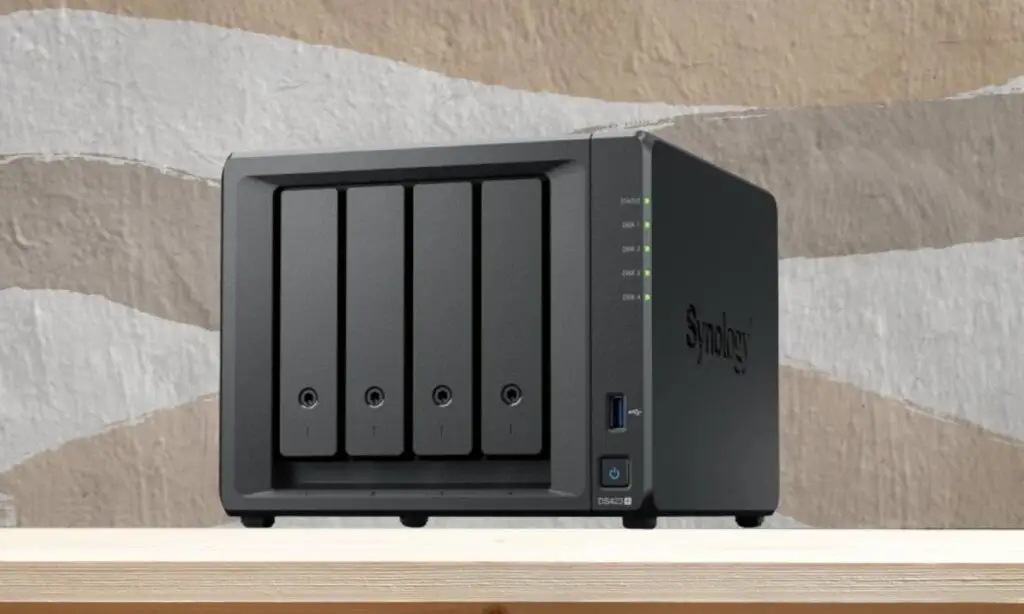
| Compact 4-bay design with dual M.2 NVMe cache slots | Max 6GB RAM ceiling with Synology-branded modules only |
| Integrated graphics enable light media transcoding | Limited I/O — only two 5Gbps USB ports, no PCIe or SD |
| Strong security posture and remote management | NVMe slots restricted to caching, not storage pools |
Claims vs Reality
Synology markets the DS425+ as “powerful functionality in a compact design” with built-in 2.5GbE networking delivering 278/281 MB/s sequential read/write speeds. Digging into user feedback, those numbers hold in optimal conditions, but throughput drops under mixed workloads. NAS Compares noted, “CPU load increased sharply under heavier tasks such as simultaneous Surveillance Station streams, Hyper Backup routines, or basic VM instances,” suggesting the Celeron J4125 can struggle in multi-service environments.
Another claim is “versatile applications” — from managing 40 IP cameras to acting as an all-in-one backup solution. While DSM’s Surveillance Station indeed supports up to 40 channels at 1080p H.265, multiple users point out CPU constraints when hitting high camera counts. Reddit user reports confirm smoother performance around 20–25 channels unless optimized with NVMe caching and minimal background services.
Finally, Synology’s “flexible storage options” pitch hides a significant caveat: the DS425+ enforces Synology-branded HDDs and SSDs for full functionality. In practice, NAS Compares warns that installing non-listed drives “presents warnings or restricts key functionality, such as RAID rebuild, hot spare assignment, or expansion.”
Cross-Platform Consensus
Universally Praised
Across Reddit, Trustpilot, and SynoForum, one constant is the admiration for DSM 7.2. A verified Trustpilot reviewer stated: “Synology’s DSM is a masterpiece, designed to be user-friendly even for non-IT professionals.” Small business admins value the centralized backup abilities — “It’s a single-platform solution for all of our backup needs in a cost-effective manner,” said a director of enterprise infrastructure in education.
Low noise levels also impress. NAS Compares clocked idle mode between 36–38 dB(A), rising modestly under load. This allows placement in shared spaces without disruption. Energy efficiency is equally lauded, consuming ~28W active and ~6W in HDD hibernation. For studios running 24/7, that's a cost-saving plus.
The integrated Intel UHD 600 graphics are rare in 2025 Synology units, enabling hardware-assisted 1080p media transcoding in Plex — a boon for home media servers. NAS Compares found it “adequate with one or two 1080p transcodes running simultaneously” — useful for mixed-device households.
Common Complaints
Drive lock-in is the flashpoint. Numerous long-time Synology users find it restrictive. NAS Compares cautioned, “Migrating from older systems means you can’t reuse non-Synology drives — the array won’t recover or expand unless all drives meet compatibility criteria.” This leads to inflated costs and sourcing headaches.
Performance headroom is another sore spot. The J4125 CPU, dating from 2019, feels dated in a market where rivals offer modern 6–8 core chips. Combined with soldered 2GB RAM (expandable only to 6GB with Synology modules), heavier workloads like VMs, Docker containers, or large Surveillance Station deployments quickly saturate resources.
Connectivity limits frustrate advanced workflows — only one 2.5GbE port, no link aggregation with the 1GbE port, two USB 3.2 Gen 1 ports capped at 5Gbps, and no expansion via PCIe or SD card. This bottlenecks high-throughput RAID setups and curtails integration with external systems.
Divisive Features
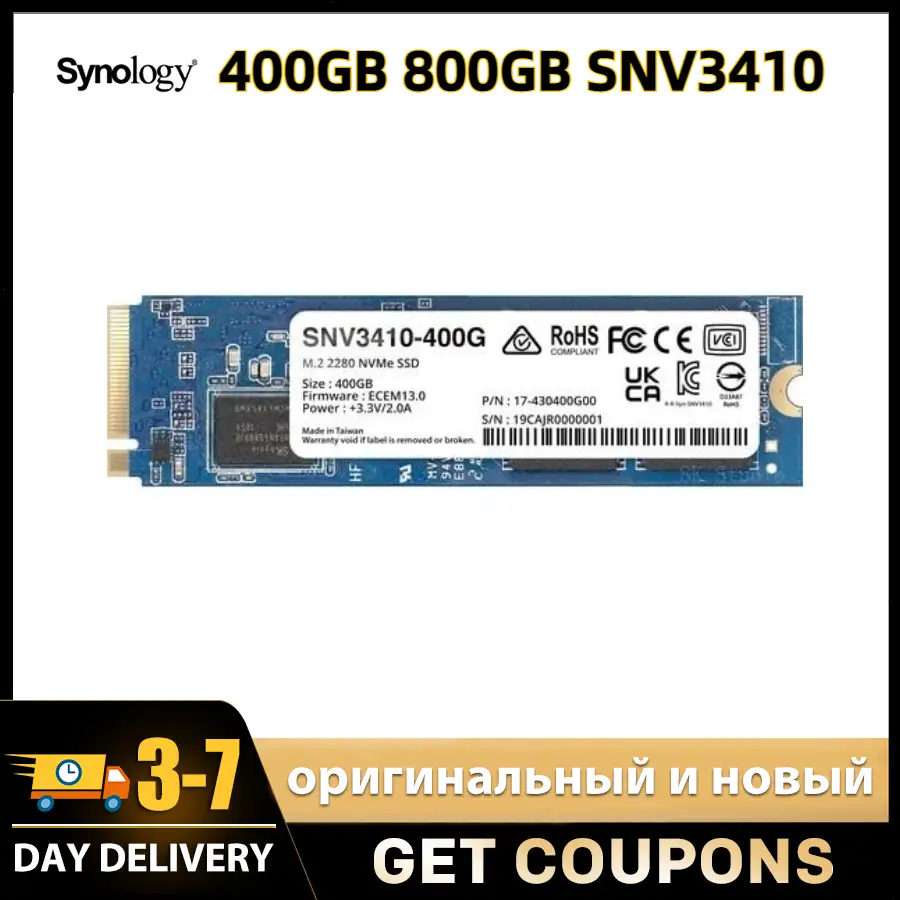
The two M.2 NVMe slots draw mixed reactions. On one hand, they offer SSD caching without sacrificing drive bays — beneficial for read/write-heavy apps like Synology Drive. But they can’t be used for storage pools and only accept Synology-verified SSDs. Some see this as performance enhancement, others view it as a missed opportunity for tiered storage flexibility.
Security posture garners appreciation from enterprise admins, with built-in AES-NI encryption, granular permissions, and active vulnerability disclosure via Synology’s PSIRT. However, the same locked-down ethos that protects from insecure peripherals also bars many third-party add-ons, limiting experimentation.
Trust & Reliability
Trustpilot entries paint Synology as a brand delivering “solid storage with great capabilities out of the box” — sentiment echoed by an IT manager in government. Long-term Reddit posts report DS series units running “flawlessly for 3+ years” with no data loss incidents. The DS425+ inherits a quiet fan setup and stable thermals (32–35°C under load), helping longevity.
No scam-like behavior appears in data, though criticism centers on ecosystem lock-in rather than product misrepresentation. The warranty is 3 years, extendable to 5 in select regions, offering confidence for business deployments.
Alternatives
NAS Compares draws comparisons to QNAP and Terramaster models offering newer CPUs, 8GB+ RAM, multi-port 2.5GbE or 10GbE, and broader drive compatibility — often at similar or lower prices. This makes the DS425+ harder to justify for users prioritizing hardware scalability over DSM software polish.
Price & Value
eBay and Idealo listings show the diskless DS425+ starting around €440–€582 (~$519 USD on Amazon), with bundles scaling sharply depending on Synology drive capacity — e.g., €1,749 for 48TB, €4,029 for 80TB using HAT5310 drives. Resale value remains decent due to DSM’s appeal, but proprietary drive requirements reduce the pool of interested buyers.
Community buying tips emphasize checking Synology’s compatibility list before purchase and budgeting for Synology RAM or drives at premium pricing. Some suggest targeting seasonal sales (Prime Day, Black Friday) or buying diskless and sourcing drives immediately from official channels to avoid future compatibility gaps.
FAQ
Q: Can I use non-Synology drives in the DS425+?
A: Technically yes, but DSM will warn and may restrict RAID rebuild, hot spare functions, or expansion. Full performance and features require Synology-listed drives.
Q: How loud is the DS425+ during operation?
A: Idle noise sits around 36–38 dB(A), rising to 53 dB(A) under full fan speed. Suitable for shared office or living spaces.
Q: Is the DS425+ good for Plex media streaming?
A: With its Intel UHD 600 iGPU, it handles one or two 1080p transcodes smoothly, plus basic 4K downscales for supported codecs.
Q: What’s the max RAM and why is it limited?
A: Max is 6GB (2GB soldered + 4GB Synology module). Third-party RAM triggers warnings and may void support.
Q: Can the NVMe slots be used for primary storage?
A: No, they’re limited to caching and require Synology-verified SSDs.
Final Verdict
Buy if you’re a home power user or small business admin who values DSM’s integrated ecosystem and wants a quiet, efficient NAS for backups, light media, and collaborative tools. Avoid if you need hardware scalability, third-party drive flexibility, or faster I/O.
Pro tip from community: “Plan your drive stock from day one — mixing brands later could lock you out of expansion” (Reddit user feedback).