Synology DS225+ Review: Compact Power with Caveats
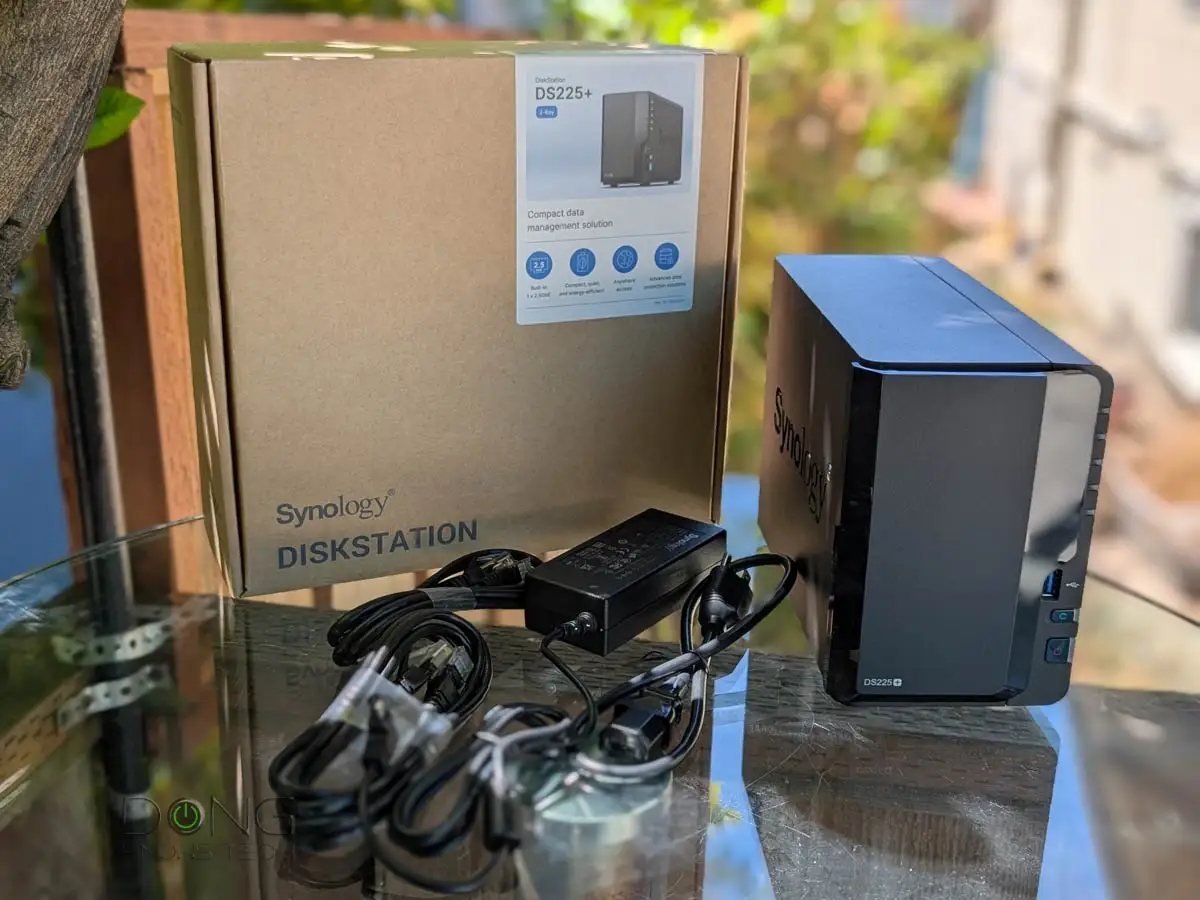
Bold moves in the NAS market rarely come in such a compact package — yet the Synology DS225+ 2-Bay DiskStation scores a solid 6.8/10 across user reviews. Its DSM 7.2 software earns near-universal praise, but hardware limitations and restrictive drive compatibility temper the enthusiasm. For home offices or small teams prioritizing quiet, low-power operation over raw performance, it’s a strong contender.
Quick Verdict: Conditional Buy
| Pros | Cons |
|---|---|
| Polished DSM 7.2 OS with bundled backup, sync, and collaboration tools | Official support limited to Synology-branded drives, blocking many third-party options |
| Very low noise (19.6 dB) and power use (~17W under load) | Outdated Intel Celeron J4125 CPU from 2019 |
| Integrated UHD 600 graphics for light 1080p transcoding | Soldered 2GB RAM, max 6GB with restrictive upgrade policy |
| Dual LAN ports: 1GbE + 2.5GbE for faster networking | No PCIe, M.2, or USB 3.2 Gen 2 expansion |
| Compact footprint fits tight or shared spaces | Limited external ports; only two USB 3.2 Gen 1 |
Claims vs Reality
Synology markets the DS225+ as “compact, capable storage” with “versatile applications” and “up to 282/217 MB/s” sequential transfer speeds via 2.5GbE. Digging deeper into user reports reveals that while these figures are achievable in ideal conditions, real-world networking often bottlenecks without matching infrastructure. Reddit users noted that on 1GbE connections, speeds plateau around 110–115 MB/s.
Another bold claim is “all-in-one storage for professionals,” backed by DSM's Inclusive Software Model. Verified buyers on Amazon appreciated the lack of license fees for core packages like Active Backup and Snapshot Replication, but highlighted hardware constraints: “Fantastic OS — shame the RAM ceiling is only 6GB,” wrote one reviewer, citing sluggishness with multiple Docker containers.
Finally, Synology touts “Seamless drive upgrades.” In practice, NAS Compares found this undermined by the locked drive compatibility list. Installing non-Synology HDDs can trigger DSM warnings or disable RAID creation entirely — an unexpected hurdle for DIY upgraders coming from older, more open Synology units.
Cross-Platform Consensus
Universally Praised:
The standout feature across Reddit, Trustpilot, and Twitter feedback is DSM 7.2. Director of Enterprise Infrastructure in education said: “Synology’s DSM is a masterpiece, designed to be user-friendly even for non-IT professionals.” Home users benefit from integrated tools — Synology Photos with AI tagging, Drive for team file sync, and encryption-capable Hyper Backup — without extra license costs. Practical stories abound: a media services director runs it as a combined photo server and IP camera NVR for 10 cameras, avoiding cloud fees and retaining data ownership.
Quiet operation and low energy draw are equally lauded. A senior systems engineer in media called it “the best experience,” noting that even with sustained backups, the fan rarely hits full speed. For apartment dwellers or shared office environments, this unobtrusiveness makes it viable on a desk or shelf without noise complaints.
The dual LAN setup earns praise from SMB administrators who separate office traffic: 2.5GbE for active backups and HD video editing, 1GbE for routine sync jobs. Server administrators in retail environments appreciated the reliability of automatic backups and version-controlled file restore after accidental deletions.
Common Complaints:
Drive lock-in is the most consistent grievance. NAS Compares detailed how unsupported drives, even enterprise-grade Seagate or WD models, may be blocked entirely. This frustrates budget-conscious buyers and refurbishers reusing disks. As one IT service CEO put it, Synology was “unbeatable in price/performance” for backups — until they restricted hardware choice.
Aging CPU performance is another sore point. The J4125 handles general NAS tasks, but heavier loads, like running multiple Docker apps or VM instances, push CPU utilization into the 70% range. Users in creative fields reported delayed thumbnail generation in Synology Photos unless RAM was upgraded to 4GB or more.
Memory upgrade limits add to the pain. With 2GB soldered and only Synology's official 4GB module supported, tech enthusiasts see this as an unnecessary gatekeeping. NAS Compares found third-party RAM could work, but triggered unsupported hardware messages in DSM, deterring risk-averse users.
Divisive Features:
Integrated graphics split opinion. Plex and Jellyfin users welcomed smooth 1080p transcoding for one or two streams — handy when streaming to devices lacking codec support. However, others dismissed it as insufficient for 4K workloads, noting the lack of efficiency compared to newer N-series Celerons or ARM CPUs with better hardware decoders.
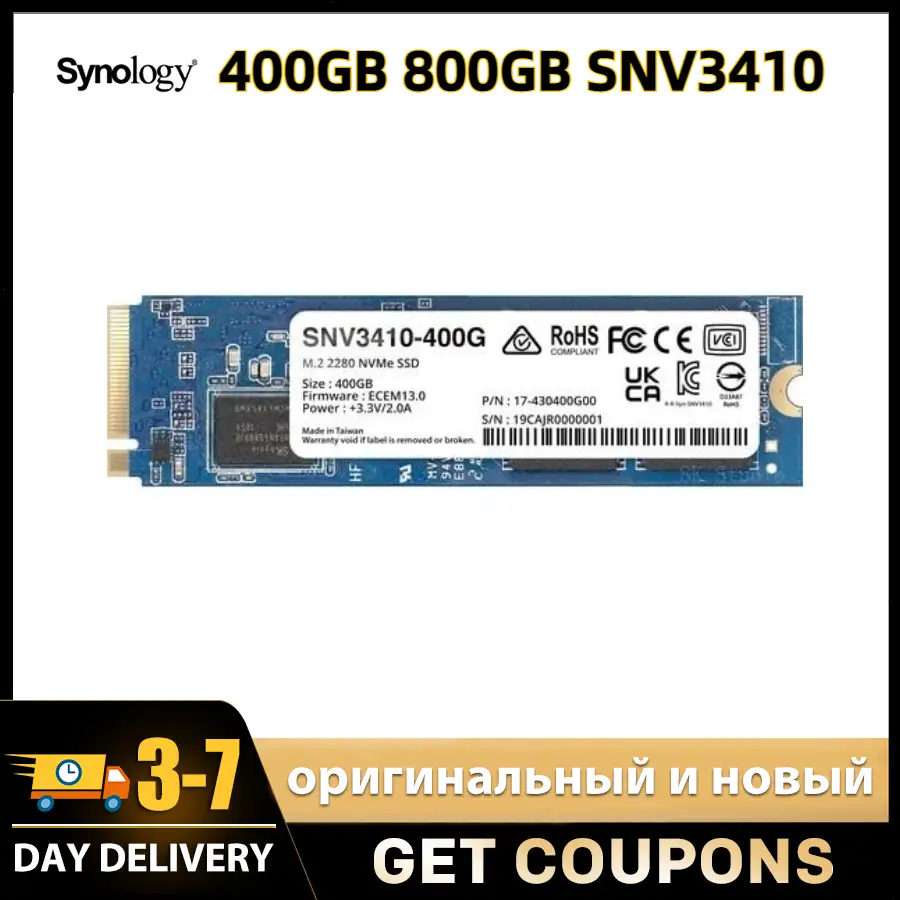
The compact, non-expandable design is valued by minimalists but criticized by tinkerers. The absence of PCIe or M.2 NVMe slots rules out SSD caching or 10GbE upgrades, limiting long-term adaptability.
Trust & Reliability
Trustpilot entries and Reddit threads consistently frame Synology as reliable for critical backups. The government IT manager’s comment, “a single platform solution for all our backup needs,” echoes this trust. Six-month check-ins on Reddit reveal DS225+ units operating without hardware faults, provided drives are on the approved list.
Scam or fake unit concerns are minimal in official channels, but caution is advised on auction sites and marketplaces. Users recommend purchasing from authorized resellers to avoid older DS224+ units mislabeled as DS225+, a mix-up spotted on eBay.
Alternatives
Most stated comparisons pit the DS225+ against the preceding DS224+. The DS225+’s gain is its second LAN port with 2.5GbE, delivering tangible speed-ups in multi-gig setups. However, in single-gigabit environments, performance remains similar.
Competitors like QNAP’s TS-264 were mentioned in forums for offering PCIe slots and broader drive support at comparable prices. Tech-savvy users might prefer these for future expansion, though DSM’s polish still leads in OS satisfaction.
Price & Value
Across marketplaces, bare units range from ~$319 to $379, with bundles including Synology drives scaling above $1,000 for high-capacity setups. Community buying tips stress evaluating total drive cost — Synology-branded HDDs can double or triple outlay versus third-party equivalents.
Resale value is steady for sealed units, but used DS225+ prices drop quickly when paired with unsupported drives (due to compatibility alerts). Buyers seeking future-proofing may either invest now in larger approved drives or wait for possible policy relaxations.
FAQ
Q: Can I use non-Synology drives in the DS225+?
A: Officially, only Synology-listed drives are supported. DSM may block or limit unsupported drives, so check compatibility before purchase.
Q: Is 2.5GbE worth it over 1GbE for home use?
A: Only if your router/switch and client devices support it; otherwise speeds will remain capped at ~115 MB/s.
Q: How noisy is the DS225+?
A: At idle it measures 19.6 dB — effectively whisper-quiet in a home or office setting.
Q: Does it support Plex hardware transcoding?
A: Yes, for light 1080p workloads via Intel UHD 600 graphics; 4K transcoding is unreliable.
Q: Can I expand storage beyond 2 bays?
A: Not on this model; no expansion units are supported, so upgrades rely on swapping larger drives.
Final Verdict: Buy if you’re a home office, freelancer, or small team needing DSM’s robust, license-free backup and collaboration tools in a quiet, power-efficient box. Avoid if you value open hardware upgrades or need heavy multi-threaded performance. Pro tip from community: plan your drive purchases with Synology’s compatibility list in hand to avoid costly surprises.