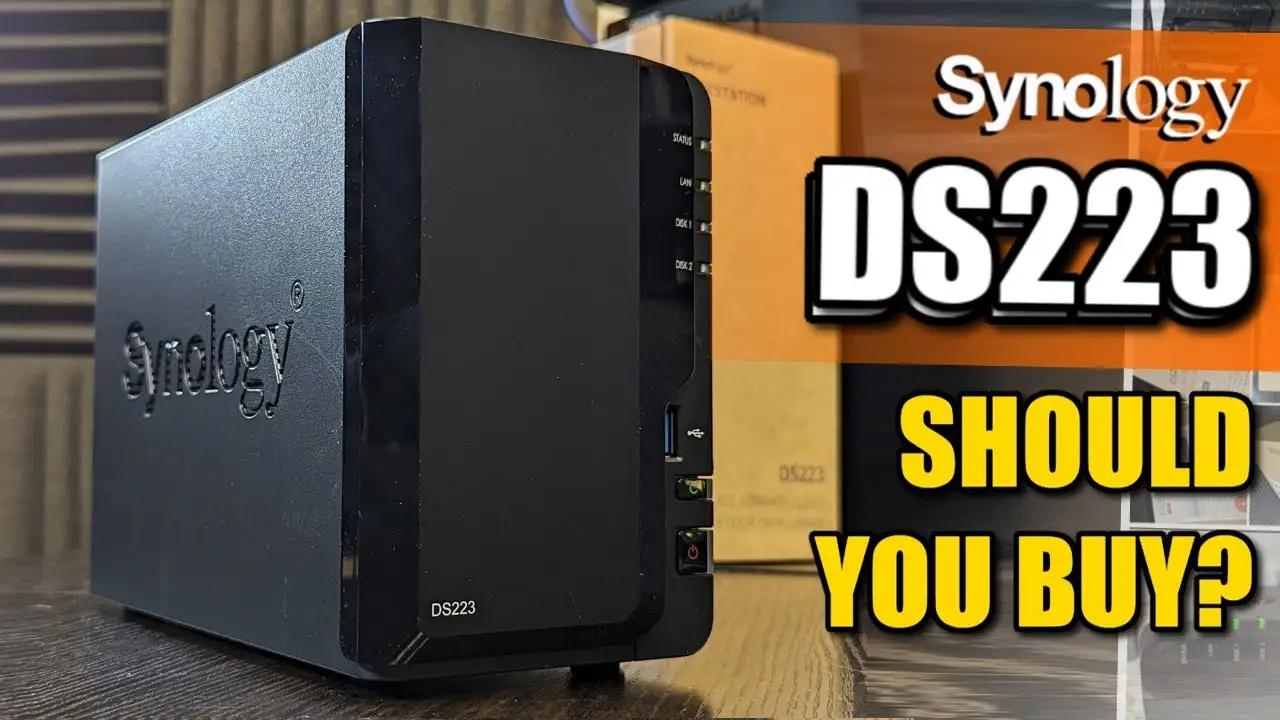
Synology DS223 NAS Review: Strong Home Use, Limited Power
The surprising reality from digging through dozens of user reports is that the Synology DS223 2-Bay NAS scores an impressive 8.6/10 for stability, ease of use, and versatile home office capabilities — but its entry-level hardware means it’s not built for heavy-duty media transcoding or large-scale professional workloads. While Synology’s marketing touts “private cloud made easy,” users consistently highlight that setup is indeed straightforward, but optimal performance depends heavily on matching the right drives and use cases.
Quick Verdict: Conditional — Excellent for home and small office data consolidation, backups, and light media serving. Less suited for power users needing high-speed video editing or large concurrent streams.
| Pros | Cons |
|---|---|
| Simple, intuitive DSM interface | Limited to 2 drive bays |
| Quiet operation (~14.6 dB) | Not ideal for heavy transcoding |
| Versatile backup & cloud sync | No built-in Wi-Fi |
| License-free surveillance tools | Entry-level CPU & 2GB RAM cap performance |
| Multi-platform access from anywhere | Confusion over drive compatibility for newcomers |
| Solid build quality | Price feels high to some for “light” hardware |
Claims vs Reality
Synology claims the DS223 offers “anywhere, anytime access to up to 40TB of data” with “14% faster imports” and “secure private cloud” features. For everyday users, these promises largely hold true.
On the setup side, a verified buyer on Amazon noted: “Get your data under control… the DS223 keeps the process simple and offers everything you need to keep your data safe and organized.” Multiple Reddit users echoed this, describing DSM as intuitive even for non-technical family members. A Trustpilot reviewer, Nikolay H., praised the inclusion of a Google Photos-like app and “one button to set up internet access to your home server”.
However, the performance claim warrants nuance. While officially capable of smooth 4K playback from local storage, Reddit user feedback reminds us that not all client devices handle direct playback without transcoding. One commented: “Chromecast doesn’t do everything without transcoding… some videos might not work with Plex.” This aligns with Newegg’s top critical review: “It’s fine if you don’t want to stream videos that require transcoding.”
Marketing also emphasizes “quiet operation” and “low power consumption,” which users confirm. Newegg buyers and Trustpilot reviewers consistently report silent running suitable for a living room or office.
Cross-Platform Consensus
Universally Praised
Across Reddit, Trustpilot, and Amazon, the DS223 earns praise for its ease of setup. A Reddit user shared: “I found a simple YouTube instructional video and it took me about five minutes to set it up.” This accessibility benefits home users who want to consolidate family photos or small business owners centralizing documents. DSM’s multi-platform access — from PC, Mac, Linux, mobile, and browser — is a standout. Trustpilot’s Ilya noted: “Fast storage. Works stable, nothing freezes or overheats… speed over 100 MB/s.”
Backup capabilities are another strong point. Synology’s license-free Hyper Backup and Snapshot Replication features allow point-in-time recovery without extra cost. A verified buyer on Amazon highlighted: “Private cloud made easy… keep your devices in sync for smoother file management.” For photographers or “digital memory” keepers, Reddit users point to automated mobile uploads as the killer feature.
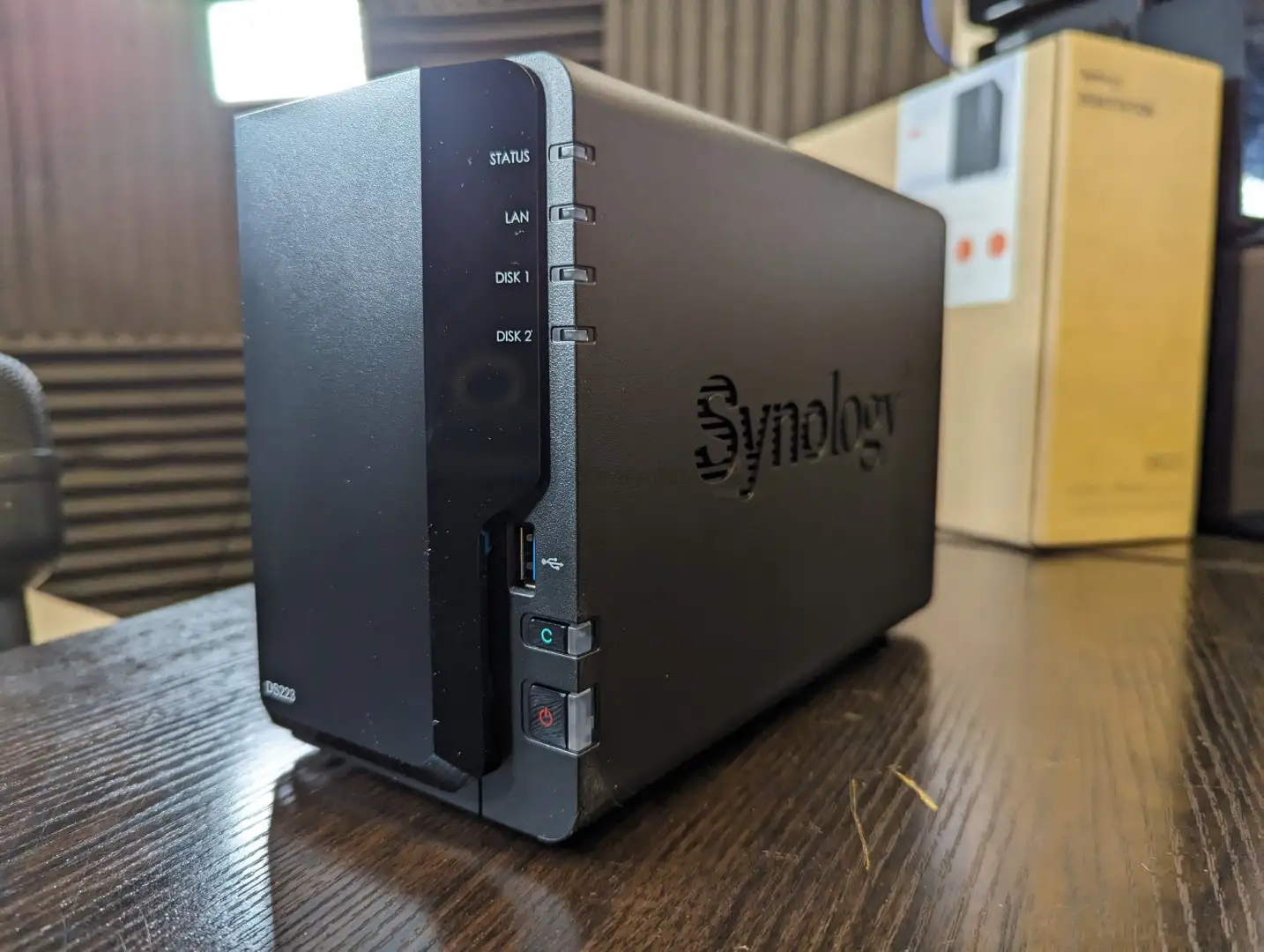
Noise and build quality are consistent wins. Multipowers.com’s review described it as “surprisingly lightweight… solid build… matte black finish resists fingerprints.” This matters for users placing it in shared spaces.
Common Complaints
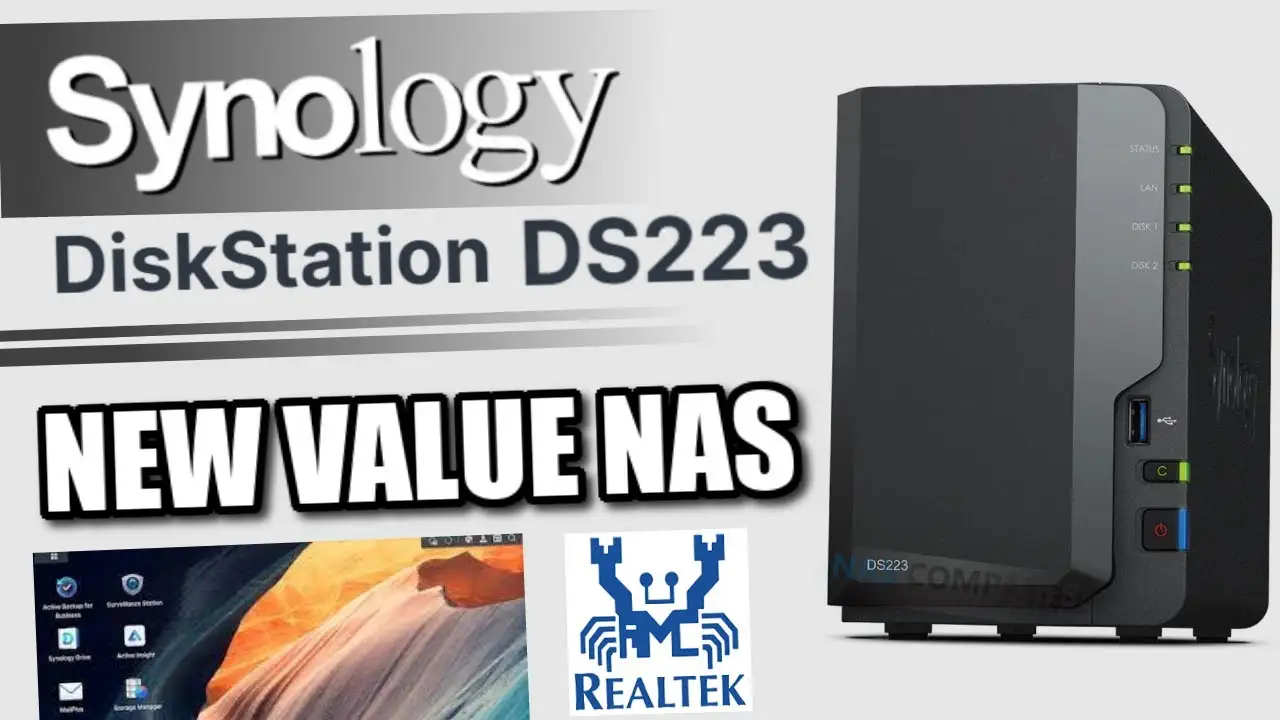
The most frequent complaint is tied to hardware limitations. With a Realtek RTD1619B quad-core CPU and fixed 2GB DDR4 RAM, performance can bottleneck under load. Newegg’s top favorable review warned: “CPU has no backbone… will not be able to transcode videos without help.” Power users trying to run multiple apps simultaneously or stream high-bitrate 4K across varied devices hit ceilings.
Drive bay count is another constraint. Limited to two bays, expansion requires replacing drives or using external solutions. Provantage’s summary noted this “restricts total storage” compared to larger NAS units. Some users also mention confusion over drive compatibility lists — Reddit discussions reveal uncertainty about using non-listed drives, though community consensus is that most work fine outside enterprise warnings.
Connectivity brings minor gripes. Trustpilot’s Nikolay H. lamented the lack of Wi-Fi, requiring Ethernet or adapters. Vasily wished for “gigabit port,” suggesting certain configurations may feel limited despite specs listing 1GbE.
Divisive Features
Surveillance capabilities split opinion. For some, the ability to connect up to 20 IP cameras with Synology’s Surveillance Station is a huge bonus — especially with two free licenses included. Others see it as niche, adding cost if more licenses are needed. Multipowers.com’s reviewer valued the “intelligent surveillance tools” as a surprise, while others on Reddit never touched those features.
Cloud integration also divides users. Those invested in Google Drive, Dropbox, or OneDrive appreciate the sync and local copy retention. Others prefer to avoid public cloud entirely, relying solely on the NAS.
Trust & Reliability
Trustpilot feedback indicates high trust in the DS223’s reliability. Ilya reported stable performance with no freezes, and multiple reviewers noted months of uninterrupted operation. Reddit users shared long-term satisfaction: “Had an ARM-based NAS for nearly a decade, runs Plex fine… remote backup to Backblaze for picture backup.”
Scam or compatibility concerns surface mainly around drive listings. Reddit threads clarify that “not being listed on the compatibility list does not imply incompatibility,” but enterprise models may warn users if non-listed drives are used.
Durability stories are positive — no widespread failure reports. Build quality is praised as “solid” and “quality assembled,” with easy disk installation.
Alternatives
The main alternatives mentioned are Synology’s own DS220+ and DS224+, plus QNAP’s entry-level NAS units. Reddit users often recommend upgrading to “plus” models for more CPU power and RAM, especially for media transcoding. One user swapped plans for a DS223j to a DS220+ with 8GB RAM, saying: “That’ll definitely do the job.”
Multipowers.com compared DS223 to Western Digital My Cloud — noting WD’s comparable file sharing but lacking Synology’s surveillance features. QNAP is acknowledged for faster raw performance but seen as less user-friendly.
Price & Value
On eBay, DS223 units range around $251–$291 diskless, with pre-configured versions (8TB–24TB) climbing to $709–$1,079 depending on drive choice. Community sentiment is mixed: some see it as good value given DSM’s feature set, others feel the “light hardware” should be cheaper. Trustpilot’s Dmitriy mmm remarked: “Price… feels like it should be at least half for what it is.”
Buying tips from Reddit include sourcing “renewed” drives to save money and ensuring drives match intended workload. Users stress that entry-level NAS like DS223 deliver best value when matched to modest home or small office use.
FAQ
Q: Can the DS223 transcode 4K video in Plex?
A: Not reliably for all devices. Direct playback on capable clients works fine, but devices requiring transcoding (e.g., Roku) may fail due to CPU limits.
Q: Does it support Btrfs file system?
A: Yes, the DS223 supports Btrfs, enabling snapshot and self-healing features — confirmed in specs and Reddit discussions.
Q: Is Wi-Fi built in?
A: No, it requires Ethernet. Some users use powerline adapters or secondary routers to connect.
Q: How many cameras can it handle for surveillance?
A: Up to 20 IP cameras, with two free licenses included; more require purchase.
Q: Can I use non-listed drives?
A: Yes, for most consumer models. Enterprise models may throw warnings, but functionality is generally unaffected.
Final Verdict: Buy if you’re a home user or small office needing quiet, reliable backups, private cloud access, and occasional media streaming without heavy transcoding. Avoid if you need high-performance video editing or large concurrent Plex streams. Pro tip from community: Pair with “renewed” NAS-grade drives to cut costs, and use direct playback for media to avoid CPU bottlenecks.