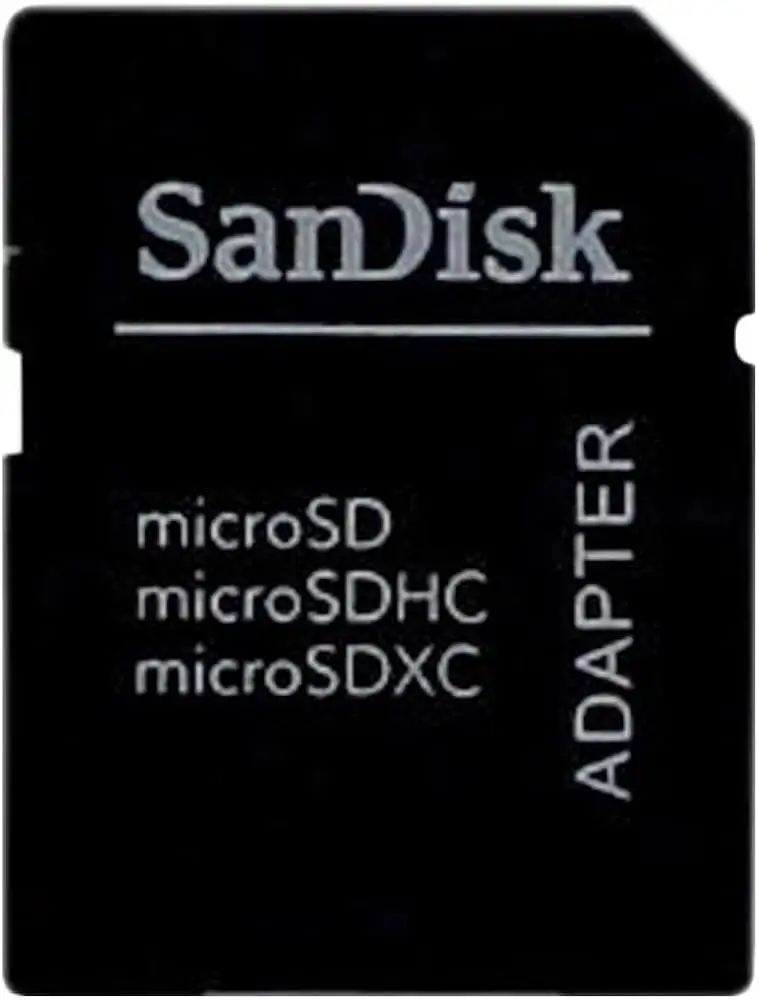
SanDisk MicroSD to SD Adapter Review: Buy or Skip?
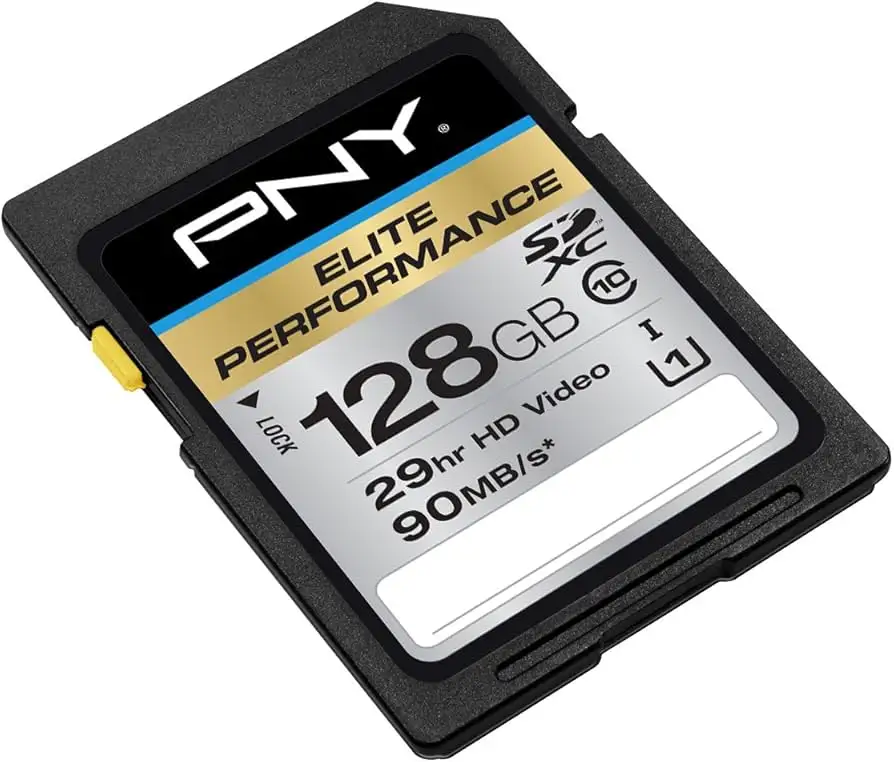
Digging into user reports, the SanDisk MicroSD to SD Memory Card Adapter emerges as a deceptively simple tool that garners an overall score of 8/10 for functionality and convenience. While it’s marketed as a universal bridge between microSD cards and full-sized SD slots, community feedback reveals a nuanced reality—praised for its ease of use and portability, but occasionally criticized for fit and reliability issues. Across Reddit, Amazon, and specialist forums, the consensus leans positive, especially among photographers, drone pilots, and console gamers who rely on swapping cards between devices.
Quick Verdict: Conditional Buy
| Pros | Cons |
|---|---|
| Compact, lightweight design fits easily in gear bags | Some reports of loose fit in slots |
| Built-in write protection switch for data safety | Isolated cases of device not recognizing card |
| Widely compatible with devices using standard SD slots | Vulnerable to counterfeit versions in market |
| Affordable price point across retailers | No speed boost—limited by card capabilities |
| Durable for everyday handling | Can eject forcefully in certain laptops |
| Saves buying multiple card formats | May not resolve compatibility issues with all devices |
Claims vs Reality
One of SanDisk’s key marketing claims is universal compatibility with devices using standard Secure Digital slots. While many users confirm this, there are instances where reality diverges. Reddit user krambo3000 explained, “The mini SD simply slides into the adapter then you can plug it into the Mac,” highlighting straightforward use with a 2015 MacBook. Yet, Chris K. on Trustpilot recounted, “My device does not recognize a microSD card inserted in this adapter… tried 3 different cards… not recognized by any readers,” pointing to occasional compatibility breakdowns.
Another strong claim is the built-in write protection switch, meant to safeguard data during transfer. This feature is valued by professionals—John on YouTube noted, “It has a built-in write protection switch which gives me peace of mind knowing that my data is safe.” However, the protective benefit depends on users engaging the switch properly; casual users sometimes overlook it, negating its purpose.
Finally, SanDisk promotes durability and ease of handling. While verified buyers praise its resistance to wear—Kevin G. said, “Withstands rough handling by a teenager with no signs of wear”—reports from Hacker News reveal mixed experiences. One contributor stated, “I refuse to buy SanDisk. Have had multiple microSD and USB flash drives from them that are permanently stuck as read-only… a common manufacturing error in their process.”
Cross-Platform Consensus
Universally Praised
Portability is a consistent high point. Photographers, travelers, and console gamers appreciate how easily the adapter fits into pockets or camera bags. Maria from a product review site shared, “It’s compact and convenient—perfect for someone like me who is always on-the-go.” Drone pilots on Reddit use it to quickly offload footage to laptops without carrying bulky readers. The affordability also resonates; FlybyPost on Reddit noted, “The thing costs less than $4,” making it a low-risk purchase even for casual use.
Ease of use is another win. Users across platforms describe a plug-and-play experience with no drivers or software needed. John, a professional photographer, was “blown away by its ultra fast data transfer speed” when paired with high-performance microSD cards, cutting workflow time significantly. For gamers, especially Nintendo Switch owners, LightsaberCrayon advised using such adapters to move screenshots and videos directly to computers.
Common Complaints
Fit inconsistency surfaces often. Some laptops’ SD slots don’t hold the adapter firmly, causing intermittent disconnects. One Hacker News poster criticized, “Their microSD to SD adapters are the absolute worst… continuously dismount and remount every 30 seconds or so if left idle in my laptop.” Others mention that microSD cards can eject forcefully from certain slots, risking damage.
There are reports of outright non-recognition. Chris K.’s Trustpilot account describes multiple cards failing to be read through the adapter, even after testing across devices. This issue disproportionately affects users with older or specialized equipment, such as medical devices or legacy cameras.
Divisive Features
Durability claims divide opinion. While Kevin G. and others praise resilience under daily use, detractors suspect that counterfeit units—often indistinguishable from genuine ones—may be behind premature failures. On Sandisk’s own forums, Alfred warns, “Only use recognized brands… not generic, eye,” noting that fake adapters can cause electrical shorts. This has led cautious buyers to source directly from reputable retailers.
Performance expectations also vary. The adapter itself doesn’t enhance data transfer speeds; it’s limited by the microSD card’s capabilities. Users expecting speed boosts are sometimes disappointed. Conversely, those using high-speed cards find the adapter keeps up without bottlenecks.
Trust & Reliability
Counterfeit risk is a recurring theme. Sandisk forum moderators have cautioned against generic or fake-branded adapters posing as SanDisk, with Alfred warning they “could cause a cortocicuito in the ‘USB port’.” These knock-offs often surface on auction sites and may lack proper safety features.
Long-term reliability stories are mixed. On Reddit, some users report years of trouble-free operation—Kevin G. mentions no brand incompatibility issues—while others, particularly on Hacker News, cite failures in GoPros and Raspberry Pis after months of use. The divide often traces back to purchase source and handling conditions; bulk packs from vetted sellers tend to fare better.
Alternatives
Competitors mentioned include Kingston and Lexar. Lexar earns praise from Hacker News contributors for longevity, with one user boasting an “11-year-old 1GB Lexar… still in use” after multiple wash cycles. Kingston, however, is criticized for physical fragility, with reports of adapters breaking inside USB ports. For users prioritizing speed over price, multi-slot USB 3.0 readers like the Uni High-Speed model offer broader compatibility, simultaneous reading, and aluminum casing for durability.
Price & Value
At around $3–$4 on Amazon and eBay, the SanDisk MicroSD to SD Adapter is firmly in the budget bracket. Bulk packs bring the per-unit cost even lower, making them attractive for users juggling multiple cards. Resale value is negligible; most buyers treat these as consumable accessories. Community tips stress buying from trusted sources to avoid counterfeits and checking for the lock/unlock tab before purchase.
FAQ
Q: Will this adapter improve the speed of my microSD card?
A: No. The adapter’s role is purely physical interface conversion; speed depends entirely on the microSD card’s class and your device’s slot capabilities.
Q: Can I use it with devices that have microSD-only slots?
A: No. This adapter is designed to fit devices with standard SD slots. For microSD-only devices, no adapter is needed.
Q: What’s the purpose of the write protection switch?
A: It prevents accidental deletion or overwriting of data. Engage the lock position before inserting into a device to safeguard files.
Q: How can I avoid counterfeit adapters?
A: Purchase from authorized retailers, check for engraved SanDisk logos and serial numbers, and avoid unusually low prices from unknown sellers.
Q: Why won’t my device recognize the card through the adapter?
A: Possible causes include slot fit issues, dirty contacts, incompatible card formats, or a defective adapter. Test with another card and device to isolate the problem.
Final Verdict: Buy if you’re a photographer, gamer, or traveler needing a low-cost, portable way to bridge microSD cards to SD slots. Avoid if your workflow demands absolute slot stability in older laptops or if you can’t verify authenticity. Pro tip from the community: Keep a spare in your bag—at under $4, it’s cheap insurance against lost or damaged adapters.