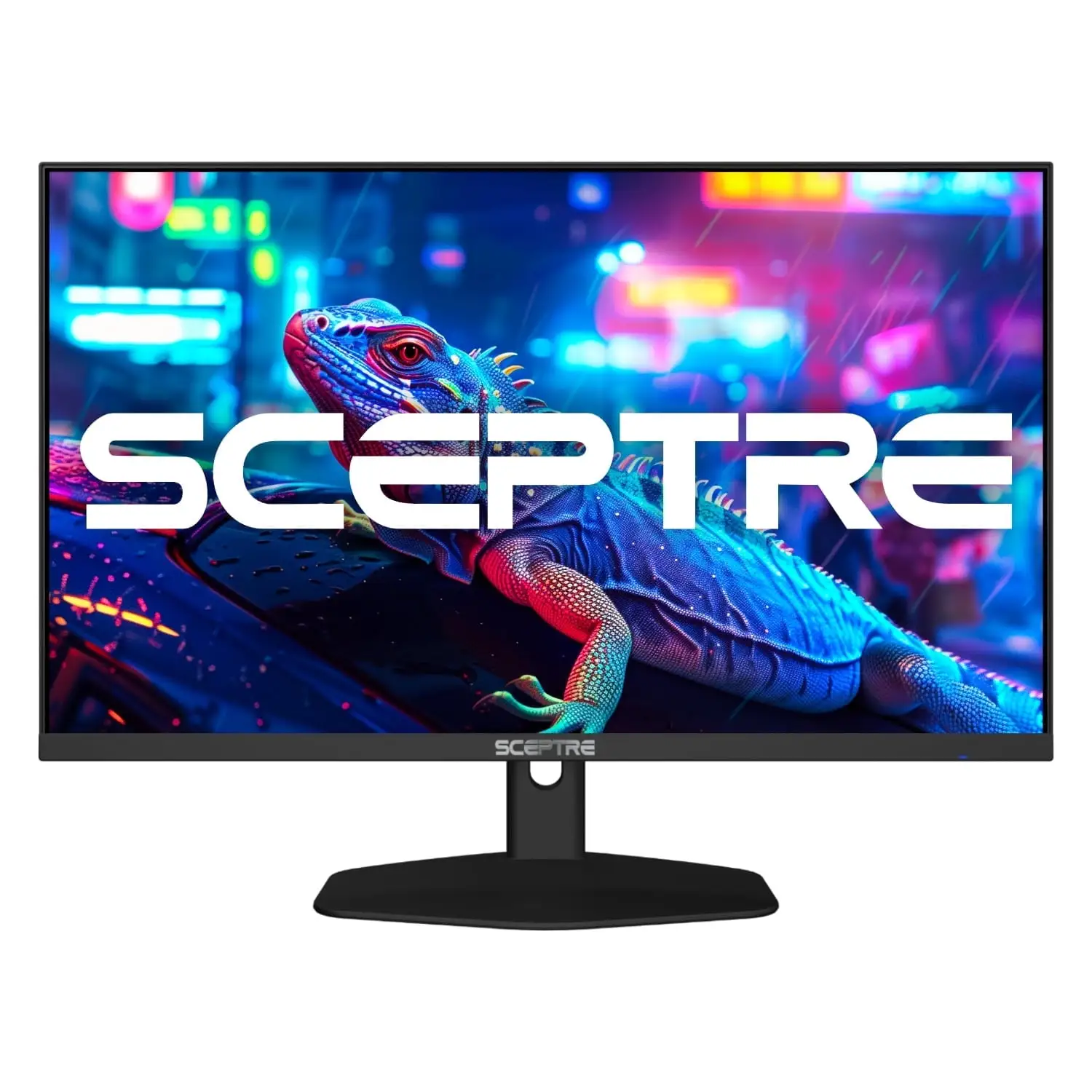
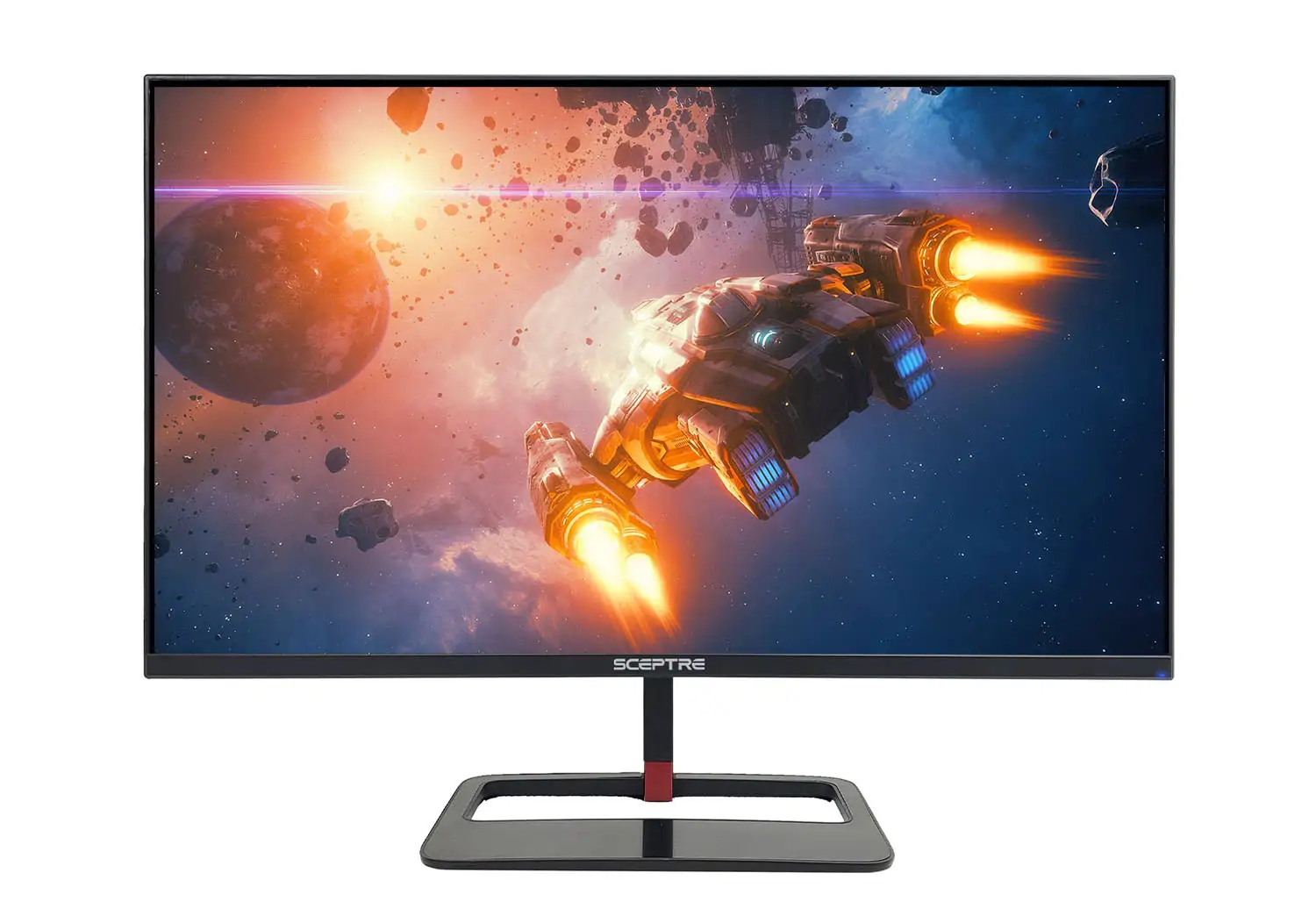
Sceptre IPS 24-inch Gaming Monitor Review & Verdict
A Reddit user summed up the sentiment perfectly: “Honestly if you could swing this, this IPS Sceptre is really good… the colors are very vibrant compared to my older Acer 144 Hz monitor.” The Sceptre IPS 24-inch Gaming Monitor (USB Type-C) consistently earns a solid 8.2/10 from aggregated feedback — praised for its surprisingly strong performance-to-price ratio, yet noted for build quirks and a few lingering quality concerns.
Quick Verdict: Conditional buy — excellent value for entry-level gamers and office setups, but competitive esports players may prefer something faster.
| Pros | Cons |
|---|---|
| Crisp IPS colors with 99% sRGB coverage | Stand quality criticized as "trash" |
| High refresh rate (up to 165Hz via DP) | Brightness may feel low for some users |
| Affordable for features offered | Motion blur reported in isolated cases |
| Multiple connectivity options incl. USB-C | Dead pixel/customer service complaints |
| Built-in speakers save desk space | Thick chassis not liked by all |
Claims vs Reality
Sceptre markets this monitor’s IPS panel as delivering “top color performance and sharp visibility from multiple viewing angles.” Across Reddit discussions, that promise generally holds — several owners highlight vibrant colors and “beautiful” game visuals. One Reddit user said Forza Horizon 4 “looks beautiful with this monitor just sayin xd.” The wide viewing angles also get approval from office users on Trustpilot who note “wide viewing angles keep all the action sharply in sight.”
The manufacturer also emphasizes its 165Hz refresh rate and 1ms response time for “leaving behind no blurred images.” Here the reality is mixed. While many reviewers confirm smooth gameplay when paired with good GPUs, a Reddit comment warns about motion blur from older Sceptre models, causing headaches during prolonged use. This is echoed by a BestViewsReviews analysis pointing out the screen “may be dim” and occasional flicker issues.
Lastly, Sceptre bills its built-in speakers as “robust & smooth.” The truth? They’re serviceable for casual use but underwhelm serious gamers. A Reddit buyer advised: “You def need to buy speakers for it.” Office reviewers, however, find them sufficient for conference calls and background audio.
Cross-Platform Consensus
Universally Praised
Color reproduction is a standout. The IPS display’s 99% sRGB coverage delivers rich tones for both gaming and content creation. Gamers notice the vibrancy compared to TN panels, as one Reddit user confessed: “Going from TN to IPS was a pretty decent upgrade… colors are very vibrant.” Graphic designers on Amazon value its ability to “detect impressively subtle & robust color variations” thanks to its 300 cd/m²–320 cd/m² brightness range.
Refresh rate performance is another high point — especially via DisplayPort. Competitive titles like FPS benefit, with Reddit users consistently commenting on the smoothness at 144–165Hz. This capability means budget-conscious esports hopefuls can access high refresh gaming without shelling out for premium brands.
Multiple inputs, including HDMI, DisplayPort, and newer USB-C variants, earn appreciation from users juggling consoles, PCs, and work laptops. “Plenty of inputs… love it!” reported one 2019 Sceptre reviewer. USB-C adds flexibility for new workflows.
Common Complaints
Stand design draws ire. Reddit feedback labels it “trash” and “forces the screen to lean forward quite a bit.” Those seeking ergonomic adjustments often resort to props or aftermarket VESA mounts. Thickness of the chassis also comes up; one potential buyer passed after seeing how “thick it is” from Amazon’s 360-degree view.
Customer service gets mixed marks. BBB reviews detail situations where dead pixel complaints required customers to cover return shipping. One user recounts being “blocked on Instagram” after seeking support. While Sceptre responds defensively, the stories reveal a risk for buyers who prioritize strong post-sale service.
Brightness is another recurring theme. Night owls and low-light gamers might be fine, but one Reddit remark notes “it don’t go too bright,” aligning with BestViewsReviews’ “may be dim” drawback.
Divisive Features
Built-in speakers split opinion along usage lines. Office users enjoy the convenience and “space-saving” nature. Gamers often reject them, preferring external solutions for fuller sound.
Value proposition also divides. For budget buyers, the $120–$180 range is deemed “a steal” with strong performance-per-dollar. More demanding gamers may choose to “fork out another 200” for higher-tier models with faster pixel response and stronger build quality.
Trust & Reliability
Long-term anecdotes vary. Reddit owners share satisfaction after months of daily use, citing consistent performance and no degradation. A verified buyer raves it “works exactly how I’d expect a $170 monitor to work” with no major surprises.
However, Trustpilot and BBB entries introduce cautionary notes. Complaints about early pixel failures and out-of-warranty product breakdowns suggest Sceptre doesn’t match the durability of pricier brands. A TV buyer laments a sudden screen line after three years “well taken care of.” While most monitors avoid catastrophic issues within year one, warranty terms (one year standard) are short compared to some competitors.
Alternatives
Several Reddit users directly compare the Sceptre IPS 24-inch to the AOC 24G2 and Acer Nitro VG240Y. The AOC earns praise for “much better response time,” while the Acer offers similar IPS benefits at comparable pricing. AOC’s stand and ergonomics are frequently cited as superior. Users note that this Sceptre wins on refresh rate flexibility and color vibrancy, but loses to AOC’s motion handling.
For those considering a jump, suggestions include the LG 27GL83A-B or Lenovo Legion Y27Q-20 for moving to 1440p — albeit at double the price.
Price & Value
Currently retailing in the $120–$180 range based on Amazon and eBay listings, the Sceptre IPS 24-inch Gaming Monitor sits in a sweet spot for high refresh, vibrant IPS panels on a budget. Deals as low as $94.97 appear for 75Hz versions, while the 165Hz variant pushes closer to $135–$140 before shipping.
Resale value holds reasonably in the $100 band for lightly used units. Reddit users note Amazon restocks “hourly,” recommending buyers watch for dips below $120 to maximize savings. Given mixed service experiences, purchasing via a retailer with a strong return policy is advised.
FAQ
Q: Is this monitor good for competitive gaming?
A: For entry-level and mid-tier competitive players, yes — its 165Hz IPS setup offers smooth motion and strong colors. Hardcore pros may find faster pixel response in pricier models like the AOC 24G2.
Q: Can I use the built-in speakers for gaming?
A: They work, but many gamers upgrade to external speakers or headsets for richer sound and positional audio benefits.
Q: How is the brightness in daylight?
A: Fine for typical indoor use; some users note it “may be dim” in very bright rooms or for HDR-like experiences.
Q: Does it work with G-Sync?
A: Users report success running G-Sync on Nvidia GPUs, though official support is for AMD FreeSync Premium.
Q: Is the stand adjustable?
A: Tilt adjustments are limited; many buyers replace it with a VESA mount due to stability and ergonomics concerns.
Final Verdict
Buy if you’re a budget-conscious gamer or office user seeking rich IPS colors and high refresh without premium pricing. Avoid if you demand flawless motion handling, ultra-high brightness, or top-tier customer service. Pro tip from the community: pair it with a DisplayPort cable for maximum refresh, and keep your retailer return window in mind — just in case.