Sceptre E275W-FPT Review: Conditional Yes (7.8/10)
“The speakers built in absolutely suck” is the kind of blunt line that keeps showing up whenever people talk about the Sceptre 27-Inch Business Monitor (E275W-FPT)—and it sets the tone for what buyers seem to love (the screen) versus what they tolerate (the audio). Verdict: Yes, with conditions — 7.8/10.
Digging deeper into user feedback, the core story is consistent: this is a big, affordable 27-inch 1080p IPS monitor that hits the “second screen for work-from-home” brief really well. One verified Amazon buyer framed it as a practical value play: “The resolution and clarity are pretty solid, especially for $140,” while another summed up the setup experience as “set up was a breeze.”
At the same time, the most repeated caveat is that certain “extras” (especially built-in sound) don’t match the strength of the panel. Even when users like the idea of integrated audio, they often end up bypassing it—one verified Amazon buyer wrote: “I simply wanted a decent screen that has audio out to plug into external speakers.”
Quick Verdict
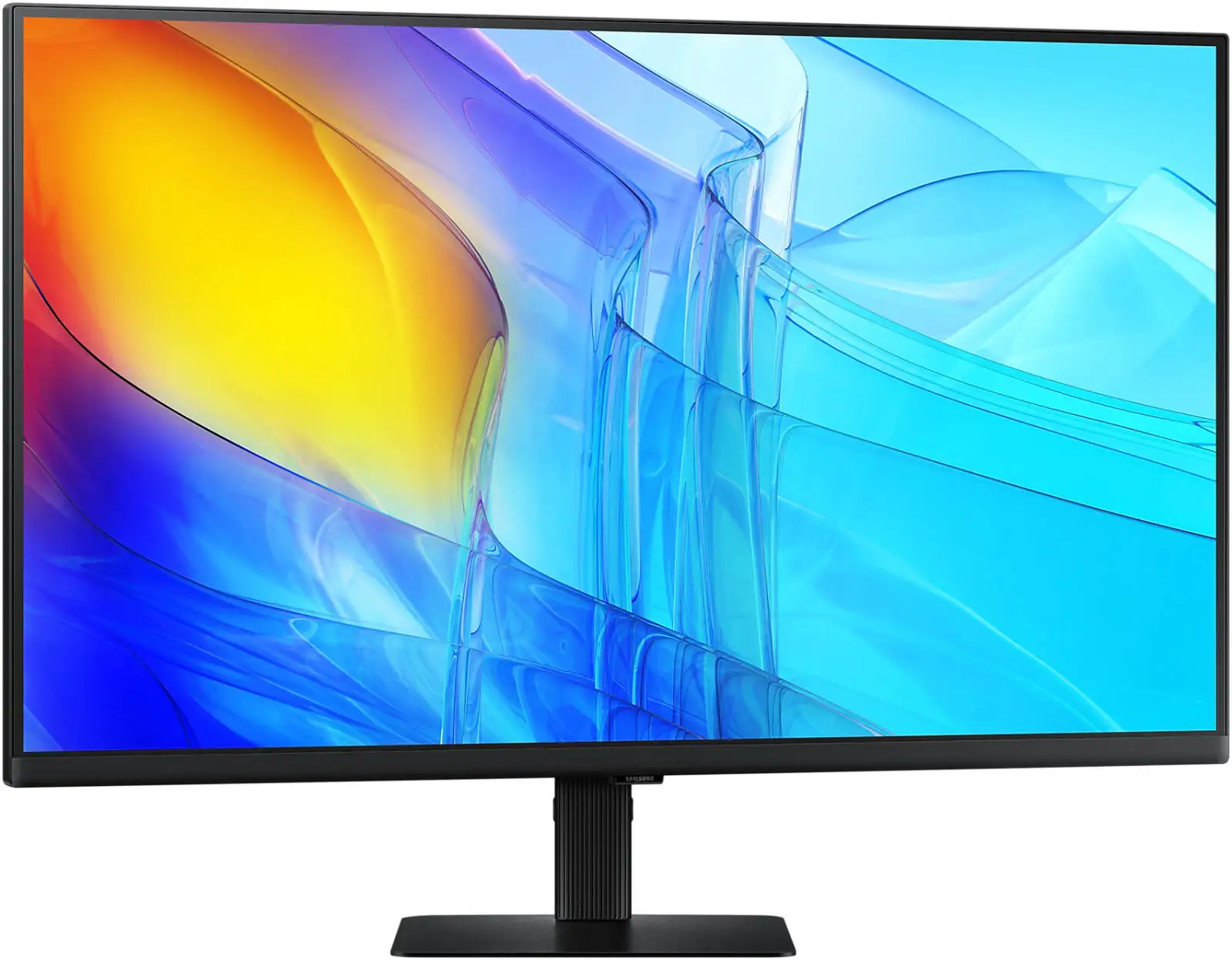
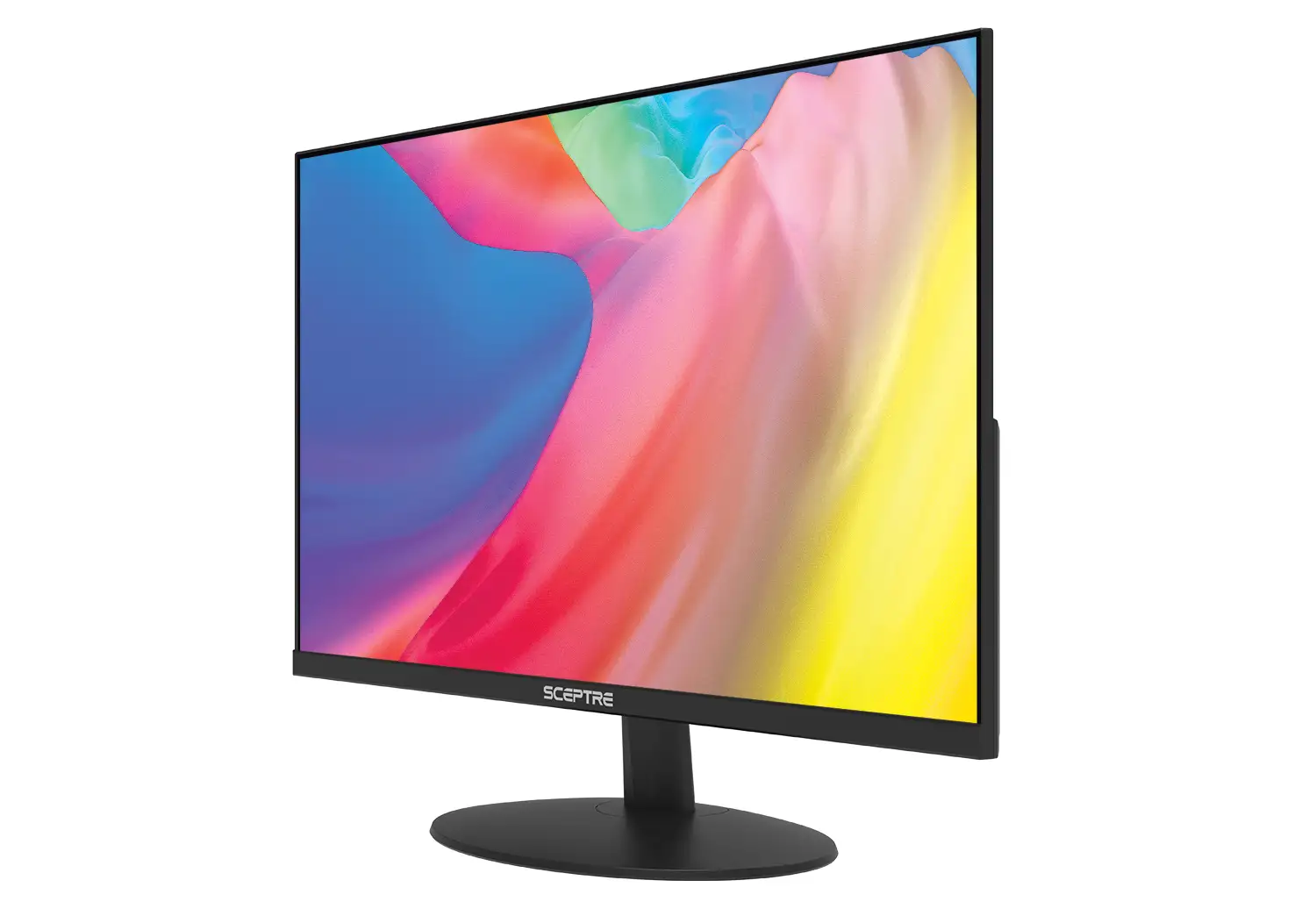
The Sceptre 27-Inch Business Monitor (E275W-FPT) is a conditional yes: it’s a strong budget pick if you want a large, clear 27" 1080p display for work, classroom, or a simple home setup, and you’re not depending on premium speakers or ergonomic adjustments.
A recurring pattern emerged across the provided sources: people keep buying it as a “good enough” productivity upgrade—sometimes even buying a second unit after living with the first. A verified Amazon buyer shared a long-term satisfaction story: “I purchased the first monitor in 2021 and no problems at all… purchased a second monitor… I recommend this product.”
Where the tone shifts is around audio and adjustability. Some buyers call the speakers “loud,” while others complain the sound is poor and needs high volume. Another verified Amazon buyer put it plainly: “I wouldn’t recommend this monitor for the built in speaker… the sound quality is not great,” even if it “gets the job done.”
| Decision | What the data supports |
|---|---|
| Buy? | Conditional “Yes” (screen value dominates feedback) |
| Biggest pro | Clear, sharp picture for the price (Amazon, Walmart) |
| Biggest con | Built-in speaker quality is hit-or-miss (Amazon) |
| Best for | Second monitor, remote work, classroom/security display (Amazon) |
| Watch out for | Limited ergonomics (tilt only) mentioned by a buyer (Amazon) |
Claims vs Reality
Marketing claim: “built-in speakers” and “office level audio.”
Digging deeper into user reports, the reality is less flattering. One verified Amazon buyer didn’t mince words: “The speakers built in absolutely suck,” and immediately explained the workaround—using “the audio out (aux) to run to better speakers.” For home gym or garage setups where you just need sound output to external speakers, that’s still a win; for conference calls or media without external audio, it’s a compromise.
At the same time, the experience isn’t universally negative. Another verified Amazon buyer said “the built in speakers are loud,” showing a split between volume and quality. The gap isn’t “no speakers,” it’s that users often describe them as serviceable at best—one buyer noted you may need “the speaker volume at 90+.”
Marketing claim: “fast response times” and smoother visuals at 75Hz.
The user data doesn’t include detailed competitive gaming benchmarks, but a recurring story is that it performs well enough for casual play and motion. A verified Amazon buyer said: “I’ve never noticed any screen tearing when playing games,” framing the monitor as fine for light gaming even if purchased for other reasons (classroom use).
What stands out is that many people aren’t buying it as a hardcore gaming monitor—they’re buying it for productivity and general use, then being pleasantly surprised it doesn’t get in the way of occasional gaming.
Marketing claim: “great picture / vivid clarity” for work and media.
Here, the marketing language lines up more closely with user experiences. Walmart’s review summary notes customers praise the picture as “clear, sharp, and vivid” for work-from-home tasks. On Amazon, buyers echo that with personal context: “The resolution and clarity are pretty solid,” and another wrote “picture quality is great.”
Still, it’s worth calling out the practical ceiling: it’s 1080p at 27 inches, which many users accept as the price-to-size tradeoff. The praise is consistently framed as “for the money” and “for this price point,” not as “best-in-class.”
Cross-Platform Consensus
Universally Praised
“Perfect! picture quality is great, set up was a breeze” is the archetypal Amazon review line for this monitor, and it maps cleanly to the cross-platform themes. For remote workers and laptop users adding a second screen, ease of setup isn’t a “nice-to-have”—it’s the difference between an instant productivity boost and a weekend troubleshooting project. That’s why Walmart’s summaries repeatedly spotlight “effortless set up,” and Amazon buyers keep emphasizing plug-and-play experiences.
For people who spend hours staring at text, spreadsheets, or security camera grids, clarity and size seem to be the main payoff. A verified Amazon buyer described using it “on a multi camera security system” and emphasized reliability: “it’s been running 24x7 for a couple months with no issues.” That’s a specific workload where the “big screen, simple inputs” formula matters more than premium panel extras.
A recurring pattern emerged around “this is exactly what I needed” usage: home gyms, classrooms, and home offices. One verified Amazon buyer mounted it on an adjustable wall mount for treadmill viewing and said “movies look great,” while also praising the “super thin” frame. Another buyer framed it as a practical remote work tool: “good size for the work I do,” while Walmart’s summary points to the same work-from-home utility via “clear work display.”
- Amazon verified buyers repeatedly praise “picture quality,” “clarity,” and “great value.”
- Walmart review summaries highlight “clear, sharp, and vivid” and “very easy to set up.”
- Real-world use cases include classrooms, home offices, and 24/7 security monitoring (Amazon).
Common Complaints
The complaint with the loudest, clearest language is audio quality. Even when buyers choose the monitor specifically because it has built-in audio features, the built-in speakers often don’t meet expectations. One verified Amazon buyer bought it for the “sound driver built in” but concluded: “The speakers built in absolutely suck,” and immediately rerouted sound through the aux output. That’s not a dealbreaker if you’re already planning external speakers, but it can be frustrating if you assumed the built-in speakers would cover TV, workouts, or calls.
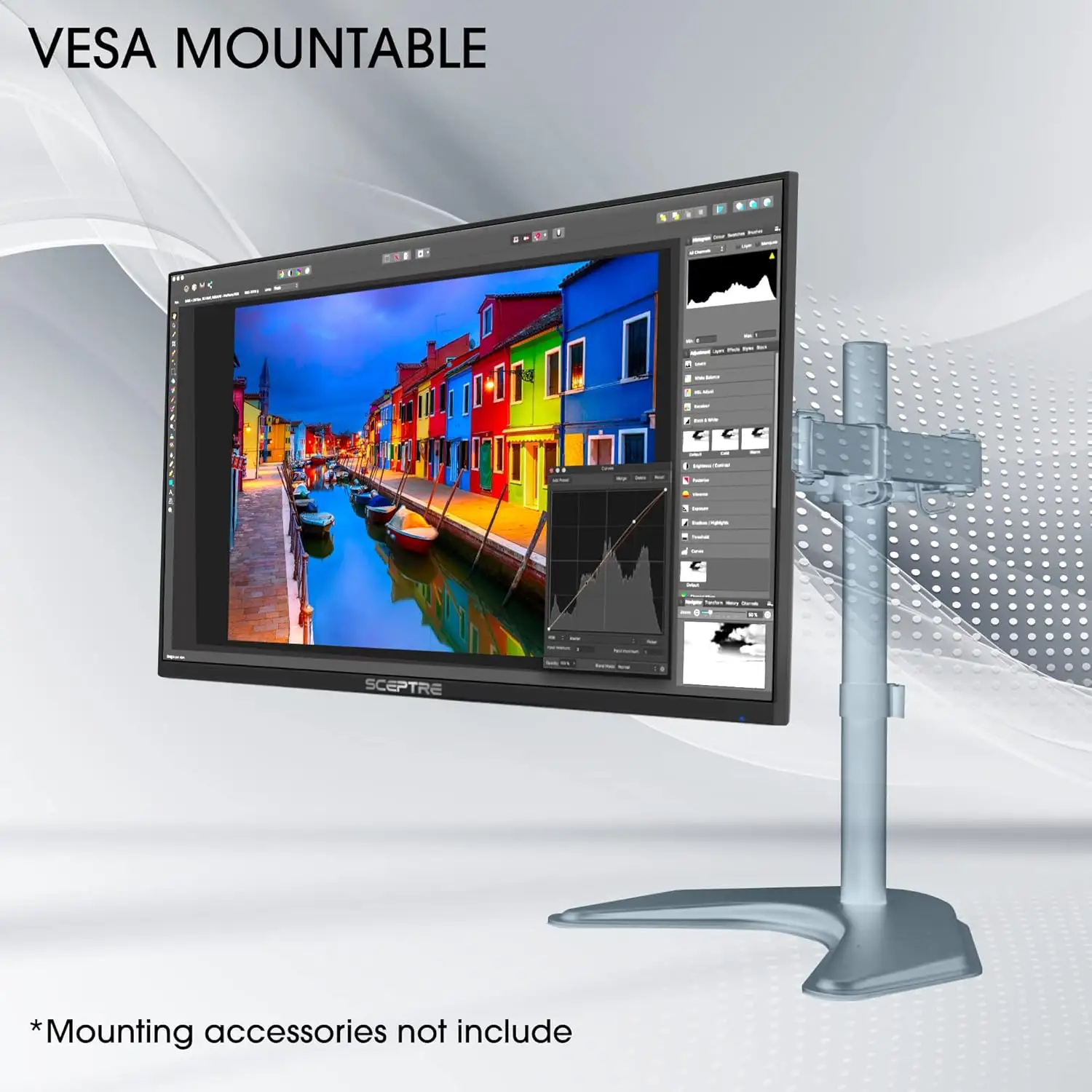
Another common frustration is that the monitor’s physical adjustability is limited. One verified Amazon buyer loved the screen but said: “I wish it was adjustable.” For taller users, multi-monitor stacks, or people trying to fix neck strain, tilt-only stands can be a real ergonomic drawback—even if the panel quality is satisfying.
Finally, the praise often carries an implicit constraint: it’s excellent “for the price.” One buyer said the screen quality is “pretty good” but framed it within the budget bracket. The story here isn’t that users feel misled; it’s that expectations are calibrated, and the monitor wins when judged as a low-cost 27" IPS option.
- Audio quality complaints cluster around “not great” sound and reliance on high volume (Amazon).
- Ergonomics: at least one buyer explicitly wants more adjustability (Amazon).
- Value framing: satisfaction is highest when buyers treat it as a budget monitor (Amazon, Walmart).
Divisive Features
Built-in speakers are the most divisive feature because different buyers emphasize different standards: volume versus fidelity. One verified Amazon buyer celebrated: “the built in speakers are loud,” while another warned: “the sound quality is not great.” Digging deeper, the difference often comes down to how the monitor is used—background audio in an office versus watching movies or relying on it for primary sound.
The “gaming suitability” angle is also split by expectations. A verified Amazon buyer said they “never noticed any screen tearing when playing games,” but another openly said: “I haven't used the screen for gaming.” The consensus isn’t that it’s a dedicated gaming display; it’s that it doesn’t get in the way for casual gaming.
Trust & Reliability
One of the strongest trust signals in the provided data is repeat purchasing and long-term ownership stories. A verified Amazon buyer wrote: “I purchased the first monitor in 2021 and no problems at all… purchased a second monitor.” That kind of “buy again” behavior is hard to fake and usually reflects a stable day-to-day experience.
There’s also a durability-oriented workload mention: a verified Amazon buyer running it “24x7” for a security system reported “no issues” after a couple of months. That’s not a multi-year stress test, but it’s a meaningful data point for anyone worried about budget hardware failing under constant use.
Trustpilot content in the provided dataset reads like product/spec copy rather than user-written reviews, so it doesn’t add real-world verification stories here. The most credible reliability signals in this dataset come from Amazon buyers describing time-in-service and repeat purchases.
Alternatives
Only competitors mentioned in the data are other Sceptre 27-inch variants, which is telling: shoppers appear to cross-shop within the same product family rather than jump brands.
If you’re comparing within Sceptre’s lineup, the E275W-19203R is positioned as another 27" 1080p option, but with a VA panel in the provided specs and different port mix (including VGA). Meanwhile, the E275W-FPT1 and E275W-FP100T appear in the spec data as higher-refresh variants (up to 100Hz) with modern connectivity (DisplayPort/USB-C). The investigative takeaway: if your workflow needs USB-C or 100Hz, the alternative models may fit better on paper—but the strongest user stories in this dataset are still concentrated around the E275W-FPT’s “budget clarity + easy setup” experience.
Price & Value
Price narratives vary sharply by platform and timing, which is common for popular budget monitors. On Amazon reviews, one verified buyer anchored satisfaction to a deal: “pretty solid, especially for $140 (at time of purchase - june 2023).” Walmart’s listing snapshot shows a much lower “now $79.00,” reinforcing the idea that the value proposition spikes when the monitor is discounted.
Resale and market pricing cues from eBay show listings around the $80–$140 range in the provided snapshots, including a sold listing at “$85.45” and another listing at “$140.48.” For bargain hunters, that suggests two buying modes: grab it new during big retailer dips, or look for lightly used units when people upgrade.
Community buying behavior also hints at value: a verified Amazon buyer said, “I bought one for my classroom. I liked it so much I bought another for my home,” describing the monitor as a repeatable, low-risk purchase when it meets the need.
FAQ
Q: Are the built-in speakers actually good on the Sceptre E275W-FPT?
A: Not consistently. One verified Amazon buyer said, “The speakers built in absolutely suck,” and used the audio-out jack for external speakers. Another verified buyer said the “built in speakers are loud,” but others still describe the sound quality as “not great,” especially without turning volume very high.
Q: Is the Sceptre E275W-FPT good for a second monitor for a laptop?
A: Yes, that’s one of the most common use cases in the feedback. A verified Amazon buyer said it was “perfect” as a second screen with “set up was a breeze,” and Walmart summaries repeatedly emphasize easy setup and a “clear, sharp, and vivid” display for work-from-home and general computing.
Q: Can the Sceptre E275W-FPT run reliably for long hours (like security cameras)?
A: User feedback suggests it can handle continuous use, at least in the short-to-medium term. A verified Amazon buyer said they run it on a multi-camera security system “24x7” and reported “no issues” after a couple months. Long-term reliability stories also include a buyer using one since 2021 with “no problems at all.”
Q: Is it good for gaming at 75Hz?
A: For casual gaming, some buyers are happy. One verified Amazon buyer said they’ve “never noticed any screen tearing when playing games.” Others didn’t buy it for gaming and focus more on movies and work. The feedback supports “fine for light gaming,” not “built for competitive play.”
Final Verdict
Buy the Sceptre 27-Inch Business Monitor (E275W-FPT) if you’re a remote worker, teacher, or home user who wants a big 27" screen with “pretty solid” clarity at a budget price—and you’re okay treating built-in audio as a backup. Avoid it if you need strong built-in speakers or serious ergonomic adjustability; as one verified Amazon buyer put it, “I wish it was adjustable.” Pro tip from the community: plan to use the aux output for better sound—“I simply wanted… audio out to plug into external speakers.”