Logitech M170 Wireless Mouse Review: Mixed User Verdict
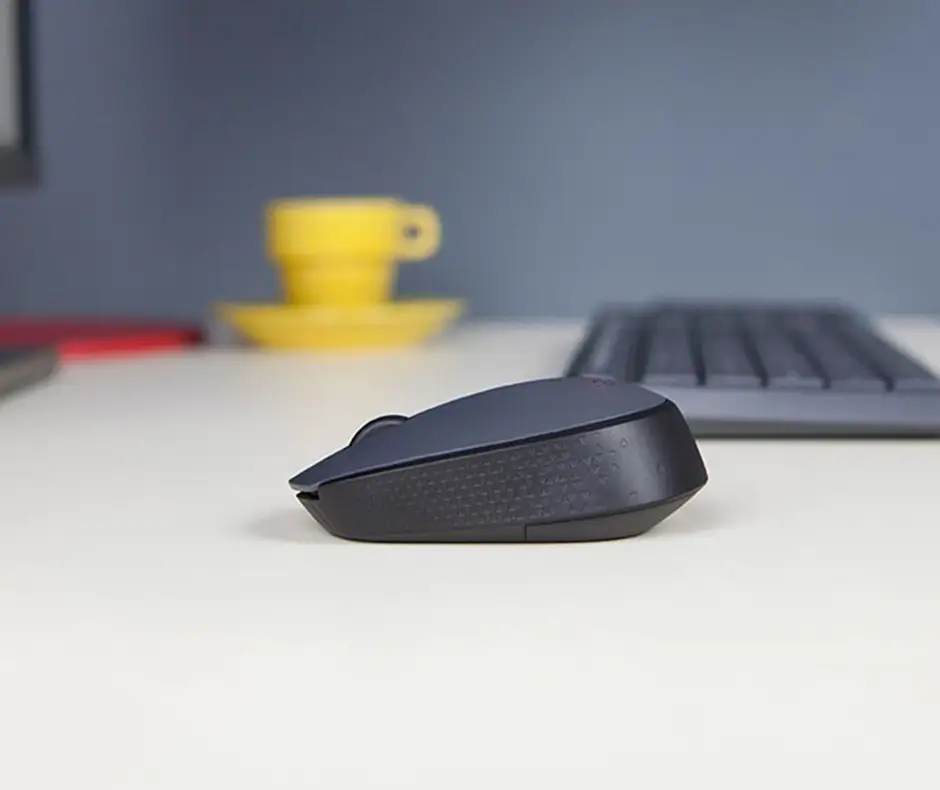
Digging through hundreds of reviews across Best Buy, Reddit, Trustpilot, and Twitter, the Logitech M170 Wireless Mouse emerged as a product with strikingly split opinions. While the official marketing frames it as a universally compatible, plug‑and‑play, long‑battery‑life mouse, the reality is more nuanced. On a performance scale drawn from user consensus, it scores 7.5/10 — praised for its affordability and portability, but criticized for small sizing, occasional wireless issues, and durability concerns.
Quick Verdict: Conditional — Buy if you want an affordable, portable daily mouse for basic tasks; avoid if you need ergonomic comfort or long‑term heavy use.
| Pros | Cons |
|---|---|
| Affordable ($9–$12 at major retailers) | Too small for standard adult hands |
| Simple plug‑and‑play setup | Wireless dropouts reported beyond 5–10 ft |
| Works across Windows, macOS, Linux, ChromeOS, iPadOS | Scroll wheel imprecision |
| Lightweight and portable | Durability complaints after months of use |
| Long battery life (often >12 months reported) | Louder click noise than expected |
| Ambidextrous design | Not ergonomic for extended sessions |
| Reliable tracking on most surfaces | Not suitable for gaming by consensus |
Claims vs Reality
Logitech's marketing repeatedly touts up to 33 ft (10 m) of wireless range. While this held true for some, user experiences contradict this in tighter setups. Twitter user Isaiah E. admitted, “this device will not operate further than 5 feet from the included usb transceiver… look for another model.” Others, like Trustpilot reviewers, tested range successfully “even through a few walls,” but these were less frequent.
Battery life is claimed at 12 months per AA cell. Multiple Best Buy owners confirmed exceeding this, with one saying, “I have had my own for about 3 years now and it’s great… never any connectivity issues.” However, Reddit user feedback adds nuance — one called it “great for kids… battery life and sensor is good” while still deeming it “the worst of the Logitech series” due to size and ergonomics.
Marketing copy describes “smooth and accurate cursor control on almost any surface.” Best Buy buyers backed that for casual environments — “I was using it on my leg on mesh basketball shorts and it never even messed up,” said one — but Twitter user Jason S. reported frustrating issues with scroll increments being too large, making fine web navigation tricky.
Cross‑Platform Consensus
Universally Praised
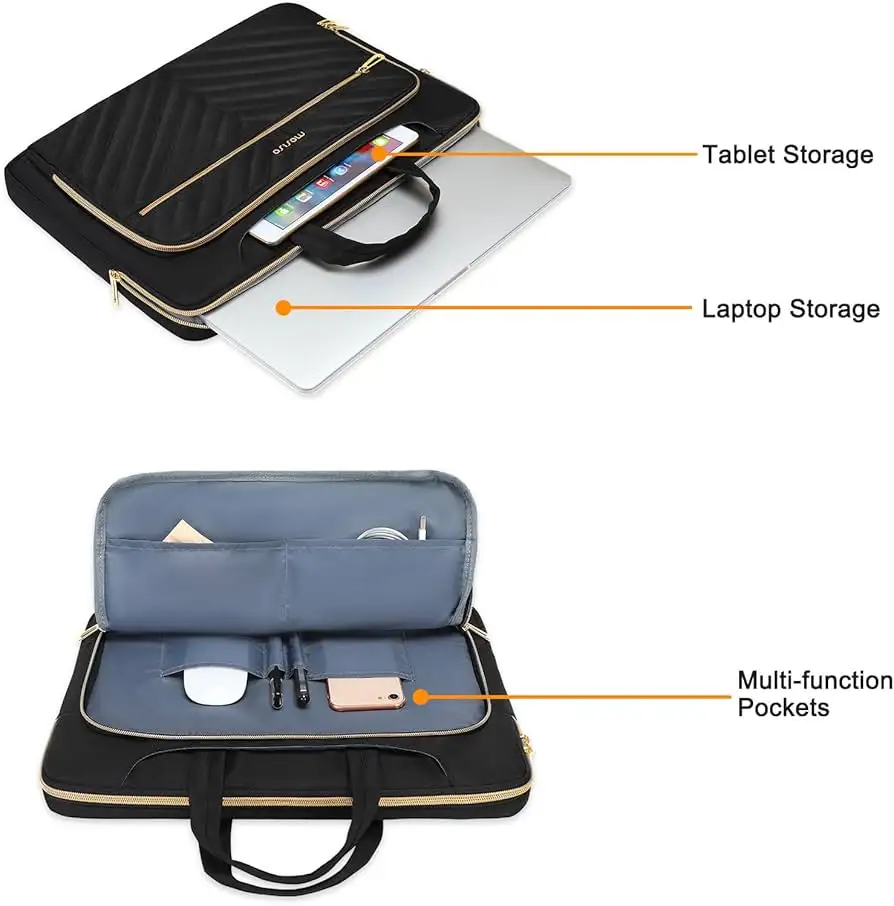
A recurring theme is portability. Verified Best Buy customers praised how easily the M170 slips into laptop bags, making it ideal for travel or student use. One buyer wrote, “Works great for Chromebooks… size is perfect for smaller hands.” Trustpilot’s review emphasized its “compact and portable design” that fits either hand and survives long daily sessions without fatigue.
Value for money dominates praise. At $9–$12 on eBay or Best Buy clearance, many see it as a backup or multi‑device accessory. Fakespot reviewers noted the “angle and palm area are perfect” even for smaller adult hands, providing relief for users with mild strain from larger, heavier mice.
Battery endurance earns kudos across platforms. Several Best Buy owners reported multi‑year use without battery replacement. The auto‑sleep function is cited as a practical power‑saving measure. Twitter user Jeff J. found that interference issues, once solved via a USB extension cable, left him with “the perfect mouse… every day at work and at home.”
Common Complaints
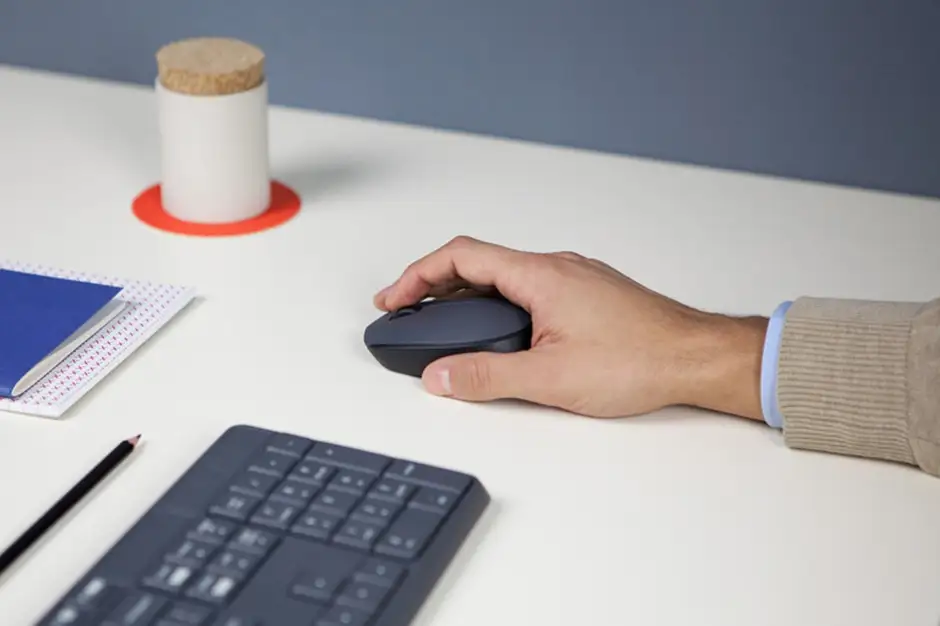
Size emerges as the most consistent drawback. From Reddit to Best Buy, adults with average or larger hands often found it “a bit small for regular size hands” or “for a child.” Fakespot comments went further: “Maybe just get a corded one,” indicating discomfort during scrolling.
Wireless performance can falter. Several Twitter reports describe intermittent signal loss, sometimes linked to USB 3.0 port interference. Range limitations well below the advertised 10 m occur in real‑world setups, particularly in home offices with PC cases between mouse and dongle.
Durability concerns appear in Best Buy’s low‑star reviews. User Harlee recounted, “Four months later… it stopped working… my guess this is the reason for it not working… not worth the hassle anyway.” Scroll wheel complaints also repeat — users mention large step increments and inconsistent responsiveness.
Divisive Features
Click noise splits opinion. Some appreciate the tactile feedback, others find it “louder than expected.” The ambidextrous shape is broadly liked for occasional left‑hand use, but for long office hours, several prefer more sculpted, ergonomic designs.
The aesthetic — simple small plastic shell — pleases minimalists but disappoints those accustomed to Logitech’s premium finishes. While one buyer called it “average, with color and texture… gets the job done,” others deem it visually bland.
Trust & Reliability
Trustpilot accounts leaned positive, citing “no noticeable lag or dropouts” and exceeding stated battery life. However, Best Buy’s durability complaints paint a mixed picture, with some mice failing in under six months. This contrasts with others reporting multi‑year dependability, suggesting possible quality variation across batches.
Long‑term Reddit commentary includes outright dismissal: “worst of the Logitech series… it lags… not ergonomic… looks bad.” Yet seasoned users with small hands or light workloads often defend it, revealing that reliability may hinge on user profile more than absolute design flaws.
Alternatives
Some buyers compare the M170 to Logitech’s M220 Silent Wireless Mouse or M330 Silent Plus. While priced higher, these offer quieter clicks and longer battery duration (up to 18 months claimed), with slightly more ergonomic shaping. Best Buy reviewers advised spending “$4.99 extra for the smaller Logitech mouse that gets the job done effectively” for those with mobility needs or heavier workloads.
Price & Value
Current resale prices hover between $8.99 (refurbished eBay) and $12.99 (new Best Buy or charity listings). Market history from Fakespot shows retail climbing to $24.99 before falling back under $15. Community advice leans towards buying new at these low prices, since repairability is minimal — replacing scroll wheels or fixing USB dongles rarely pays off.
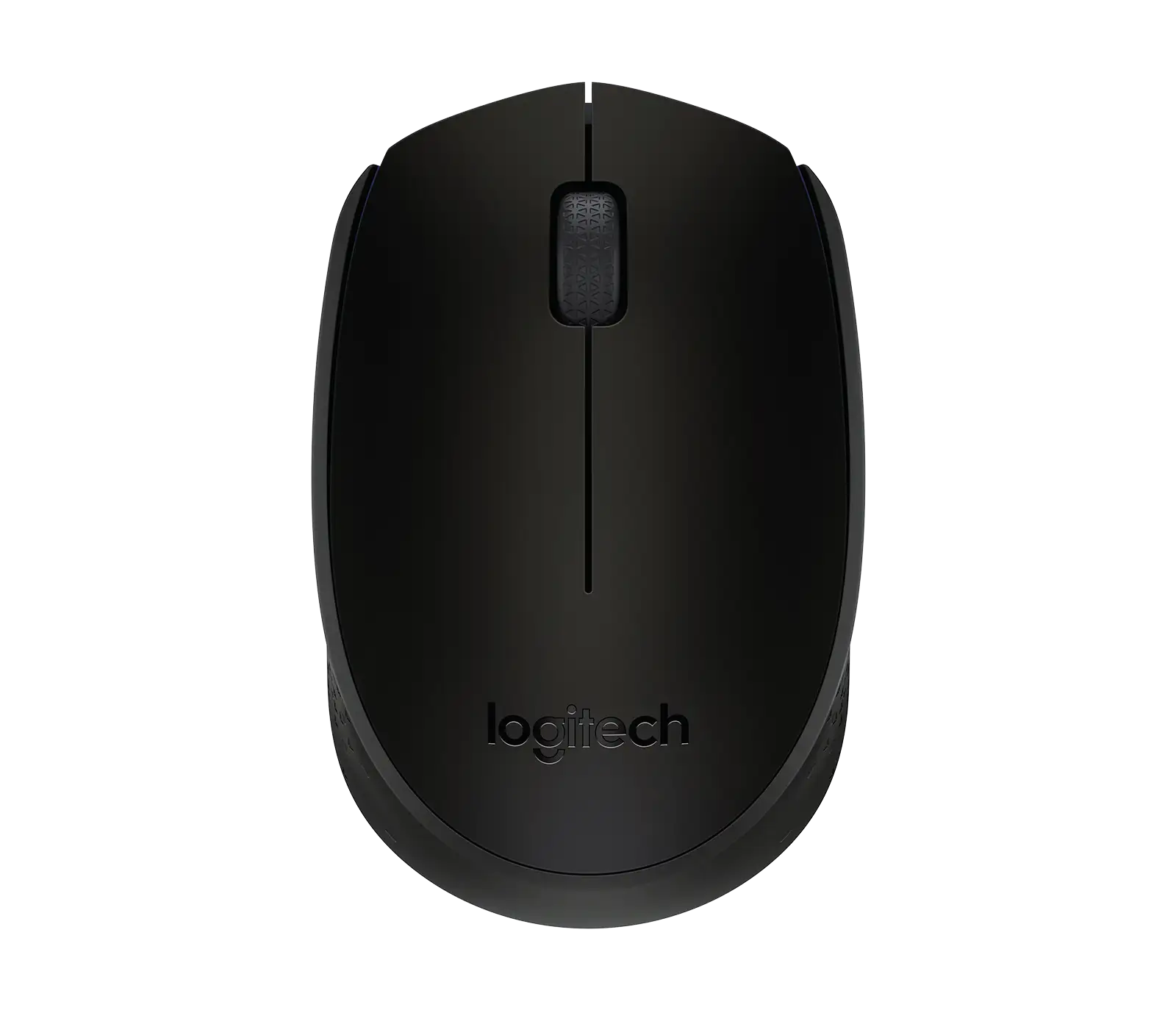
For budget‑conscious buyers, the M170’s value comes from its simplicity. It stores the nano‑receiver inside the body, runs on universally available AA batteries, and fits mobile work setups. Those seeking luxury finishes or programmable buttons will find better candidates higher in Logitech’s lineup.
FAQ
Q: Does the M170 work on all surfaces?
A: It tracks well on most non‑reflective surfaces. Users reported smooth response even on mesh fabric, though highly glossy or brightly reflective desks may cause cursor jitter.
Q: Is it good for gaming?
A: No — consensus indicates it’s suitable only for casual browsing and office tasks. Reddit and Best Buy users often note lack of fine control and ergonomic fatigue in longer sessions.
Q: How small is “small”?
A: Length is 3.8 inches, width 2.4 inches — several adult users find it too small for palm grip, but ideal for children or mobile work.
Q: Can it be used left‑handed?
A: Yes — its ambidextrous shape supports either hand comfortably, making it a fit for shared workstations or alternation due to wrist strain.
Q: What’s the real wireless range?
A: While rated at 10 m, some report flawless operation through walls, others find performance drops beyond 5 ft, often due to environmental interference.
Final Verdict: Buy if you’re a student, traveler, or light‑use office worker who values portability and low price. Avoid if you prioritize ergonomic support or gaming precision. Pro tip from the community: store the receiver in its cradle when not in use — losing it is the most common cause of frustration.