Epson XP-15000 Review: Stunning Photos, High Ink Cost
Digging into hundreds of real-world reports, the Epson Expression Photo HD XP-15000 Wireless Wide-Format Printer consistently earns praise for professional-level photo output at a consumer-friendly price, landing at a solid 8.6/10 overall. While users widely celebrate its color accuracy, wide-format capability, and compact footprint, recurring concerns about ink consumption and the lack of third-party ink compatibility temper the enthusiasm.
Quick Verdict: Conditional – a superb choice for hobbyists, photographers, and artists who print moderate volumes of high-quality photos, but potentially costly for heavy users.
| Pros | Cons |
|---|---|
| Vivid Ultra HD color and black-and-white printing | High ink usage and pricey replacements |
| Borderless prints up to 13” x 19” | No support for third-party ink |
| Compact design for a wide-format printer | Occasional connection and setup hiccups |
| Six-color Claria Photo HD ink with red & gray | Banding possible in large grayscale areas |
| Works with specialty media, including cardstock | No built-in scanner/copier functions |
| Easy wireless & Ethernet connectivity | Limited paper thickness for duplex printing |
| Fast small-format photo printing | Color shift on largest format skin tones (per testing) |
Claims vs Reality
Marketing highlights pro-level photo quality, ultra-wide color gamut, and compact wide-format capabilities. User feedback supports much of this, but there are nuanced realities behind the glossy claims.
Epson touts “brilliant borderless prints up to 13" x 19"” — and Reddit user greg confirmed this with side-by-side tests against its predecessor, saying: “White and text prints extremely clear, way better than the 1430… the print quality (detail) of the XP-15000 is far superior.” Professional photographers on Best Buy added that results “beat store processing hands down,” underscoring the machine’s capacity for gallery-ready work.
For ultra-wide color, the company points to new red and gray inks. User blynn explained how crucial this is for graphics: “Most printers make red by mixing magenta and yellow… the red ink in this printer solved this problem without me having to shell out $600-1000 for a true photo printer.” However, Quora testers noted some skin tone shift on 13" x 19" prints and faint sepia tendencies in B&W, showing that while gamut expansion delivers vibrance, perfection isn't universal.
Compact size is another selling point — “30 percent smaller than its predecessor.” Artists and t-shirt makers echoed this benefit, with Best Buy reviewer mister_adg noting, “It fits on my desk and works for all my shirt prints,” but this smaller footprint doesn’t reduce ink consumption, a point of frustration for several owners.
Cross-Platform Consensus
Universally Praised
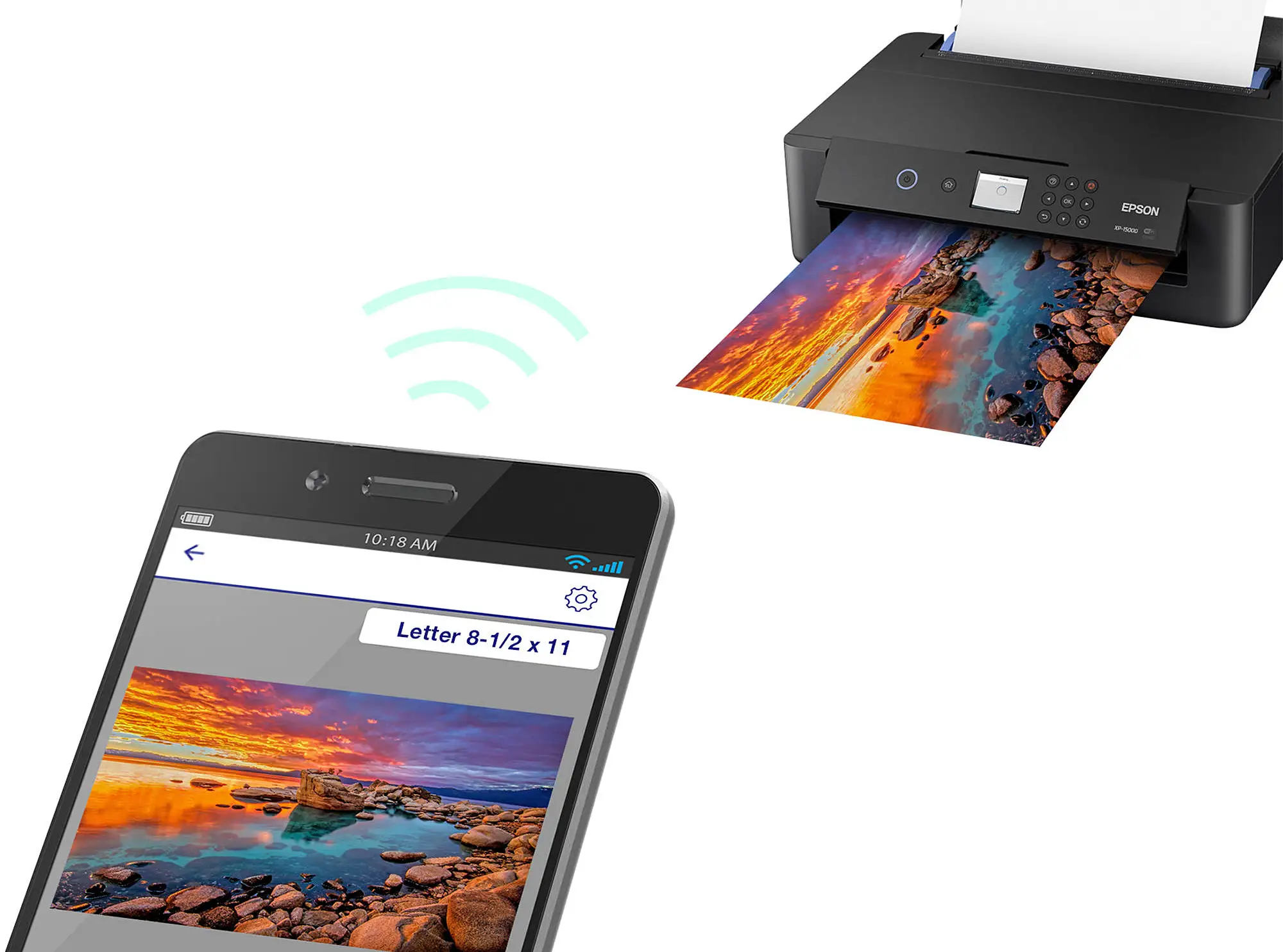
One clear consensus: the XP-15000’s output impresses across formats. Best Buy user leopoldop called his large wall art prints “gallery-ready” and admired wireless convenience for laptops, tablets, and phones. Artists appreciated smooth tonal gradation in skin tones, echoed by Trustpilot’s confirmed buyers citing “bright, vivid images which are resistant to fading.” Hobby photographers benefit most — Reddit poster blueknowser shared, “Amateur photograph printing in full range sizes from 4x6 glossy to 13x19 pro platinum… good and easy setup.”
The specialty rear tray is valued beyond photography. Screen-printing professionals like karlar found it “perfect for screen print negatives,” while Quora analysts highlighted adhesive sticker paper and iron-on transfer compatibility for creative projects. The integration of red and gray inks consistently surfaces in positive reviews, appealing to those who need nuanced color control or smoother gray gradations in monochrome work.
Common Complaints
Ink management is the recurring sore spot. Walmart reviewers warned, “Ink cartridges can run out quickly, and the printer may refuse to print when even one color is empty.” Best Buy’s blondie_777 echoed frustration: “Small amount of prints and you are out of ink… cartridges are hard to find.” For high-volume art sellers or sticker producers, community advice leans toward Epson EcoTank alternatives for better long-term cost efficiency.
Some experience technical snags: moniqued from Best Buy described constant tray jams, leading to diminished print quality with “lines going through pictures” even after fixes. Quora’s lab tests found “micro banding in grayscale” and “connection interruptions” that affected setup reliability, though these were not universal.
Divisive Features
Paper handling versatility splits opinion. Many love being able to feed cardstock and thick specialty media via the rear tray, while others point out duplex limitations on heavier stocks. Wireless printing convenience is praised, but some, like blynn, observed the XP-15000 is “more finicky” than basic desktop models, requiring nozzle checks and print head alignments more frequently. For meticulous photographers, this is a tolerable trade-off; casual users may see it as overhead.
Trust & Reliability
Trustpilot entries reflect a generally reliable experience when used as intended, with emphasis on using only genuine Epson cartridges. A few Reddit users raise caution over firmware updates potentially disabling third-party ink — consistent with Epson’s own disclaimers. Long-term owners like nizzy report being “super happy… have not had any problems” after months of use, suggesting durability is solid, but ongoing ink costs are unavoidable.
Reports of physical issues, like paper jams or diminished output quality, show up mostly among heavier users pushing media limits, rather than typical photo printer workloads.
Alternatives
Within the brand, community members compare the XP-15000 to the EcoTank ET-8500/8550 series. Blynn advised high-volume producers to “look at the Epson EcoTank… similar quality just without the red ink” due to massive ink savings. Outside Epson, Quora testing identified Canon Pixma G620 as a standout for stunning black-and-white output, though at a higher upfront cost.
Price & Value
eBay and retail listings put refurbished units around $200-$265 and new around $329-$389, with Walmart promos dipping to $299.99. Resale value remains relatively high for well-maintained units due to consistent demand in hobbyist photography circles. For value, experts point out that operating costs — about $0.45 per photo — are low compared to lab printing but high for sustained volume. Ink bundle purchases and opting for XL cartridges are frequent community tips.
FAQ
Q: Does the XP-15000 print on cardstock and specialty media?
A: Yes, via its 50-sheet rear tray, supporting thicker stocks, specialty finishes, CDs, and DVDs, though auto-duplex works only with lighter paper at certain sizes.
Q: Can it use third-party ink?
A: No — Epson firmware and hardware are designed for genuine cartridges only, and updates may block compatibles.
Q: How fast is it for small photos?
A: It prints a 4" x 6" borderless photo in as little as 27-36 seconds, making it quick for album projects.
Q: Is it good for black-and-white photography?
A: The dedicated gray ink improves tonal gradation, but some users observe slight sepia hues and minor banding in large dark areas.
Q: How compact is it compared to other wide-format printers?
A: Roughly 30% smaller than its predecessor, fitting comfortably on most desks without giving up 13" x 19" output capacity.
Final Verdict: Buy if you’re a hobbyist photographer, artist, or creative small business seeking rich color and large-format prints at a midrange price, and your print volume is moderate. Avoid if you expect heavy daily output or need third-party ink compatibility. Pro tip: Opt for XL cartridges and explore Epson’s ink subscription services to soften ongoing costs.