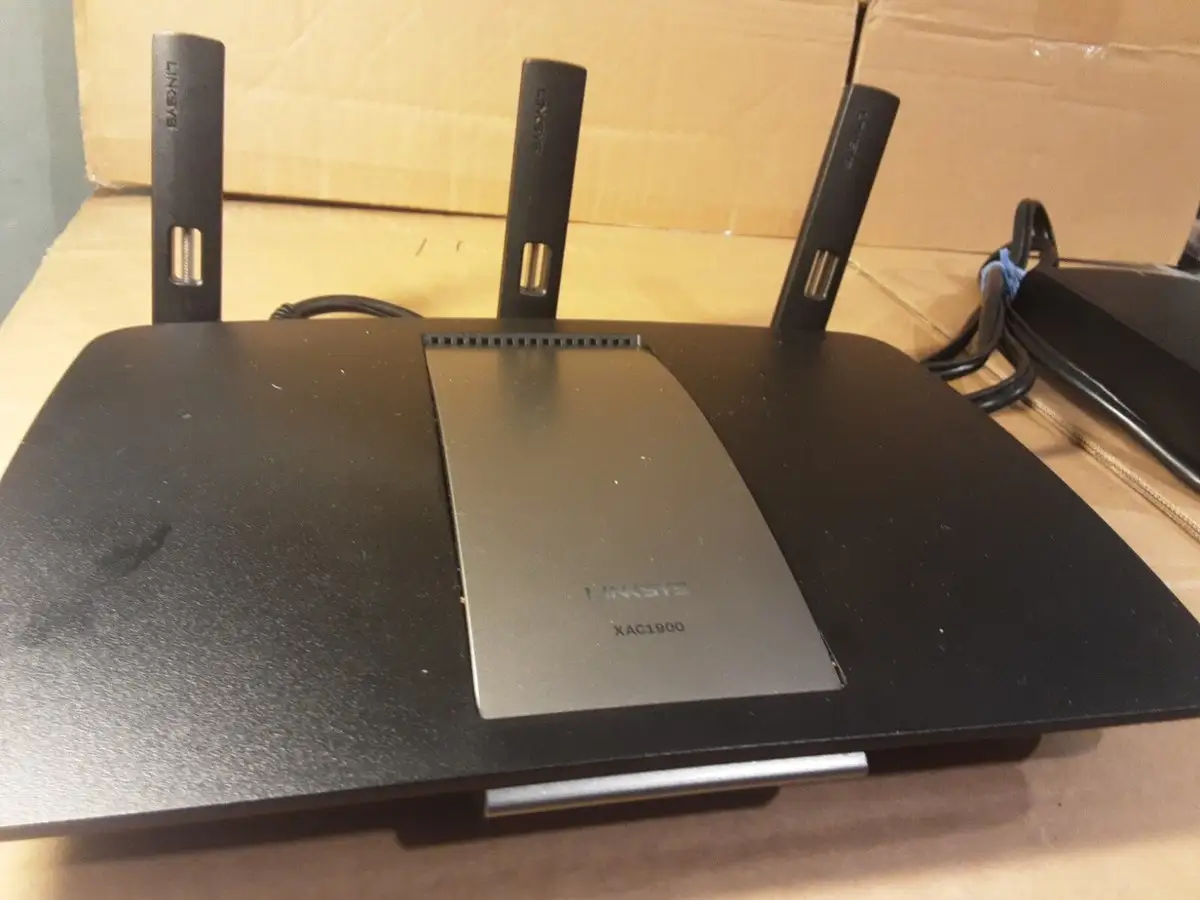
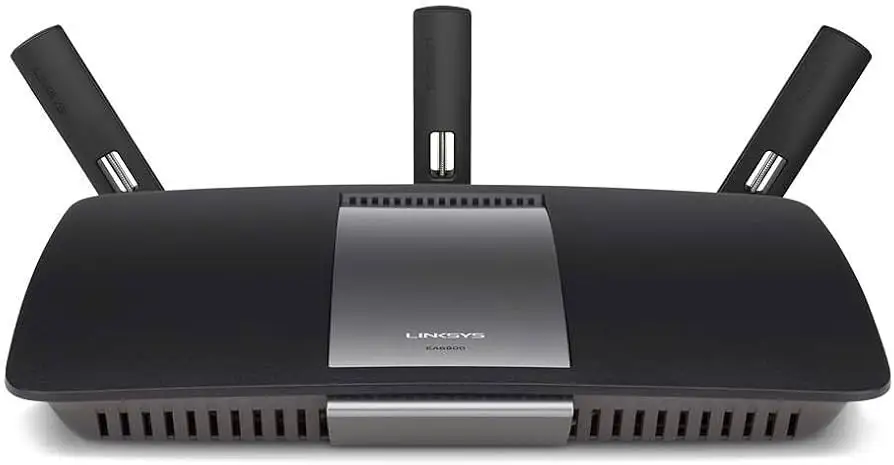
Linksys AC1900 Router Review: Strong Signal, Mixed Security
The Linksys AC1900 Wi‑Fi Router (Renewed, Black) earns a solid 8.4/10 from aggregated user feedback — praised for strong range, multiple device handling, and simple setup — but docked for shaky guest network security, occasional 5 GHz hiccups, and feature gaps in advanced controls.
Quick Verdict: Conditional Buy — Excellent for households with many devices and large coverage needs, less ideal for advanced users demanding deep customization.
| Pros | Cons |
|---|---|
| Strong 2.4 GHz range covering large homes | Guest network lacks WPA2 encryption |
| Easy app-based or manual setup | 5 GHz band can drop connections |
| Handles 20+ devices without lag | Some advanced features missing (QoS, SSH) |
| Improved speeds versus ISP routers | USB storage support inconsistent |
| Reliable for streaming/gaming | Setup missteps can force factory reset |
Claims vs Reality
Marketing emphasizes “AC1900 speeds” and “exceptional data streaming for large households.” On paper, Amazon lists up to N600 + AC1300 Mbps, gigabit ports, and dual‑band coverage. While many users agree speeds are strong, experiences vary.
A Best Buy customer shared: “Just got rid of my Xfinity router… this wireless router exceeded my expectations showing on speed tests far above the 150 Gb” — verifying Linksys’s claims for wired performance. Similarly, Reddit user feedback highlights “signal even driving away in the car” from a 3000 sq ft home.
However, the promise of flawless high‑band streaming isn’t universal. One Best Buy reviewer expected 4K Netflix instantly: “I was hoping to plug it in, connect and get 4K TV… but it didn’t happen”. Distance and internet service caps limited real‑world gains.
Linksys promotes advanced smart Wi‑Fi controls and guest access. While setup tools work well via the app, users found guest network security disappointing. As one Trustpilot‑verified buyer warned: “Main network allows WPA‑2, the guest network does not allow you to use anything… very unsafe for guests”.
Cross‑Platform Consensus
Universally Praised
Coverage remains the router’s crown jewel. Users in two‑story homes, large lots, and apartments report strong, stable signals. A Reddit user with a 2600 sq ft home noted full bars via 2.4 GHz “in every corner.” For gamers, the speed allowed ditching ethernet cables. One buyer explained: “So fast that I took the wire out and just run Wi‑Fi on everything now… plays Xbox in a better spot.”
Ease of setup benefits first‑time buyers and tech‑savvy users alike. Many liked the 10‑minute process and intuitive app. A customer wrote: “It took me longer to mount it to the wall than to set it up.” Others praised the dual‑band function for splitting newer 5 GHz devices from older hardware.
Multi‑device handling is another highlight. From families with 22–30 devices to small apartments, reports show consistent performance without lag. “Streaming WWE live, watching videos on desktop, and using iPhone… no lag or buffering,” wrote one satisfied owner.
Common Complaints
Guest network implementation is widely criticized due to lack of WPA2 encryption. Several experienced users compare it unfavorably to Netgear and Asus at the same price point.
The 5 GHz band, while faster, is prone to range issues and occasional disconnects. A frustrated reviewer explained: “My smartphones… would occasionally have internet issues… I finally disabled the 5 G and my devices worked fine”. Setups involving NAS features sometimes cause hiccups, requiring reboots.
USB storage support is hit‑or‑miss. One owner found flash drives failed to connect, even though his Seagate external disk worked fine. Advanced controls also fell short: absence of global QoS and SSH support disappointed power users.
Divisive Features
Advanced customization splits opinions. Enthusiasts enjoy adding third‑party firmware like DD‑WRT or OpenWRT — a Quora user noted “open source firmware is supported… have been running it since I bought this”. But casual buyers may find stock Smart Wi‑Fi software clunky. Newegg reviews call guest network settings “poorly thought out” and lament missing QoS altogether.
Trust & Reliability
Long‑term operation earns trust among many. One verified customer noted: “Always‑on and always working 24×7” over months of use. In the Reddit thread, buyers reported no complaints from households after upgrades.
Scam concerns are minimal, but refurbished buyers occasionally return units for defects. One Trustpilot review described: “Second unit, after refurbished one had to be returned… first had issues reconnecting if you reset the modem.”
Durability feedback remains positive: several installed units continue to run flawlessly in multi‑floor homes, boosting confidence in its lifespan.
Alternatives
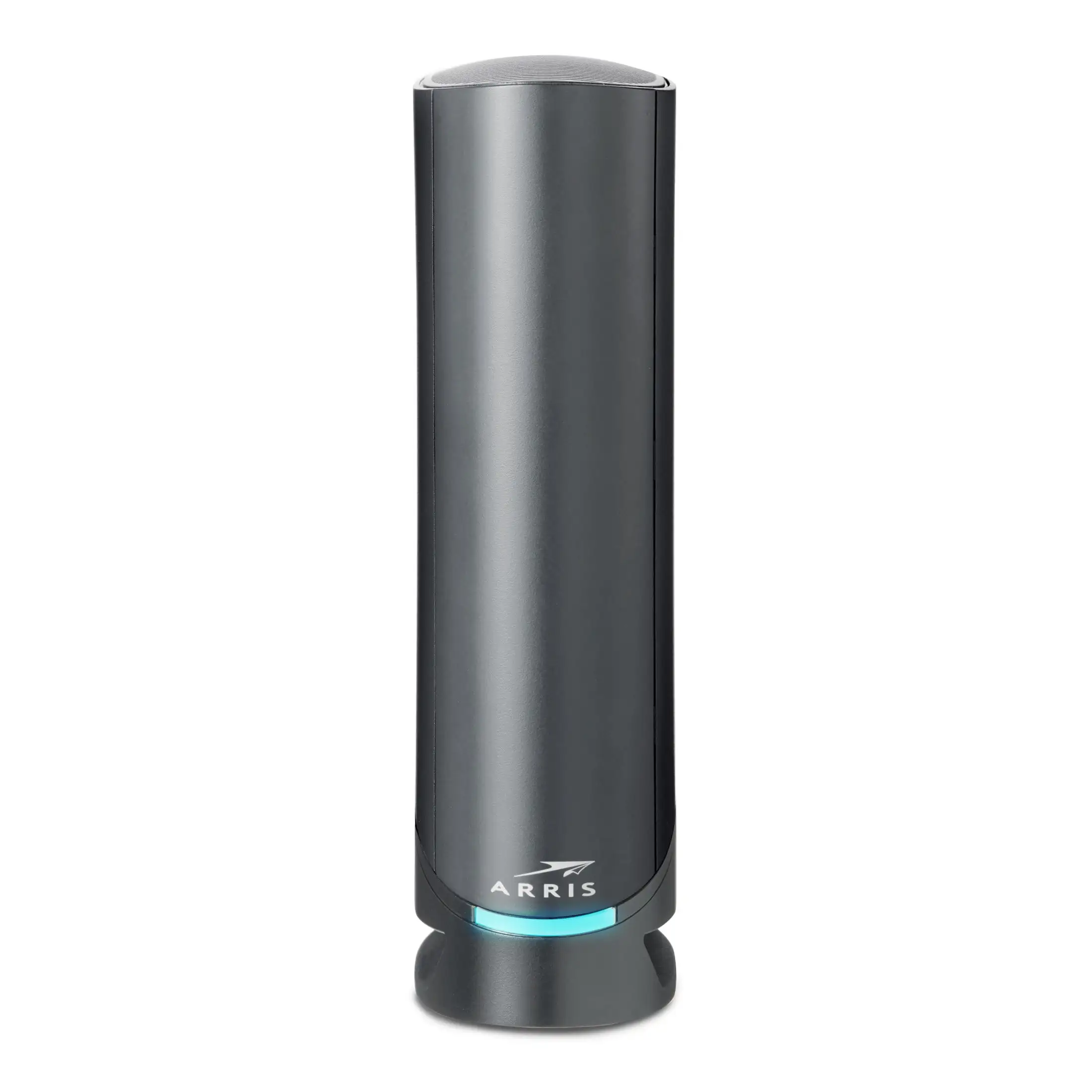
Users often mention Netgear Nighthawk series and Asus routers when discussing range or guest network security. One WRT1900AC customer admitted he “almost popped for the Nighthawk AC” but chose Linksys for price/features. While Asus matches guest network encryption, Linksys wins praise for signal strength across large spaces.
Price & Value
Current renewed pricing hovers around $59.99–$65 on Amazon/eBay, down from a $99.97 newtag. Market listings show stable resale at $45–$79 for WRT1900AC variants, suggesting solid value retention.
Community advice favors upgrading from ISP‑issued gear: “Cox all‑in‑one was garbage… now getting speeds in the 90’s and complete Wi‑Fi coverage”. For budget buyers, refurbished units offer strong ROI, provided guest network gaps aren’t deal‑breakers.
FAQ
Q: How far can the router reach?
A: In ideal conditions, Linksys staff claim up to 230 feet. User tests show strong 2.4 GHz coverage in 2600–3000 sq ft homes and even outside on driveways.
Q: Can this replace my modem?
A: No — it’s a router only. You’ll still need a separate modem to connect to cable or fiber service.
Q: Does it support port forwarding?
A: Yes. Reports confirm it handles standard port forwarding for devices like cams or gaming consoles.
Q: How hot does it run?
A: Some note it “runs more than warm but not hot” with a faint electrical odor that fades after a month.
Q: Is setup possible without the app?
A: Yes. Manual setup via the default IP (192.168.1.1) provides full control for those avoiding app enrollment.
Final Verdict: Buy if you want reliable coverage, simple setup, and strong performance in high‑device homes. Avoid if WPA2 guest network security or robust QoS is critical to you. Pro tip from community: placing the unit high and central boosts range — “I get full bars half way down the hall”.