KODAK 10.1" WiFi Frame Review: Mixed Usability Verdict
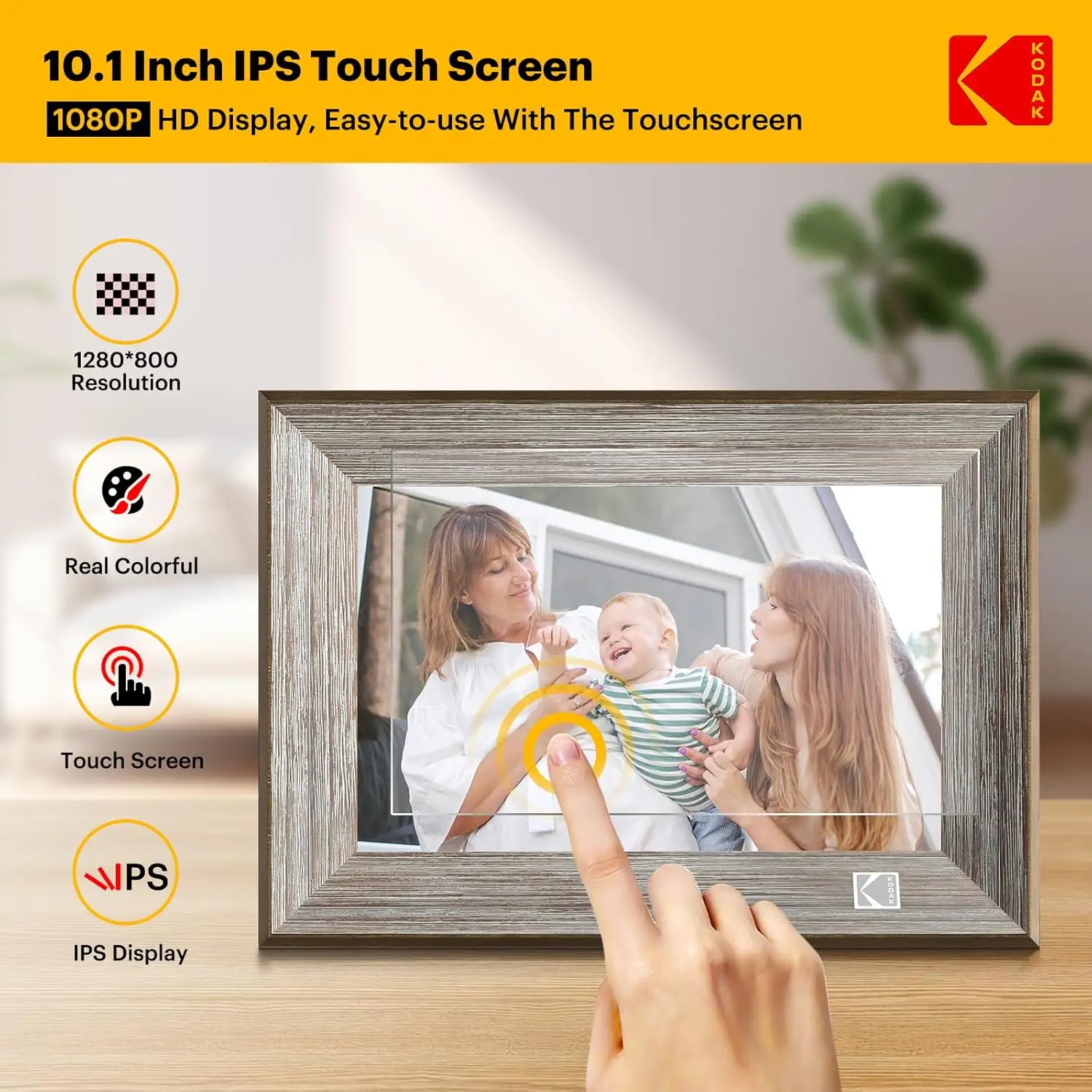
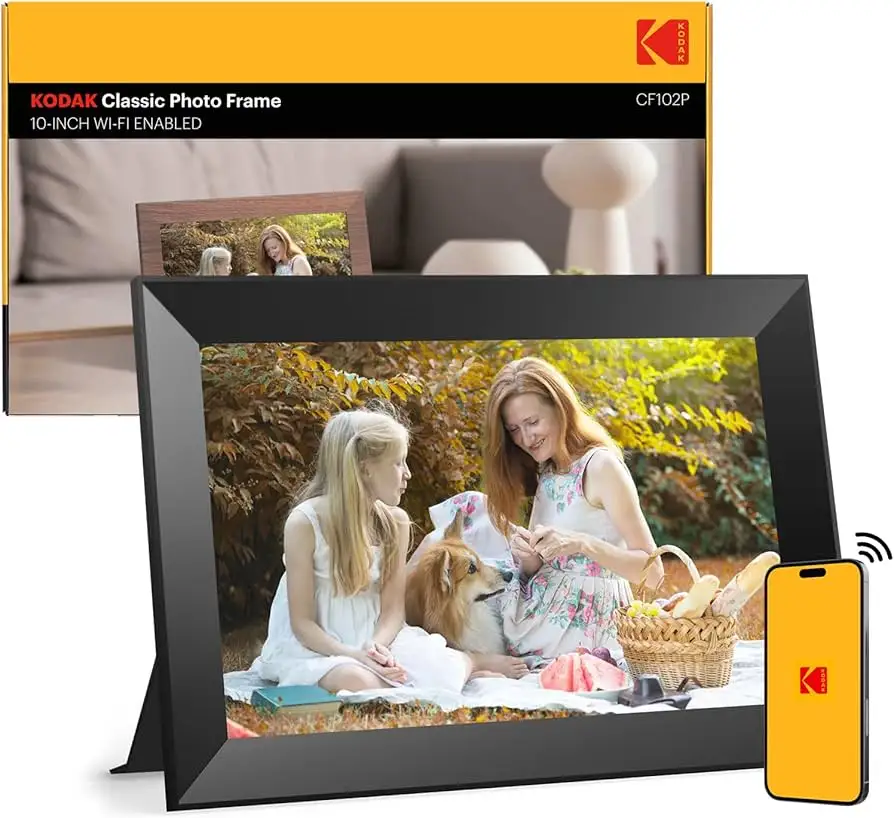
A verified buyer on Amazon summed it up: “Honestly, one of the best and most convenient products I have come across.” The KODAK 10.1 Inch WiFi Digital Picture Frame has garnered ratings between 3.9 and 4.2 stars across platforms, offering sharp 1280×800 IPS visuals, ample storage, and instant sharing. Yet, digging deeper reveals a gap between polished marketing and lived-in usability — earning it a solid 7.8/10 based on cross-platform feedback.
Quick Verdict: Conditional — worth it for tech-comfortable sharers, frustrating for those wanting plug-and-play simplicity
| Pros | Cons |
|---|---|
| Crisp IPS display with wide viewing angles | App setup errors and outdated 2.4GHz Wi-Fi only |
| Real-time photo/video sharing via Kodak app | Limited video length (max 15 seconds) |
| Generous internal memory (up to 32GB in some models) | Battery life shorter than claimed |
| Wall-mount or freestanding with auto-rotation | No ability to randomize slideshows |
| Calendar, clock, weather features add utility | Customer support hard to reach |
| Stylish finishes, gift-ready presentation | Early failures and unclear instructions |
| SD/USB expansion for offline loading | Playback order fixed, no customization |
Claims vs Reality
Marketing emphasizes “extraordinary picture quality” via 1280×800 IPS panels. Many users agree — the colors pop and viewing angles remain strong. On Twitter, Kodak touts a “stunning, clear image” from all angles. A verified Amazon buyer backed that up: “Picture quality is great,” noting offline SD loading worked well. Yet, others point to slideshow order rigidity and lack of randomization, undermining personalization.
Kodak’s promise of hassle-free sharing “from anywhere in the world” via its app sees mixed real-world outcomes. Trustpilot reviewers described setup hurdles: “We had some difficulty setting it up… finally discovered the verification code in the email spam folder.” One Reddit commenter noted the QR-code binding worked fine for their household, suggesting familiarity with mobile apps matters. In contrast, an Amazon user vented: “The app… doesn’t work. Their website sends you a verification code… nothing.”
Battery claims hover near 4–7 hours in specs. Pix-Star Blog analysis found the 10-inch display drains power faster, with real-world use closer to 3–4 hours. This affects portability-focused buyers. As one Trustpilot review put it, “It’s a shame the battery can’t even last a day.”
Cross-Platform Consensus
Universally Praised
The display consistently earns applause. Reddit product listings highlight the vivid IPS panel, and Amazon reviews underline its “high quality screen” with customizable transitions. For family storytellers, this means grandma in another state can see every smile without dull colors. A wedding photographer on Amazon uses it for clients: “It didn’t tamper with the resolution of my photos and that was just amazing.”
Storage flexibility also gets strong marks. Models with 32GB memory handle tens of thousands of images, and expansion via SD/USB supports media-loaded events. One Twitter post notes “over 80,000 photos stored” at moderate file sizes — ideal for parents wanting years’ worth of milestones on loop.
Design versatility appeals across demographics. Units can mount on walls or stand freely with auto-rotation. A buyer’s mother’s day gift story recalled: “It’s a great way to share events… you can send pictures from anywhere,” giving remote siblings a role in daily updates.
Common Complaints
App reliability sits atop frustration lists. Trustpilot entries describe insensitive touchscreens, unclear instructions, and support dead-ends. An Amazon reviewer explains having to “email myself over 80 photos… 9 at a time… only to have them not show up at all!” Anyone expecting frictionless onboarding will be disappointed.
Wi-Fi limitations to 2.4GHz networks draw criticism in the age of mesh and dual-band routers. “Outdated!” sighed one Amazon buyer after debugging connection errors. Those with modern 5GHz-only setups risk unusable wireless functions.
Battery promises often go unfulfilled. Pix-Star Blog’s teardown of Kodak claims warns heavy cloud sync drains power fast, requiring proximity to chargers much of the time. This dents appeal for presentation mobility or power-outage resilience.
Slide order rigidity irritates creative users. Without randomization or playlist control, repeated sequences dull the impact of large libraries.
Divisive Features
Offline loading via SD or USB remains polarizing. Some cherish the fallback option when apps fail; others resent its necessity due to unreliable cloud. Video playback’s brief cap (15 seconds) and exclusion from slideshows splits opinion — family chat converts find it adequate, videographers find it crippling.
Music integration sees similar divides. While some enjoy background tracks for slideshows, others struggle with file compatibility and loading steps.
Trust & Reliability
Trustpilot’s skepticism flags possible review inflation, but authentic entries depict a mobility-impaired grandparent delight just as vividly as accounts of bricked units after weeks. Longevity is uneven — one Amazon buyer’s unit died after 16 months; others report multi-year stability. The key pattern: early defects appear quickly, often within hours to weeks, while survivors endure.
Durability seems acceptable for stationary, indoor use but strains under frequent transport. Reddit threads recommend avoiding repeated plugging/unplugging to extend lifespan. Buyers in rural areas, less reliant on Wi-Fi sync, report fewer software-induced failures.
Alternatives
Mentioned repeatedly, Pix-Star frames offer free lifetime cloud storage, multi-frame control groups (up to 25 units), and broader photo-send limits (250 at once vs Kodak’s 6–9). For large, distributed families, this prevents manual per-frame loading. Nixplay also emerges in community chatter for better app stability.
If Kodak’s appeal is design and brand nostalgia, its closest competitor may be Nixplay’s IPS series — similar display quality but with more robust Wi-Fi and shuffle options.
Price & Value
Amazon US lists the 32GB black model near $89.99 after discounts, with variants dipping to $51.59 in sales. On eBay AU, 16GB versions hit AU$149 new. Pix-Star Blog critiques Kodak’s value relative to features: decent hardware, middling software.
Community buying tips stress catching seasonal sales for 30–40% off, given uncertain support pathways. Resale value holds moderately due to Kodak branding, but heavy app dependency can deter second-hand buyers without tech literacy.
FAQ
Q: Can I randomize photo playback?
A: No. User reports confirm Kodak frames play in upload order with no shuffle feature, impacting variety for large libraries.
Q: Does the Kodak app work on 5GHz Wi-Fi?
A: No. Amazon reviewers found it only supports 2.4GHz networks, requiring router adjustments for connectivity.
Q: How long a video can I play?
A: Typically up to 15 seconds via the app, slightly longer via offline SD/USB loading, but videos can’t integrate into slideshows.
Q: What’s the real battery life?
A: Around 3–4 hours in active use with Wi-Fi and cloud sync, less than Kodak’s claimed 4–7 hours, according to Pix-Star Blog and Trustpilot users.
Q: Is this good for non-tech-savvy recipients?
A: Mixed. Some praise simple offline loading, while others found app setup too complex without assistance.
Final Verdict: Buy if you’re a tech-savvy gift-giver seeking vibrant display quality and flexible storage for photo-heavy sharing. Avoid if you want app-free, customizable playback or need long battery mobility. Pro tip from community: preload via SD card before gifting to bypass early setup frustrations.