HP LaserJet MFP M235sdw Review: Fast, Compact, Flawed
The surprising thing about the HP LaserJet MFP M235sdw All‑in‑One Laser Wireless Printer is how consistently users praise its compact size and fast duplex printing—yet a recurring theme is that HP’s software ecosystem sours what could otherwise be a near‑perfect small office machine. Across platforms, it scores around 8/10 for print quality and speed, but drops points for driver issues, lack of duplex scanning, and restrictive cartridge policies.
Quick Verdict: Conditional — excellent for small offices needing fast, duplex monochrome printing with occasional scanning/copying, but less ideal if you rely heavily on scanning workflows or want third‑party toner flexibility.
| Pros | Cons |
|---|---|
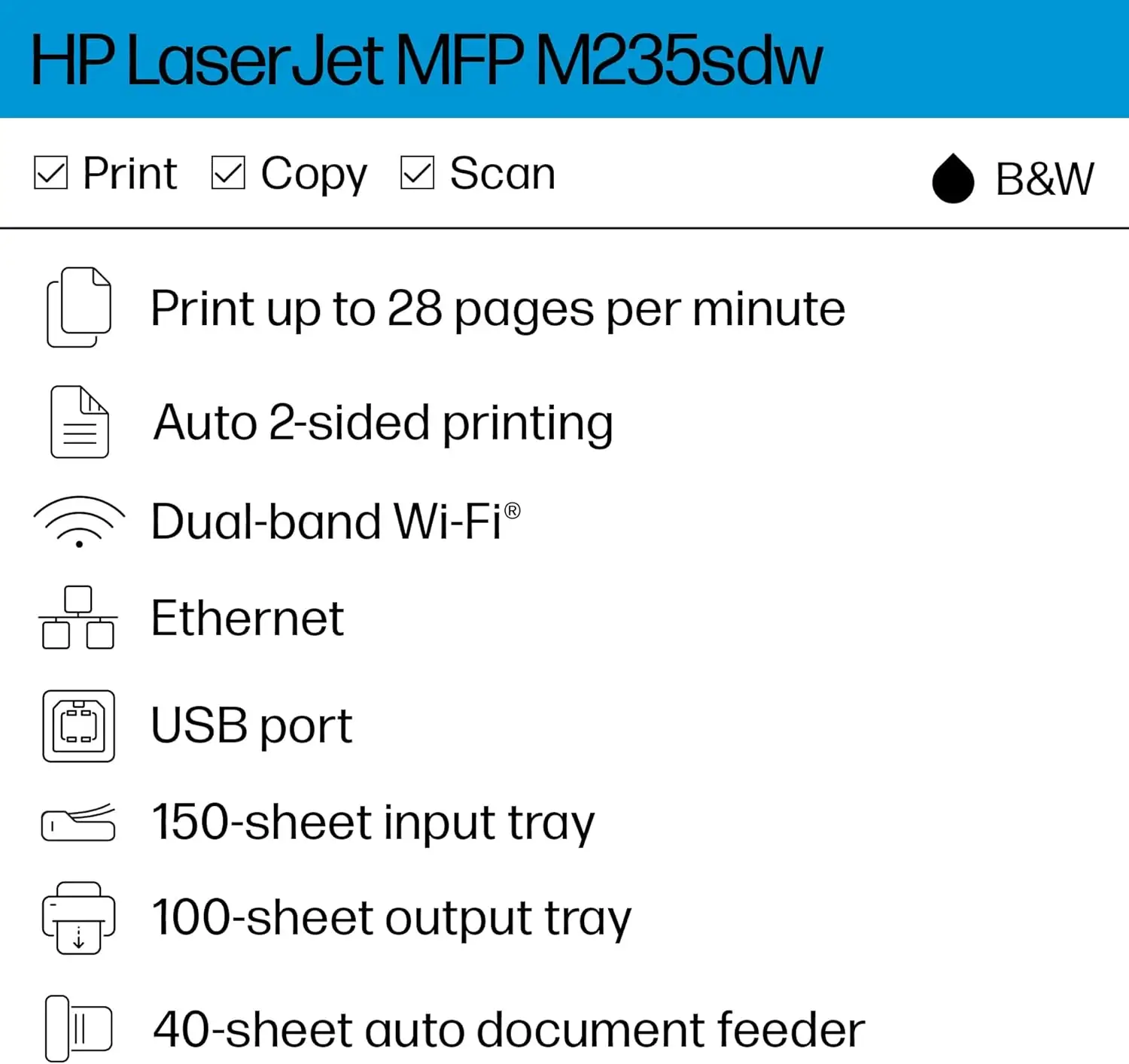
| Fast duplex printing up to 29 ppm | No duplex ADF scanning |
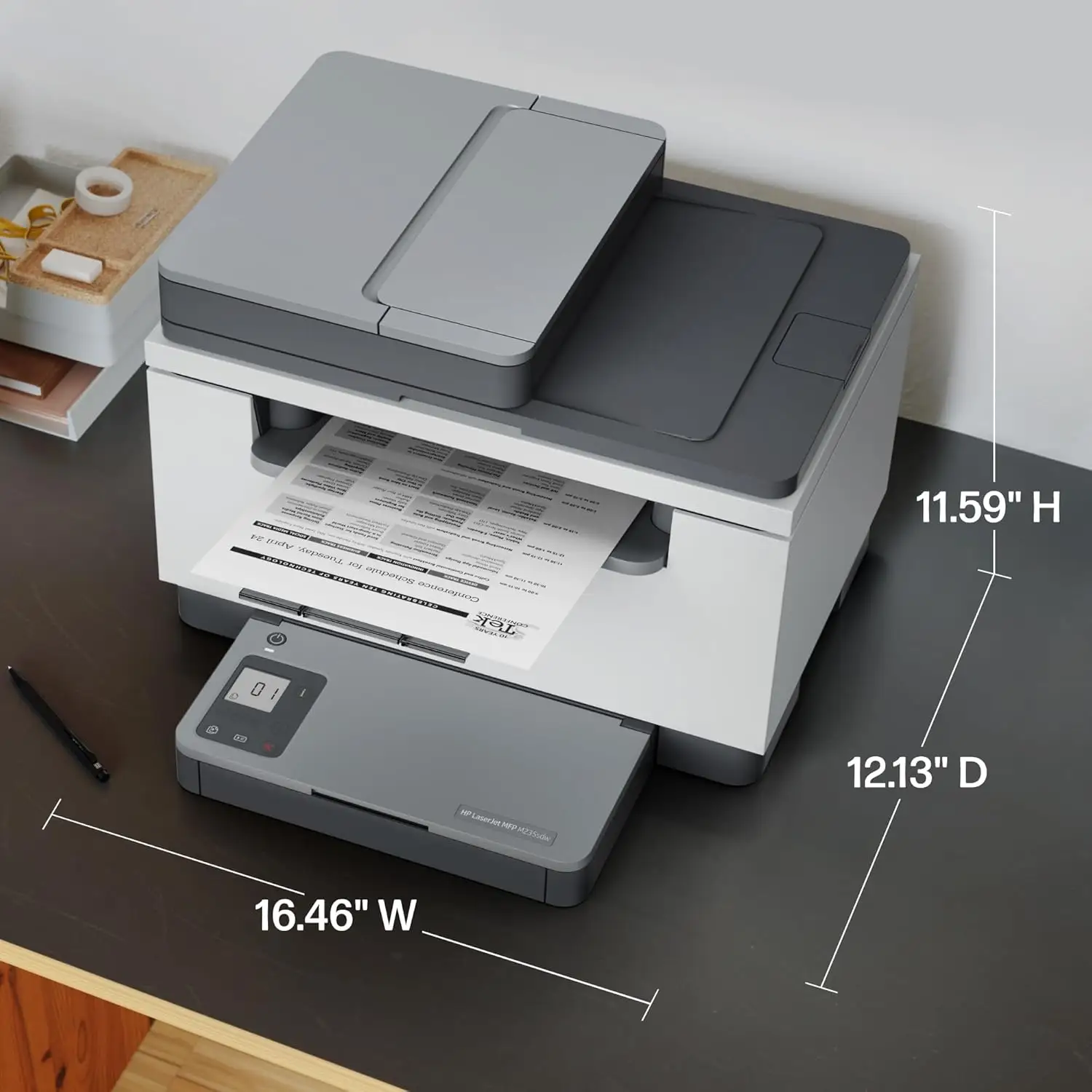
| Compact design fits small spaces | Software/drivers frequently criticized |
| Strong print quality for text and forms | Dynamic security blocks non‑HP chips |
| Reliable dual‑band Wi‑Fi and Ethernet | High power draw when printing |
| 40‑sheet automatic document feeder | Only 1‑year warranty |
| Easy mobile print via HP Smart app | Limited paper tray capacity (150 sheets) |
Claims vs Reality
HP markets the M235sdw as having “the fastest two‑sided printing in class” with seamless setup via the HP Smart app. While many buyers confirm the speed—German reviewers measured 27 ppm duplex—some found the setup less than seamless. A verified buyer on Amazon noted: “I downloaded the HP app and it guided me through the whole set up. No more guessing if I did it right. Now I can print from my phone as well.” But others, especially IT professionals, reported repeated driver reinstallation attempts before achieving full functionality. One long‑time HP user wrote that “software installation is a nightmare… the scanner cannot be set up despite downloading the ‘scanner fix’ patch.”
Another bold claim is “reliable Wi‑Fi with self‑reset.” Here, most users agree it holds a stable connection once configured, even in dual‑band networks. A reviewer testing in a small office said, “The integrated dual‑band Wi‑Fi function ensures stable connections and offers flexibility when printing from various devices.” However, some home users reported the initial handshake required placing the printer right next to the router before it would connect.
Finally, HP promotes “automatic scanning and copying” as a productivity booster. While the 40‑sheet ADF is indeed a favorite for batch jobs, the lack of duplex scanning drew criticism. As one German review put it: “No duplex scan—double‑sided originals must be turned manually.”
Cross‑Platform Consensus
Universally Praised
Speed and efficiency dominate the praise. Small office operators repeatedly point to the duplex print engine as a time‑saver. A Reddit user in a condo association role shared: “The automatic duplex printing with speeds up to 29 ppm keeps our workflows moving.” For notaries, landlords, and administrators, the ability to churn through legal forms quickly is invaluable. The compact footprint also wins over home offices. One Trustpilot reviewer wrote, “Small printer that works great… it doesn’t take much space.”
Print quality, while capped at 600 x 600 dpi, is described as crisp and consistent for text and simple graphics. A reviewer from Testberichte.de confirmed that “the print engine works cleanly for text documents and simple graphics,” making it well‑suited to contracts, invoices, and reports. Mobile printing via HP Smart, Apple AirPrint, and Mopria earns positive nods from those who regularly print from phones.
Common Complaints
Software instability is the number‑one frustration. Long‑time HP owners lament bloated driver packages, scanner setup failures, and erratic HP Toolbox behavior. One IT veteran on Amazon said, “I have worked in IT for 20 years… when they try to make software for a more complex product such as this multifunction printer they miserably fail.” Reports of frequent, noisy calibration cycles even when idle add to the annoyance.
The lack of duplex ADF scanning is another sore spot for document‑heavy workflows. Law firms and accountants who routinely digitize double‑sided documents must manually flip pages. Power consumption spikes during printing—measured at 453 W—are above average for its class, a concern for energy‑conscious buyers.
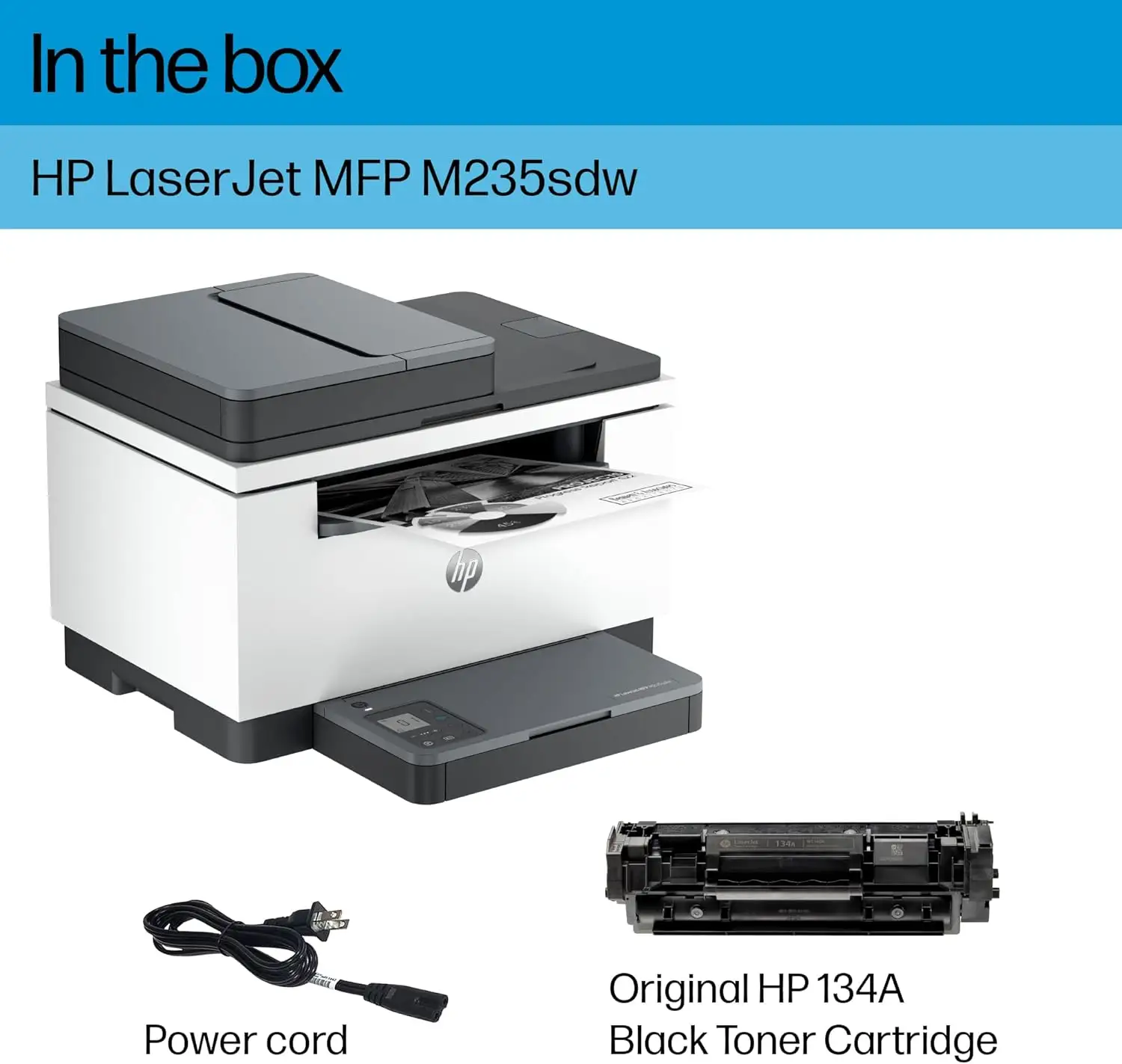
Cartridge policy also draws ire. HP’s dynamic security blocks non‑HP chips, limiting third‑party toner use. While it supports reused HP chips, some see this as a way to lock customers into higher consumable costs. A German reviewer noted XL toner brings per‑page cost to about €0.04—cheaper than many inkjets, but still higher than refill‑friendly models.
Divisive Features
The HP Smart app polarizes users. For some, it’s a one‑stop mobile printing and scanning tool; for others, it’s a buggy requirement that forces cloud account creation. A Trustpilot user praised, “Very easy to set up to my phone and laptop,” while another dismissed it as “bloated” and overcomplicated.
Noise levels split opinion. Those upgrading from older, clunkier lasers find it acceptable, while others—especially in quiet home offices—find the warm‑up and calibration sounds disruptive. And while the compact 150‑sheet tray suits light use, busier offices find frequent refills a nuisance.
Trust & Reliability
On Trustpilot, patterns emerge of DOA units or shipping damage—one buyer reported receiving it “in a damaged, wet box” with performance issues from day one. However, many long‑term users report steady output over months of use, particularly when kept within HP’s recommended 200‑2,000 pages per month.
Durability concerns mainly relate to the ADF mechanism and Wi‑Fi module, with a few reports of connection drops after firmware updates. Firmware’s role in enforcing cartridge authentication also raises trust questions—some fear future updates may block currently working refills.
Alternatives
Within HP’s lineup, the LaserJet M234dwe offers similar print performance but comes with HP+ subscription features and stricter cloud tie‑ins. For those needing duplex scanning, stepping up to a higher‑end LaserJet Pro MFP with “fdw” designation can address that gap, albeit at higher cost.
Outside HP, Brother’s monochrome MFPs are frequently mentioned in forums as less restrictive on toner and with simpler drivers, though they may lack the same compact footprint.
Price & Value
Recent eBay auctions show used M235sdw units selling for as low as $41 in good condition, against an MSRP of $169. In Sweden, new prices range from 3,189 to 3,872 SEK (~$300–$360 USD). This indicates decent resale value retention for a mid‑tier mono MFP, particularly if kept in good condition.
Community buying tips include watching for business liquidations for low‑page‑count units, and investing in XL toner early to lower per‑page costs. Some users advise disabling automatic firmware updates to avoid potential third‑party toner lockouts.
FAQ
Q: Does the HP LaserJet MFP M235sdw support duplex scanning?
A: No. The ADF handles 40 sheets but only scans single‑sided; double‑sided originals must be flipped manually.
Q: Can I use third‑party toner cartridges?
A: Only if they have a reused HP chip. The printer uses dynamic security to block non‑HP chips, and firmware updates may alter compatibility.
Q: How fast is the real‑world printing?
A: Independent tests show around 27 ppm for text in duplex mode—slightly under HP’s 29 ppm claim but still fast for its class.
Q: Is the HP Smart app required?
A: For full mobile printing/scanning and easy setup, yes. Basic USB/Ethernet printing can work without it, but advanced features and remote access require the app.
Q: How noisy is it?
A: Users describe warm‑up and calibration as louder than conversation level. In quiet offices, the noise is noticeable.
Final Verdict: Buy if you’re a small office, notary, or home business needing a compact, fast duplex monochrome printer with occasional scanning/copying. Avoid if duplex scanning, quiet operation, or third‑party toner use are priorities. Pro tip from the community: set up the Wi‑Fi next to your router for initial pairing, then move it to its final spot for stable performance.