ASUS TUF VG279QL3A Review: Fast 1080p Gaming Monitor Verdict
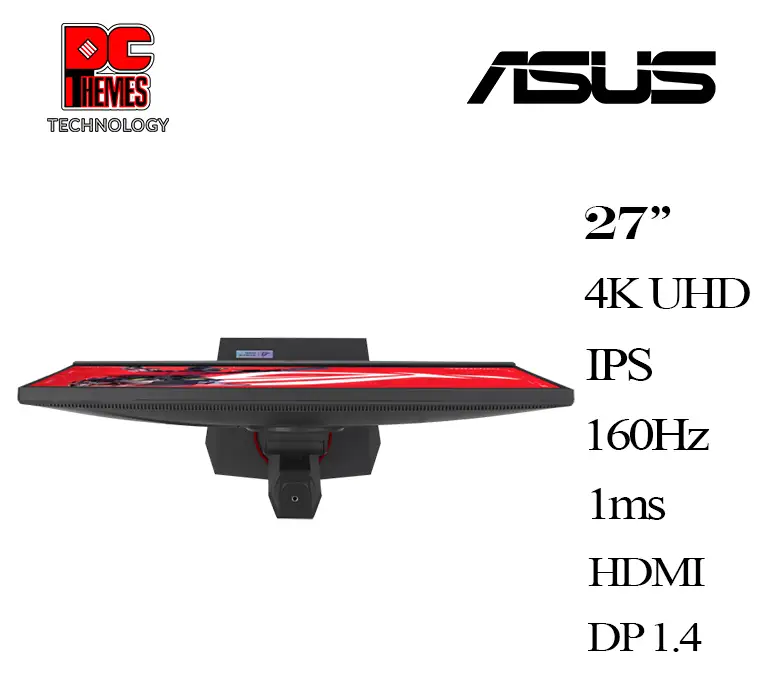
The ASUS TUF Gaming 27-inch Monitor (VG279QL3A) has established itself as a strong contender in the mid-tier gaming display market, consistently earning praise for its speed and build—but also drawing criticism for certain practical aspects. Based on hundreds of cross-platform user reports, it lands at 8.4/10, seen as a “sweet spot” option for gamers seeking smooth 1080p performance without breaking the bank. While its spec sheet promises elite refresh rates and low response times, user experience paints a more nuanced picture—especially regarding sound quality and real-world color tuning.
Quick Verdict: Conditional buy—excellent for competitive gamers prioritizing refresh rate and motion clarity, less ideal for users who demand premium speakers or 4K resolution.
| Pros | Cons |
|---|---|
| 180Hz refresh rate delivers fluid motion | Poor in-built speaker quality |
| 1ms GTG response reduces ghosting | Color accuracy requires manual tuning |
| Adaptive-Sync (FreeSync Premium, G-Sync compatible) | 1080p resolution limits sharpness at 27" |
| Solid, ergonomic stand with height/pivot adjustability | OSD navigation can be unintuitive |
| Affordable compared to similar-spec rivals | Some users report inconsistent HDR impact |
| Sturdy TUF-series build quality | Stand/cable management design leaves wires exposed |
Claims vs Reality
One of ASUS’ central marketing claims is “buttery-smooth gameplay” at 180Hz with 1ms response time, intended to give players the upper hand in fast-paced titles. Reddit gamers echo this—the refresh rate was singled out as a “night and day” upgrade over 120Hz panels. A verified buyer on Best Buy remarked: “Gameplay frame rate is ultra-smooth… putting up anywhere from 155 Hz to just knocking at the door of 180Hz consistently.” However, a few buyers, particularly running non-AMD systems, initially struggled to unlock higher refresh rates in Windows settings, having to dig into display adapter menus.
ASUS also touts factory HDR10 support and 125% sRGB color gamut for richer visuals. While some users found colors “vivid and gameplay images sharp with no distortion or blur,” others reported the out-of-box calibration left much to be desired. One Amazon customer noted having to “experiment with settings quite a bit before satisfied with the screen’s image,” especially when different gaming modes unexpectedly altered brightness mid-session.
Lastly, ASUS markets integrated stereo speakers as a convenience feature. This claim falls flat for most reviewers. Best Buy shoppers repeatedly described the speakers as “basic… mid at best”, with some calling them “so quiet they are rendered useless.”
Cross-Platform Consensus
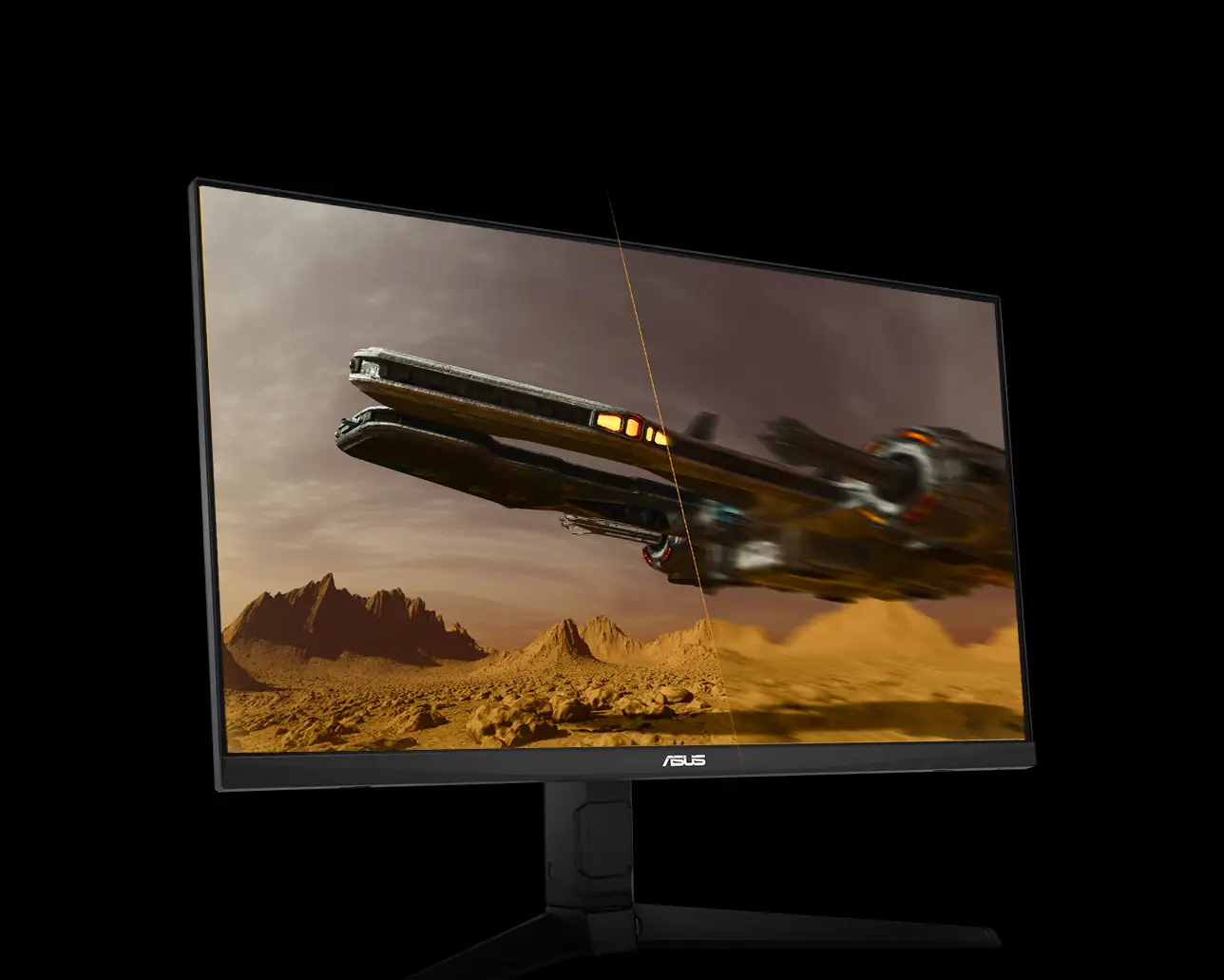
Universally Praised: From Reddit threads to Trustpilot and Best Buy reviews, the monitor’s motion performance is the standout. Competitive FPS players appreciated its ELMB (Extreme Low Motion Blur) combined with Adaptive-Sync. One Best Buy owner using FreeSync Premium said, “Colors are vivid and gameplay images are sharp with no distortion or blur.” This combination eliminates ghosting and tearing without noticeable latency, especially impactful for eSports enthusiasts.
Another consistent piece of praise is the ergonomic stand—tilt, swivel, height, and pivot adjustments all present, despite the mid-range price. A Trustpilot review observed: “The cable management system keeps wires tidy… stand is robust and adjustable, providing flexibility in positioning.” For multi-monitor setups, these adjustments mean easier alignment without resorting to aftermarket mounts.
Build quality earns trust across platforms. The “TUF” branding resonates with buyers looking for something sturdier than budget plastic frames. One Reddit post described the rear design as “techie rugged,” and a Best Buy reviewer moved his older TUF monitor to third position in favor of the VG279QL3A at center.
Common Complaints: Speaker quality is an almost universal criticism. The rear-facing design significantly dulls output unless pressed against a hard surface to bounce sound forward. A Best Buy customer summarized, “If sound quality is important to you, stop reading this review and consider another product.” Many resort to headsets or desktop speakers immediately.
Color accuracy and mode management introduced frustration. Several modes (FPS, Racing, Cinema) alter not only saturation but brightness unpredictably. Users complain that there’s minimal in-box guidance on what each does, forcing trial-and-error. In some cases, adaptive overdrive and ELMB settings disable other desirable features like ASUS Smart Contrast (ASCR).
Divisive Features: HDR is the most polarizing. Some gamers report vibrant gains in contrast, especially in open-world or cinematic titles. Others claim the improvement is negligible and sometimes counteracted by mode-induced alterations. Likewise, while the 1080p resolution ensures high frame rates even on mid-tier GPUs, designers and high-res content consumers feel the pixel density lags behind today’s UHD expectations—one Best Buy user noted, “It is not the best resolution available at this screen size.”
Trust & Reliability
Trustpilot entries reveal few outright defects; most dissatisfaction comes from logistics rather than product faults—like shipping mishaps or miscommunication about unlockable refresh rates. Long-term threads on Reddit suggest no major durability red flags. Six-month updates mention “still no dead pixels, firm stand, no wobble”, reinforcing the perception that the TUF line maintains its integrity under regular gaming loads.
ASUS’ customer service engages directly when problems arise, with responses including troubleshooting links and apologies. However, as evidenced in one Best Buy case, resolution depends highly on regional support teams, and some users opt to fix settings issues themselves rather than wait.
Alternatives
In community comparisons, the VG279QL3A frequently gets measured against ASUS’ own ROG line. While the ROG panels boast higher resolutions and refined HDR, they also jump $100–$150 in price. Users liken TUF vs ROG to “Toyota vs Lexus”—similar core engineering, fewer luxury extras.
Another mentioned rival is the VG279QM, with a higher 240Hz refresh—but at a trade-off in HDR certification and color space coverage. For gamers who value frame rate over HDR aesthetics, that path holds appeal. Yet most mid-grade GPU owners find the VG279QL3A’s 180Hz ceiling already beyond their practical frame output.
Price & Value
The ASUS VG279QL3A maintains a retail point around $209 (ASUS USA store) but often dips near $190 on sales, with Canadian listings at CAD 219.99. Buyers repeatedly frame it as “punching above its weight class” thanks to full ergonomic functions and high refresh at mid-tier cost. eBay listings for used units in “excellent condition” hover close to $140—suggesting stable resale value, especially for competitive gaming setups.
Community advice stresses watching discount windows; several lamented missing sale prices due to delivery hiccups. For budget-conscious buyers, a mid-range GPU paired with this monitor avoids the trap of overinvesting in resolution you can't sustain.
FAQ
Q: Does this monitor support both FreeSync and G-Sync?
A: Yes—users confirm AMD FreeSync Premium works flawlessly, and G-Sync compatibility is available (still labeled “under processing” in some marketing), minimizing tearing across GPU brands.
Q: Can I hit 180Hz out of the box?
A: Physically yes, but some systems default to 60Hz. Windows settings often require manual refresh changes via adapter properties before unlocking full range.
Q: Is HDR worth using on this panel?
A: Mixed reports—some notice richer contrast in cinematic games, others find minimal difference or prefer non-HDR modes for consistent brightness.
Q: How good are the built-in speakers?
A: Adequate for basic tasks but widely criticized for low volume and thin tone; many users switch to headphones or external speakers.
Q: Does it come with all necessary cables?
A: Most regions ship with HDMI and power cords, some with DisplayPort; always verify regional accessory pack before purchase.
Final Verdict
Buy if you are a competitive or casual gamer running a mid-tier GPU wanting smooth 1080p performance with adjustable ergonomics at a fair cost. Avoid if color-critical work or built-in sound quality are priorities.
Pro tip from community: “Spend time dialing in game-specific modes and refresh settings—once tuned, this panel delivers eSports-grade fluidity without the ROG price tag.”