Kodak 10.1 WiFi Frame Review: Mixed Reliability Verdict
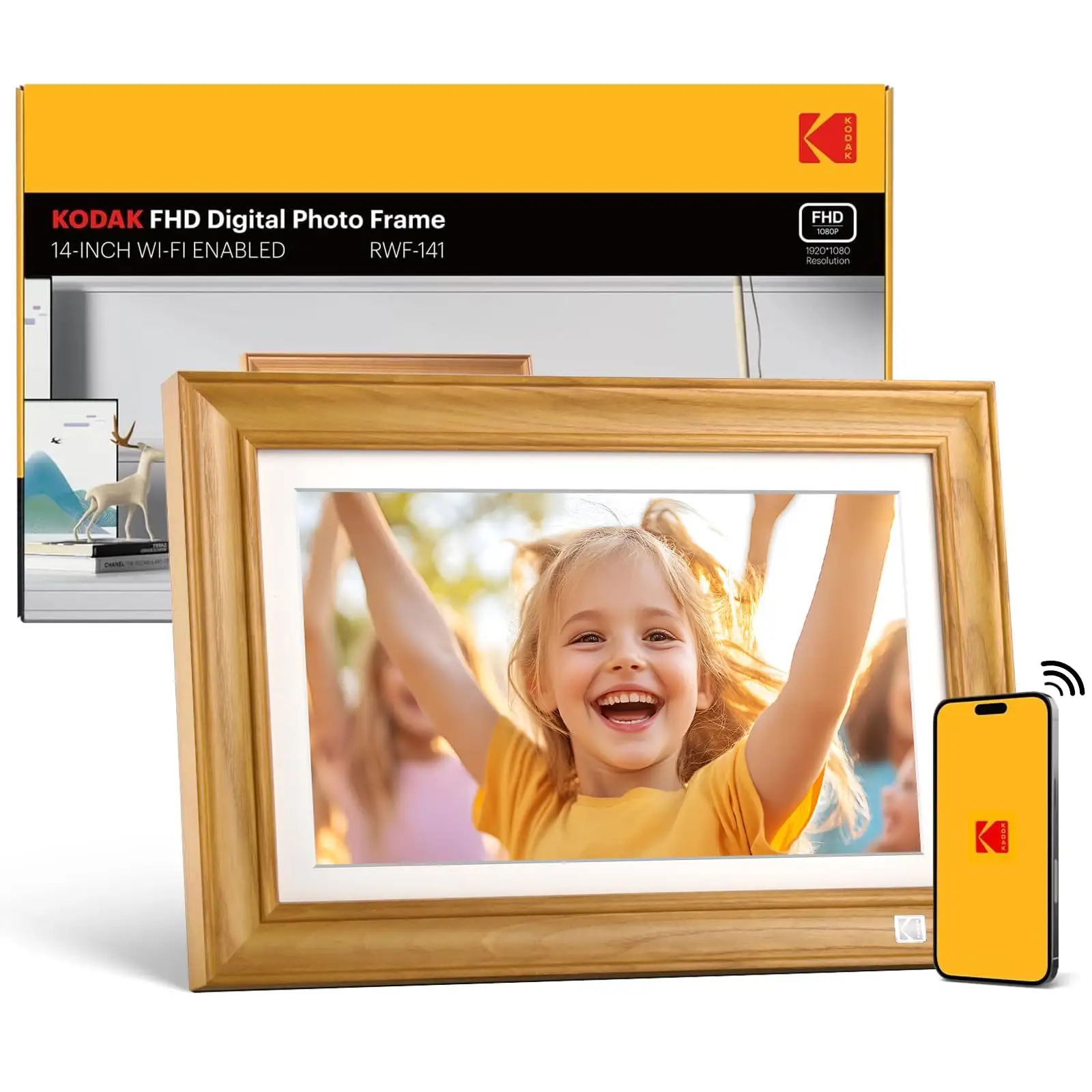
A surprising takeaway from user reports is that while the KODAK 10.1 Inch WiFi Digital Picture Frame boasts sleek design and intuitive controls, its software limitations and occasional reliability issues keep it from being a consistent winner. Scoring 6.8/10, the frame earns praise for visual quality and gifting appeal, but loses points on wireless photo transfer restrictions and spotty long-term performance.
Quick Verdict: Conditional Buy
| Pros | Cons |
|---|---|
| Elegant design and good IPS display with wide viewing angles | App limits to 6-photo transfers at a time (per Pix-Star Blog) |
| Easy setup, especially for non-tech-savvy users | Battery life often 3–4 hours despite 4–7 hour claim |
| Real-time sharing via Kodal app/email works reliably for basic use | No slideshow randomization or playback sequence control |
| Multi-function features (calendar, alarm, weather) | Touchscreen can be unresponsive; setup instructions unclear |
| Popular gift choice for grandparents | Wi-Fi connection drops and occasional app crashes |
| Compatible with SD/USB for offline use | No multi-frame control or remote management |
| IPS display maintains color accuracy | Limited video playback (max ~1 min, separate from slideshows) |
Claims vs Reality
Kodak markets the frame as a "share photos instantly from anywhere" device with intuitive wireless setup. While some verified Amazon buyers echoed this—"I am delighted that the product is super easy to use… purchased for elders who are not very tech savvy"—Pix-Star Blog counters that “you can only send 6 photos at a time… and only to one frame,” making multi-frame households manually repeat transfers.
The battery life claim of 4–7 hours also falters in real use. Reports across Reddit and Pix-Star note that heavy Wi-Fi/cloud usage drops runtime to 3–4 hours: "You’ll need to keep the charging cable nearby most of the time… negates the advantage of going battery-powered."
Kodak’s promise of smooth multimedia slideshows is also contested. Trustpilot reviewers report the “frame doesn’t have enough graphical power to switch pictures smoothly… everything is blurred from these lines,” while others noted video clips can’t be integrated into slideshows and must be viewed separately.
Cross-Platform Consensus
Universally Praised
User praise often centers on the visual presentation. The IPS panel with 1280×800 resolution delivers clear, color-accurate images from multiple angles. A verified Amazon buyer wrote: "The picture quality is amazing and the fact you can send the pictures to the frame in several different ways is a definite plus." For grandparents or long-distance families, that colormatch accuracy makes digital photo sharing more emotionally impactful.
Gift-giving scenarios stand out as success stories. On Trustpilot, one user shared: "Great gift for grandparents during pandemic… sparks so much conversation!" Reddit users also value the decorative style, especially the wood frame finish, which blends with decor instead of looking like a tech gadget.
Ease of setup for non-tech audiences repeats as a positive. Several Amazon Pulse frame reviews show minimal ongoing maintenance after initial linking to Facebook or an email address—"I haven't touched the thing at all… it continues to provide pure entertainment." This makes it a strong fit for recipients who won’t actively manage the device.
Common Complaints
However, user frustration often spikes around the Kodak app and wireless workflow. Fakespot data reveals "setup didn’t work out at all" was common due to poor instructions and verification emails landing in spam folders. Pix-Star Blog emphasizes the lack of any multi-frame control group functionality, forcing users with multiple Kodak frames to send images individually to each.
Battery performance also appears universally disappointing. While marketed as portable, community experiences show frequent charging is needed. Heavy use of cloud features—syncing large photo batches—quickly drains power. For users wishing to move frames between rooms without trailing power cables, this is a critical limitation.
Slideshow control is another sore point. Twitter reviews mention missing playback sequencing: "No way to display pictures in chronological order… only random." Pix-Star Blog confirms no “randomize” option either, requiring viewing in upload order.
Touchscreen responsiveness drew mixed feedback. Trustpilot notes: "Touch screen is very insensitive," making quick navigation difficult. Combined with fuzzy transition effects, this impacts everyday usability for users expecting tablet-like responsiveness.
Divisive Features
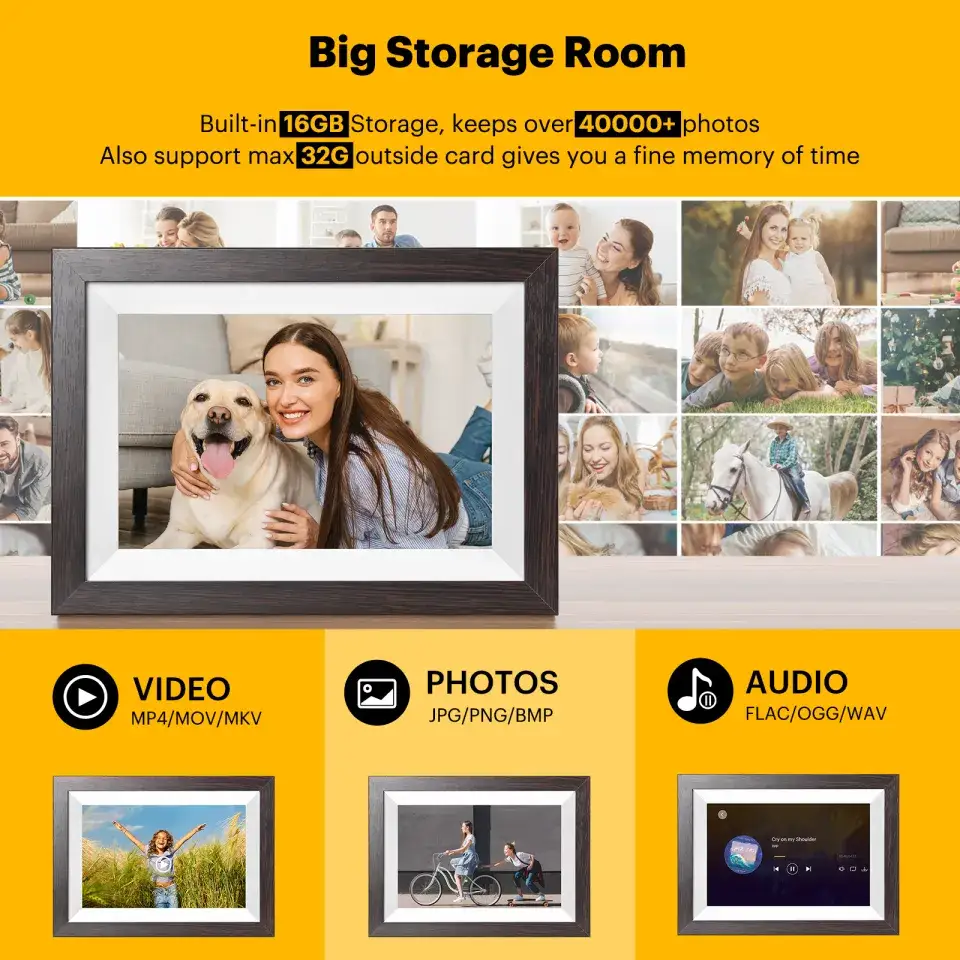
Video playback splits opinion. Some appreciate that short clips up to ~1 minute can be loaded via SD/USB, enhancing family storytelling during slideshows—though the inability to integrate them within the slideshow forces extra manual interaction. For tech-savvy gift-givers, this is a mild inconvenience, but for the elderly demographic it can be unusable.
The app’s photo-sharing via a unique email address draws both cheers and groans; while some like the simplicity—"All the kids and grandkids can email photos to it… shows up within 10 minutes"—others dislike the rigid limits (6 files at a time) and lack of integration with services beyond Facebook and Kodak’s ecosystem.
Trust & Reliability
Trustpilot analysis suggests setup friction and inaccessible support have impacted buyer trust. One buyer said: "My husband was very frustrated with the set up… tried to contact support… never able to reach anyone." The claim of long-lasting batteries was met with counterexamples of underperformance, reducing faith in Kodak’s marketing accuracy.
Long-term reliability is mixed. Amazon Pulse frame owners document devices failing at ~9–10 months with identical faults—"Wi-Fi was dead on the frame… second one failed the same way"—and note Kodak refused warranty coverage on replacements. Others celebrate multi-year continuous operation, but admit reliance on Kodak’s servers makes them nervous: if Kodak discontinues cloud services, several core features stop working.
Alternatives
The most frequently referenced competitor is the Pix-Star frame, which boasts control of up to 25 connected frames, remote slideshow management, and broader cloud album sync (Facebook, Google Photos). Compared to Kodak’s single-frame limit, Pix-Star is better suited for large families sharing across multiple households. Reddit commentary frames Kodak as better for simplicity but weaker on customizability.
Other brands like Nixplay are mentioned as more polished in app stability but less universally easy for the elderly demographic. Kodak’s core differentiator remains its lean interface and decorative appeal, not advanced ecosystem features.
Price & Value
eBay listings show new Kodak 10.1-inch Wi-Fi frames ranging from $51.59 in discount channels to $139–$161 for premium models. Given resale prices of $30–$80, depreciation is steep—suggesting value is tied heavily to gifting moments rather than sustained resale interest. Community buying tips often advise catching seasonal sales or bundle offers, as paying full retail can be risky given reliability track records.
FAQ
Q: Can I manage multiple Kodak frames from one account?
A: No. Kodak’s app supports only one frame per transfer session. Sending to multiple frames requires repeating the process manually for each.
Q: How long does the battery actually last?
A: With Wi-Fi/cloud use, expect 3–4 hours per charge, despite a marketing claim of 4–7 hours. Heavy syncing drains it faster.
Q: Can videos play within slideshows?
A: No. Videos play separately and can’t be integrated into slideshows. Length is limited to ~1 minute per clip.
Q: Does it randomize slideshow order?
A: No. Slideshows display photos in the order uploaded, with no shuffle option. This frustrates users wanting varied playback.
Q: Will it still work without Kodak’s cloud servers?
A: Offline playback from SD/USB will function, but email/app sharing features depend on Kodak’s cloud services being active.
Final Verdict
Buy if you’re seeking a decoratively styled, easy-to-use gift for a single recipient who values simple photo updates from family, especially elders. Avoid if you require multi-frame syncing, advanced slideshow control, or battery portability for extended periods.
Pro tip from community: Link to a single well-curated Facebook album for steady, automated updates, and use SD storage as backup—this bypasses most app limitations while maintaining long-term usability.