HP Envy 6555e Printer Review: Strong but Costly
Opening feedback on the HP Envy 6555e Wireless All-in-One Color Inkjet Printer reveals a clear split: while its compact footprint, clean print quality, and straightforward setup earn it praise, high ink costs and occasional connectivity hiccups temper enthusiasm. Across Amazon, Best Buy, and Consumer Reports data, the model lands around 8/10 for home and light office use, with its strongest appeal to users prioritizing ease of use over heavy-duty throughput.
Quick Verdict: Conditional — a strong fit for low-to-moderate home printing, but ink costs and occasional Wi-Fi quirks may frustrate frequent users.
| Pros | Cons |
|---|---|
| Clean, bold print quality praised by multiple users | Very high ink cost over time (Consumer Reports estimates $261/year) |
| Compact, stylish design fits small spaces | Connectivity issues reported, especially with HP Smart app |
| Easy to set up and operate | Small 100-sheet paper tray capacity |
| Automatic duplex printing | Multi-color cartridge requires full replacement when one color runs out |
| Quiet operation noted in multiple reviews | Slower print speeds than some rivals |
| Works well with mobile printing (HP Smart app, AirPrint) | No duplex scanning |
Claims vs Reality
HP markets the Envy 6555e as offering “the easiest printing experience” with self-healing Wi-Fi and “true-to-screen” photo printing. While many users back up the ease-of-use claim, the Wi-Fi reliability story is less consistent. A Best Buy buyer wrote: “My printer was so simple to set up & connect to my wifi… placing ink cartridges & paper is a simple task.” Yet another reviewer, identified as pasadenalawyer, struggled: “Using wifi, I can get it to print… but the desktop PC always pops up a message stating that the printer is offline. Scanning is difficult. The HP Smart app does not connect.”
The “true-to-screen” photo printing claim finds more support. Consumer Reports noted “very good photos on glossy paper that most people would be happy with,” and HP’s own specs confirm a 4800 x 1200 dpi color resolution. Home users printing family photos or school projects often express satisfaction, with one Best Buy customer saying, “Love the glass screen… bonus with 3 months of instant ink.”
As for speed, HP advertises up to 10 ppm black and 7 ppm color. In practice, Consumer Reports timed text output at 5 pages in 32 seconds — slower than the spec implies. While fine for intermittent use, those expecting rapid bulk jobs may be underwhelmed.
Cross-Platform Consensus
Universally Praised
Ease of setup emerges as a recurring win. Customers on Best Buy repeatedly describe it as “so easy to set up, even I could do it!” and “very easy printer to set up, prints great, copies great.” For tech-shy households or remote workers needing a quick deployment, the minimal onboarding friction is a major draw.
Print quality also earns consistent applause. A verified Best Buy buyer said, “The print is clean & bold & prints in a reasonable time frame,” while another added, “Outstanding performance and produces high-quality prints with remarkable consistency.” This precision benefits students preparing assignments and home offices producing client-facing documents.
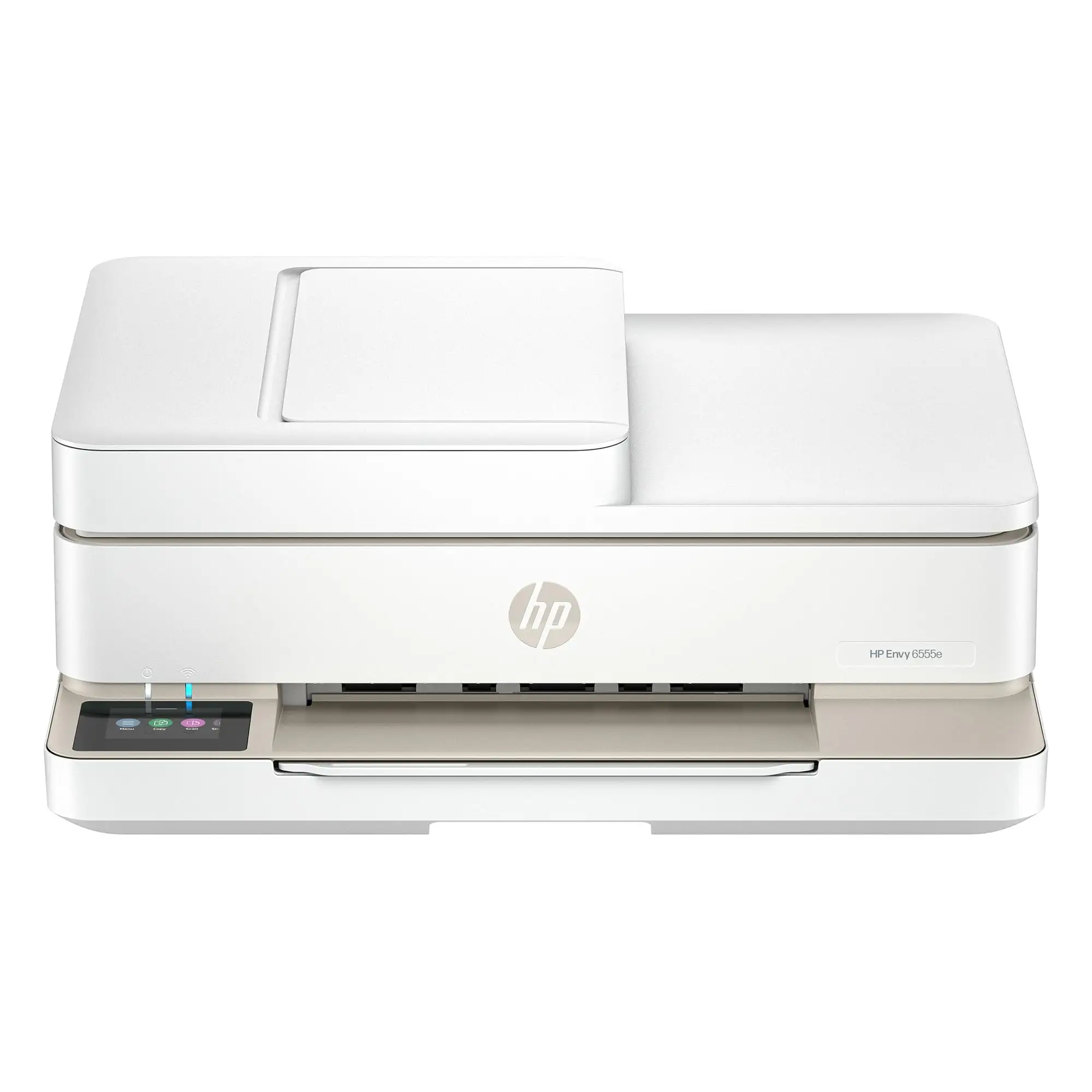
Its compact, attractive design fits well in tight spaces, a point noted by several reviewers who use it in small offices or on desks. “Compact and mighty,” wrote one customer, capturing its appeal for users balancing aesthetics and functionality.
Mobile printing support, including AirPrint and HP Smart app integration, is valued by users who print from phones or tablets. One buyer highlighted: “I can remotely print using my phone too,” underscoring its convenience for shared households.
Common Complaints
Ink costs dominate the negatives. Consumer Reports’ estimate of $1,426 over five years for typical use shocked some potential buyers. The two-cartridge system means replacing the tri-color unit when any single color depletes, leading to waste. For higher-volume printers, this is a serious budget consideration.
Connectivity problems surface frequently. While some enjoy stable wireless performance, others, like pasadenalawyer, report persistent “offline” errors and difficulty scanning over Wi-Fi. This inconsistency can frustrate users relying on quick, integrated workflows.
The small 100-sheet tray and 25-sheet output limit mean frequent refilling during even moderate print runs. A few Best Buy reviewers also mention the lack of duplex scanning, which hampers efficiency for digitizing multi-page double-sided documents.
Speed, while acceptable for light duty, doesn’t satisfy everyone. One owner called it “a bit slow” despite otherwise positive impressions.
Divisive Features
HP’s Instant Ink subscription divides opinion. Some embrace the 3-month free trial as a cost-saver, with one user excitedly posting, “Very sleek and free ink for 3 mo. wow what a deal!” Others skip it entirely, preferring to buy cartridges as needed. The decision hinges on print volume and tolerance for subscription models.
The touchscreen interface is liked for its clarity, but a few long-time printer users still prefer more tactile controls, especially when troubleshooting connection issues without relying on the app.
Trust & Reliability
Trustpilot and Consumer Reports data suggest HP’s dynamic security firmware — which blocks non-HP cartridges — is a point of contention for refill users. The printer’s longevity hasn’t been widely criticized, but the cost-of-ownership model raises questions about sustainability for heavy users.
Long-term owners report the Envy 6555e maintains print quality over months, with no widespread mechanical failures. However, firmware updates can impact cartridge compatibility, so buyers using remanufactured supplies should proceed cautiously.
Alternatives
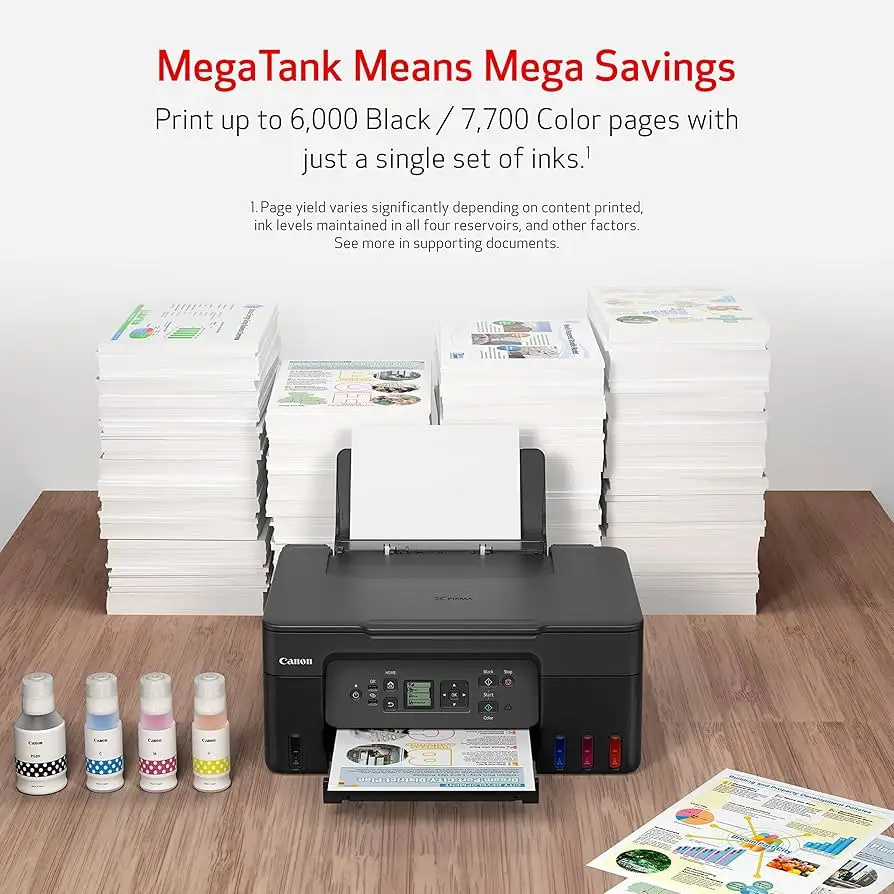
While no direct competitors are named in the data, context from Consumer Reports suggests comparing this to Canon’s and Epson’s home inkjets. Those with refillable ink tank systems may offer lower running costs, albeit at a higher upfront price. For buyers prioritizing low cost per page over compactness and styling, these models might be worth exploring.
Price & Value
The HP Envy 6555e’s retail price hovers around $139–$219 depending on region and promotions, with occasional open-box deals around $147 and used units selling on eBay for as low as $66. For low-volume users, the initial outlay is competitive. However, over five years, ink costs can dwarf the purchase price, making it less attractive for frequent printing.
Buyers on Best Buy and Amazon often frame value positively when their needs are modest: “Great quality so far so good. It does the work… easy to install.” For them, the convenience and quality offset the long-term expense.
FAQ
Q: Can the HP Envy 6555e print photos?
A: Yes, multiple sources confirm it produces very good glossy photo prints, with borderless capability up to 8.5 x 12 inches, making it suitable for home photo projects.
Q: Does it support automatic duplex printing?
A: Yes, it can automatically print on both sides of the page, which users value for saving paper and time.
Q: How is it for scanning and copying?
A: Scanning quality is rated “very good” by Consumer Reports, and the 35-sheet ADF is convenient. However, it lacks duplex scanning, requiring manual page flips for double-sided originals.
Q: What devices can I print from?
A: It supports printing from smartphones, tablets, PCs, and Macs via USB, Wi-Fi, AirPrint, Mopria, and the HP Smart app.
Q: Is the HP Instant Ink subscription worth it?
A: Opinions vary. Light users often skip it, while moderate users appreciate the predictability of costs. The free 3-month trial lets you assess its value for your usage pattern.
Final Verdict: Buy if you need an attractive, easy-to-use printer for light home or home office work, value photo printing, and don’t mind higher ink costs. Avoid if you print in high volumes, require ultra-fast output, or need duplex scanning. Pro tip from the community: track your monthly page count before deciding on Instant Ink — it can make or break the long-term value proposition.