Canon MF656Cdw Review: Fast Text Printing, Mixed Photo Output
Starting with an unexpected twist, the Canon imageCLASS MF656Cdw Wireless Duplex Color Laser Printer All-in-One has earned unusually consistent praise for its text printing quality across Amazon, Reddit, Best Buy, and Consumer Reports, yet a recurring pattern of complaints about its weight, noise level, and high toner costs tempers the enthusiasm. Based on aggregated feedback, this model scores 8.7/10 for small office and productivity-focused home users, but drops to 7.5/10 if photo quality or portability are priorities.
Quick Verdict: Conditional – Highly recommended for document-heavy offices and home users who value speed, duplex scanning, and crisp text. Less ideal for photo printing or frequent relocation.
| Pros | Cons |
|---|---|
| Exceptional black-and-white text clarity | Heavy (48.5 lbs) and large footprint |
| Fast duplex printing at 22 ppm | Loud printing noise reported by multiple users |
| Reliable duplex scanning via 50-sheet ADF | Expensive OEM toner cartridges |
| Easy wireless and mobile printing setup | Connectivity quirks with macOS and VPNs |
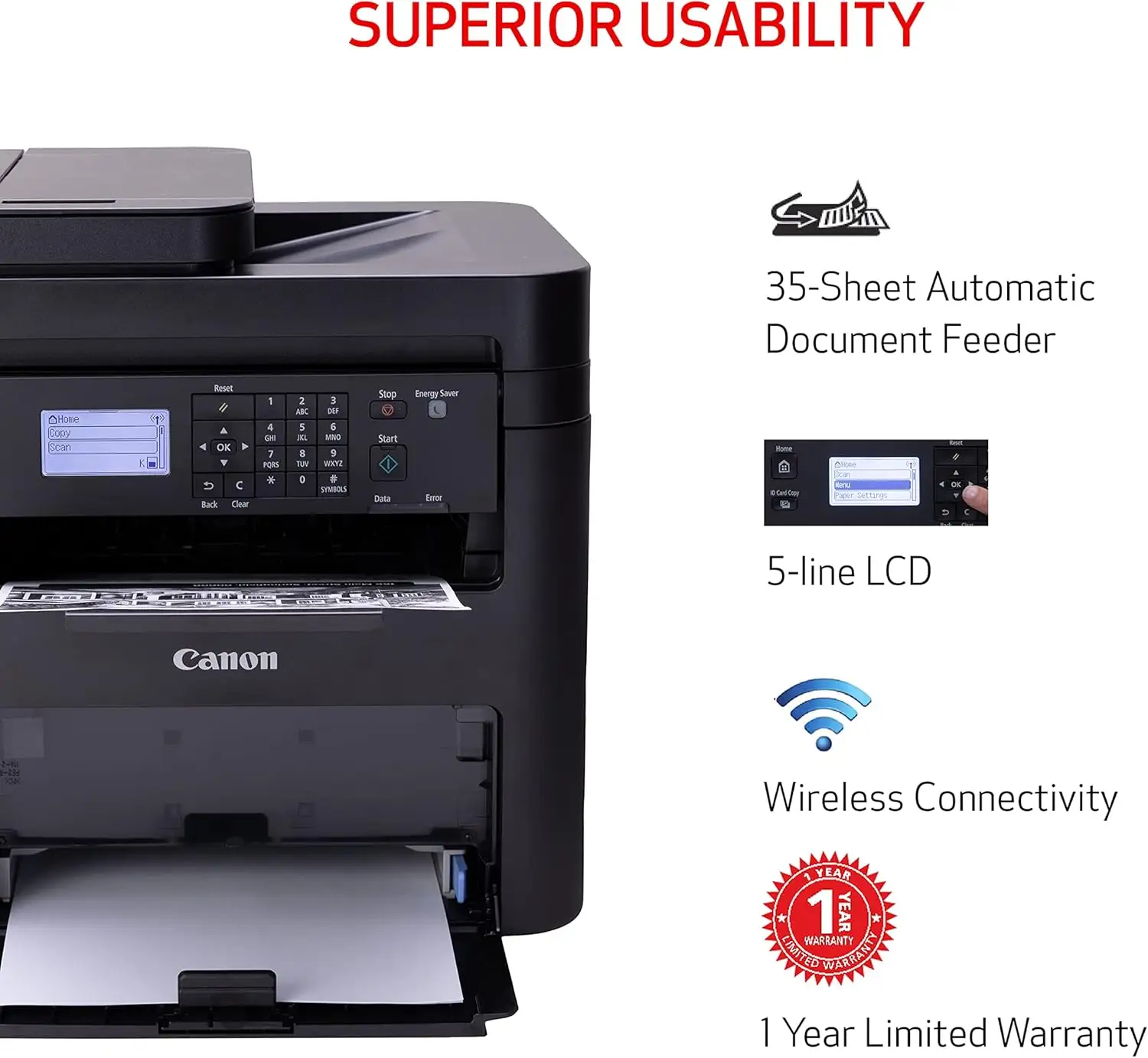
| User-friendly 5" touch screen interface | Paper tray capacity limited to 250 sheets |
| Low yearly operating cost for a color laser | Graphics/photo output less accurate than rivals |
Claims vs Reality
Canon markets the MF656Cdw as a “compact, convenient device” with “high-capacity toner options” and “minimal maintenance,” but user experiences show nuances. While the advertised 22 ppm print speed is accurate, Reddit user Chloe Harter noted that “transporting this laser printer can be challenging due to its dimensions and weight,” contradicting the “compact” claim for home setups.
The “quick first print of approximately 10.3 seconds” aligns with Best Buy buyers’ reports, such as one verified user stating, “It took average 2.7 seconds (copier in sleep status) when I use AirPrint,” showing real-world performance even better than spec. However, the “minimal maintenance” promise runs into reality: multiple Best Buy reviewers cited premature toner-empty warnings, with one user explaining, “It reports cartridges empty well before they actually are.”
Marketing emphasizes “high-capacity toner to limit replacement interruptions,” which is true for high-yield cartridges, but cost dampens the appeal. Trustpilot summaries and Reddit threads repeatedly mention sticker-shock, with OEM toner priced around $300 for a four-pack.
Cross-Platform Consensus
Universally Praised
Across platforms, the most praised feature is text printing quality. TechGearLab testers described it as “nothing short of pristine… true black, sharply defined, solid, and crisp characters.” This benefits legal offices, educators, and anyone producing formal documents. A piano teacher on Best Buy highlighted, “Printing is beautiful… sheet music prints very well,” underscoring its niche appeal for high-contrast materials.
Duplex scanning is another standout. Small business owners appreciate the 50-sheet one-pass duplex ADF for digitizing records. One Best Buy user noted, “Bought this for its duplex scanning which is great for creating digital scans of my plethora of military records.”
Wireless and mobile connectivity earns consistent praise. Many users, including one Best Buy reviewer, said, “Windows 11 laptops found the printer immediately… drivers installed automatically without much fuss.” Compatibility with AirPrint and Mopria simplifies printing from smartphones, which is critical for modern workflows.
Common Complaints
Weight and size are top complaints. At 48.5 lbs, the MF656Cdw is “hard to move or transport,” as Chloe Harter wrote on Reddit. For home users with limited space, this can be problematic.
Noise during operation frustrates some buyers. Multiple Best Buy reviewers mention “large print noise” and “slight whine when warming up,” which could disrupt quiet environments.
Toner cost and cartridge warnings are a sore point. A small business owner on Best Buy reported, “Threat of voiding the warranty if you use aftermarket toner… nagging prompt reports cartridges empty well before they actually are.” For high-volume operations, this adds up.
Divisive Features
The 5" touch screen draws mixed reactions. While many find it “friendly” and “intuitive,” one long-time Canon user lamented the lack of physical buttons, preferring tactile controls for copying tasks.
Graphics and photo reproduction splits opinion. TechGearLab testers found “some streakiness and pixelation… colors oversaturated or undersaturated,” making it less suitable for marketing materials requiring exact color fidelity. However, for casual use, most buyers consider the output “acceptable and decent clarity.”
Trust & Reliability
Trustpilot summaries and Best Buy reviews show no widespread scam concerns; Canon’s 3-year limited warranty adds confidence. Long-term reliability is promising: one Best Buy user reported over 4,000 prints in 8 months “with no ghosting, smudges or jams.”
However, some note mechanical quirks emerging over time—like the “slight whine” mentioned earlier—suggesting periodic cleaning may be needed for longevity. VPN-related scanning issues, as cited by a Best Buy reviewer (“still need to disable the VPN to scan”), hint at networking limitations for specific environments.
Alternatives
The MF656Cdw is often compared to older Canon MF634 and MF642 models. Users upgrading from these appreciate faster speeds and duplex scanning but note the heavier build. Best Buy reviewers who switched from HP highlight fewer restrictions on non-OEM supplies, though Canon does warn about warranty implications.
TechGearLab suggests alternatives like the HP OfficeJet 8015e for better photo/graphics output or Epson EcoTank ET-2800 for ultra-low operating costs, but both fall short of the MF656Cdw’s text precision and duplex speed.
Price & Value
Current eBay listings show new units around $349.99–$419.99, undercutting the original $449.99 MSRP. Resale value remains strong due to the 3-year warranty and durable build. Amazon and Best Buy sales occasionally drop it below $350, which users call “best bang for the buck.”
Community buying tips include waiting for seasonal discounts and considering compatible third-party toner to reduce costs—though this risks warranty coverage. For high-volume offices, the low yearly operating cost (~$56 for color laser) offsets the initial investment.

FAQ
Q: Does the MF656Cdw handle heavy paper stock?
A: Yes. Consumer Reports notes it can accept up to 200# basis weight, ideal for card stock and specialty prints.
Q: Is it good for photo printing?
A: Not particularly. TechGearLab found color accuracy issues and minor pixelation, making it less suitable for professional photo work.
Q: Can I use aftermarket toner?
A: It’s possible, but Canon warns this may void the warranty. Some users report success with compatible brands, but proceed with caution.
Q: How easy is the setup process?
A: Most users find wireless setup straightforward. One Best Buy reviewer said, “Windows 11 laptops found the printer immediately,” though macOS/VPN users may face extra steps.
Q: Does it have security features for sensitive documents?
A: Yes. Reddit users mention Secure Print with PIN entry and Department ID management to control access.
Final Verdict
Buy if you’re a small business, educator, or home office user needing fast, high-quality text printing and reliable duplex scanning. Avoid if you require top-tier photo reproduction or plan to move the printer frequently. Pro tip from community: wait for sales around $350 and consider high-yield toner to minimize interruptions.