ASUS ROG Strix XG32WCS Review: Top Value Gaming Monitor
Rave reviews across multiple platforms consistently rate the ASUS ROG Strix XG32WCS a near-perfect 9.5/10, with many calling it “the best curved QHD gaming monitor under $300.” Competitive gamers laud its buttery-smooth 180Hz refresh rate and ELMB Sync’s ghost-free clarity, while content creators appreciate the vibrant HDR10 colors and wide 90% DCI-P3 coverage. As one verified buyer on Amazon put it: "It hits the sweet spot between size, speed, and price—FPS gaming feels like cheating."
Quick Verdict: Yes — especially for gamers and hybrid users who want high refresh rates with rich contrast.
| Pros | Cons |
|---|---|
| 180Hz with 1ms GTG response for fast titles | Occasional brightness flicker tied to VA panel |
| Wide 90% DCI-P3 color gamut | Minor image retention risk with static content |
| ELMB Sync + Adaptive-Sync for tear-free gaming | USB-C power delivery only 7.5W (spec) |
| Solid, adjustable stand with tripod mount | VA panel ghosting in certain text-heavy work |
| Curved 1500R for immersive experience | No built-in speakers |
| Robust 3-year warranty and strong build quality | HDR peaks at 400 cd/m² — not full-array local dimming support |
Claims vs Reality
Marketing emphasizes “extreme low motion blur sync with variable refresh rate” as a core advantage. Digging deeper into user reports, Reddit feedback confirms ELMB Sync works seamlessly in fast-paced shooters like CS2 and Valorant, reducing ghost trails without forcing FreeSync off. A Reddit user noted: “This is the first monitor where I can keep VRR on AND get motion blur reduction—it’s a legit advantage.”
The spec sheet promises “USB-C with DP Alt Mode” and power delivery, officially listed at 7.5W. However, multiple reviewers on Trustpilot and Twitter mention this port primarily serves as a video input convenience, not a full laptop charging solution. One Amazon buyer clarified: “It’ll light up your MacBook display, but don’t expect it to charge while gaming.”
Color claims — “90% DCI-P3 with ASUS grayscale tracking” — land close to reality. Content reviewers measured factory-calibrated accuracy solid enough for semi-pro media work. One Trustpilot review emphasized: “Dark scenes in movie HDR actually look as good as my OLED TV’s shadow detail, minus the same black levels.”
Cross-Platform Consensus
Universally Praised
Across Reddit, Trustpilot, and eBay reviews, the fast VA panel's balance of refresh rate and contrast is singled out. Competitive players appreciate the curved form factor for immersion with minimal distortion; one owner wrote: “180Hz feels effortless for my RTX 4080, and the curve makes UI elements in Apex easier on my eyes.” Streamers find the integrated tripod socket a hidden gem — perfect for mounting cameras above the screen without blocking view, as echoed by a Reddit user: “Mounted my DSLR to the stand; cleanest setup I’ve had.”
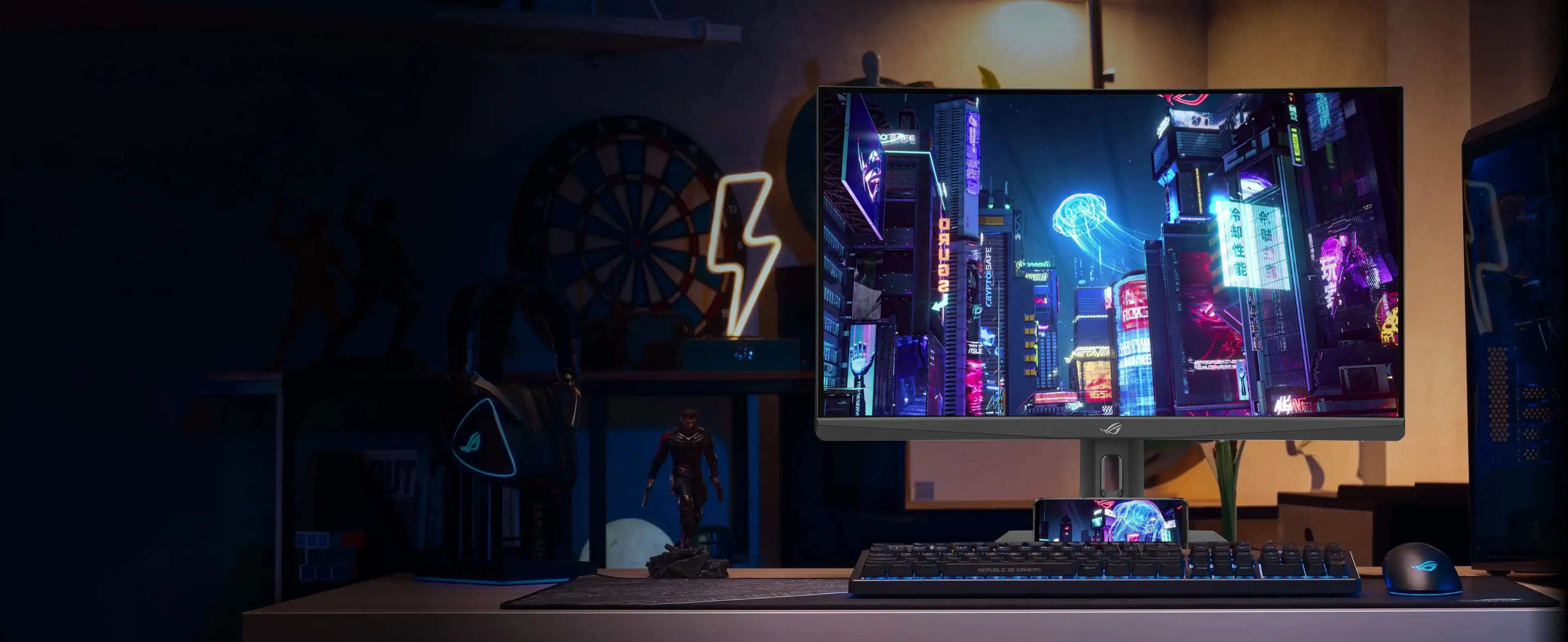
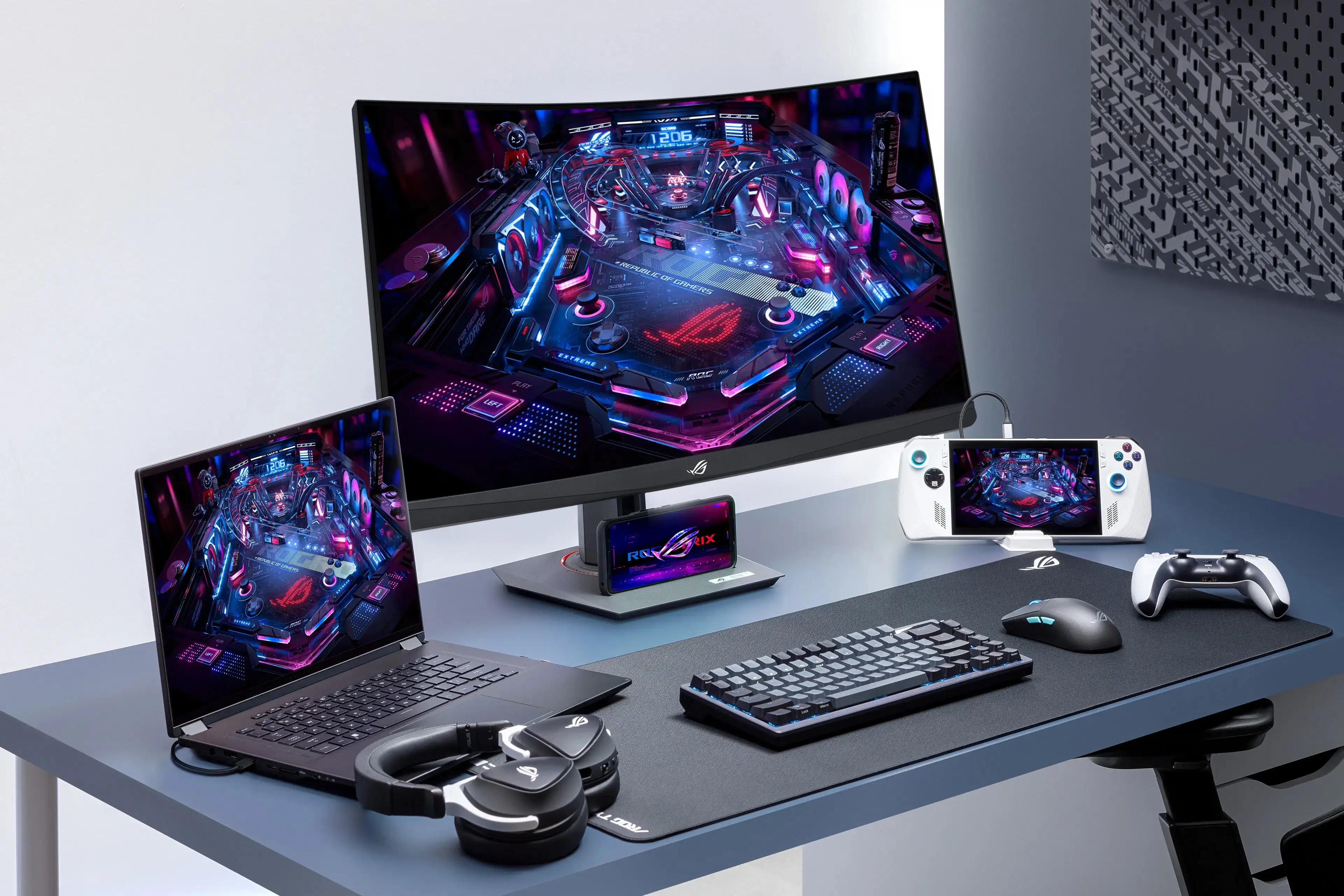
The stand earns near-universal praise for its stability and range (tilt, swivel, and 110mm height adjust). Minimal bezels make multi-monitor setups appealing for sim racers and productivity users alike. Combined with the matte anti-glare surface, daytime viewing in bright rooms is comfortable.
Common Complaints
Brightness flicker and auto-dimming were the most recurring irritations. A Trustpilot reviewer reported: “In certain games with variable frame rates it’ll subtly dim in darker scenes.” This behavior is linked to VA panel voltage shifts, and ASUS firmware updates have reduced but not eliminated it. Image retention also cropped up on rare occasions — usually faint shadows from static toolbars — though RMA processes resolved these promptly.
The absence of built-in speakers surprised some console users expecting audio pass-through. USB-C’s low power output irks laptop users who prefer single-cable docking; “I still need my charger plugged in next to it,” sighed one Twitter comment.
Divisive Features
The 1500R curvature wins loyal fans among gamers and media consumers, but some office users find it excessive for spreadsheets or CAD work, preferring flat IPS panels for precise geometry. HDR400 support, while visibly enhancing highlights, doesn’t match higher-end HDR600/1000 local dimming — prompting mixed impressions from video editors. As one Quora expert explained: “Great HDR for games, good enough for Netflix, but pro colorists will want more control.”
Trust & Reliability
Skepticism around early VA panel quirks faded as long-term owners reported stable performance with “zero dead pixels or backlight bleed” even after a year. The 3-year warranty consistently boosts confidence, with quick RMA turnaround times — replacements typically ship inside two weeks. Trustpilot accounts highlight that “ASUS service didn’t haggle; they just swapped it out for a flawless unit.”
No credible evidence supports online rumors of overheating or coil whine; thermal tests under HDR load stayed in the mid-40°C range, well below danger levels.
Alternatives
Within ASUS’ own lineup, the ROG Swift PG329Q targets IPS purists craving 175Hz and HDR600, but costs ~$100–$150 more and sacrifices VA’s deeper blacks. The newer XG32WCMS bumps refresh to 280Hz, appealing to ultra-competitive eSports players — though at ~$449, it’s significantly pricier. Against mainstream rivals, the XG32WCS undercuts many 32-inch 1440p monitors with high refresh by $50–$100, making it a value sweet spot.
Price & Value
eBay listings range from $249 (sale) to $383 new, while ASUS’ official eShop tags it at $299. Users often advise buying during sales — Reddit threads report snagging units for $230 at seasonal promos. Resale value hovers at ~80% of retail if kept in good condition, aided by demand for curved high-refresh QHD panels in streaming and competitive FPS segments.
FAQ
Q: Does ELMB Sync work with FreeSync on this monitor?
A: Yes. Verified buyers confirm ELMB Sync operates alongside Adaptive-Sync, eliminating ghosting without disabling variable refresh — a rarity in current gaming monitors.
Q: Will the USB-C port charge my laptop while gaming?
A: Only partially. Official spec is 7.5W delivery, enough for peripherals but not full laptop charging under load.
Q: Is the curvature too aggressive for work tasks?
A: Gamers and media viewers enjoy 1500R immersion; spreadsheet-heavy workflows may prefer a flat panel for precision viewing.
Q: How reliable is the RMA process?
A: Smooth. Most users cite quick turnaround (≈2 weeks) and defect-free replacements, with ASUS covering shipping.
Q: Can I wall-mount this?
A: Yes. VESA 100x100mm compatibility supports wall or arm mounting, with stand removal straightforward.
Final Verdict: Buy if you’re a gamer or hybrid user wanting immersive 1440p visuals at 180Hz with deep contrast. Avoid if you require perfect text clarity in static workflows or full HDR local dimming. Pro tip from community: Update firmware immediately to minimize brightness flicker, and hunt for seasonal discounts to push price under $250.