Apple Magic Keyboard iPad Air Review: 8.6/10 Verdict
The surprising finding is how often owners say the Apple Magic Keyboard and Case for iPad Air 11-inch (M2/M3) makes them use their iPad more than their laptop. Across Reddit, Best Buy, and Trustpilot, users report the accessory transforms the tablet into “a productive machine” and “a mighty little computer,” but the praise is tempered by recurring mentions of weight, cost, and a few design trade-offs. Overall verdict: 8.6/10.
Quick Verdict: Conditional — Excellent for those who type often or want a laptop-like iPad experience; less appealing for casual tablet use.
| Pros | Cons |
|---|---|
| Laptop-like typing and trackpad experience | High price compared to non-Apple alternatives |
| Premium build quality and sturdy hinge | Adds significant weight to the iPad |
| Backlit, responsive keys with 1mm travel | Limited tilt range; no portrait mode |
| Strong magnetic attachment for quick removal | No side protection for iPad |
| Pass-through USB‑C charging frees iPad port | Trackpad gestures not supported in all apps |
| Adjustable viewing angles | Some users report scuffs and wear quickly |
Claims vs Reality
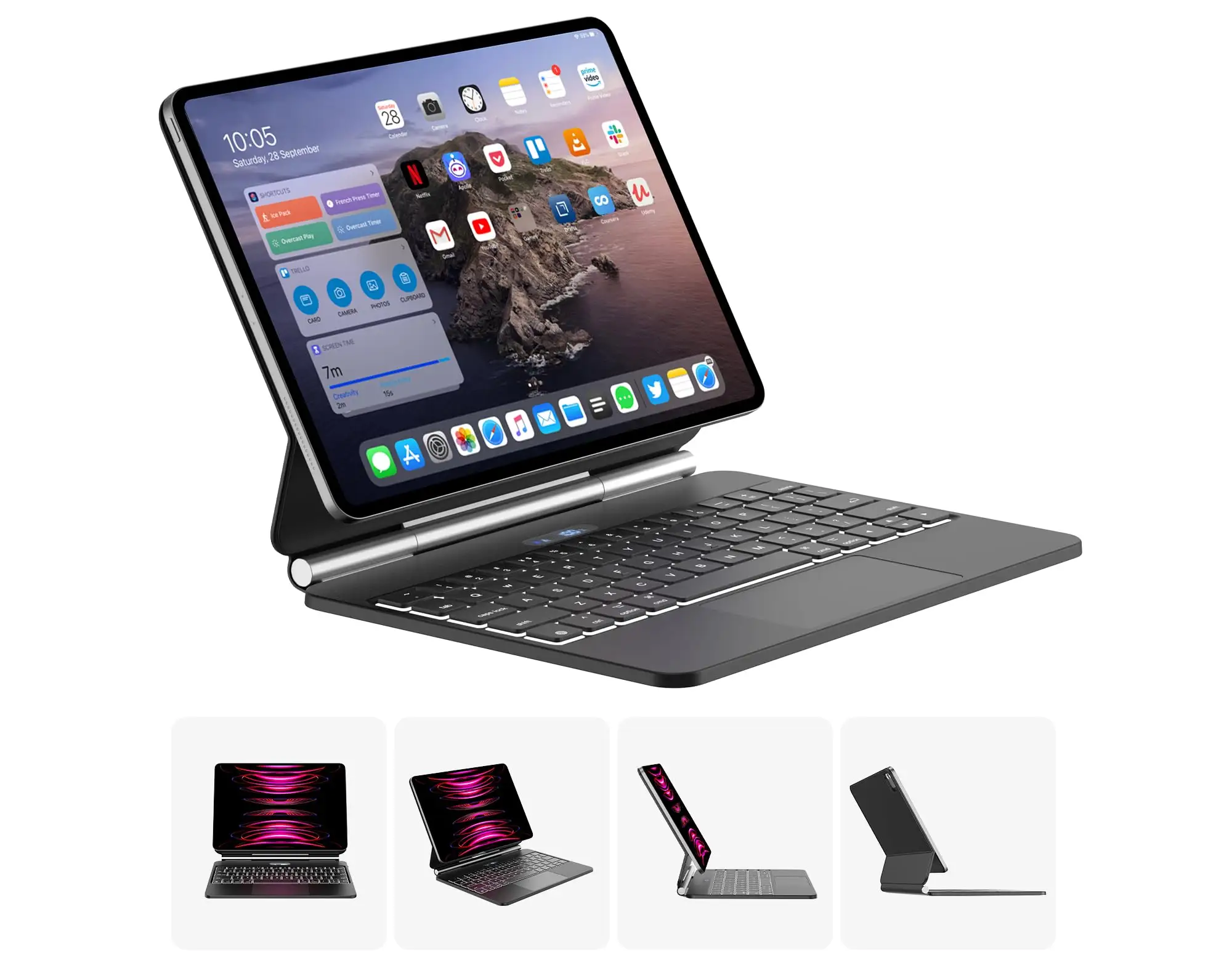
Apple markets the Magic Keyboard as delivering “an amazing typing experience” with a “large glass trackpad” in a “sleek, portable design.” While users broadly agree on typing quality, portability is more contested.
On typing, Reddit user feedback aligns closely with Apple’s claim. One Best Buy reviewer wrote: “Keys feel great to type on and are very responsive… the clicks are crisp and just the right pressure no matter where you press.” Multiple users compared the feel favorably to MacBook keyboards, citing minimal lag thanks to the pogo pin connection instead of Bluetooth.
Portability, however, is less clear-cut. While Apple highlights the floating cantilever design for easy angle adjustment, several owners point out that the added bulk changes the iPad’s character. A verified Best Buy buyer noted: “It does add significant weight… heavier than some of the lightest laptops.” For those carrying it daily, the trade-off between sturdiness and portability requires consideration.
The large glass trackpad is indeed smooth and precise, with gestures working well in supported apps. Yet some users report limitations: “Not all apps support keyboard and mouse, such as YouTube,” and “mouse doesn’t always register… had to use my finger instead.” This points to software support gaps rather than hardware flaws.
Cross-Platform Consensus
Universally Praised
Across Reddit, Trustpilot, and Best Buy reviews, typing comfort is the standout feature. For writers, students, and professionals, the scissor-switch keys with 1mm travel deliver quiet, accurate input over long sessions. A Reddit reviewer summed it up: “Immediately upon attaching this keyboard my tablet went from just a tablet to a productive machine.”
The trackpad earns similar acclaim. Its glass surface offers smooth gliding and consistent click pressure, making navigation fluid. A Best Buy customer observed: “It’s very accurate, I can easily click on small icons and text.” For multitaskers switching between Mac and iPad, gesture parity is a major plus.
Build quality is another unanimous win. The sturdy hinge, strong magnets, and rigid frame inspire confidence. One Trustpilot reviewer described it as “rigid enough to hold the iPad by the keyboard… nothing about this case is flimsy.” Frequent travelers appreciate the pass-through USB‑C port, freeing the iPad’s own port for accessories.
Common Complaints
Weight is the most frequent gripe. Several owners note that the combined iPad-keyboard package can outweigh some ultra-light laptops, affecting handheld use. A Reddit user wrote: “Heavy… takes the overall weight of the iPad over some of the lightest laptops.”
Price is another sticking point. While many concede the quality justifies a premium, others compare it unfavorably to third-party options. One Best Buy reviewer said: “I prefer the Logitech Combo Touch… and this case does not protect all sides of the iPad.” The $299–$349 retail range is often cited as a barrier.
Functionality limitations frustrate certain workflows. No portrait mode is possible without detaching the iPad, and tilt range is narrower than some expect. The absence of dedicated function keys—common in competitors—is a recurring theme. Trackpad gesture support also varies by app, leading to inconsistent experiences.
Divisive Features
The floating cantilever design polarizes opinion. Some praise its adjustable angles and lap stability, while others miss the flexibility of folio cases that fold flat behind the screen. As one CNET review noted: “You either use it as a laptop-thing, or fold it shut… popping the case off leaves you holding a naked iPad.”
Durability perceptions vary. While many praise its resilience, others report rapid cosmetic wear: “Scuffs easily, and looks dirty after only 15 days,” according to a Best Buy customer. Still, functional longevity appears strong, with few mechanical failures reported.
Trust & Reliability
Long-term owners on Reddit and Best Buy say the Magic Keyboard “just works” months after purchase, with hinges retaining stiffness and magnets holding firm. The absence of an internal battery reduces potential failure points.
Trustpilot patterns show occasional dissatisfaction with resale condition—open-box units arriving with glue repairs or cosmetic damage—but these are retailer issues rather than product defects.
Durability under mishaps varies. One Reddit user admitted: “I’ve spilled tea on the keyboard and it still works… albeit a bit sticky.” However, the scissor switches are vulnerable to dust and liquids, so careful use is advised.
Alternatives
The Logitech Combo Touch is the most cited alternative. It offers full edge protection and a detachable backlit keyboard with kickstand, appealing to those who value versatility over Apple’s integrated elegance. One Best Buy reviewer concluded: “For even that discounted price, I prefer what the Logitech… has to offer.” However, the Combo Touch’s trackpad and key feel are often rated slightly lower than Apple’s.
Apple’s own Smart Keyboard Folio is lighter and folds flat, but lacks a trackpad and the premium typing experience. For users prioritizing tablet mode and minimal bulk, it can be a better fit.
Price & Value
Current retail prices hover between $299 and $349, with education discounts dropping to around $249. eBay listings show new units at $269–$319, and occasional Best Buy open-box deals around $218–$245. Resale value remains high due to strong demand and compatibility with multiple iPad generations.
Community buying tips include waiting for seasonal sales or open-box deals, and pairing purchase with AppleCare+ to cover accidental damage. As one Redditor noted: “My AppleCare+ extended to my Magic Keyboard… got a new keyboard for $29.”
FAQ
Q: Does the Magic Keyboard protect the iPad fully?
A: It provides front and back protection but leaves the sides exposed. Users concerned about drops may prefer cases with full edge coverage.
Q: Can you use the iPad in portrait mode with this keyboard attached?
A: No, portrait mode requires detaching the iPad. The floating cantilever design supports only landscape orientation.
Q: Is the trackpad compatible with all apps?
A: No. While it works well in most productivity apps, some apps like YouTube lack full trackpad support, requiring touch input.
Q: Does the keyboard have its own battery?
A: No, it draws power directly from the iPad via pogo pins, eliminating charging but slightly increasing iPad battery drain.
Q: Are the keys backlit?
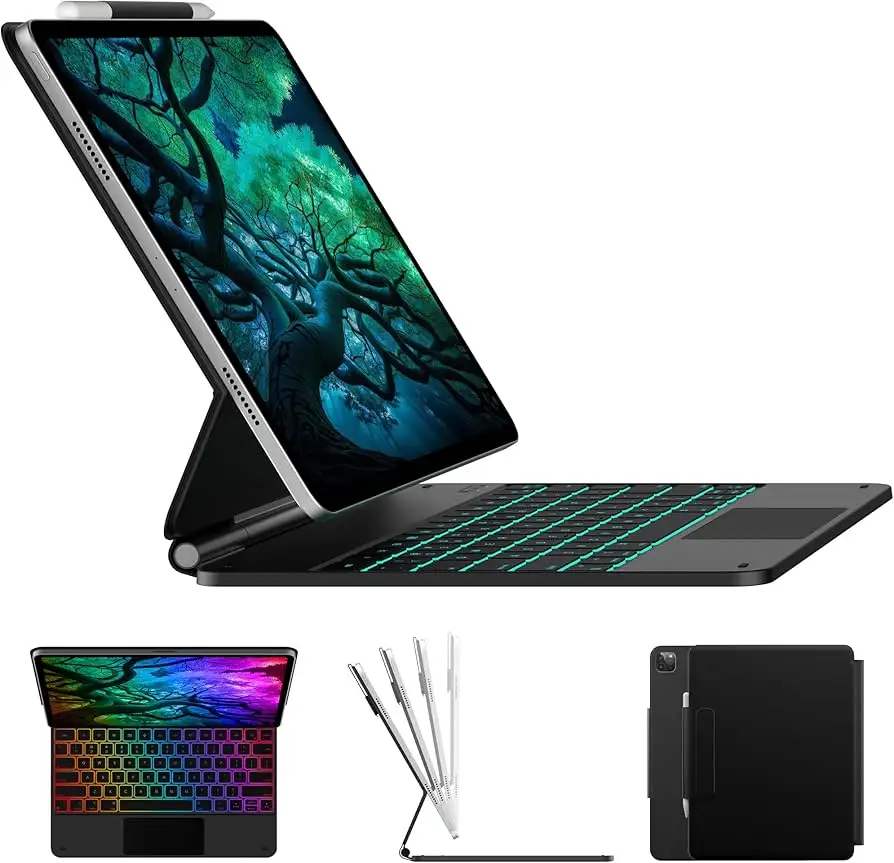
A: Yes, with automatic brightness adjustment via the iPad’s light sensor. Manual brightness control is not included.
Final Verdict
Buy if you’re a heavy typist, student, or professional who wants to turn an iPad Air into a credible laptop replacement with premium input devices. Avoid if you prefer lightweight tablet use, need full edge protection, or primarily watch videos in portrait mode. Pro tip from the community: wait for sales or open-box deals, and pair with AppleCare+ for inexpensive replacements in case of damage.