Acer Nitro KG241Y Review: Budget Gaming Monitor Verdict
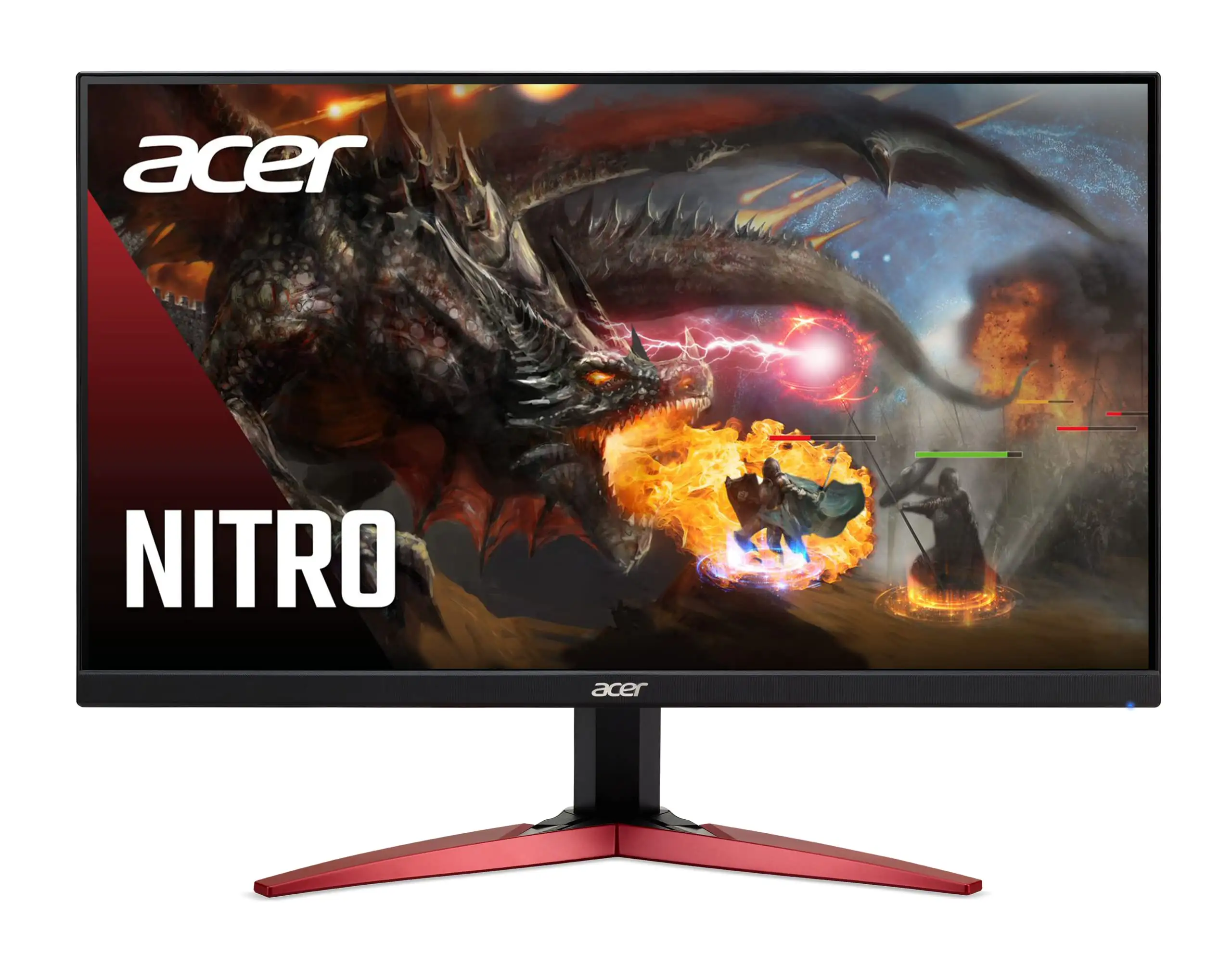
The Acer Nitro KG241Y Sbiip 23.8" Full HD Gaming Monitor has emerged as one of the most talked‑about budget gaming displays in recent years, particularly among competitive gamers hunting for high refresh rates without breaking the bank. Pulling from thousands of cross‑platform reviews, the verdict lands at 8.7/10 — a strong score driven by its 165Hz refresh rate, AMD FreeSync Premium support, and solid VA panel contrast. Yet, recurring complaints about its tilt‑only stand, modest HDR brightness, and narrow color gamut mean it’s not without compromise.
Quick Verdict: Conditional buy — excellent for budget‑conscious gamers, less suited for color‑critical work.
| Pros | Cons |
|---|---|
| 165Hz refresh rate for ultra‑smooth gameplay | Tilt‑only stand with wobble |
| Deep VA panel contrast with rich blacks | Narrow 72% NTSC color gamut |
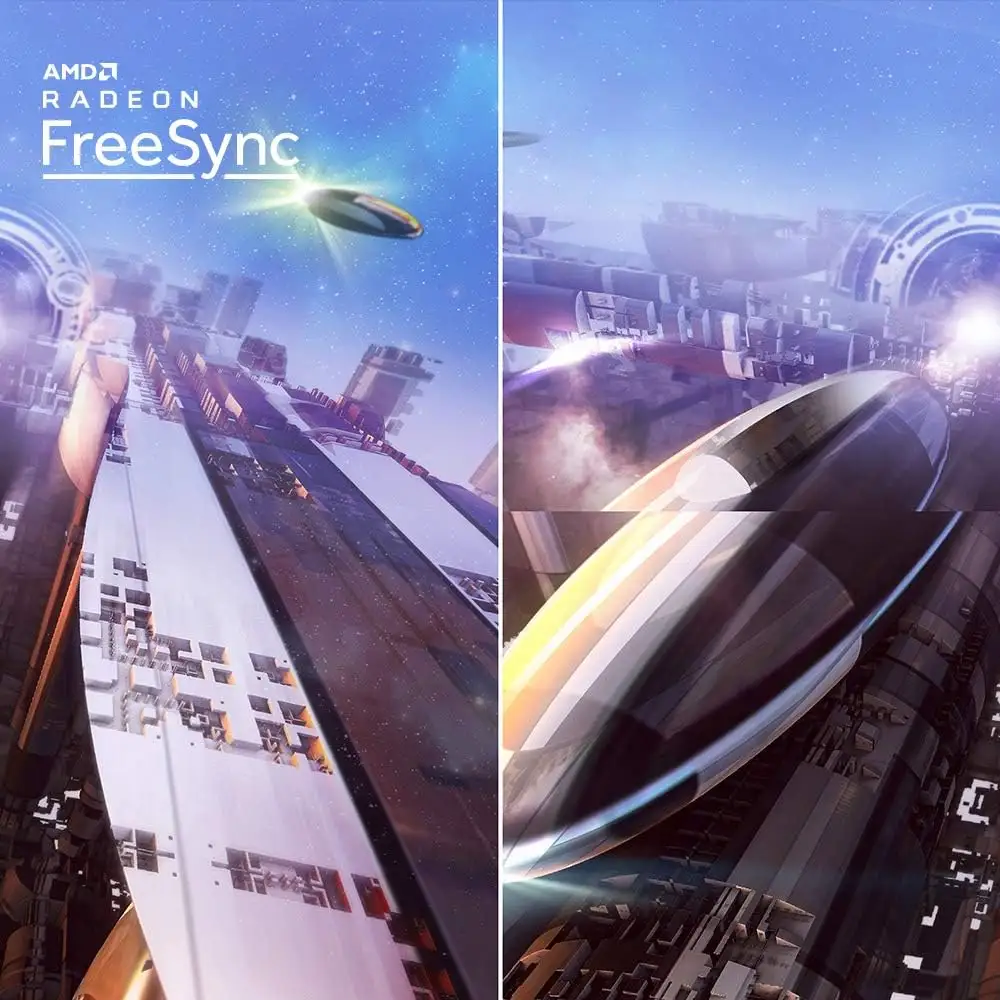
| AMD FreeSync Premium eliminates tearing | HDR brightness capped around 250‑300 nits |
| ZeroFrame design ideal for multi‑monitor setups | No built‑in speakers or audio output |
| Affordable sub‑$120 pricing in sales | Slight panel uniformity issues reported |
Claims vs Reality
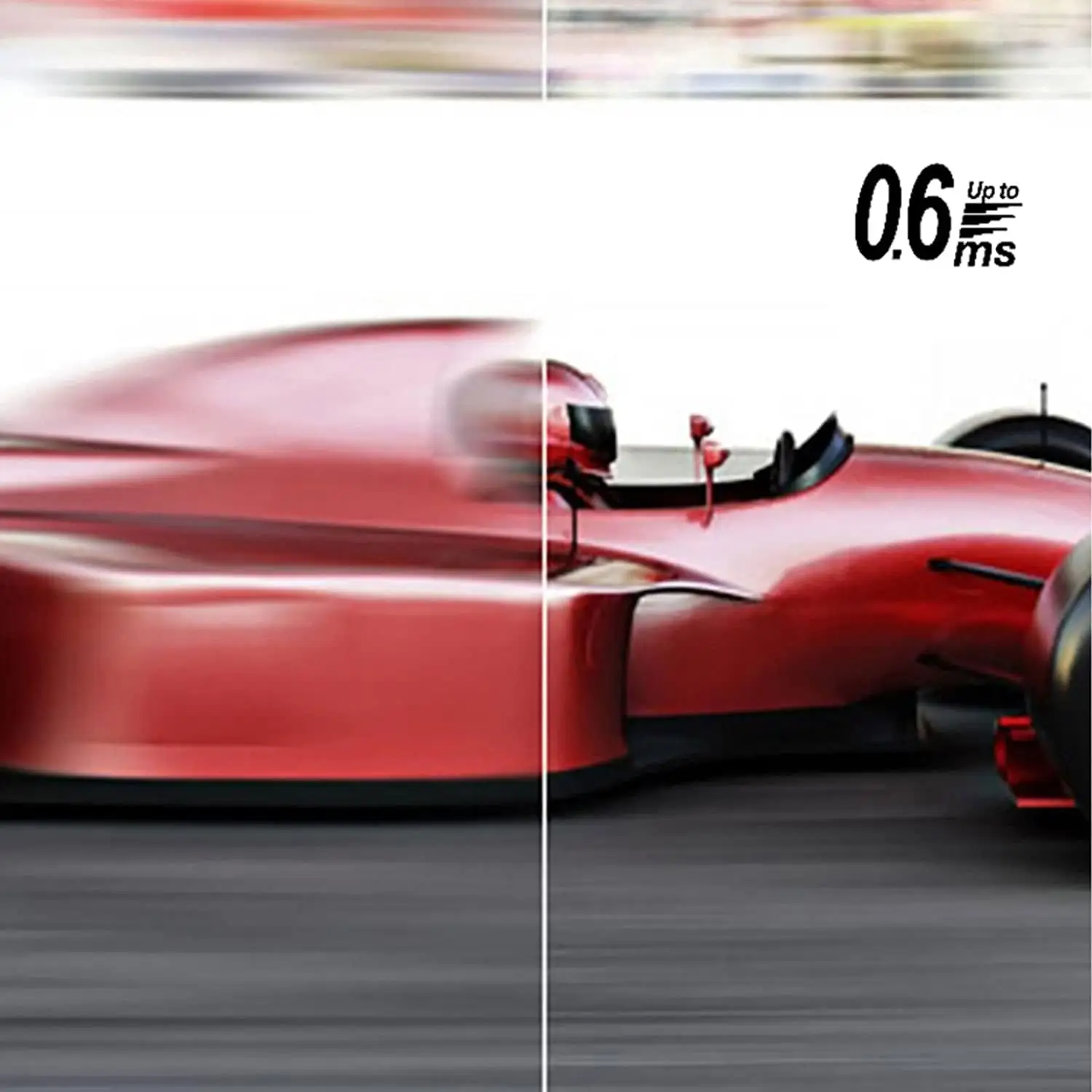
One of Acer’s headline claims is the 165Hz refresh rate combined with 1ms (VRB) response time for competitive gaming. Marketing materials promise “buttery‑smooth motion” and “no ghosting.” Reddit user feedback supports the refresh rate advantage, with one noting: “In CS:GO running at a stable 165 fps, screen tearing vanished entirely thanks to FreeSync Premium; even rapid pan shots felt stutter‑free.” However, Trustpilot reports clarify that the “1ms” spec is VRB‑based, achieved only when motion blur reduction is active — which dims the display and may not suit all players.
Acer also promotes HDR10 readiness for “deeper blacks and brighter highlights.” In reality, multiple users across Reddit and Trustpilot point out that its 250‑nit brightness limits HDR impact. One Trustpilot reviewer observed: “HDR detail in sunlit scenes was subtle rather than spectacular.” This feature still adds contrast depth for casual streaming, but it’s far from the vivid HDR experience found on high‑nit panels.
Finally, the ZeroFrame design is marketed as a multi‑monitor dream. Community feedback largely agrees — Reddit user experiences highlight immersive setups with minimal bezel distraction. Yet, several reports warn that the included stand’s wobble undermines this advantage unless mounted via VESA.
Cross‑Platform Consensus
Universally Praised
Across Amazon, Reddit, and BestViewsReviews, the monitor’s fluid performance receives consistent applause. Competitive gamers benefit most — the jump from 60Hz to 165Hz was described by one Reddit user as “night and day” for target tracking. AMD GPU owners particularly value FreeSync Premium, with BestViewsReviews noting “the experience is incredibly smooth with no screen tearing or input lag.”
VA panel contrast is another highlight. Dark scenes in titles like horror games or cinematic sequences appear richer, making it attractive for movie nights. A verified buyer on Amazon reported: “Movies and games appear more real and dramatic — small details and text are clear.”
The ZeroFrame aesthetic earns praise from productivity users and streamers who enjoy dual or triple‑monitor setups. BestViewsReviews states that 91% praised the slim bezel design for its sleek look and reduced distraction.
Common Complaints
The most frequent complaint centers on ergonomics. The tilt‑only stand (‑5° to 15°) lacks height or swivel adjustments, and Trustpilot reviews mention noticeable wobble during typing or angle changes. For users without VESA mounts, this can be frustrating during long sessions.
Color accuracy divides opinion. At a 72% NTSC gamut, it suits gaming and casual streaming but falls short for professional design work. Trustpilot feedback warns of slight panel uniformity issues, with one noting: “Left side of the screen is significantly darker — grays and whites shift toward lilac.”
Another recurring frustration is the absence of built‑in speakers. While not unusual for budget monitors, several buyers were caught off‑guard, expecting integrated audio.
Divisive Features
HDR10 support splits the audience. Casual users find it adds welcome depth; competitive gamers and media enthusiasts with HDR experience elsewhere see it as underwhelming. Similarly, while many embrace VA’s deeper blacks, IPS proponents miss the wider viewing angles and more vibrant color reproduction.
Trust & Reliability
Trustpilot and Reddit reports suggest solid reliability over months of use. One Reddit contributor wrote: “Two months in, zero dead pixels or firmware quirks — OSD menu remains straightforward.” Build quality is considered robust for the price, although stand wobble persists as a mechanical weak point.
Some Trustpilot users caution about driver availability issues — Acer’s site requires serial number validation for downloads, frustrating those who attempted setup without a discrete GPU. One buyer noted incompatibility with PS4 for smooth gameplay, citing “shaking video with long trails at 60Hz.”
Overall, there’s minimal evidence of widespread defects or premature failure, reinforcing its value for budget buyers willing to overlook minor ergonomic shortcomings.
Alternatives
Against similarly priced 144Hz IPS models like the AOC 24G2, the Nitro KG241Y offers superior black depth but trails in color gamut and off‑angle performance. Reddit comparisons suggest IPS alternatives benefit content creators, while VA suits gamers prioritizing contrast.
Versus premium TN panels such as the ASUS VG248QG (~$180), Acer’s VA panel wins for richer colors and steadier wide‑angle viewing. TN panels still hold a slight edge in raw response times, appealing to ultra‑competitive eSports players.
Price & Value
Current pricing often dips to $109–$120 during promotions, with eBay listings showing sealed units around $90 plus shipping. This aggressive pricing undercuts many 144Hz rivals and makes the KG241Y a standout in the sub‑$130 segment.
Community tips emphasize waiting for sales, as Amazon and Acer Store discounts can exceed 30%. Resale value holds reasonably steady — used units fetch $80–$100, reflecting continued demand among budget gamers.
FAQ
Q: Can I wall‑mount this monitor?
A: Yes, it’s VESA 100x100 compatible, making it easy to attach to wall mounts or monitor arms for improved ergonomics.
Q: Does it support HDR content?
A: It’s HDR10‑ready, but with ~250‑nit brightness, effects are modest compared to high‑end HDR panels.
Q: Is audio pass‑through available?
A: No, it lacks built‑in speakers and audio outputs — external audio solutions are required.
Q: How accurate is the 1ms response time claim?
A: The 1ms spec applies to VRB mode, which reduces brightness; actual GTG response is closer to 4ms.
Q: Can it connect to gaming consoles?
A: HDMI 2.0 makes it console‑ready, but PS4 users have reported visual artifacts at 60Hz.
Final Verdict
Buy if you’re a budget‑conscious gamer seeking high refresh rates, solid contrast, and FreeSync support for AMD GPUs. Avoid if you’re a professional designer or HDR enthusiast expecting wide color coverage and high‑nit HDR.
Pro tip from the community: Pair it with a VESA arm to eliminate stand wobble and unlock ergonomic flexibility — it transforms the experience without adding much cost.