KODAK Slide N SCAN Review: Fast but Format-Limited
Digging into verified buyer reports, the KODAK Slide N SCAN Film & Slide Scanner earns a solid 7.8/10 from cross-platform feedback. While praised for its ease of use and fast scanning speed, recurring complaints about limited format support, color accuracy issues with negatives, and lack of advanced image adjustments temper the enthusiasm—especially for professionals archiving large collections.
Quick Verdict: Conditional — Best for casual home archiving of common formats, less ideal for demanding archival or professional color work.
| Pros | Cons |
|---|---|
| Fast scanning—2 seconds per image reported | No batch scanning, one-by-one loading |
| Easy setup, intuitive controls | Reds/pinks misrepresented in negatives |
| Auto-focus improves image clarity | Limited to 32GB SD cards |
| Compact design fits home setups | Timestamp cannot be set before 1980 |
| Good quality on 35mm slides | No tray for 120 format slides |
| Affordable compared to higher-end units | Dual-function buttons confuse some users |
| HDMI output for preview | No wireless connectivity |
Claims vs Reality
Kodak markets the Slide N SCAN as a “quick-feeding” scanner with “no complex screens or settings,” capable of delivering crisp 22MP images. The large LCD preview is pitched as a major convenience. On paper, this promises an effortless archival experience.
However, Reddit user feedback challenges the “quick” claim. One commenter said: “You have to load each slide one by one… a pain in the ass when you have 1000 slides.” The reality for bulk projects is that the absence of a stack loader slows down workflows significantly.
Marketing also touts “perfect resolution for color or B&W negatives and slides.” Yet multiple Trustpilot reports note color accuracy flaws. One verified buyer stated: “It turns reds and pinks a neon color… everything else is great but that is huge.” This affects photo historians and artists who rely on faithful reproduction.
As for the “super chic” design, buyers agree it looks good and is compact, but practical limitations—like the 32GB SD cap—make it less future-proof than advertised. One Amazon reviewer pointed out that promotional images show 64GB or 128GB cards, but “the instructions indicate only 32GB maximum.”
Cross-Platform Consensus
Universally Praised
Ease of use stands out as the scanner’s defining strength. A BestViewsReviews user noted: “Just feed the strip in and push the button… intuitive and easy to use.” This accessibility appeals to non-technical family archivists who want a plug-and-play solution without software learning curves.
Fast scanning speed is another highlight. Several users reported 2–4 seconds per scan. One Reddit user working through decades of family slides said: “We’ve made it through 26 trays in just a few days… it auto focuses, which is great.” For casual digitization projects, this efficiency is more than adequate.
The auto-focus and preview screen are particularly valued when working with varied slide conditions. A verified buyer on Amazon wrote: “Picked up colors and quality not even in the original prints.” Hobbyists scanning for personal enjoyment—rather than publication—find the output more than satisfactory.
Common Complaints
Color fidelity issues with negatives are the most consistent sore point. Users scanning 35mm negatives repeatedly note reds and pinks shifting to unnatural tones. For example, one Trustpilot reviewer said: “Turns reds and pinks a neon color… it does fine on 35mm slides, just not negatives.”
Format limitations frustrate collectors. There is no tray for 120 format slides, leaving medium format archives inaccessible without third-party solutions. “Any chance you'll make a 120 slide film tray?” pleaded a Reddit user with vintage Brownie camera slides.
Hardware constraints also surface in complaints. The 32GB SD card limit is widely criticized, especially given marketing images showing higher capacities. Dual-function buttons confuse some, slowing down scanning for new users. Connectivity is another gap—no wireless options mean physical transfers via SD or USB only.
Divisive Features
The large LCD preview earns mixed reviews. While casual users appreciate it for immediate viewing, those digitizing hundreds of slides find preview mode unreliable. One Trustpilot report detailed: “Preview mode stops in the middle of previewing… had to unplug to reset.”
Image enhancement tools—brightness, color, crop—are basic. For non-technical users, this is a plus. But pros wanting fine control over exposure or chroma find the options insufficient. Some say the simplicity keeps scans consistent; others feel it limits creative correction.
Trust & Reliability
Trustpilot patterns show most buyers get consistent performance early on, but reliability over extended use varies. Mechanical jams occasionally appear in mid-project. One reviewer said: “Worked great until the second round… jammed in the mechanism.”
Durability over months depends on usage volume. High-volume archivists scanning thousands of images report wear on trays and intermittent preview glitches. However, casual users scanning a few dozen slides a year report no degradation.
Scam concerns are minimal; complaints focus on misleading capacity images and unclear format compatibility rather than fraudulent sales. Still, some users express frustration at the lack of clear disclosure on the 32GB limit and 120 film incompatibility.
Alternatives
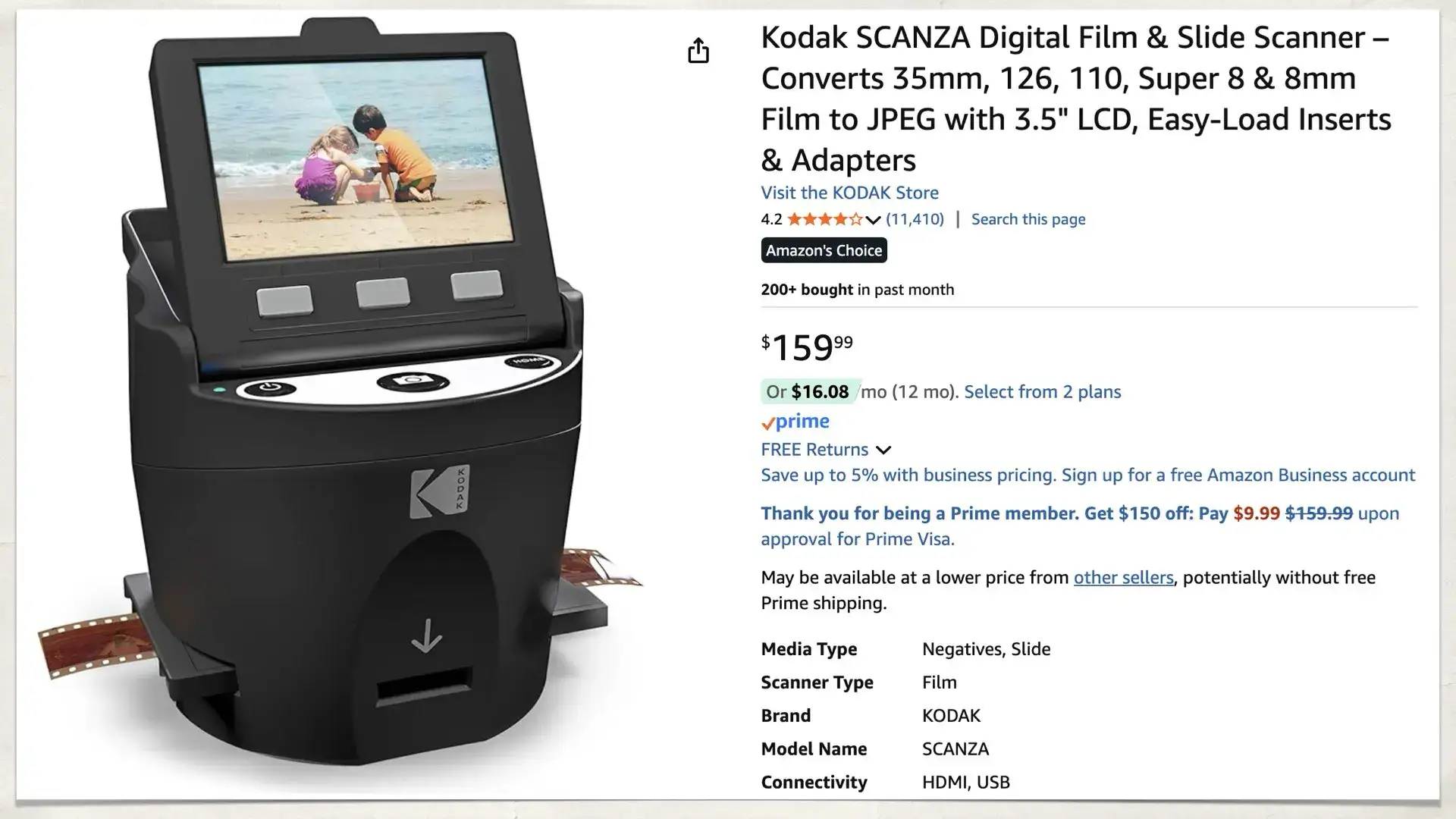
Among direct competitors, the Kodak Scanza offers wider format support, including Super 8 and 8mm film, but at slightly lower resolution for certain formats. For those needing batch processing, higher-end units above $350 introduce stack loaders, though at a steep price jump.
Mr. Video’s lab recommends the Slide N SCAN for “budget individuals,” but notes “it doesn’t have batch scanning… depends on your speed.” Those digitizing rare formats like 120 film or needing wireless transfer may find better fit in multi-format, network-capable scanners.
Price & Value
Currently priced around $179.99 new, with resale values on eBay between $94.99 and $155 for used units, the scanner holds its value moderately well. The gap between new and used pricing suggests steady demand from casual archivists.
Buyers recommend pairing the purchase with a negative cleaning kit to maximize scan quality and reduce rescans. Extended warranties are advised for high-volume projects, as mechanical jams can occur with heavy use.
FAQ
Q: Can the Slide N SCAN handle 120 format slides?
A: No. Multiple users confirm there is no tray for 120 format, limiting compatibility to 35mm, 126, and 110 films.
Q: Does it support SD cards larger than 32GB?
A: No. Despite promotional images showing larger cards, user manuals and buyer tests confirm a 32GB maximum.
Q: Is wireless connectivity available?
A: No. Transfers occur via SD card or USB cable only; there’s no Wi-Fi or Bluetooth support.
Q: How accurate is color reproduction on negatives?
A: Mixed. Slides scan well, but negatives—especially reds/pinks—often shift to unnatural tones, requiring post-editing.
Q: Can the timestamp be set for photos taken before 1980?
A: No. The feature limits dates to January 1, 1980 onward, frustrating archivists with older material.
Final Verdict
Buy if you’re a home archivist digitizing common 35mm, 126, or 110 slides and negatives, and value speed and ease over fine control. Avoid if you require accurate color reproduction for negatives or need 120 format support. Pro tip from the community: lower exposure to –3 for improved slide scans, and always clean negatives before loading.