Wacom Intuos Pro Pen Standard Review: Worth the Buy?
A professional tattoo artist described the Wacom Intuos Pro Pen Standard as “without question my number one all time favorite Wacom pen,” using it daily for both digital illustration and photo editing. That level of dedication makes it hard to ignore—this isn’t just a tool, it’s a critical part of a creative workflow. Across platforms, the pen earns a 9/10: praised for accuracy, comfort, and compatibility, but with occasional frustrations about missing accessories and limited durability in some scenarios.
Quick Verdict: Conditional
| Pros | Cons |
|---|---|
| Highly accurate, responsive EMR technology | Missing nib replacement tool in some shipments |
| Comfortable ergonomic design | Durability concerns if stored loosely in backpacks |
| No battery or charging required | Not compatible with all tablets (e.g., Cintiq DTK-2100 for some users) |
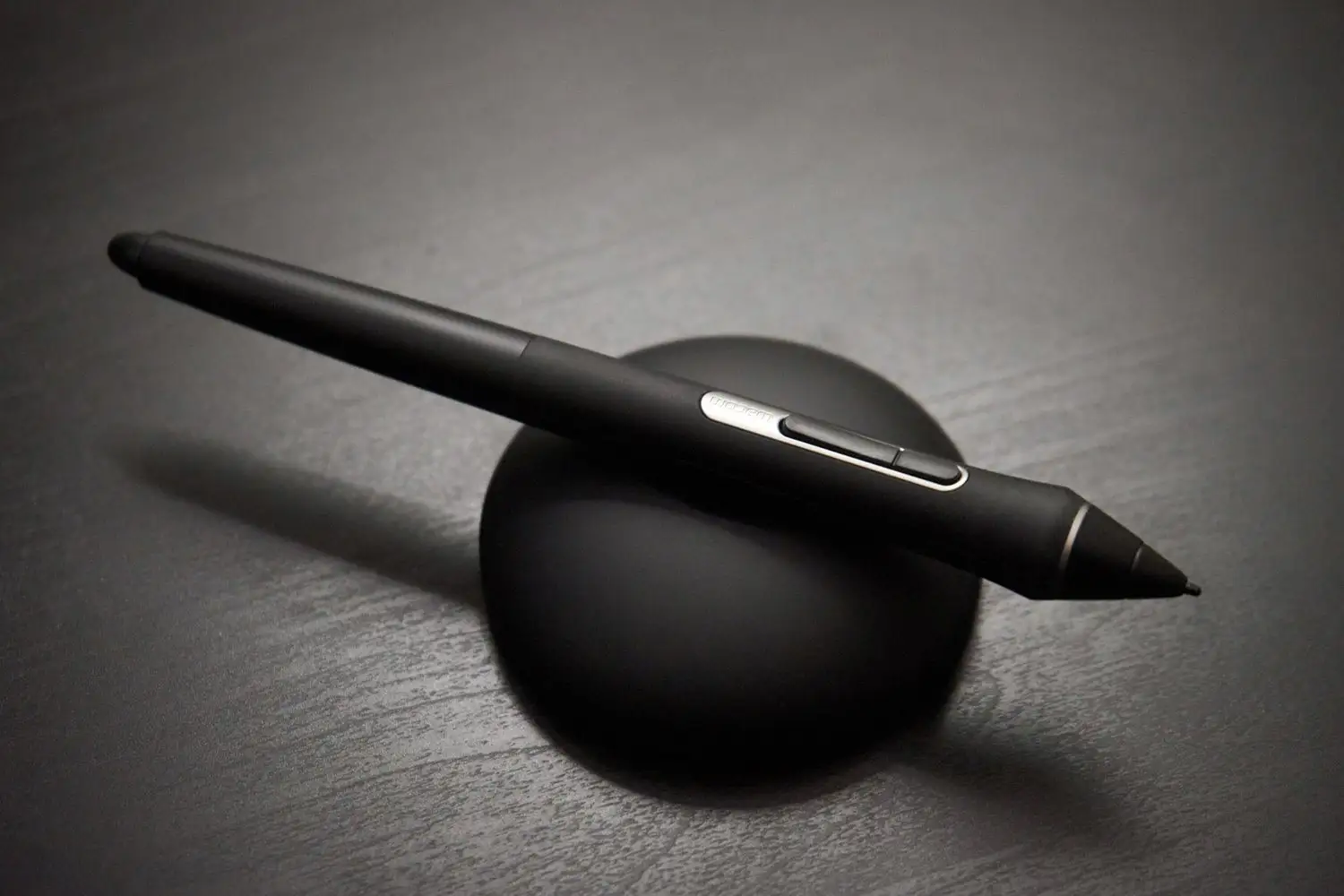
| Includes spare nibs and pen holder | Replacement nibs can be costly |
| Works with multiple Wacom lines (Intuos Pro, Intuos 4/5, Cintiq) | Limited value if upgrading from similar pen without wear issues |
| Widely available on resale market |
Claims vs Reality
Wacom markets the Intuos Pro Pen Standard as providing precise control and improved feel thanks to 2,048 levels of pressure sensitivity, tilt recognition, and ergonomic comfort. It’s sold as universally compatible across certain Intuos and Cintiq models, with inclusion of spare nibs and a holder.
Digging into user reports, verified buyers often confirm these performance claims. One noted: “Works well…connected without issues with my pen tablet (PTH-651).” The sensitivity and tilt functions consistently earn praise, especially from professionals who require subtle pressure transitions.
However, reality diverges on the accessory promises. Multiple Amazon reviewers mention missing parts: “The holder doesn’t include the nib replacement tool and… seems to be missing 4 nibs.” While the pen still functions flawlessly, small omissions like these frustrate long-time Wacom users expecting the same completeness as an original kit.
Compatibility marketing also meets some friction. A buyer attempting to use it with a Cintiq DTK-2100 reported: “This is the 3rd pen I’ve tried… but it didn’t work. No amount of driver reloading… worked.” While Wacom’s official compatibility list excludes certain older or niche models, occasional misalignment between listings and reality can leave buyers stuck.
Cross-Platform Consensus
Universally Praised
Across Reddit, Amazon, and eBay feedback, the pen’s accuracy is its strongest selling point. A verified buyer said: “Great quality, as always!” while another highlighted it as “the best pen money can buy for the Wacom Companion 2.” For illustrators, the EMR technology’s battery-free operation is a major workflow advantage—no charging interruptions. Professional artists appreciate the natural feel; one tattoo artist openly preferred it “tremendously over the Pro Pen it came with,” citing smoother control.
Comfort also draws praise. The ergonomic grip minimizes strain over long sessions. For photographers and retouchers, Colin Smith’s review on the tablet line reinforces the pen’s versatility—adjustable grips and nib types allow customization for brush size control in photo editing, mirroring painterly precision in illustration.
Common Complaints
Two specific frustrations recur: missing accessories and durability under mobile conditions. One Amazon reviewer stored the pen in a backpack and noted: “While the pen is accurate, I question the durability… I would recommend getting a pencil case.” Without proper protection, the tip or body can suffer wear faster than expected, especially for those traveling often. Missing nib replacement tools in shipped sets forces users to source extras separately—unexpected for those replacing an original Wacom pen.
Compatibility gaps also create headaches. Users planning to swap pens onto unsupported models risk wasting time and money; the failed DTK-2100 attempt resulted in lost project time and the need to borrow a competitor’s pen.
Divisive Features
The pen’s simplicity—three components to consider: body, holder, nibs—splits buyers. Some welcome the no-frills focus on drawing performance. Others expect richer accessory bundles or higher nib diversity equal to original kits. While some embrace the lighter count of nib types (“they work well enough”), others compare and lament fewer options than older pens offered.
Trust & Reliability
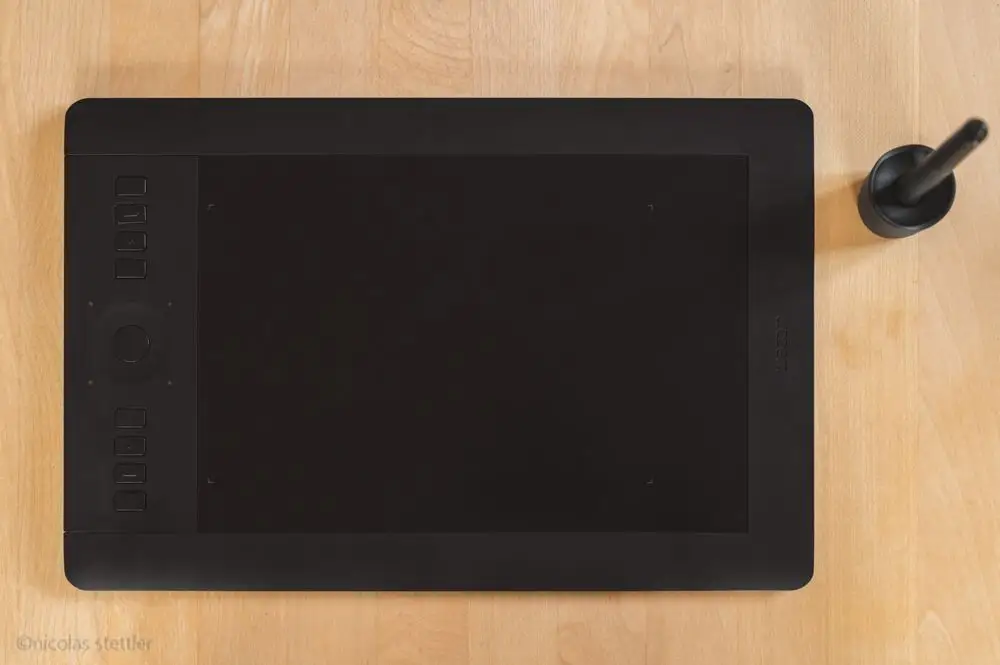
Long-term Reddit owners of Intuos Pro devices affirm Wacom pens “will last you a long time” when treated well. One artist mentioned using an Intuos pen for nearly 20 years before upgrading. However, Trustpilot feedback from tablet buyers warns of occasional severe functional failures—like tracking issues across multi-display setups—though these refer to devices more than the pen itself.
The resale market on eBay and Amazon suggests strong reliability: many used pens list in “great condition” with functioning EMR performance. This aligns with Amazon feedback of pens lasting multiple years with consistent accuracy. Still, protective storage remains the most repeated tip to ensure lifespan.
Alternatives
Community discussion brings up Huion Kamvas as a potential competitor, especially when considering Wacom accessory costs. One Reddit user argued: “Wacom is wayyy overpriced” and moved to a Kamvas 24 for $800. While this comparison spans overall device choice rather than just the pen, it reflects shifting attitudes—alternative brands now match or exceed Wacom for some workflows at lower upfront cost.
Price & Value
Prices vary sharply: new stock on eBay lists around $80, while some used or backup units sell for $50–$60. Bundles with holders and multiple nib sets create higher value if complete. Amazon reviewers finding unexpected nibs and holders in shipments describe them as “a nice surprise,” boosting perceived value. Buying tips from the community encourage checking compatibility lists and considering refurbished or secondhand pens to save 30–40% without sacrificing function.
FAQ
Q: Does the Intuos Pro Pen Standard work with Cintiq DTK-2100?
A: Officially no, and user experiences confirm failures. Multiple attempts with driver installations did not resolve tracking issues.
Q: How many nibs should the pen include?
A: Original kits include up to 10 nibs with diverse types, but recent shipments sometimes have fewer—buyers have reported receiving only six.
Q: Is it comfortable for long drawing sessions?
A: Yes. The ergonomic grip design earns praise from professionals, reducing fatigue even with extended use.
Q: Does it require charging or batteries?
A: No. Wacom’s EMR technology powers the pen via the tablet surface, meaning it’s always ready without charging downtime.
Q: How can I prolong the pen’s lifespan?
A: Store it in a dedicated case to avoid damage during travel, and monitor nib wear to replace them before performance degrades.
Final Verdict: Buy if you’re an existing Wacom Intuos Pro or Cintiq user seeking a reliable, accurate, battery-free replacement pen—especially if your work demands precise pressure control. Avoid if you’re using unsupported models or expect fully stocked accessories identical to legacy kits. Pro tip: Confirm compatibility before purchase and consider secondhand deals with intact holders and full nib sets for best value.





