VIVO Dual Monitor Stand Review: Strong Build, Mixed Stability
Digging into hundreds of cross-platform reviews, the VIVO Dual Monitor Desk Mount Stand (STAND-V002 series) earns a solid 8.7/10 overall score, with standout praise for its sturdy build, affordable price, and space-saving vertical stacking. However, long-term users warn that weight capacity claims can be optimistic, especially for heavy ultrawide panels, and that wobble or sagging may occur if the desk or clamp surface isn’t ideal.
Quick Verdict: Conditional Buy
| Pros | Cons |
|---|---|
| Sturdy steel/aluminum build for budget price | Stability issues with heavy or oversized monitors |
| Easy assembly with detachable VESA plates | Limited tilt/swivel clearance for large screens |
| Effective cable management clips | Some users report poor quality screws/nuts |
| Fits up to 34" (official) and sometimes larger | Clamp may not fit desks with limited rear clearance |
| Saves desk space with vertical stacking | Wobble if desk is bumped |
| High adjustability: tilt, swivel, rotation | Minimal cable management compared to premium arms |
Claims vs Reality
The marketing highlights a 22 lbs per monitor capacity and compatibility with screens up to 34 inches. While this matches many setups, Reddit user magnezone13 admitted: “Technically, the 49 inch ultrawide is too heavy for it, but with overtightening…it seems to be holding up pretty well.” This shows that exceeding specs is possible but risky, often requiring DIY reinforcement.
Another claim is “simple installation” with detachable VESA plates. Amazon reviewers mostly agree, with one noting: “It was super easy to assemble…my monitors fit perfectly and it is exactly what I wanted.” But others found challenges, especially aligning larger monitors, with ShopSavvy’s TLDR noting “can be difficult to align both monitors perfectly.”
Cable management is marketed as “integrated” with clips along the pole. While appreciated by many, Quora expert Robb Sutton described it as “pretty minimal…added a zip tie or two to really keep the wires behind the mounting tube,” highlighting a gap between expectation and real-world neatness.
Cross-Platform Consensus
Universally Praised
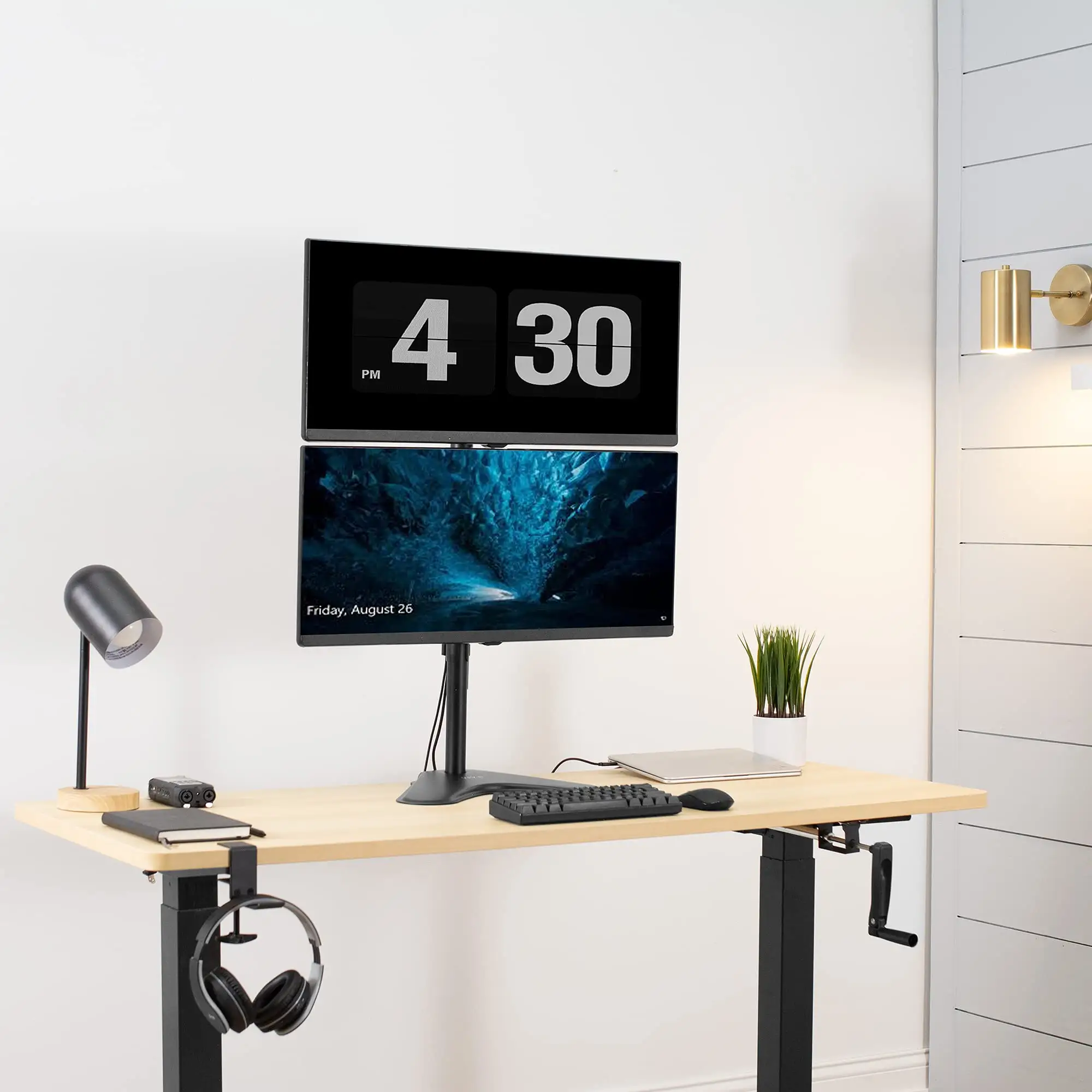
Across Reddit, Amazon, and Trustpilot, users consistently applaud the build quality for the price. A verified Amazon buyer wrote: “All metal and very sturdy…the base is weighted so I don’t worry about them tipping.” This durability is especially valued by home office workers who rarely adjust their monitors after initial setup.
For gamers and creatives, the vertical stacking frees up space. Reddit user system0verlord stacked a 34UM95 and a 22" Dell, noting “assembly is pretty easy…I can comfortably fit both my monitors with 6 inches of clearance from the desk.” This ergonomic benefit is amplified for those in tight desk setups or with multiple peripherals.
Ease of assembly is another consensus point. ShopSavvy’s consumer data shows 23% of reviews highlight “easy to set up, usually taking around 15 minutes.” For Quora’s Robb Sutton, the straightforward install was key: “I was able to get everything installed…in about 15 minutes.”
Common Complaints
Stability with heavier monitors is the most widespread complaint. Trustpilot warns that “poor quality small screws and nuts…came loose when using 27 in monitors,” and multiple Reddit posts mention wobble when the desk is bumped. lee_pic_blob shared: “It holds it, but it does wobble…anytime I bump my desk it’s pretty annoying.”
Clearance and adjustment for larger screens can be limiting. One Drop.com reviewer noted that “having two 27 in monitors there was not much room to tilt or swivel,” contradicting the advertised articulation range. This impacts users who need frequent repositioning, such as collaborative designers or streamers.
Clamp fit issues also surfaced. A Secretlab Magnus owner returned the mount because “the c-clamp fixture couldn’t fit within the limited area” of the desk’s cable tray. This is a critical consideration for desks with built-in features at the rear edge.
Divisive Features
Weight rating flexibility divides opinion. Some, like Reddit user juicee36, pushed a 34" bottom and 27" top “nicely…no drift for me,” while others found even two 27" panels problematic over time. This suggests quality control variations or differences in desk rigidity.
The tall center pole is another split point. ShopSavvy notes “some users might find the 31-inch pole height too tall for certain desk setups,” yet others appreciate the vertical adjustability for eye-level alignment, especially taller users.
Trust & Reliability
Trustpilot’s critical review history shows that while the mount can last years with lighter monitors—“I used it for 3 years with two 23 in monitors without issues”—upgrading to heavier displays can reveal weaknesses. Loose screws, broken nuts, and desk surface wear were cited. The IKEA Linnmon desk example shows how a weak surface can bow under the clamp’s pressure, even with weight within spec.
On Reddit, several “6+ months later” updates remain positive, provided the setup stayed within or slightly above recommendations. knobodycares ran dual 34" ultrawides on a standing desk for nearly a year “with no issues…the top monitor is angled down a bit for viewing comfort.”
Alternatives
Within the same brand, VIVO’s Premium Aluminum Full Motion Dual Monitor Desk Mount (STAND-V102BDU) offers mechanical spring arms and USB ports, fitting up to 35" ultrawides. While pricier, it addresses the adjustability and clearance issues by offering greater tilt/swivel range (-90° to +90° tilt) and smoother movement.
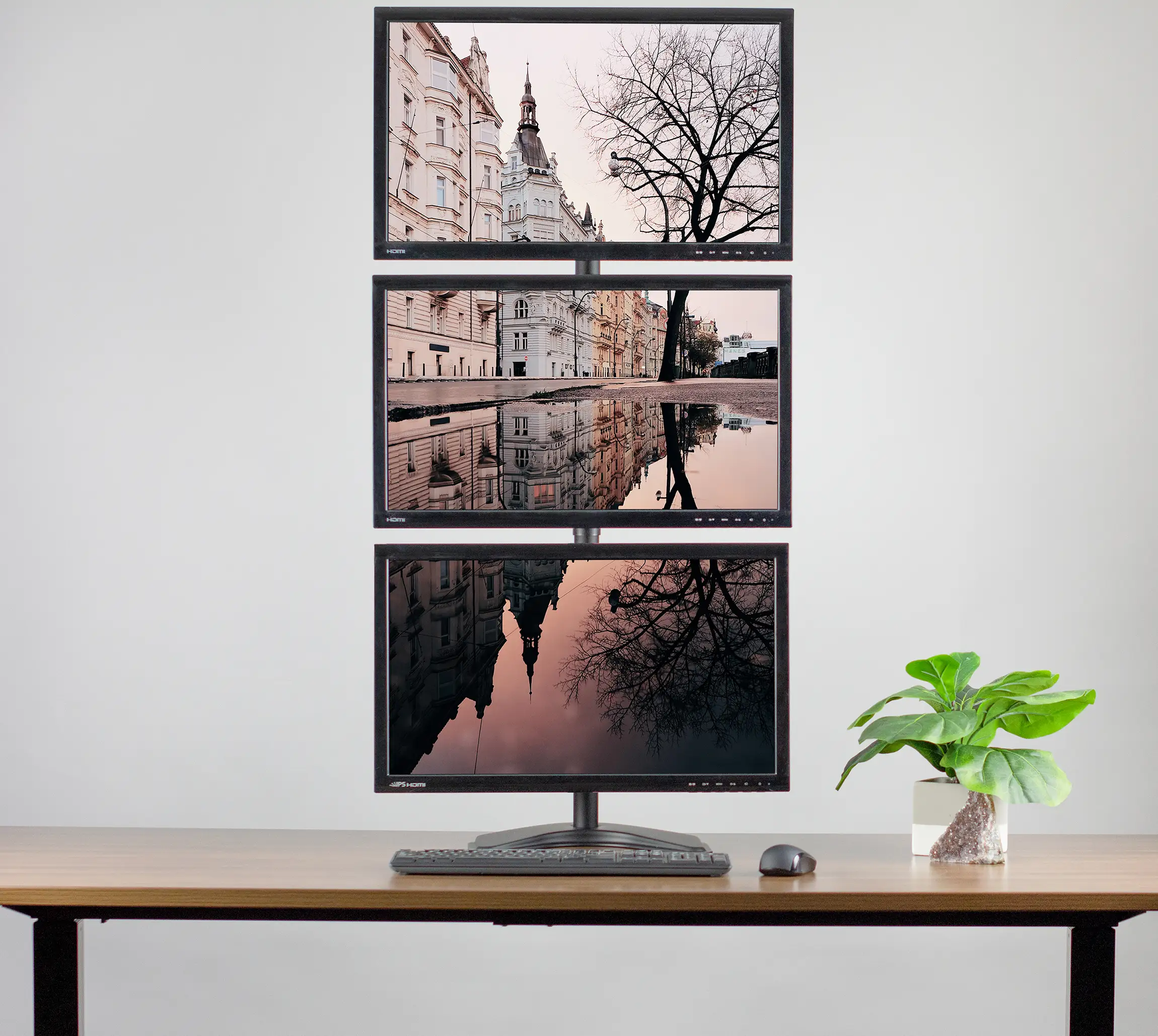
For extreme setups, VIVO’s Dual Ultrawide Vertical Monitor Desk Mount (STAND-V202T) supports up to 43" panels and 25 lbs per arm, appealing to users pushing beyond the STAND-V002’s safe limits.
Price & Value
As of recent listings, new units hover around $44.99 on Amazon, with open-box deals on eBay dipping to $27. Community consensus frames it as “great value at $39.95” (Quora) for those staying within spec. Resale value is decent, with used mounts selling for ~$25-35 depending on condition, indicating sustained demand.
Buying tips include watching for seasonal sales—Reddit user air_bitrage scored one at $29—and verifying desk clamp compatibility before purchase.
FAQ
Q: Can it hold two 34" ultrawide monitors?
A: Officially rated for up to 34", 22 lbs per screen. Many users report success with dual 34" setups, but stability and clearance depend on desk rigidity and careful tightening.
Q: Does it work with non-VESA monitors?
A: No, without adaptors. Amazon reviewers warn that newer thin monitors without VESA holes require clamp-on adaptors, which can look bulky.
Q: How much desk space does it save?
A: By stacking monitors vertically, it frees horizontal space for peripherals or documents. Users with compact desks find this especially valuable.
Q: Is assembly truly easy?
A: Most say yes—15–20 minutes typical—but aligning large monitors can take extra time, especially solo.
Q: Will the clamp damage my desk?
A: On softer surfaces like IKEA Linnmon, bowing or dents can occur. Using a protective plate or mat under the clamp can help.
Final Verdict: Buy if you want an affordable, sturdy vertical dual mount for light-to-moderate monitors and don’t need frequent repositioning. Avoid if you have very heavy ultrawides, a delicate desk surface, or require extreme articulation. Pro tip from Reddit: overtighten cautiously and reinforce the clamp area to minimize wobble with heavier setups.