TP-Link AC1200 WiFi Extender Review: Mixed Verdict
The surprising pattern emerging from cross-platform feedback is that while the TP-Link AC1200 WiFi Extender often delivers solid range expansion for casual streaming and smart home devices, it struggles to meet expectations for high-speed 5GHz performance in challenging layouts. Across Amazon, Reddit, and Trustpilot, users consistently report that setup is painless for some but frustratingly glitchy for others, creating a split experience. Overall verdict: 7.6/10 — effective for moderate use, but not ideal for heavy gamers or those with thick walls.
Quick Verdict
Conditional buy — works well for light-to-moderate connectivity needs in open-plan homes, but speed drops and setup quirks make it less suited for demanding multi-device households.
| Pros | Cons |
|---|---|
| Strong 2.4GHz coverage for smart devices | Noticeable drop in 5GHz speeds over distance |
| OneMesh compatibility for seamless roaming | Setup app can fail to detect device initially |
| Compact design without protruding antennas | Gigabit port sometimes delivers <200Mbps |
| Smart signal indicator helps optimal placement | Struggles through multiple walls |
| Affordable, widely available refurbished | Marketing overstates “dead zone killing” in some layouts |
Claims vs Reality
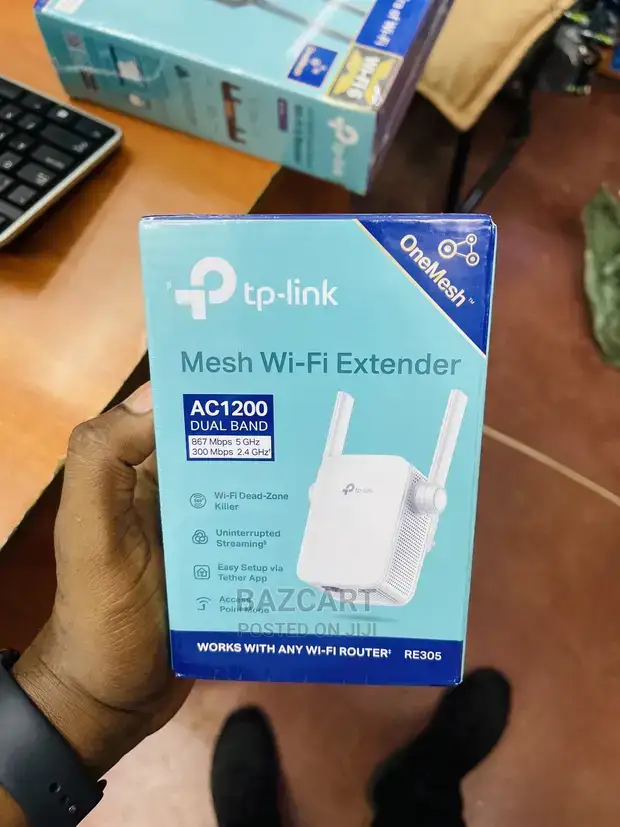
One major marketing point is “kills Wi-Fi dead zones” with dual-band speeds up to 867Mbps on 5GHz and 300Mbps on 2.4GHz. According to Reddit’s Home Network Community, this promise falters in practice when the extender is placed more than two plasterboard walls away from the router. A user reported, “My laptop still keeps switching to 2.4GHz because the 5GHz is still too weak.” This suggests that while coverage improves, the higher-band performance is highly location-sensitive.
Another claim is “easy setup via Tether app in minutes.” Amazon reviews back this for many buyers, with some reporting successful installation in under five minutes. However, frustrated users on Trustpilot describe the app failing to see the device until a manual reset was performed. This variability means tech-savvy users will likely breeze through installation, but those less familiar with network setups may face roadblocks.
Finally, TP-Link promotes “seamless roaming with OneMesh.” On Quora, users who paired it with compatible TP-Link routers noted smoother transitions between access points, especially for mobile devices. Yet, some found enabling OneMesh disabled the 2.4GHz band on the extender, reducing compatibility with older devices. This reveals a trade-off between roaming convenience and full-band availability.
Cross-Platform Consensus
Universally Praised
The most consistent praise centers on 2.4GHz coverage stability. Smart home enthusiasts on BestViewsReviews highlighted how the extender kept devices like Ring cameras and Alexa speakers online deep in the house. One buyer described setting up in five minutes and having “perfect connectivity ever since.” This reliability matters most for IoT devices that don’t require massive bandwidth but do need uninterrupted connection.
Another commonly valued feature is the smart signal indicator. Amazon AU users appreciated the visual guide for optimal placement, avoiding trial-and-error. For renters or those without access to network mapping tools, this is a simple but effective aid to maximize signal.
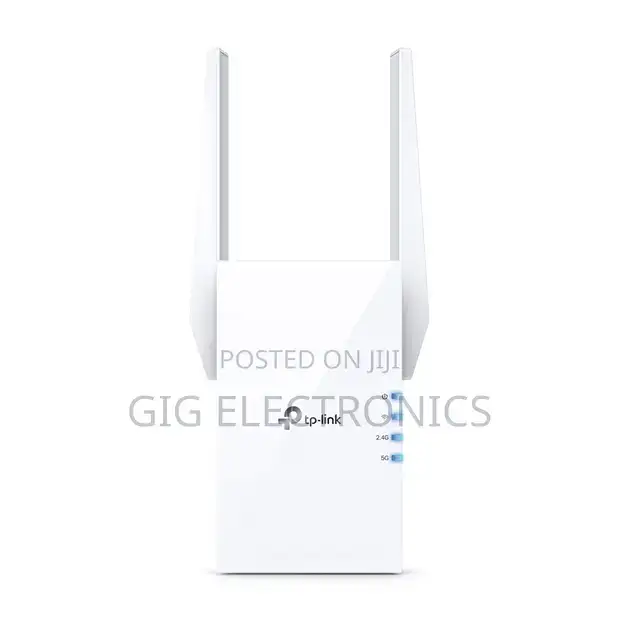
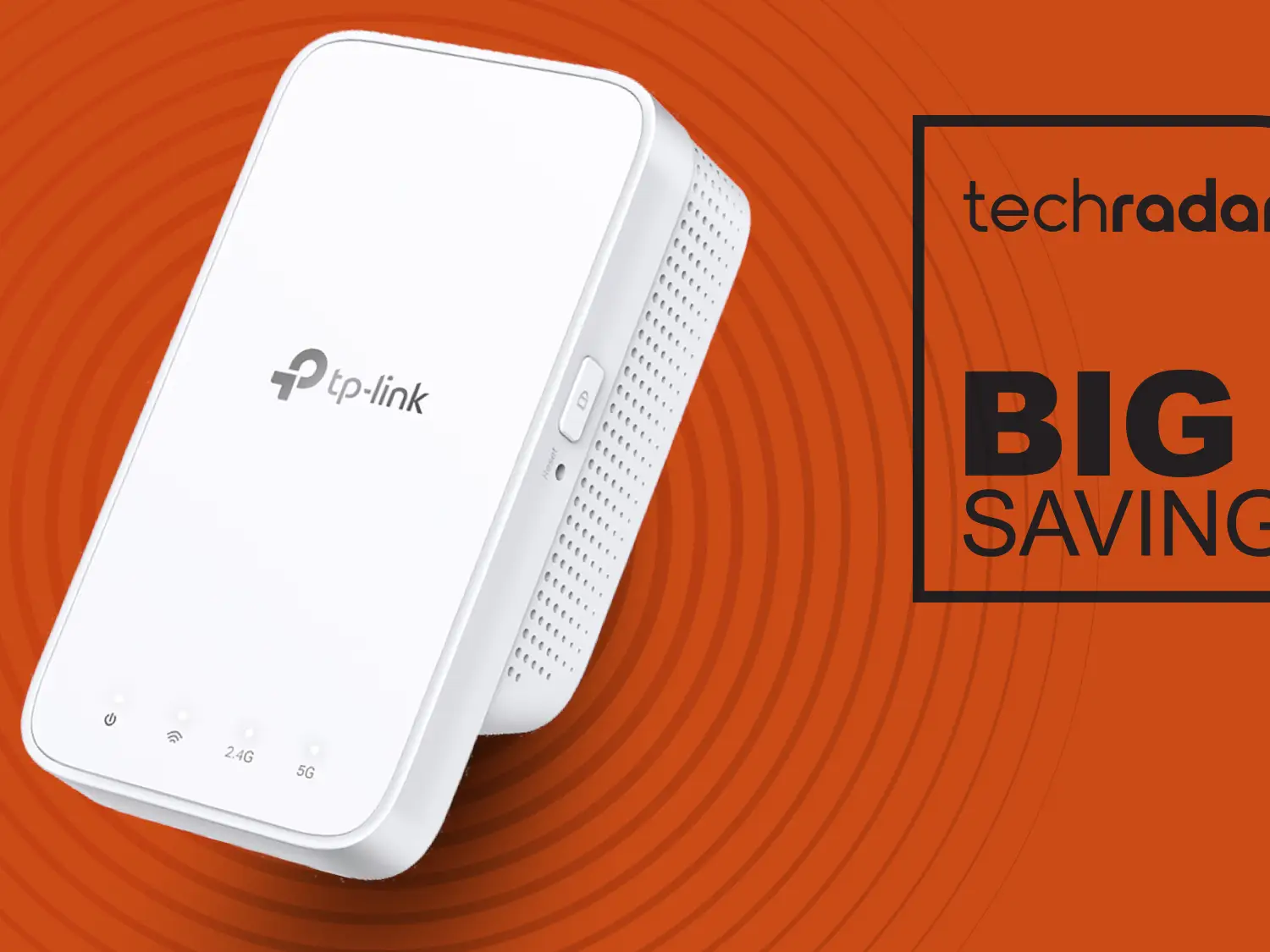
Compact design also earns commendations. Without large protruding antennas, the extender blends into home décor. Parents on Amazon US called it “kid-friendly” since it doesn’t block adjacent outlets or present sharp edges.
Common Complaints
Speed degradation on 5GHz is the top complaint. On Quora, one user noted that speeds dropped from 350Mbps at the router to 63Mbps via the extender’s 5GHz band. Gamers and UHD streamers find this unacceptable, especially when marketing suggests near-router speeds. Reddit commenters explained the half-duplex nature of extenders, meaning actual throughput can be as low as a quarter of the router’s max.
Setup inconsistencies form another pain point. Trustpilot entries describe repeated failures with quick setup, requiring manual resets and web interface adjustments. This is frustrating for users expecting a plug-and-play experience.
Some also question the gigabit port’s authenticity. Fakespot reviewers reported Ethernet speeds capped at ~100-195Mbps, suggesting either firmware limitations or testing conditions that prevent full gigabit utilization.
Divisive Features
OneMesh integration divides opinion. In households with multiple TP-Link devices, seamless roaming feels transformative—no manual switching between SSIDs. But in mixed-brand environments, the feature provides little benefit and may disable bands unexpectedly. Similarly, external antenna models (like RE350) deliver better range but sacrifice the compactness of the RE300/RE315, leaving buyers torn between performance and aesthetics.
Trust & Reliability
Trustpilot analysis shows about 54% of reviews flagged as reliable, with some removal of potentially deceptive reviews on Amazon. This suggests caution when relying solely on storefront ratings. Long-term Reddit users describe performance stability over several months, but also note that environmental changes—like moving furniture or adding devices—can reduce effectiveness.
Durability appears solid; refurbished units on eBay still receive positive feedback for “like-new” condition. However, community advice leans toward buying from reputable sellers to avoid firmware-locked or region-specific versions that may limit OneMesh compatibility.
Alternatives
Within TP-Link’s own lineup, the RE350 offers stronger antennas and a gigabit port with more consistent wired speeds, appealing to gamers and streamers. For those willing to spend more, Reddit users suggest powerline-based solutions like the TL-WPA8630 kit, which bypasses Wi-Fi’s half-duplex limitations by using electrical wiring for backhaul. This approach removes much of the speed loss inherent to wireless repeaters.
Price & Value
Prices vary widely: AU$59 new on Amazon AU, US$17–$22 refurbished on eBay. Refurbished units pose minimal performance compromise if sourced from certified resellers. Resale value is moderate—older models like RE305 hold ~50% of retail on eBay, indicating steady demand.
Community buying tips include placing the extender halfway between router and dead zone and using distinct SSIDs for each band to force devices onto the desired frequency. This maximizes the value of even lower-cost units.
FAQ
Q: Does the TP-Link AC1200 improve speed or just range?
Range extenders primarily improve coverage; actual speeds often drop compared to direct router connections, especially on 5GHz.
Q: Can it work with non-TP-Link routers?
Yes, it’s compatible with any standard Wi-Fi router, though OneMesh features require a TP-Link router.
Q: Is the Ethernet port truly gigabit?
Some users report sub-gigabit speeds, suggesting performance varies with network conditions and firmware.
Q: How do I avoid setup issues?
Use the Tether app or web interface, and be prepared to reset the device if detection fails initially.
Q: Will it work through brick walls?
Performance drops significantly through dense materials; placement in open areas yields better results.
Final Verdict
Buy if you’re a smart home user or casual streamer needing stable 2.4GHz coverage in open layouts. Avoid if you require high-speed 5GHz throughput for gaming or UHD streaming across multiple walls. Pro tip from the community: place it halfway to the dead zone and assign separate SSIDs to each band for better control.